

From my experience with Recruitee, I found it excels at simplifying complex hiring workflows through its intuitive applicant tracking system and strong team collaboration features. The platform’s ability to centralize job postings and candidate management makes it particularly well-suited for HR teams and recruitment agencies looking to scale efficiently. However, the pricing transparency could be improved, and mobile app capabilities are somewhat limited compared to the web version. Overall, if you need a comprehensive recruiting solution that fosters collaboration and streamlines hiring, Recruitee delivers reliable performance.
Recruitee Recruiting Software for Streamlined Hiring and Talent Acquisition
Recruitee is a cloud-based recruiting platform that streamlines hiring with applicant tracking, collaborative tools, and job posting automation.
- Best for
- Applicant Tracking
- Key capability
- Applicant Tracking System (ATS)

Do you recommend this tool?
What is Recruitee?
Recruitee is a cloud-based recruiting software designed to streamline the hiring process for businesses of all sizes. It offers an applicant tracking system (ATS) combined with collaborative hiring features to help teams attract, evaluate, and hire the best candidates efficiently. The platform centralizes recruitment workflows, enabling hiring managers and recruiters to work together seamlessly from job posting to onboarding.
Key features of Recruitee
Recruitee provides a comprehensive suite of recruitment tools including job posting automation, candidate sourcing, applicant tracking, interview scheduling, and team collaboration. Its intuitive interface and customizable pipelines help organizations optimize their hiring process and improve candidate experience.
Applicant Tracking System (ATS)
Centralizes candidate data and tracks progress through customizable hiring pipelines.
Collaborative Hiring Tools
Facilitates team communication and feedback sharing to improve hiring decisions.
Job Posting Automation
Distributes job ads to multiple job boards and social media channels with one click.
Interview Scheduling Integration
Simplifies interview coordination with calendar syncing and automated reminders.
Talent Pool Management
Builds and manages a database of potential candidates for future hiring needs.
Pros and cons of Recruitee
Pros
- User-friendly interface with intuitive workflows
- Strong collaboration features for hiring teams
- Flexible job posting and distribution options
- Customizable hiring pipelines
- Responsive customer support
Cons
- Pricing details are not fully transparent without contacting sales
- Limited mobile app functionality compared to web version
- Some advanced features require higher-tier plans
Key use cases for Recruitee
Applicant Tracking
Manage and track candidates throughout the hiring process with a centralized dashboard.
Collaborative Hiring
Enable teams to collaborate on candidate evaluation and feedback in real time.
Job Posting Management
Create and distribute job postings across multiple job boards and social media platforms.
Interview Scheduling
Simplify interview coordination with integrated scheduling tools.
Talent Pipeline Building
Build and nurture talent pools for current and future hiring needs.
How Recruitee works
- 1
Create an Account
Sign up on Recruitee’s platform to start managing your recruitment.
- 2
Set Up Job Openings
Create job listings and publish them to multiple job boards and social channels.
- 3
Collect and Track Applicants
Receive applications in one place and track candidate progress through customizable pipelines.
- 4
Collaborate with Your Team
Share candidate feedback and communicate internally to make informed hiring decisions.
- 5
Schedule Interviews
Use integrated scheduling tools to coordinate interviews with candidates and hiring teams.
- 6
Hire and Onboard
Finalize hiring decisions and begin onboarding processes within the platform.
Who is using Recruitee
Recruitment agencies
HR teams in SMEs and enterprises
Talent acquisition professionals
Hiring managers
Startups scaling their recruitment
Recruitee pricing
Trial
Free
Access to core features for a limited time to evaluate the platform.
Scale
Custom pricing
Full access to all features with scalable options for growing teams.
Plans and prices are as published by the vendor and can change. Check the official site before you buy. Open the pricing page (opens in a new tab)
Frequently asked questions about Recruitee
Yes, Recruitee provides a free trial period to test its features before committing.
Yes, Recruitee allows you to publish job openings to various job boards and social media platforms simultaneously.
Yes, Recruitee is designed to scale and works well for small to large organizations.
Absolutely, it includes tools for sharing candidate feedback and communicating within hiring teams.
It depends on your specific needs and how you plan to use the tool. The official website and documentation are the best sources for the latest details.
It depends on your specific needs and how you plan to use the tool. The official website and documentation are the best sources for the latest details.
Integration support depends on the tool and its available connectors or API. Check the official documentation or integrations page to confirm what is supported.
Sign in to review this tool.
Sign In to ReviewNo reviews yet
Be the first to share how this tool worked for you.
Ask about pricing, limits, or how it compares — or answer someone else.
Sign In to AskNo questions yet
Have a question about using or paying for this tool? Be the first to ask.
Featured on TiorAI



Alternative Tools
Explore similar AI tools that might fit your needs

Free
Breezy HR
Breezy HR is a cloud-based applicant tracking system that streamlines hiring by automating job postings, candidate tracking, interview scheduling, and team collaboration.

Contact for pricing
Greenhouse
Greenhouse is a recruiting software platform that streamlines hiring through applicant tracking, interview scheduling, and collaborative tools.

Free Trial
Workable
Workable is a recruiting software platform that offers applicant tracking, AI-powered candidate sourcing, job posting, and collaborative hiring tools to help businesses streamline their recruitment process.
More AI Recruiting tools
Other tools in the same category, for when this one is not quite the fit.

Commission-based
Pathrise
Pathrise is a career coaching platform that provides personalized mentorship, interview preparation, resume reviews, and salary negotiation guidance to help job seekers, especially in tech, secure employment. It operates on a commission-based payment model where users pay only after getting hired.

Custom Pricing
Talentsoft
Talentsoft is a cloud-based talent management software that integrates recruitment, learning, performance management, and succession planning to help organizations manage their workforce effectively.

Free
Liepin Resume Service
Liepin Resume Service is an online platform that helps users create professional resumes, search for jobs, and access career development resources, primarily serving the Chinese market.

Free
Zhilian Resume Builder
Zhilian Resume Builder is a free online tool by Zhaopin that helps users create professional resumes using AI-powered templates and apply directly to jobs on the Zhaopin platform.

Custom Pricing
Mursion
Mursion is an AI-driven simulation platform that uses virtual human avatars and live human interaction to provide immersive training for workforce development, focusing on soft skills, leadership, and customer service.
Custom Pricing
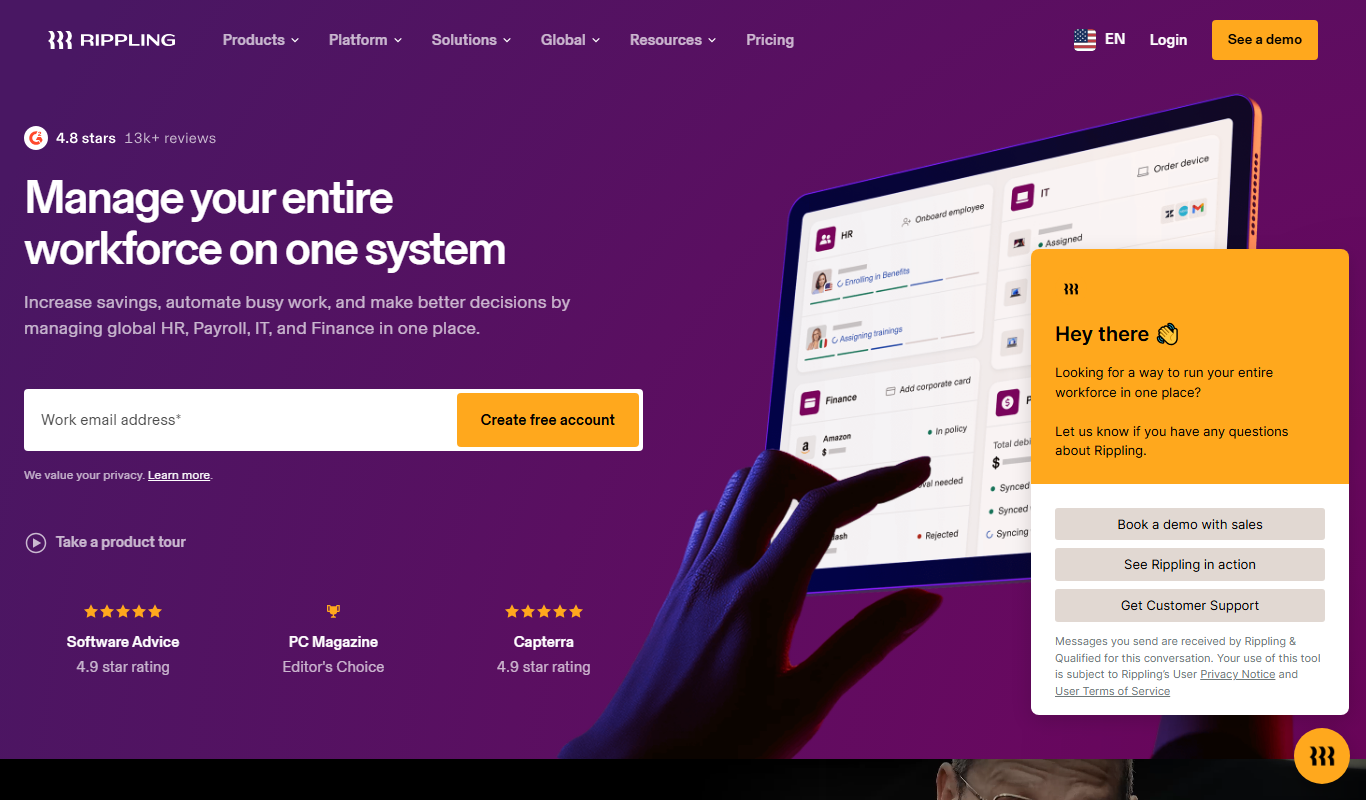
Rippling
Rippling is a unified workforce platform that automates HR, payroll, benefits, and IT management to streamline employee operations for businesses.

Free
Jobberbase
Jobberbase is an open source job board software that enables organizations to create customizable job listing websites for free.
Free Trial
Recruity
Recruity is an AI-powered recruiting platform that automates candidate screening, interview scheduling, and applicant tracking to help businesses hire more efficiently.