

From my experience with RecCloud, I found it excels at delivering accurate real-time transcription combined with AI-generated meeting summaries that save time on note-taking. The platform’s multi-device support makes it convenient for professionals working remotely or on the go. However, its current limitation to English transcription and some advanced features locked behind a subscription may restrict users with diverse language needs or tight budgets. Overall, if you require a reliable AI meeting recorder to streamline documentation and collaboration, RecCloud offers a solid, user-friendly solution.
RecCloud AI Meeting Recorder for Transcriptions and Summaries
RecCloud is an AI meeting recorder that transcribes and summarizes meetings automatically, available on web and mobile platforms.
- Best for
- Meeting Transcription
- Key capability
- Real-Time Transcription
Your actions

Do you recommend this tool?
What is RecCloud?
RecCloud is an AI-powered meeting recorder designed to capture, transcribe, and summarize meetings automatically. It helps professionals save time by converting spoken content into searchable text and concise summaries, improving productivity and collaboration.
Key features of RecCloud
RecCloud offers real-time transcription, AI-generated meeting summaries, multi-platform support, and easy sharing options to streamline meeting documentation and follow-up tasks.
Real-Time Transcription
Accurately transcribes speech as it happens during meetings.
AI Meeting Summaries
Automatically generates summaries to capture essential information.
Multi-Platform Support
Available on web, iOS, and Android devices for flexible use.
Searchable Transcripts
Easily search through transcriptions to find specific information.
Sharing and Collaboration
Facilitates sharing of notes and summaries with team members.
Pros and cons of RecCloud
Pros
- Accurate real-time transcription
- Convenient multi-platform access
- Automatic meeting summaries save time
- Easy sharing and collaboration features
Cons
- Limited to English language support
- Some advanced features require paid subscription
Key use cases for RecCloud
Meeting Transcription
Automatically transcribe meetings in real-time or from recordings to capture accurate notes.
Meeting Summaries
Generate concise summaries of meetings to quickly review key points and decisions.
Collaboration
Share transcriptions and summaries with team members to improve communication and follow-ups.
Voice Note Capture
Record voice notes and convert them into text for easy reference and organization.
How RecCloud works
- 1
Record Meeting
Start recording your meeting using RecCloud’s app or web interface.
- 2
AI Transcription
The AI engine transcribes the audio in real-time or from uploaded recordings.
- 3
Generate Summary
RecCloud creates a concise summary highlighting key points and action items.
- 4
Share and Collaborate
Share the transcription and summary with your team for easy reference and collaboration.
Who is using RecCloud
Business professionals
Remote teams
Content creators
Project managers
Sales teams
RecCloud pricing
Free
$0/month
Basic transcription and recording features with usage limits.
Pro
$15/month
Unlimited recordings, advanced transcription accuracy, and summary features.
Plans and prices are as published by the vendor and can change. Check the official site before you buy. Open the pricing page (opens in a new tab)
Frequently asked questions about RecCloud
Currently, RecCloud supports English transcription only.
Yes, RecCloud is available on both iOS and Android platforms.
Yes, RecCloud offers a free trial period for the Pro subscription.
It depends on your specific needs and how you plan to use the tool. The official website and documentation are the best sources for the latest details.
Yes, it can help with that use case depending on how you configure it and what features are available. You’ll get the best results with clear inputs and a defined goal.
Yes, it can help with that use case depending on how you configure it and what features are available. You’ll get the best results with clear inputs and a defined goal.
Sign in to review this tool.
Sign In to ReviewNo reviews yet
Be the first to share how this tool worked for you.
Ask about pricing, limits, or how it compares — or answer someone else.
Sign In to AskNo questions yet
Have a question about using or paying for this tool? Be the first to ask.
Featured on TiorAI



More AI Meeting Tools tools
Other tools in the same category, for when this one is not quite the fit.
Freemium
Laila
Laila is an AI-powered meeting assistant that automatically transcribes and summarizes meetings in real-time, integrating with popular video conferencing platforms to enhance productivity.

Freemium
TableTalk
TableTalk is an AI-powered meeting assistant that transcribes and summarizes meetings in real time, helping teams capture accurate records and improve collaboration.
Freemium
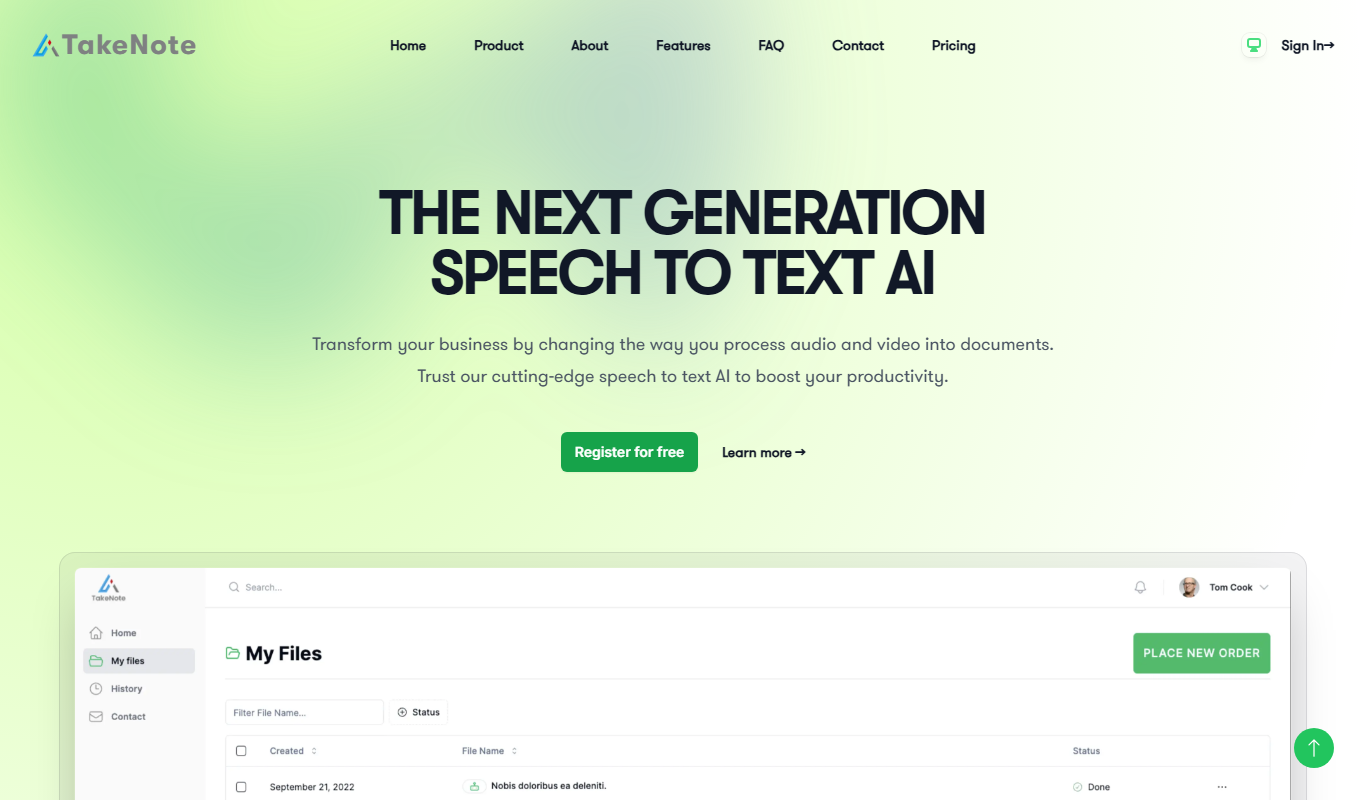
TakeNote
TakeNote is an AI-driven meeting notes software that automatically transcribes and summarizes virtual meetings, helping teams save time and improve collaboration.

Free
Synced.so
Synced.so is an AI-powered meeting assistant that automatically transcribes meetings, generates summaries, and extracts action items to improve team collaboration and productivity.

Freemium
Callaia
Callaia is an AI-powered meeting assistant that transcribes meetings in real time and generates concise summaries to help teams stay organized and productive.
Freemium
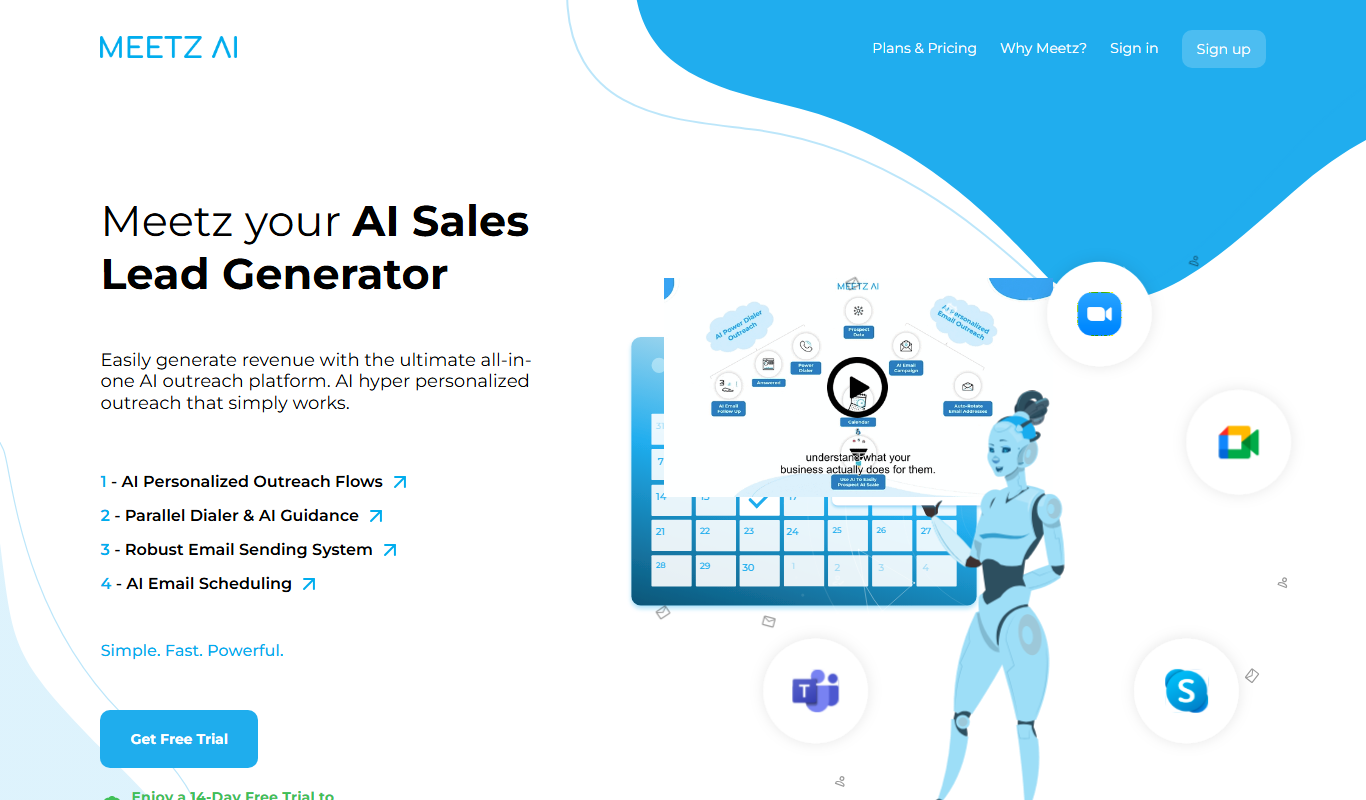
Meetz AI
Meetz AI is an AI-driven meeting assistant that provides real-time transcription, automated meeting summaries, and action item extraction to streamline meeting documentation and collaboration.

Freemium
Vivas.AI
Vivas.AI is an AI meeting assistant that transcribes meetings in real time, extracts action items, and generates summaries to improve team productivity.

Free Trial
Voxpad
Voxpad is an AI voice assistant that transcribes meetings in real-time and generates summaries to improve productivity and collaboration.