

From my experience with Rapture Parser, I found it excels at simplifying complex data extraction tasks through its intuitive visual editor and AI-driven parsing capabilities. It’s particularly well-suited for professionals who need to automate data collection from diverse sources without deep technical skills. However, the pricing structure might be a consideration for smaller teams, and the platform currently supports only English, which could limit some users. Overall, if your workflow involves frequent extraction of structured data from websites or documents, Rapture Parser offers a robust and flexible solution.
Rapture Parser AI Tool for Advanced Data Extraction and Parsing
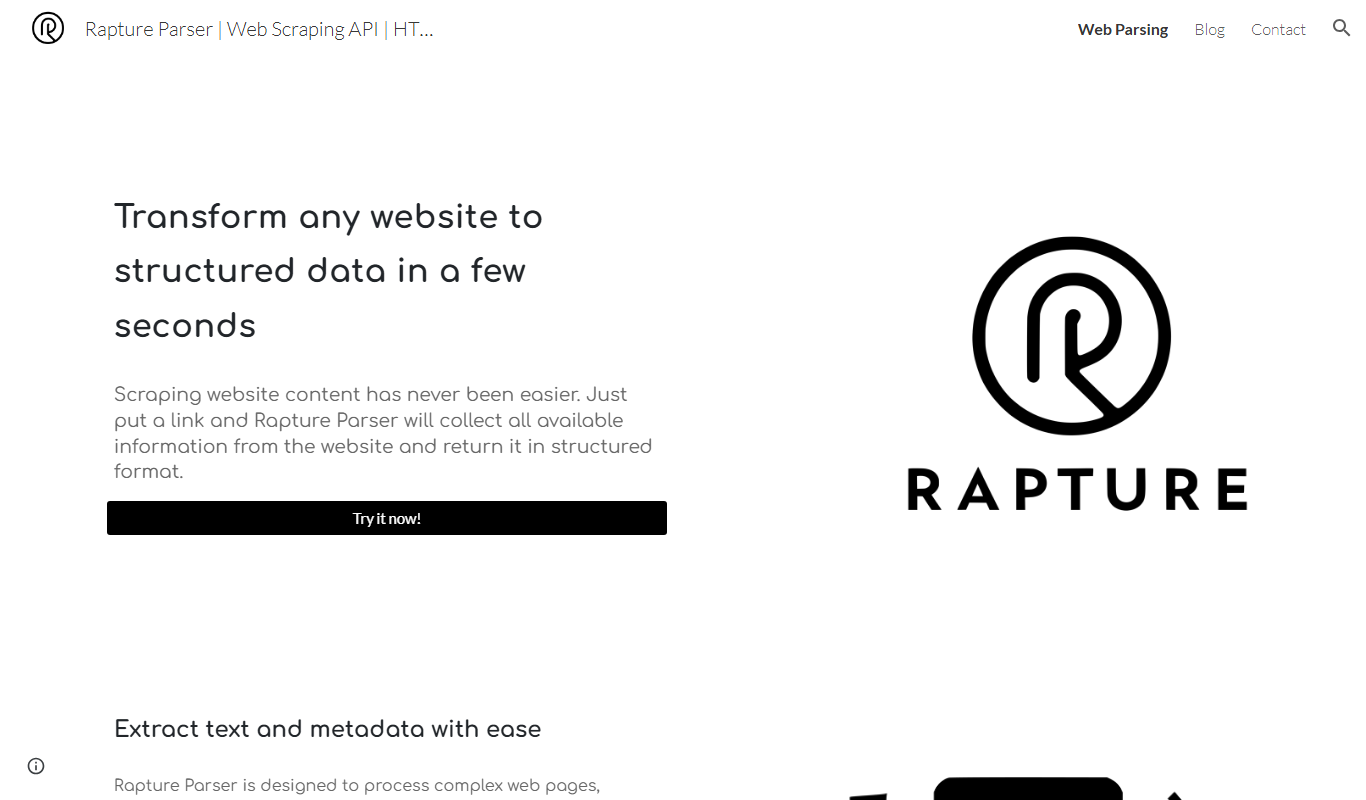
Rapture Parser is an AI-driven platform that automates data extraction and parsing from websites and documents using a visual editor and machine learning, enabling users to convert unstructured data into structured formats without coding.
- Best for
- Web Data Extraction
- Key capability
- Visual Data Extraction Editor
Do you recommend this tool?
What is Rapture Parser?
Rapture Parser is an AI-powered data extraction and parsing platform designed to simplify the process of converting unstructured or semi-structured data from websites and documents into structured, actionable formats. It enables users to automate data collection workflows without requiring programming skills, leveraging machine learning to handle complex layouts and formats.
Key features of Rapture Parser
The tool offers intuitive visual data extraction, multi-format document parsing, API access for integration, and automation capabilities to streamline data workflows. Its AI models adapt to diverse data sources, improving accuracy and reducing manual effort.
Visual Data Extraction Editor
User-friendly interface to select and customize data fields without coding.
AI-Powered Parsing
Machine learning algorithms that adapt to complex and varied data layouts.
Multi-Format Support
Extract data from HTML pages, PDFs, images, and other document types.
API Access
Programmatic access to parsing functions for seamless integration.
Automation Workflows
Schedule and automate recurring data extraction tasks.
Pros and cons of Rapture Parser
Pros
- Intuitive visual interface for non-technical users
- Supports multiple data formats including complex documents
- API access enables flexible integration
- Automation features save time on repetitive tasks
- AI adapts to diverse data layouts improving accuracy
Cons
- Pricing may be high for small businesses
- Limited language support (English only)
- Learning curve for advanced features
Key use cases for Rapture Parser
Web Data Extraction
Automatically extract structured data from websites without coding.
Document Parsing
Parse complex documents like invoices, receipts, and reports into usable data.
Data Automation
Automate repetitive data collection and processing tasks to save time.
Business Intelligence
Gather and structure data for analytics and decision-making.
Lead Generation
Extract contact and company information from online sources efficiently.
How Rapture Parser works
- 1
Create an Account
Sign up on the Rapture Parser website to access the platform.
- 2
Upload or Link Data Source
Provide URLs or upload documents you want to extract data from.
- 3
Define Extraction Rules
Use the visual editor to select data fields or let AI detect patterns automatically.
- 4
Run Extraction
Execute the parsing process to convert data into structured formats.
- 5
Export or Integrate
Download extracted data or connect via API to integrate with other systems.
Who is using Rapture Parser
Data analysts
Marketing teams
Business intelligence professionals
Small to medium enterprises
Lead generation specialists
Rapture Parser pricing
Free Trial
$0 for 14 days
Full feature access for two weeks to evaluate the platform.
Starter
$49/month
Basic plan with limited extraction credits and API calls.
Professional
$149/month
Higher limits, priority support, and advanced features.
Enterprise
Custom pricing
Tailored solutions with dedicated support and SLA.
Plans and prices are as published by the vendor and can change. Check the official site before you buy. Open the pricing page (opens in a new tab)
Frequently asked questions about Rapture Parser
No, the platform provides a visual editor that allows you to define extraction rules without coding.
It supports HTML pages, PDFs, images, and other common document formats.
Yes, Rapture Parser offers API access to integrate data extraction into your workflows.
Yes, the platform supports scheduling and automation of extraction jobs.
It depends on your specific needs and how you plan to use the tool. The official website and documentation are the best sources for the latest details.
Data handling and security practices vary by provider. Review the official privacy policy to understand how your data is stored and used.
It depends on your specific needs and how you plan to use the tool. The official website and documentation are the best sources for the latest details.
Integration support depends on the tool and its available connectors or API. Check the official documentation or integrations page to confirm what is supported.
Sign in to review this tool.
Sign In to ReviewNo reviews yet
Be the first to share how this tool worked for you.
Ask about pricing, limits, or how it compares — or answer someone else.
Sign In to AskNo questions yet
Have a question about using or paying for this tool? Be the first to ask.
Featured on TiorAI



Alternative Tools
Explore similar AI tools that might fit your needs

Free
ParseHub
ParseHub is a no-code web scraping tool that allows users to extract data from websites including dynamic content, automate scraping tasks, and access data via API.

Custom Pricing
Diffbot
Diffbot is an AI-driven platform that automatically extracts structured data from web pages using machine learning and computer vision, providing APIs for developers to access clean, organized data for various applications.
More AI Ai Tools tools
Other tools in the same category, for when this one is not quite the fit.

Free
Pogo Travel
Pogo Travel is an AI-driven platform that generates personalized travel itineraries based on your preferences, travel dates, and interests, offering collaborative planning and offline access.

Freemium
PlaninGo
PlaninGo is an AI travel planning tool that generates personalized trip itineraries and guides based on your preferences, helping you plan efficient and enjoyable trips.

Free
Travelwiz
Travelwiz is an AI-powered travel planning tool that creates personalized trip itineraries and offers tailored travel recommendations based on user preferences.

Free
Momo
Momo is an AI-powered assistant that automates workflows, manages tasks, and enhances team collaboration by integrating with popular productivity tools.

Free
Nextrip
Nextrip AI is an online travel planning tool that uses artificial intelligence to generate personalized trip itineraries based on your preferences, travel dates, and destinations.

Freemium
TravelBot AI Travel Assistant
TravelBot AI Travel Assistant is a web-based platform that uses artificial intelligence to help users create personalized travel itineraries, book flights and hotels, and receive tailored travel recommendations based on preferences and budget.

Freemium
AIreelity
AIreelity is an AI-driven video creation platform that transforms text scripts into engaging marketing videos with customizable templates and AI voiceovers.

Free
AIJOURNEY
AIJOURNEY is an AI-driven career development tool that provides personalized career path recommendations, identifies skill gaps, and offers curated learning resources to help users advance professionally.