
From my experience with RankChase, I found it excels at providing accurate, location-specific keyword rank tracking combined with useful competitor insights. The platform’s straightforward interface makes it easy to set up and monitor SEO campaigns without overwhelming complexity. It’s particularly well-suited for small to medium businesses and agencies focusing on local SEO or those needing affordable rank tracking solutions. However, the lack of integrations with other SEO tools and absence of a mobile app could limit workflow flexibility for some users. Overall, if you need reliable keyword tracking and competitor analysis on a budget, RankChase delivers solid value.

RankChase SEO Tool for Keyword Tracking and Competitor Analysis
RankChase is an SEO tool that provides keyword rank tracking, competitor analysis, and SERP feature monitoring to help optimize your website’s search engine performance.
What is RankChase?
RankChase is a cloud-based SEO tool designed to help businesses and SEO professionals track keyword rankings, analyze competitors, and monitor search engine results pages (SERPs). It provides real-time data on keyword positions, SERP features, and competitor performance to optimize SEO strategies effectively.

Key Features of RankChase
Accurate Keyword Rank Tracking
Track keyword positions daily across Google and other search engines with location-specific data.
Competitor Keyword Analysis
Discover competitor keywords and their ranking trends to inform your SEO strategy.
SERP Features Detection
Identify when your keywords trigger rich snippets, featured snippets, or other SERP enhancements.
Local SEO Support
Monitor keyword rankings in specific cities or countries to optimize local search visibility.
Customizable SEO Reports
Generate white-label reports with historical data and insights for clients or internal use.
Pros and Cons of RankChase
Pros
- User-friendly interface with easy setup
- Accurate and location-specific rank tracking
- Competitor analysis integrated within the platform
- Affordable pricing plans with a free tier
Cons
- Limited integrations with other SEO tools
- No mobile app available currently
Key Use Cases for RankChase
Keyword Rank Tracking
Monitor your website’s keyword rankings across multiple search engines and locations to track SEO performance.
Competitor Analysis
Analyze competitor keywords and rankings to identify opportunities and gaps in your SEO strategy.
SERP Features Tracking
Track the appearance of rich snippets, featured snippets, and other SERP features for your keywords.
Local SEO Monitoring
Track keyword rankings in specific geographic locations to optimize local SEO campaigns.
SEO Reporting
Generate detailed SEO reports with historical data and insights to share with clients or internal teams.
How RankChase Works
-
1
Create an Account
Sign up on the RankChase website to access the dashboard.
-
2
Add Your Website and Keywords
Input your website URL and the keywords you want to track.
-
3
Set Locations and Search Engines
Choose the geographic locations and search engines relevant to your SEO goals.
-
4
Monitor Rankings and Competitors
View real-time keyword rankings, SERP features, and competitor data.
-
5
Generate Reports
Create and export detailed SEO reports for analysis or client presentations.
Who's Using RankChase
SEO professionals
Digital marketing agencies
Small to medium-sized businesses
Content marketers
Local businesses focusing on local SEO
RankChase Pricing
Free
$0/month
Limited keyword tracking and basic features for small websites.
Pro
$29/month
Expanded keyword limits, competitor analysis, and advanced reporting.
Business
$79/month
Higher keyword limits, multi-user access, and priority support.
Frequently Asked Questions About RankChase
Yes, RankChase supports tracking on Google and other major search engines.
Yes, you can specify geographic locations such as cities or countries for localized rank tracking.
Yes, RankChase offers a free plan with limited keyword tracking and basic features.
Yes, the tool provides customizable SEO reports that can be exported and shared.
It depends on your specific needs and how you plan to use the tool. The official website and documentation are the best sources for the latest details.
Yes, it can help with that use case depending on how you configure it and what features are available. You’ll get the best results with clear inputs and a defined goal.
It depends on your specific needs and how you plan to use the tool. The official website and documentation are the best sources for the latest details.
Share your review
Reviews are limited to one per logged-in user and are published after moderation.
You need an account to review this tool.
0.0
★
★
★
★
★
0 reviews
5 star
0
4 star
0
3 star
0
2 star
0
1 star
0
No reviews yet
Be the first to share how this tool worked for you.
Questions from the community
Read questions and answers about this tool, or ask your own.
No questions yet
Start the conversation by asking the first question about this tool.
Is this tool helpful?
Freemium
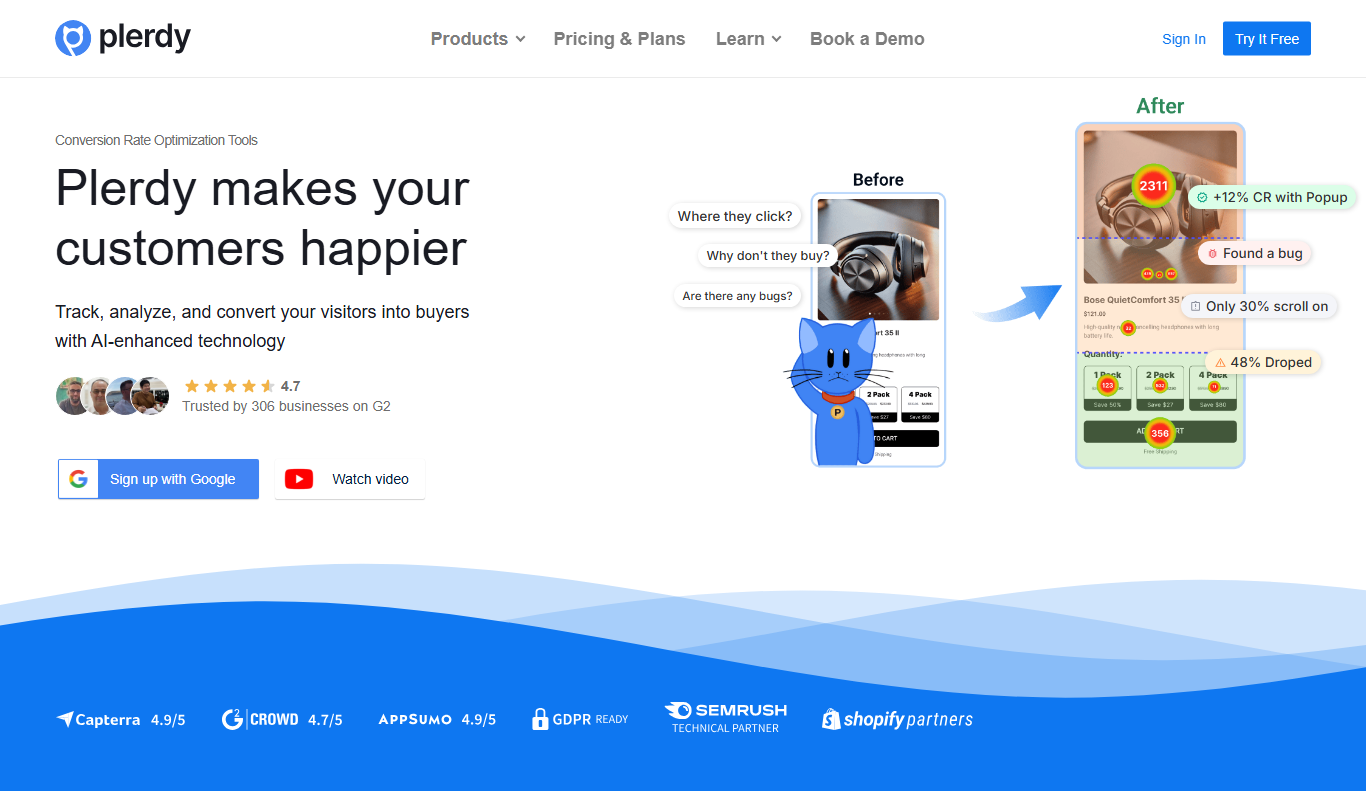
Plerdy
Plerdy is a website analytics and conversion optimization tool that provides heatmaps, session recordings, SEO audits, and conversion funnels to help marketers improve user experience and increase conversions.
Free
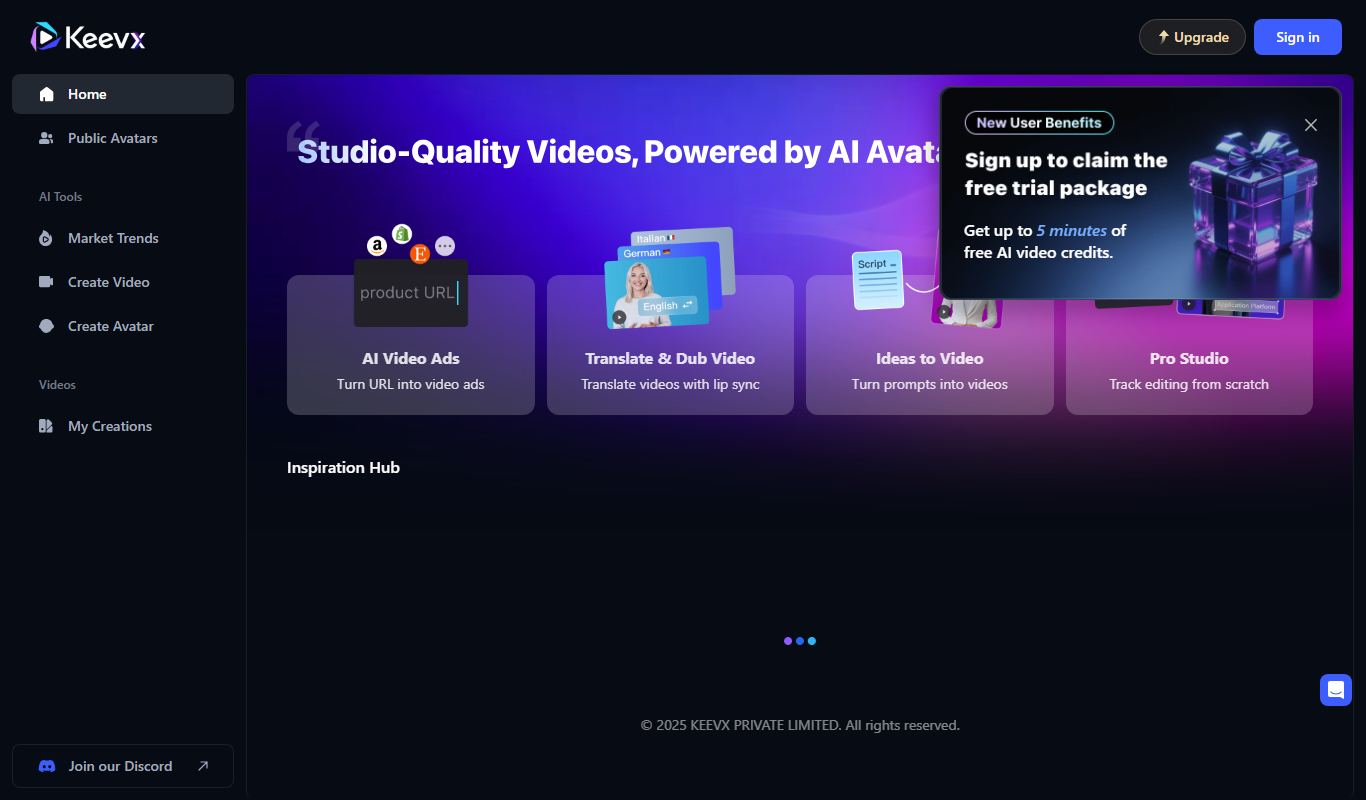
Keevx
Keevx is an AI-powered writing assistant that helps users generate SEO-optimized content, blog posts, and marketing copy through an easy-to-use web platform.
Free Trial
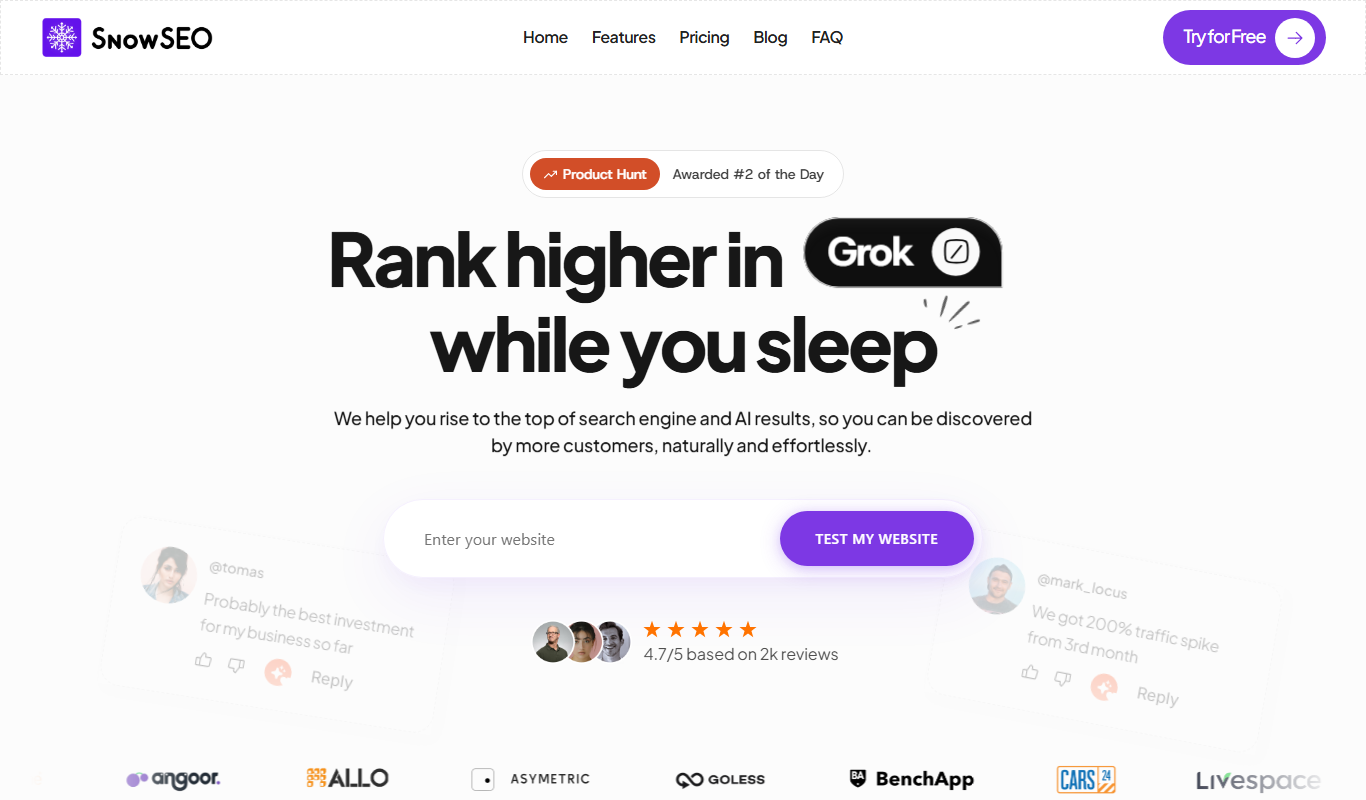
SnowSEO
SnowSEO is an AI-driven SEO platform that helps users perform keyword research, optimize content, and conduct SEO audits to enhance search engine rankings.

Free
Staiyl
Staiyl is an AI-powered writing assistant that helps users generate SEO-optimized content, including blog posts and marketing copy, through an easy-to-use web platform.

Freemium
Keybot AI
Keybot AI is an AI-powered keyword research tool that helps marketers find relevant keywords with search volume and difficulty metrics, competitor analysis, and export options to optimize SEO and marketing campaigns.
Freemium
Maester
Maester is an AI writing assistant designed to generate and optimize content for blogs, SEO, and marketing, featuring customizable templates and editing tools.
Free Trial
Arlunai
Arlunai is an AI-powered writing assistant that helps users generate SEO-optimized content, marketing copy, and blog posts through an easy-to-use web platform.
Free Trial
BlogMyVideo
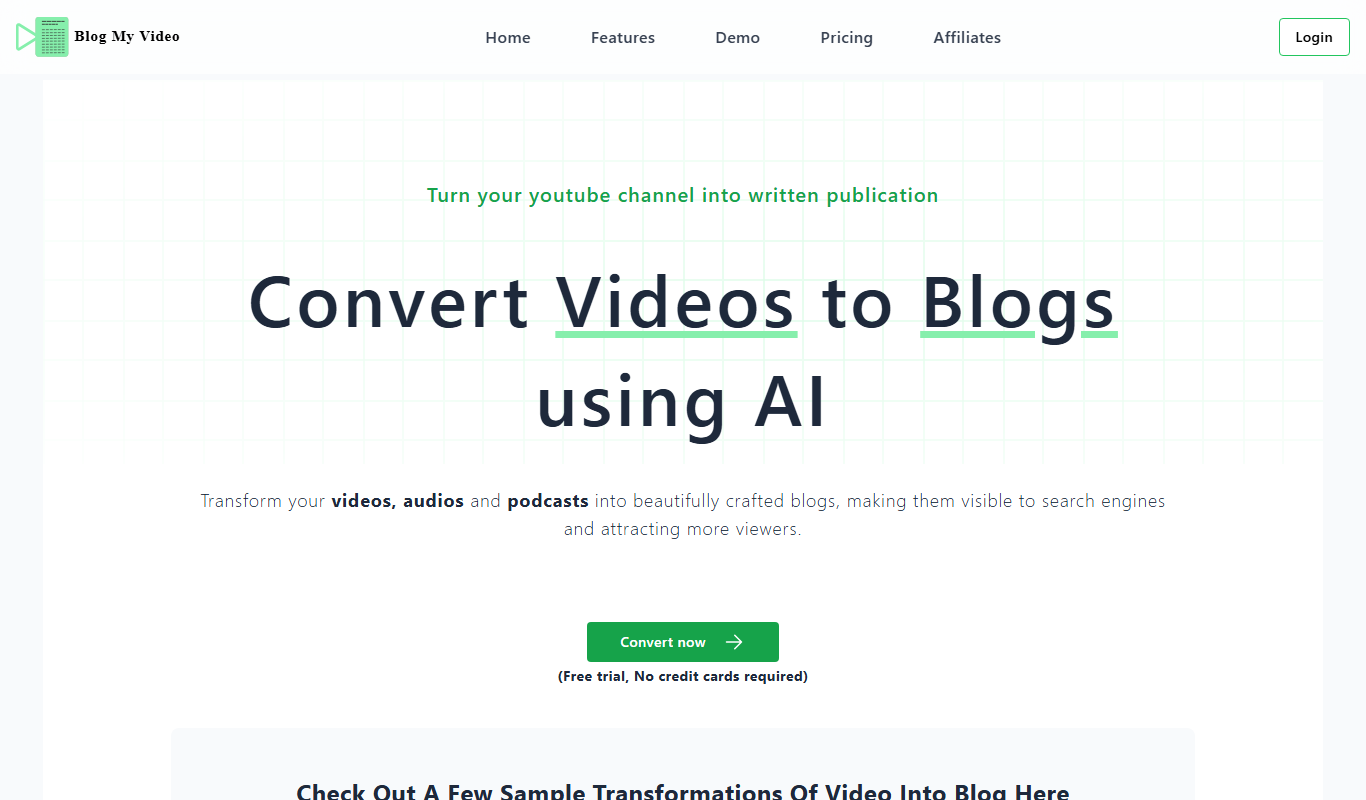
BlogMyVideo is an AI-powered platform that converts video content into SEO-friendly blog posts by transcribing and summarizing videos automatically.