

From my experience with Quiz Makito, I found it excels at providing a straightforward and accessible way to create interactive quizzes without a steep learning curve. Its real-time analytics and embedding capabilities make it practical for educators and marketers who want quick feedback and easy distribution. However, the platform is limited by its web-only access and some feature restrictions on the free plan, which might not suit users needing advanced customization or mobile app support. Overall, if you need a simple yet effective online quiz maker for education or engagement, Quiz Makito delivers solid results.
Quiz Makito Online Quiz Maker for Interactive Assessments and Surveys
Quiz Makito is a web-based platform for creating customizable online quizzes and surveys with real-time analytics and embedding options.
- Best for
- Educational Assessments
- Key capability
- Multiple Question Types

Do you recommend this tool?
What is Quiz Makito?
Quiz Makito is a web-based quiz creation platform that enables users to design, customize, and distribute interactive quizzes and surveys. It offers a user-friendly interface for building assessments that can be embedded on websites or shared via links, making it suitable for educators, marketers, and businesses looking to engage their audience or evaluate knowledge.
Key features of Quiz Makito
Quiz Makito provides features such as multiple question types, customizable templates, real-time result tracking, and analytics. It supports embedding quizzes on websites and sharing via social media or email. The platform also offers options for timed quizzes, randomizing questions, and exporting results for further analysis.
Multiple Question Types
Supports various question formats including multiple choice, true/false, and short answer.
Customizable Templates
Offers pre-designed templates that can be tailored to match branding and style preferences.
Real-Time Analytics
Provides instant insights into quiz results and participant performance.
Quiz Embedding
Enables embedding quizzes directly into websites or blogs for seamless user experience.
Timed Quizzes
Allows setting time limits to increase challenge and control assessment duration.
Pros and cons of Quiz Makito
Pros
- User-friendly interface suitable for beginners
- Supports multiple question types and customization
- Real-time analytics for immediate feedback
Cons
- Limited advanced features on the free plan
- No mobile app available, web-only platform
Key use cases for Quiz Makito
Educational Assessments
Create quizzes to evaluate student knowledge and track learning progress.
Employee Training
Develop interactive quizzes to assess employee skills and training effectiveness.
Market Research Surveys
Design surveys and quizzes to gather customer feedback and market insights.
Event Engagement
Use quizzes to engage audiences during webinars, conferences, or live events.
Lead Generation
Create quizzes that capture user information for marketing and sales purposes.
How Quiz Makito works
- 1
Sign Up
Create a free account on Quiz Makito’s website to access the quiz creation tools.
- 2
Create Quiz
Use the intuitive editor to add questions, select formats, and customize the quiz appearance.
- 3
Publish and Share
Publish the quiz and share it via direct links, embed code, or social media platforms.
- 4
Analyze Results
Track participant responses and analyze quiz performance through the dashboard.
Who is using Quiz Makito
Educators and trainers
Marketing professionals
Small to medium businesses
Event organizers
HR and recruitment teams
Quiz Makito pricing
Free
$0/month
Basic quiz creation with limited features and participant limits.
Pro
$15/month
Access to advanced features, higher participant limits, and priority support.
Plans and prices are as published by the vendor and can change. Check the official site before you buy. Open the pricing page (opens in a new tab)
Frequently asked questions about Quiz Makito
The free plan allows creating quizzes but may have limits on the number of participants or features.
Yes, Quiz Makito provides embed codes to integrate quizzes directly into your website.
Yes, you can export participant data and quiz results for offline analysis.
It depends on your specific needs and how you plan to use the tool. The official website and documentation are the best sources for the latest details.
Some tools offer a free plan or trial with limited features. Availability can vary, so confirm on the official website.
Yes, it can help with that use case depending on how you configure it and what features are available. You’ll get the best results with clear inputs and a defined goal.
Sign in to review this tool.
Sign In to ReviewNo reviews yet
Be the first to share how this tool worked for you.
Ask about pricing, limits, or how it compares — or answer someone else.
Sign In to AskNo questions yet
Have a question about using or paying for this tool? Be the first to ask.
Featured on TiorAI



Alternative Tools
Explore similar AI tools that might fit your needs
Free
Typeform
Typeform is an online platform that enables users to create interactive, conversational forms and surveys to collect data, feedback, and leads with customizable templates and logic jumps.
Free
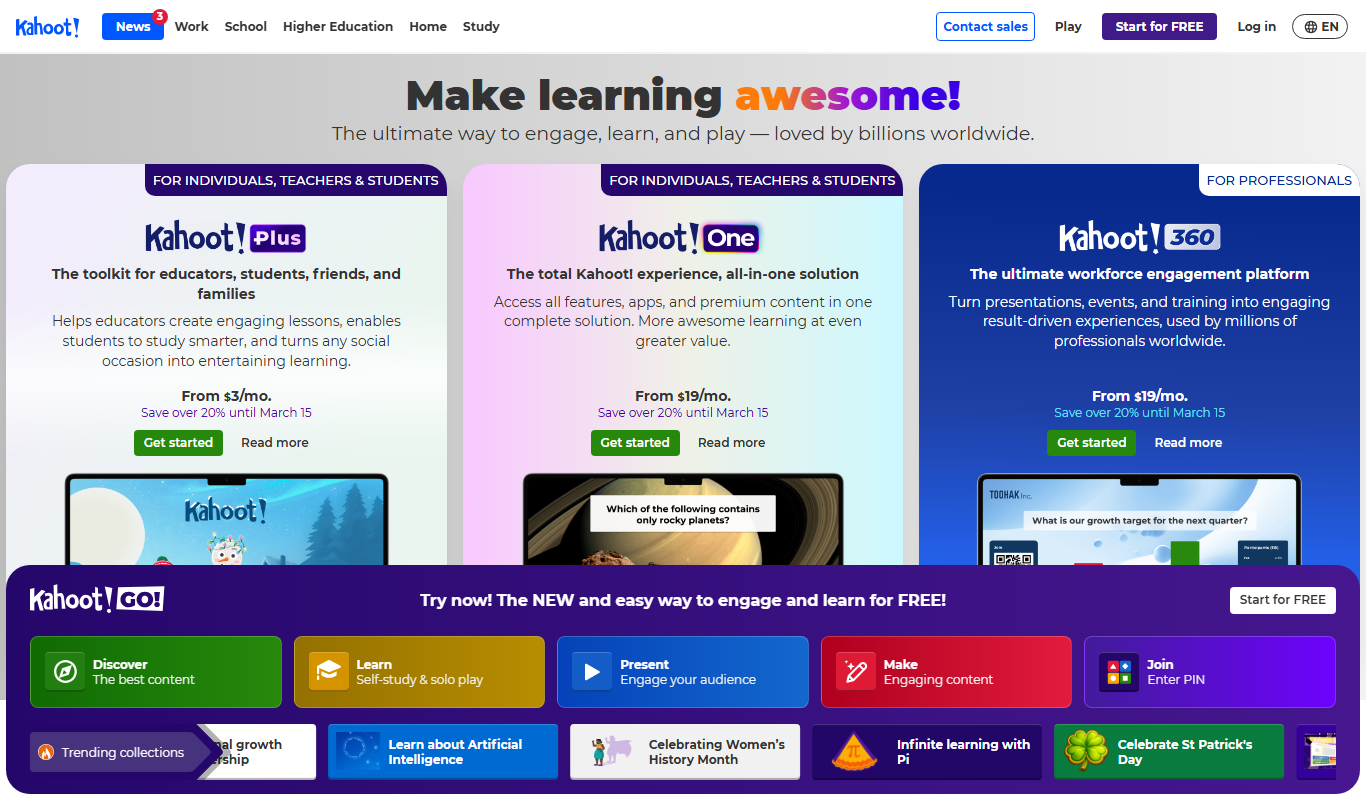
Kahoot
Kahoot is a game-based learning platform that enables users to create and play interactive quizzes and games to boost engagement in education, training, and events.
More AI Ppt Maker tools
Other tools in the same category, for when this one is not quite the fit.

Freemium
SEO GPT
SEO GPT is an AI tool that automates the creation of SEO-optimized content, including articles, meta titles, and descriptions, helping marketers improve search rankings efficiently.

Free
The GPT Who Lived
The GPT Who Lived is a free AI chatbot hosted on Hugging Face that uses GPT-3 to create interactive storytelling and roleplaying experiences through conversational AI.
Free
GPTionary
GPTionary is a free AI-powered online dictionary that provides instant, clear definitions and example sentences for English words to help users understand and use vocabulary effectively.

Free
PromptPedia
PromptPedia is a free online platform offering a vast library of categorized AI prompts to help users enhance creativity and productivity with AI models like ChatGPT.

Free
Prompty
Prompty is an AI-powered writing assistant that helps users generate creative and productive content through AI-driven prompts available on web, desktop, and Chrome extension platforms.

Freemium
Pizi – AI Assistant for Multiple PDFs
Pizi is an AI-powered web assistant that enables users to upload multiple PDFs and ask natural language questions to quickly extract relevant information from the documents.

Free Trial
SuperGPT
SuperGPT is an AI chatbot platform that uses advanced GPT models to create customizable, multi-language conversational agents for customer support and engagement.

Freemium
CostGpt
CostGpt is an AI-based tool that helps project managers and businesses accurately estimate and forecast project costs using machine learning algorithms.