

QuickFiling: AI specialists for admissions, visa and green card packages
QuickFiling offers AI specialists that prepare complete, ready-to-file packages for admissions, work visas and green cards; it is free to start and you pay per package when ready to download.
- Best for
- Green card petitions
- Key capability
- AI specialists per application type
Save QuickFiling, follow its updates and vote on it — everything stays in your account.
Sign in or create a free account
What is QuickFiling?
QuickFiling offers AI specialists for admissions, work visas and green cards (permanent residency), such as Dr. Admit, Dr. NIW, Dr. EB1A and Dr. I-485. Each specialist tells the applicant what evidence to provide, helps organize it and draft letters or petition sections, fills the forms and assembles a complete, ready-to-file PDF package. QuickFiling is a self-help document preparation service, not a law firm, and does not provide legal advice.
Key features of QuickFiling
QuickFiling provides AI specialists that guide evidence collection with import from files, URLs and email, organize evidence with citation analysis, assist drafting essays, letters and petition sections, fill forms, edit evidence PDFs and assemble a ready-to-file PDF package typeset in LaTeX, with optional independent attorney review and print and mail service.
AI specialists per application type
Pick a specialist for grad-school admissions, a work visa or a green card and get a complete, ready-to-file package.
Guided evidence collection
The specialist tells you what to provide, with citation analysis and import via URL or email.
Drafting assistance and form filling
An AI-powered editor for documents and evidence PDFs, AI form filling and full version history.
Ready-to-file PDF package
Letters, exhibits and forms typeset in LaTeX and assembled into one PDF in the right order.
Pros and cons of QuickFiling
Pros
- Free to start, with no credit card and no subscription
- Complete, ready-to-file packages assembled in one PDF
- Optional independent attorney services
- Print and mail service to USCIS available
Cons
- Not a law firm and does not provide legal advice
- Results vary and no outcome is guaranteed
- The software cannot tell you which forms to file or whether you are eligible
Key use cases for QuickFiling
Green card petitions
Prepare NIW, EB-1A, EB-1B, EB-5 or I-485 adjustment of status packages.
Work and visitor visas
Prepare O-1 petitions and nonimmigrant visa applications such as F-1 and B-1/B-2.
Graduate admissions
Program research, statement of purpose and CV drafting, recommendation letters and deadline tracking.
Attorney petition preparation
Simplify petition preparation and back-office workflows for immigration attorneys.
How QuickFiling works
- 1
Your specialist guides you
The specialist tells you exactly what to provide, and built-in tools import and analyze it.
- 2
Draft your application
Evidence organization and section-by-section drafting; you review, refine and approve everything.
- 3
Finalize in your browser
Polish documents with the AI-powered editor, edit evidence PDFs and let AI fill your forms.
- 4
Download your package
Download one professionally formatted, ready-to-file PDF.
Who is using QuickFiling
QuickFiling pricing
Dr. Visa
$199 per package, free to start
Nonimmigrant visa application such as F-1, F-2 and B-1/B-2: DS-160 answer sheet, document checklist and 214(b) red-flag review.
Dr. I-485
$299 per package, free to start
Adjustment of Status package: document checklist, auto-filled USCIS forms, cover letter and ready-to-file PDF.
Dr. NIW
$749 per package, free to start
National Interest Waiver petition package with petition letter, exhibits, forms and RFE response preparation.
Dr. EB1A
$949 per package, free to start
Extraordinary Ability petition package covering the 10 published USCIS criteria, with RFE response preparation.
Dr. EB-5
$999 per package, free to start
Investor Visa documentation: lawful source of funds, business plan requirements and investment verification.
Plans and prices are as published by the vendor and can change. Check the official site before you buy. Open the pricing page (opens in a new tab)
Frequently asked questions about QuickFiling
It offers AI specialists for admissions, work visas and green cards that prepare complete, ready-to-file packages.
No. QuickFiling is a self-help document preparation service, not a law firm, and does not provide legal advice.
It is free to start; you pay between $199 and $999 only when your package is ready to download.
Yes. A print and mail service sends the complete package to USCIS, or you can download and file on your own at no extra cost.
It depends on your specific needs and how you plan to use the tool. The official website and documentation are the best sources for the latest details.
Yes, it can help with that use case depending on how you configure it and what features are available. You’ll get the best results with clear inputs and a defined goal.
Conclusion
QuickFiling assigns an AI specialist to each type of application, from Dr. Admit for graduate school to Dr. NIW and Dr. EB1A for green card petitions. The specialist tells the applicant what evidence to provide, imports it from files, URLs or email and helps organize it before section-by-section drafting of essays, letters or petition sections. Forms are filled by AI, evidence PDFs can be edited in the browser, and the result is one LaTeX-typeset PDF with letters, exhibits and forms in order.
Applicants can add independent attorney review or a print and mail service to USCIS. Starting is free with no subscription, and payment is per package, only when it is ready to download. The site stresses that it is a self-help document preparation service, not a law firm: it gives no legal advice, cannot say whether someone is eligible and notes that results vary.
Sources
Sign in to review this tool.
Sign In to ReviewNo reviews yet
Be the first to share how this tool worked for you.
Ask about pricing, limits, or how it compares — or answer someone else.
Sign In to AskNo questions yet
Have a question about using or paying for this tool? Be the first to ask.
Featured on TiorAI



Alternative Tools
Explore similar AI tools that might fit your needs

LegalZoom
LegalZoom is an online platform providing affordable legal document preparation, business formation services, and access to licensed attorneys for legal advice.

Rocket Lawyer
Rocket Lawyer is an online platform providing customizable legal documents, attorney consultations, and business formation services to individuals and businesses.
More AI Writing & Content Tools tools
Other tools in the same category, for when this one is not quite the fit.

Clarice.ai
Clarice.ai is an AI writing assistant that improves texts with suggestions on clarity, style, grammar and humanization.
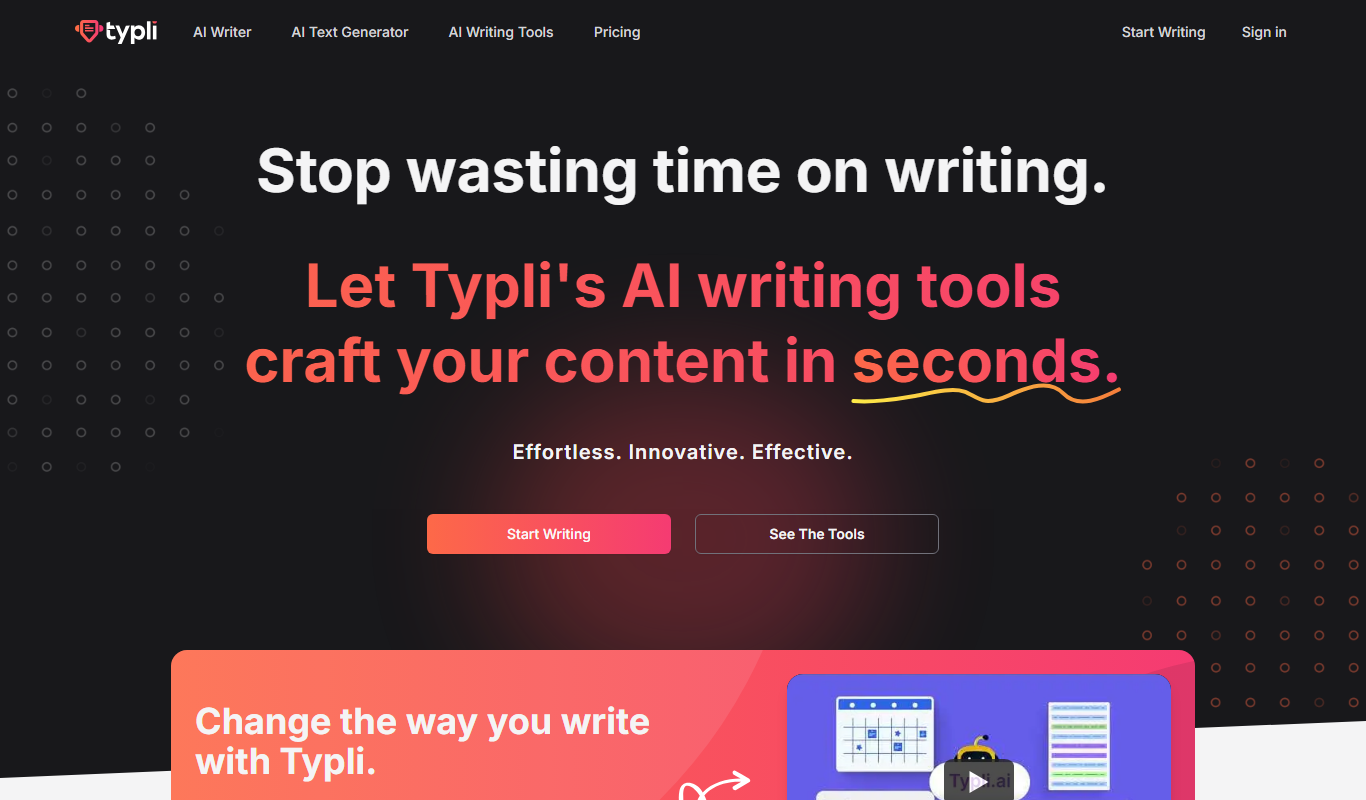
Typli
Typli is an AI platform with 185+ specialized writing tools, chat with leading AI models, an image generator and estimates and invoices.
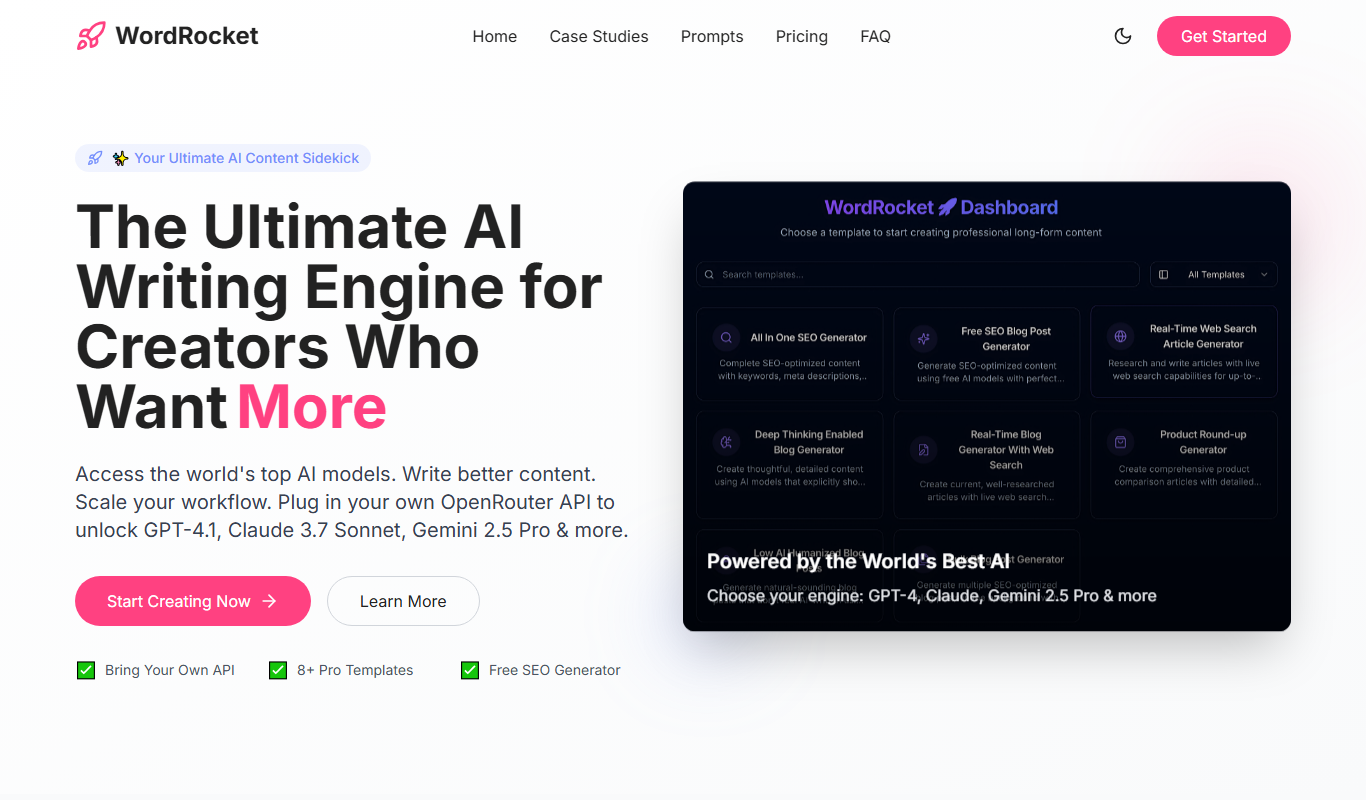
WordRocket AI
WordRocket AI is a web-based AI writing assistant that helps users generate SEO-optimized content, including blog posts and marketing copy, with customizable tone and style.

editGPT
editGPT is an AI-powered web-based text editor that helps users correct grammar, improve writing style, and enhance clarity with real-time suggestions.

Partly AI
Partly builds frontier AI for repair: Repair AI, an AI assistant for repair shops, and Interpreter, a language model for automotive parts and repair workflows.

Outlit AI
Outlit monitors long-tail customers, surfaces risks and growth opportunities, builds action plans, and completes approved work within your controls.
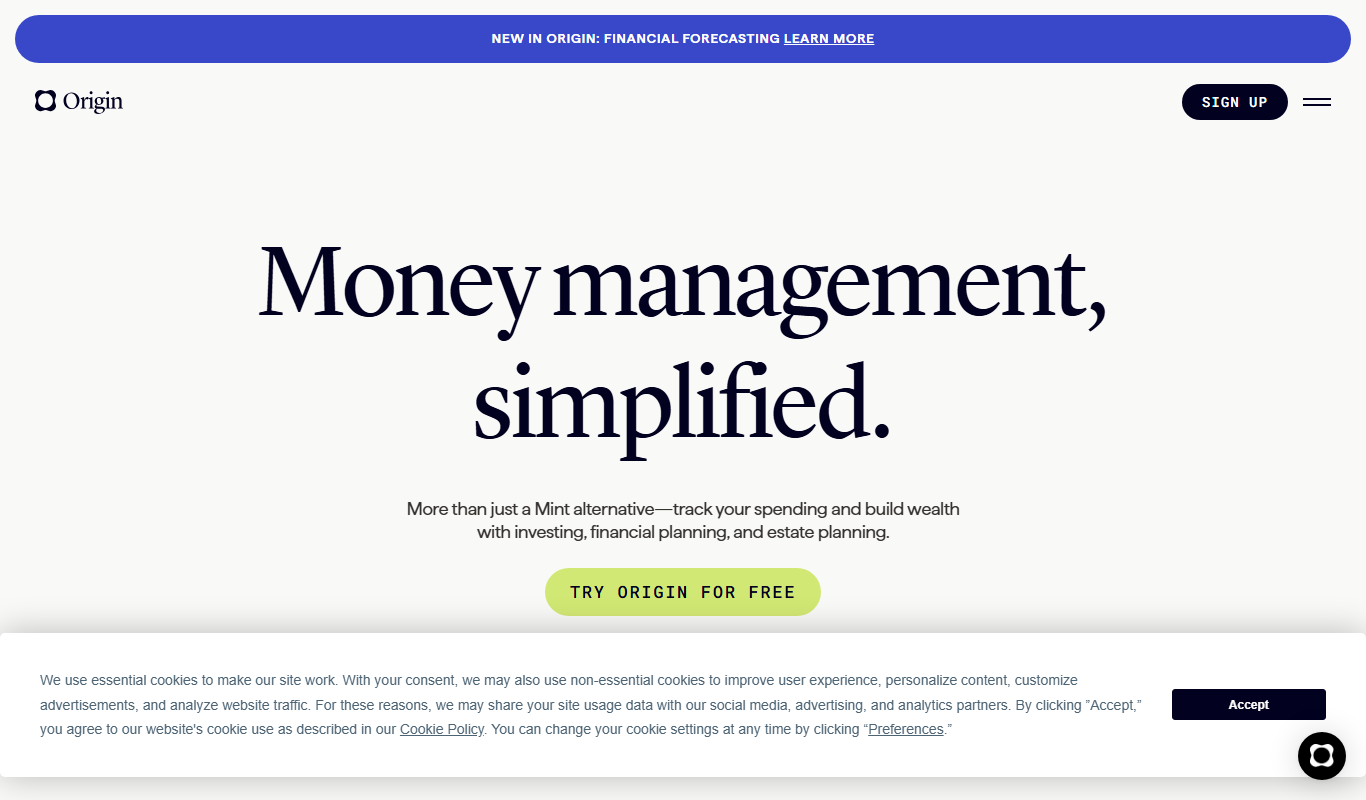
Origin
Origin is an all-in-one financial platform with AI-powered budgeting, spend tracking, investment tools, forecasting and estate planning, plus an AI financial advisor.
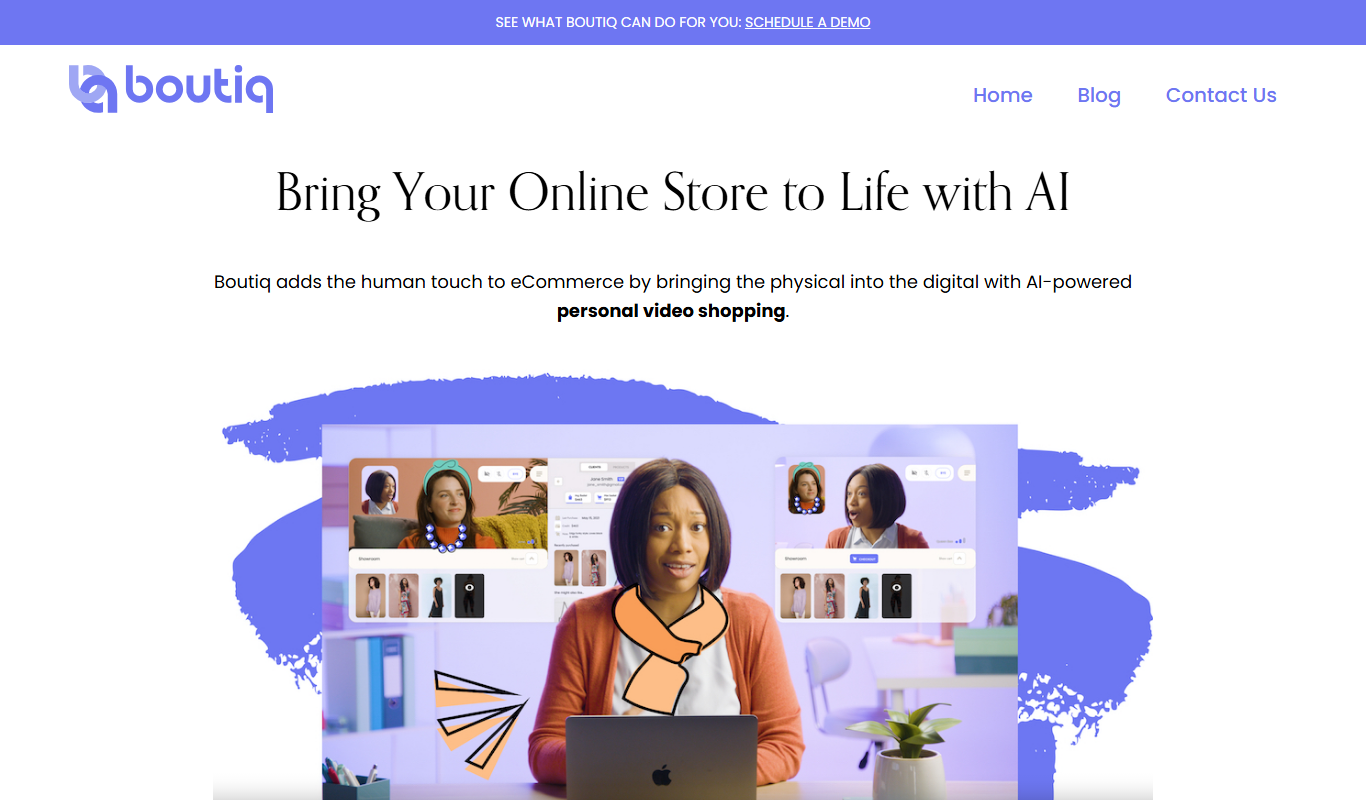
Boutiq
Boutiq adds AI-powered personal video shopping to Shopify stores: shoppers start or schedule a video chat with the store team, from discovery through checkout.