

From my experience with Quick Recruit, I found it excels at simplifying the recruitment workflow through an intuitive applicant tracking interface and multi-channel job posting capabilities. After spending time with the platform, I can say it’s particularly well-suited for HR teams and small to medium businesses looking to streamline hiring without complex setups. However, the lack of publicly available pricing details means you need to contact sales for exact costs, which can slow initial evaluation. Overall, if you need a straightforward ATS with solid communication and scheduling features, Quick Recruit delivers reliable results.
Quick Recruit Applicant Tracking System for Streamlined Hiring Processes
Quick Recruit is a cloud-based applicant tracking system designed to help businesses manage job postings, track candidates, communicate efficiently, and schedule interviews to streamline hiring.
- Best for
- Applicant Tracking
- Key capability
- Multi-Channel Job Posting
Your actions
Save Quick Recruit, follow its updates and vote on it — everything stays in your account.
Sign in or create a free account
What is Quick Recruit?
Quick Recruit is a cloud-based applicant tracking system (ATS) designed to simplify and automate recruitment workflows for businesses of all sizes. It helps HR teams and recruiters manage job postings, track applicants, communicate with candidates, and streamline the entire hiring process from application to onboarding.
Key features of Quick Recruit
Quick Recruit offers features such as job posting distribution, applicant tracking, candidate communication tools, interview scheduling, and reporting dashboards to provide a comprehensive recruitment management solution.
Multi-Channel Job Posting
Distribute job openings to multiple job boards and social networks with a single submission.
Applicant Pipeline Management
Visualize and manage candidates through different recruitment stages easily.
Automated Candidate Communication
Set up email templates and automated messaging to keep candidates engaged.
Interview Scheduling Integration
Coordinate interview times with calendar sync and reminders.
Reporting and Analytics
Access detailed reports on recruitment metrics such as time-to-hire and source effectiveness.
Pros and cons of Quick Recruit
Pros
- User-friendly interface with intuitive applicant tracking
- Multi-channel job posting saves time
- Automated candidate communication improves engagement
- Comprehensive reporting tools for data-driven hiring
- Flexible plans catering to different business sizes
Cons
- Pricing details are not publicly listed, requiring contact for quotes
- Limited information on integrations with other HR tools
Key use cases for Quick Recruit
Applicant Tracking
Manage and track job applicants through every stage of the hiring process efficiently.
Job Posting Management
Create and distribute job postings to multiple job boards and social media platforms.
Candidate Communication
Streamline communication with candidates via automated emails and messaging.
Interview Scheduling
Coordinate and schedule interviews with candidates and hiring teams seamlessly.
Reporting and Analytics
Generate reports to analyze recruitment metrics and improve hiring strategies.
How Quick Recruit works
- 1
Create Account
Sign up on Quick Recruit’s platform to start managing your recruitment process.
- 2
Post Job Openings
Create job listings and distribute them across various job boards and social media.
- 3
Track Applicants
Monitor candidate applications and progress through customizable hiring stages.
- 4
Communicate with Candidates
Send automated or manual messages to candidates to keep them informed.
- 5
Schedule Interviews
Organize interviews with candidates and hiring teams using integrated scheduling tools.
- 6
Analyze Recruitment Data
Use built-in analytics to assess hiring performance and optimize recruitment strategies.
Who is using Quick Recruit
HR teams
Recruitment agencies
Small and medium businesses
Enterprise HR departments
Talent acquisition specialists
Quick Recruit pricing
Starter
Contact for pricing
Basic recruitment features suitable for small teams.
Professional
Contact for pricing
Advanced features including analytics and integrations for growing businesses.
Enterprise
Contact for pricing
Custom solutions with dedicated support for large organizations.
Plans and prices are as published by the vendor and can change. Check the official site before you buy. Open the pricing page (opens in a new tab)
Frequently asked questions about Quick Recruit
Yes, Quick Recruit provides a free trial period for new users to explore the platform.
Yes, Quick Recruit allows multi-channel job posting to various job boards and social media.
Yes, Quick Recruit offers plans and features tailored for small to large organizations.
Yes, it supports calendar integrations to streamline interview scheduling and reminders.
It depends on your specific needs and how you plan to use the tool. The official website and documentation are the best sources for the latest details.
It depends on your specific needs and how you plan to use the tool. The official website and documentation are the best sources for the latest details.
Yes, it can help with that use case depending on how you configure it and what features are available. You’ll get the best results with clear inputs and a defined goal.
Sign in to review this tool.
Sign In to ReviewNo reviews yet
Be the first to share how this tool worked for you.
Ask about pricing, limits, or how it compares — or answer someone else.
Sign In to AskNo questions yet
Have a question about using or paying for this tool? Be the first to ask.
Featured on TiorAI


Alternative Tools
Explore similar AI tools that might fit your needs

Free
Breezy HR
Breezy HR is a cloud-based applicant tracking system that streamlines hiring by automating job postings, candidate tracking, interview scheduling, and team collaboration.

Free Trial
Workable
Workable is a recruiting software platform that offers applicant tracking, AI-powered candidate sourcing, job posting, and collaborative hiring tools to help businesses streamline their recruitment process.

Contact for pricing
Greenhouse
Greenhouse is a recruiting software platform that streamlines hiring through applicant tracking, interview scheduling, and collaborative tools.
More AI Interview Assistant tools
Other tools in the same category, for when this one is not quite the fit.

Custom Pricing
SkillSpot.ai
SkillSpot.ai is an AI-driven recruitment platform that helps recruiters find qualified candidates by aggregating data from multiple sources and automating sourcing workflows.

Freemium
GradAI
GradAI is a free resume and portfolio builder with an ATS calculator.
Subscription
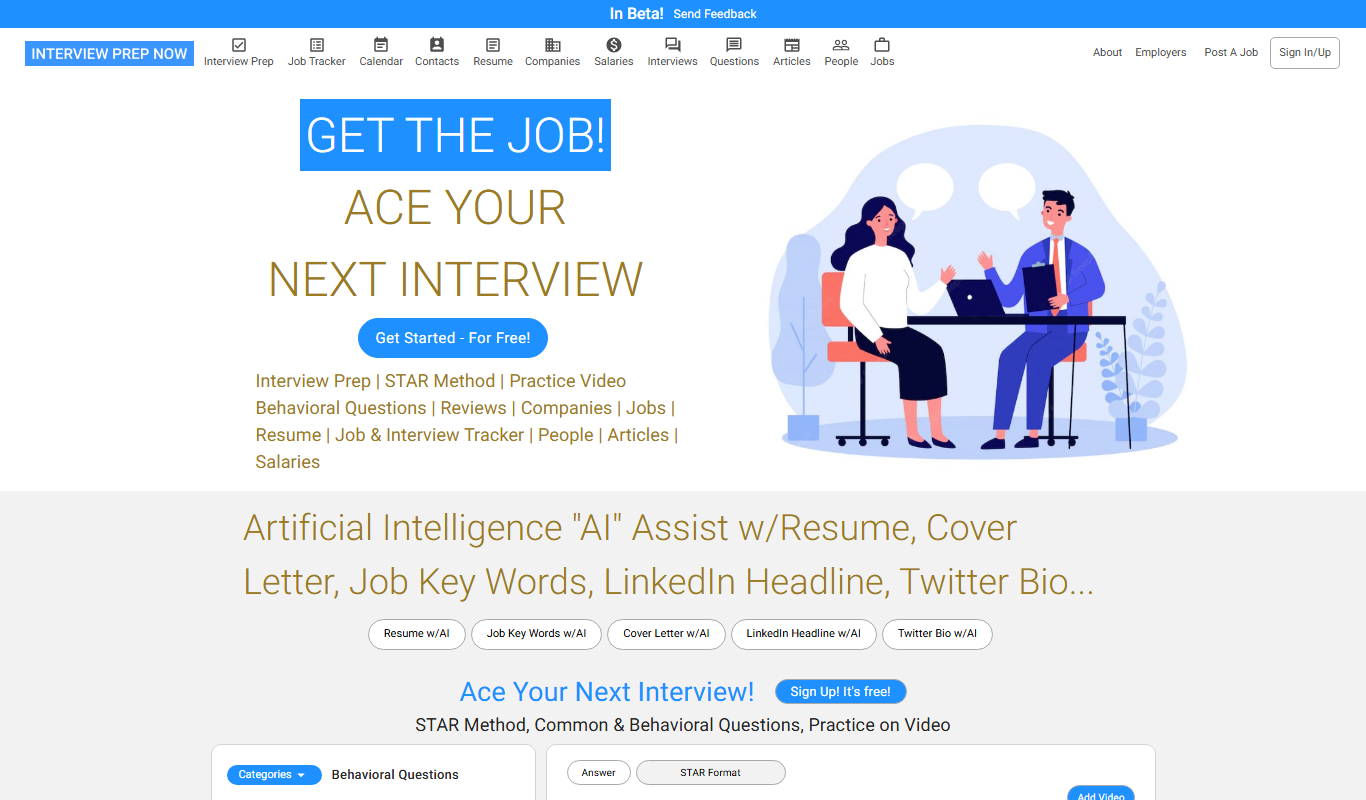
Interview Prep Now
Interview Prep Now is an online subscription-based platform offering extensive interview practice questions, answer frameworks, and coaching strategies tailored to various industries to help job seekers prepare effectively for interviews.

Custom Pricing
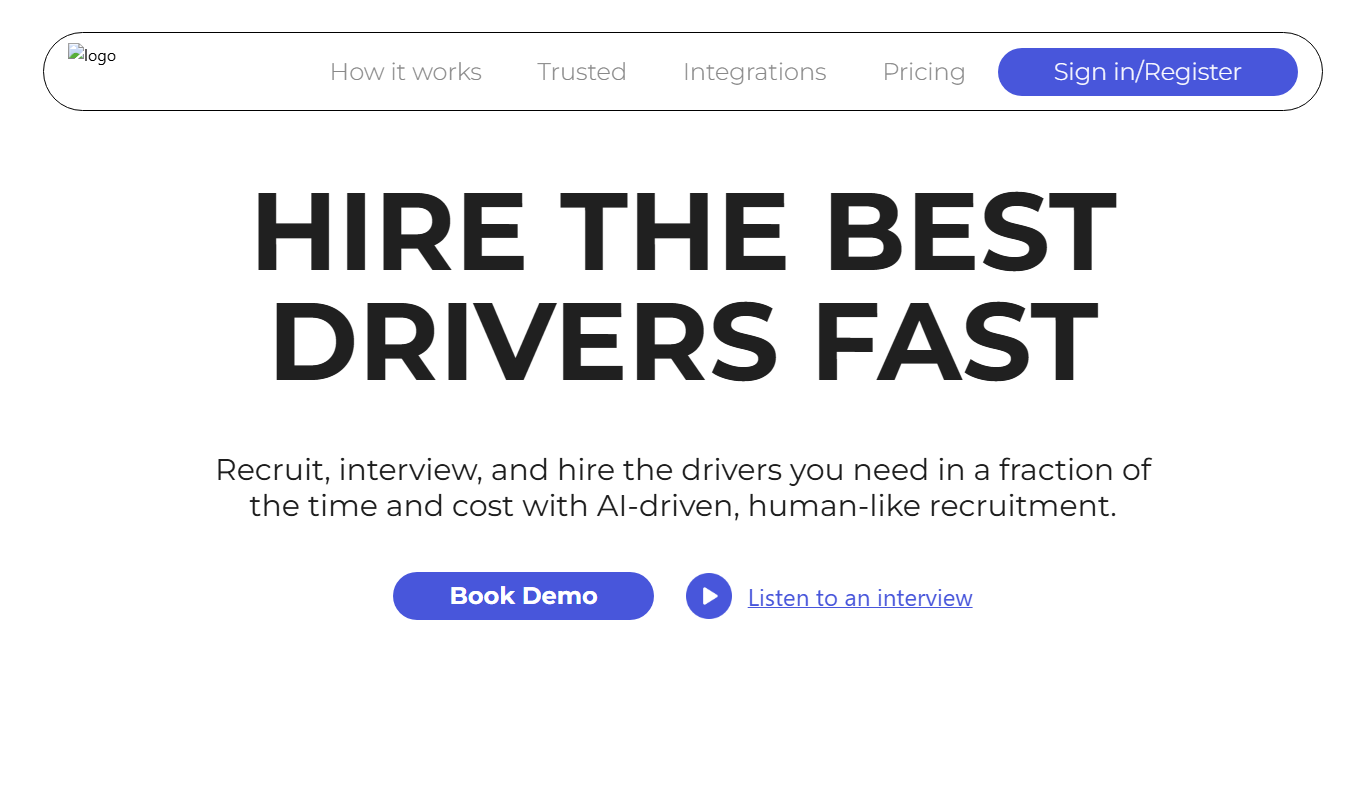
Cruit
Cruit is an AI-powered recruitment automation platform that helps HR teams automate candidate screening, interview scheduling, and candidate engagement to streamline hiring processes.

Freemium
Mentara
Mentara is an AI-powered writing assistant designed to help marketers and content creators generate high-quality marketing content, blog posts, and social media copy with SEO optimization features.
Freemium
Call2action AI
Call2action AI is an AI-powered platform that automates and personalizes sales outreach across multiple channels, integrates with CRMs, and provides lead scoring to improve sales efficiency.
Free Trial
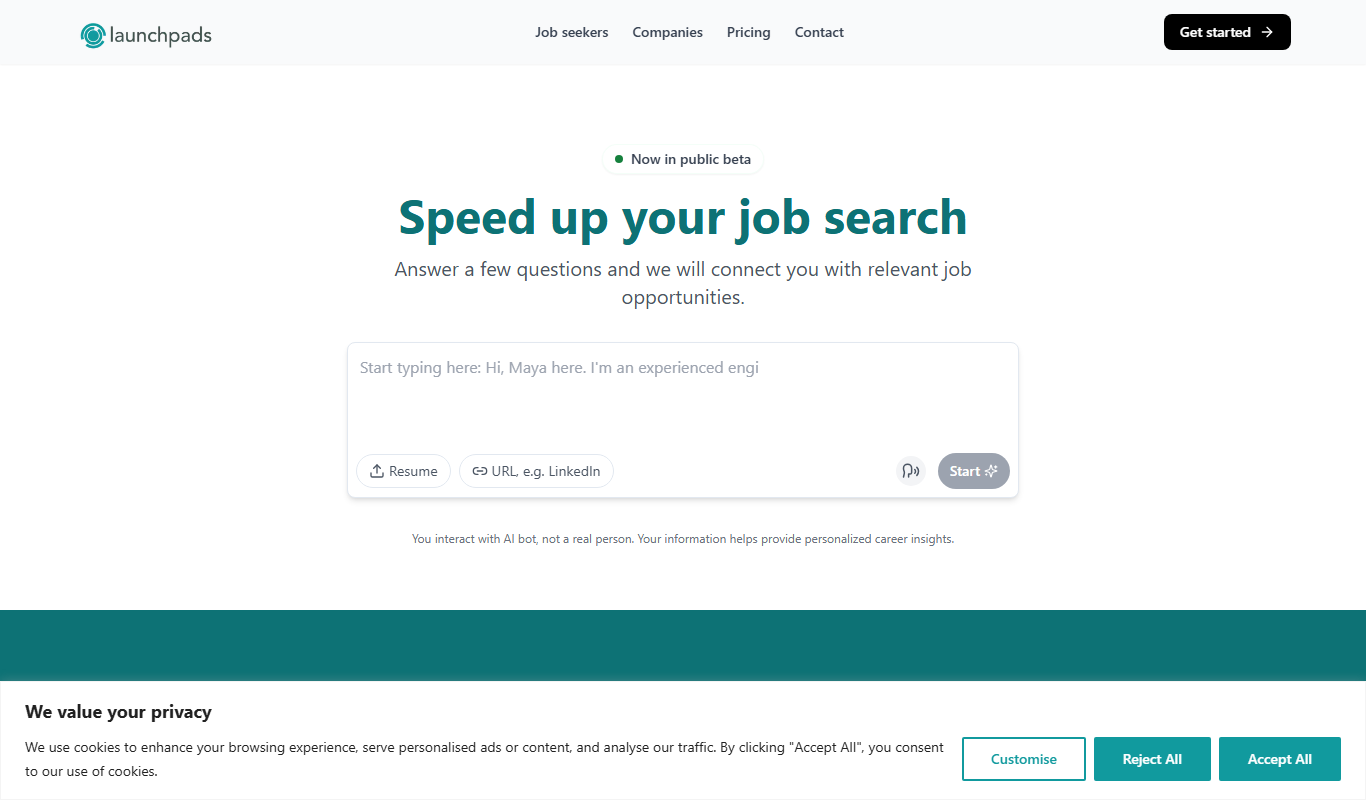
Launchpads
Launchpads is a cloud-based platform that enables developers and data scientists to deploy, manage, and scale AI models quickly and efficiently with API integration and real-time monitoring.

Free
SuperInterview AI
SuperInterview AI is an AI-driven platform that helps job seekers practice interviews with tailored questions, receive detailed feedback, and improve their career prospects through coaching and resume optimization.