

From my experience with Quenti, I found it excels at simplifying complex workforce scheduling and attendance tracking tasks through an intuitive interface and mobile accessibility. After spending time with the platform, I can say it’s particularly well-suited for small to medium-sized businesses in retail, hospitality, and operations management looking to streamline employee management. However, there’s a trade-off: pricing details are not transparent upfront, requiring direct contact, which may slow evaluation. Overall, if you need a comprehensive workforce management solution with strong scheduling and absence features, Quenti delivers solid results.
Quenti Workforce Management Software for Employee Scheduling & Time Tracking
Quenti is a cloud-based workforce management software that helps businesses schedule employees, track attendance, and manage absences efficiently through web and mobile platforms.
- Best for
- Employee Scheduling
- Key capability
- Shift Scheduling
Your actions
Save Quenti and vote on it — everything stays in your account.
Sign in or create a free account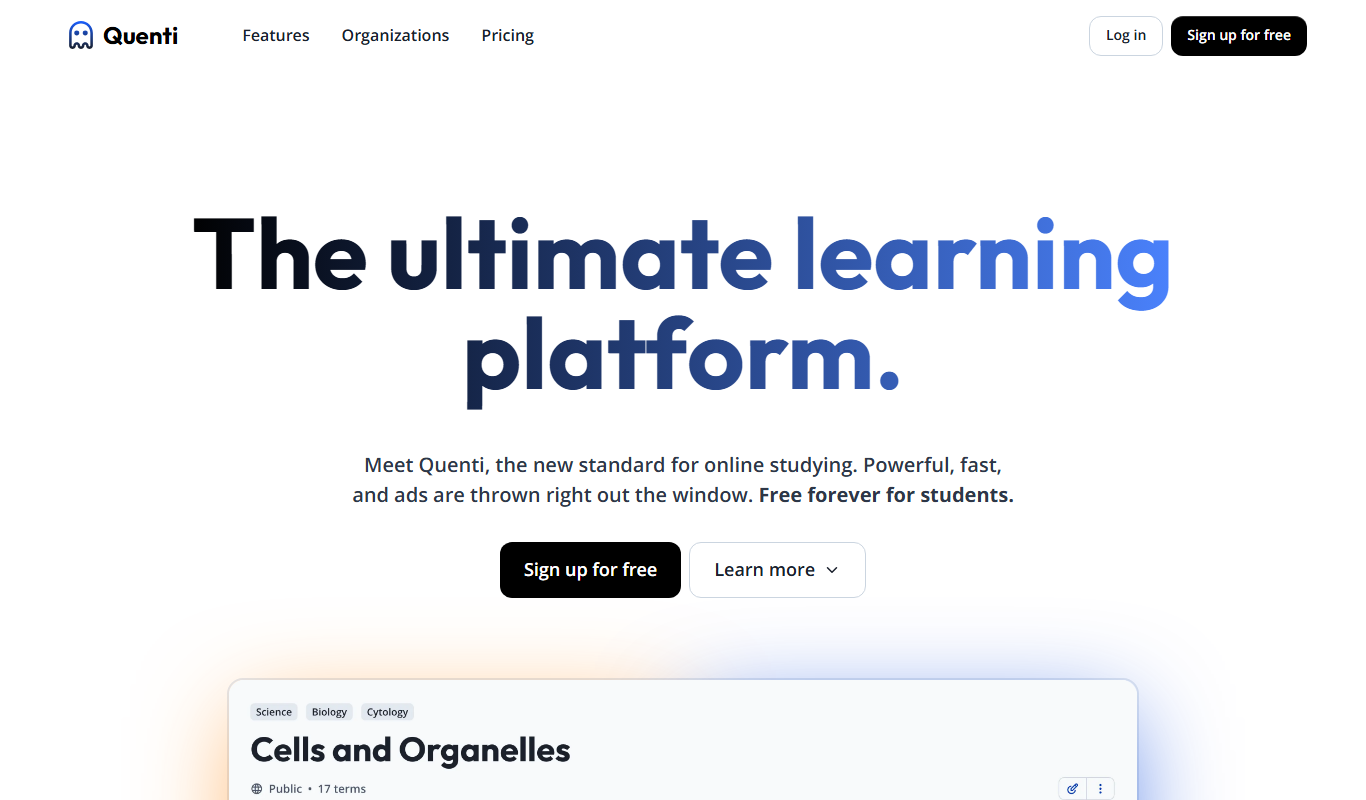
What is Quenti?
Quenti is a cloud-based workforce management software designed to simplify employee scheduling, time tracking, and absence management. It helps businesses optimize their workforce operations by providing tools to create shift plans, monitor attendance, and manage leave requests, all within an intuitive interface accessible via web and mobile devices.
Key features of Quenti
Quenti offers comprehensive features including shift scheduling, real-time attendance tracking, absence management, employee communication, and detailed workforce analytics to improve operational efficiency and compliance.
Shift Scheduling
Create and manage employee shifts with drag-and-drop functionality and automated conflict detection.
Real-Time Attendance Tracking
Monitor employee clock-ins and clock-outs in real time to ensure accurate timekeeping.
Absence and Leave Management
Handle vacation, sick leave, and other absence types with an integrated request and approval system.
Mobile Access
Employees and managers can access schedules and attendance data on the go via mobile apps.
Workforce Analytics
Generate reports on attendance, overtime, and scheduling efficiency to support decision-making.
Pros and cons of Quenti
Pros
- User-friendly interface with intuitive scheduling tools
- Comprehensive attendance and absence management
- Mobile app support for on-the-go access
- Detailed workforce analytics and reporting
- Flexible plans suitable for various business sizes
Cons
- Pricing details are not publicly listed and require contact
- Limited information on integrations available publicly
- Primarily focused on German and English markets
Key use cases for Quenti
Employee Scheduling
Create, manage, and optimize employee shift schedules to ensure adequate coverage and compliance with labor laws.
Time and Attendance Tracking
Track employee clock-in and clock-out times accurately to streamline payroll and attendance management.
Absence and Leave Management
Manage employee absences, vacation requests, and sick leaves efficiently within the platform.
Workforce Analytics
Gain insights into workforce productivity, attendance patterns, and scheduling efficiency through reporting tools.
Communication and Collaboration
Facilitate communication between managers and employees regarding schedules, shift changes, and announcements.
How Quenti works
- 1
Sign Up and Setup
Register for an account and configure your company details, employee profiles, and work schedules.
- 2
Create Shift Plans
Use the scheduling tools to assign shifts, set working hours, and manage shift swaps.
- 3
Track Attendance
Employees clock in and out via the app or web portal, enabling accurate attendance records.
- 4
Manage Absences
Employees submit leave requests which managers can approve or deny within the platform.
- 5
Analyze Workforce Data
Access reports and analytics to monitor workforce performance and optimize scheduling.
Who is using Quenti
Small to medium-sized businesses
Retail and hospitality managers
HR departments
Operations managers
Workforce planners
Quenti pricing
Starter
Contact for pricing
Basic workforce management features suitable for small teams.
Professional
Contact for pricing
Advanced scheduling and analytics for growing businesses.
Enterprise
Custom pricing
Tailored solutions with premium support and integrations for large organizations.
Plans and prices are as published by the vendor and can change. Check the official site before you buy. Open the pricing page (opens in a new tab)
Frequently asked questions about Quenti
Yes, Quenti provides a free trial period to test the platform before purchasing.
Quenti supports integrations with various payroll and HR systems to streamline data transfer.
Yes, Quenti includes features to help ensure scheduling complies with local labor regulations.
Quenti is accessible via web browsers and mobile apps for iOS and Android devices.
It depends on your specific needs and how you plan to use the tool. The official website and documentation are the best sources for the latest details.
It depends on your specific needs and how you plan to use the tool. The official website and documentation are the best sources for the latest details.
It depends on your specific needs and how you plan to use the tool. The official website and documentation are the best sources for the latest details.
Sign in to review this tool.
Sign In to ReviewNo reviews yet
Be the first to share how this tool worked for you.
Ask about pricing, limits, or how it compares — or answer someone else.
Sign In to AskNo questions yet
Have a question about using or paying for this tool? Be the first to ask.
Featured on TiorAI



Alternative Tools
Explore similar AI tools that might fit your needs

Free Trial
Deputy
Deputy is a cloud-based workforce management platform that simplifies employee scheduling, time tracking, task management, and compliance reporting for businesses.

Free
When I Work
When I Work is a cloud-based platform that simplifies employee scheduling, time tracking, and team communication to help businesses manage their workforce efficiently.
Custom Pricing
Shiftboard
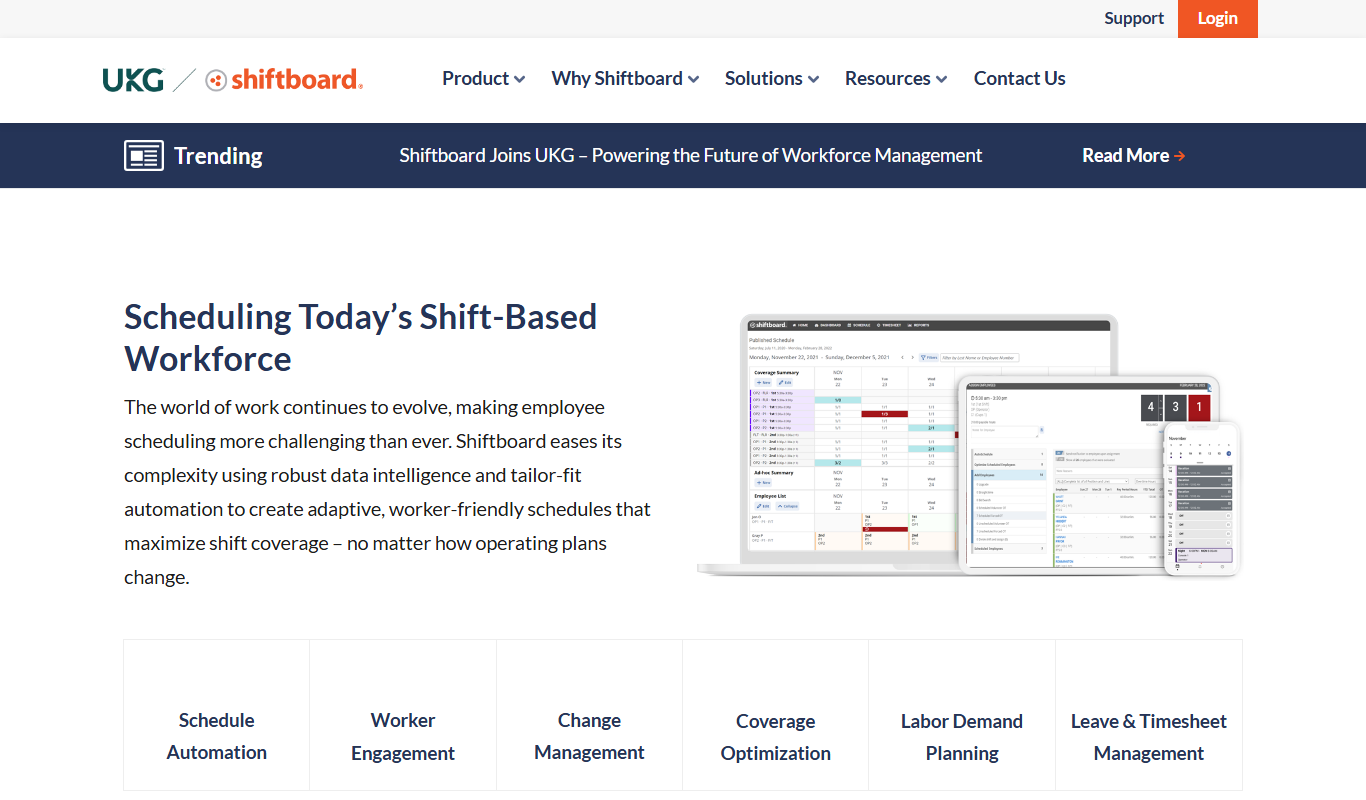
Shiftboard is a cloud-based workforce scheduling software that helps organizations manage employee shifts, track labor costs, and ensure compliance with labor laws through advanced scheduling, mobile access, and reporting features.
More AI Hr Tools tools
Other tools in the same category, for when this one is not quite the fit.

Free Trial
Hiree365
Hiree365 is a cloud-based recruitment software that streamlines hiring with applicant tracking, job posting, resume parsing, and team collaboration features.

Free Trial
Mirro
Mirro is a cloud-based performance management tool that helps organizations conduct employee reviews, gather 360-degree feedback, manage OKRs, and run engagement surveys to improve workplace productivity and culture.
Subscription
Humi onboarder
Humi Onboarder is a web-based HR software that automates and streamlines employee onboarding with customizable workflows, digital document management, and progress tracking.
Free Trial
intellihr.com
IntelliHR is a cloud-based HR management platform that helps organizations manage employee performance, engagement, and HR analytics through continuous feedback, goal tracking, and reporting tools.
Freemium
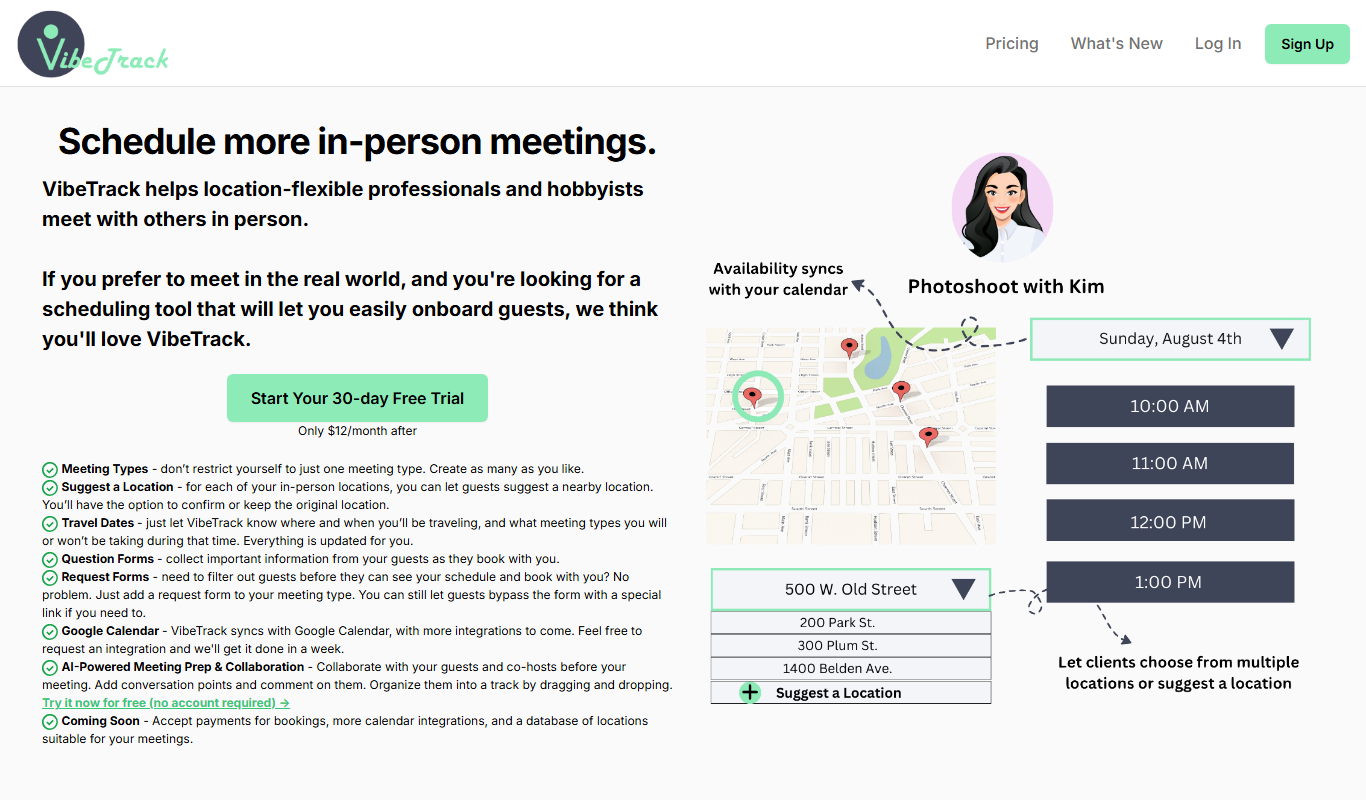
VibeTrack
VibeTrack is an employee engagement software that collects anonymous real-time feedback through pulse surveys, providing actionable insights to improve workplace culture and employee retention.
Free
Say My Name!
Say My Name! is a web app that enables teams to record and share audio pronunciations of their names, fostering respectful communication and inclusion.
Free Trial
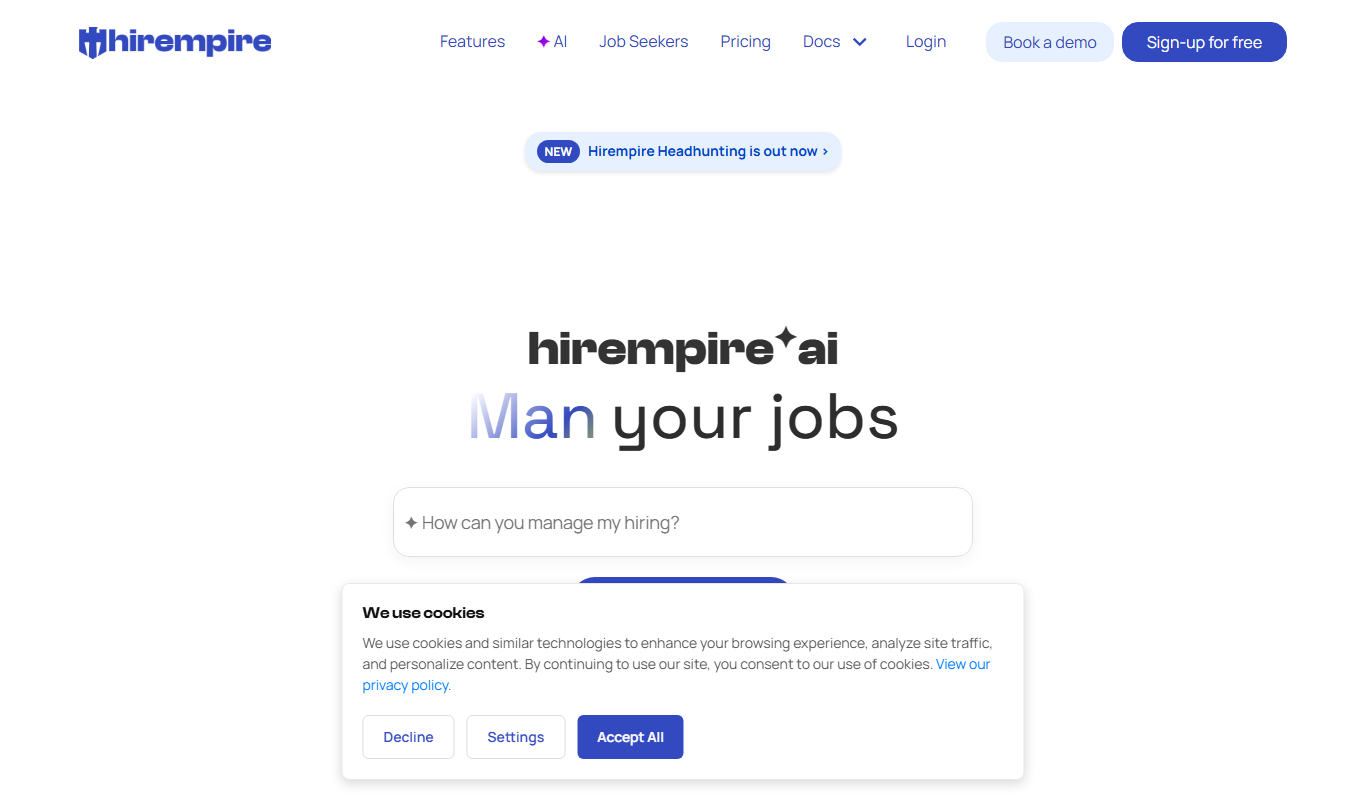
Hirempire
Hirempire is a cloud-based recruitment software that helps businesses manage applicant tracking, resume screening, job postings, and interview scheduling to streamline their hiring process.

Free Trial
HappyTeam.ai
HappyTeam.ai is a web-based platform that helps organizations measure and improve employee engagement and team happiness through pulse surveys, anonymous feedback, and sentiment analysis.