

From my experience with Hiree365, I found it excels at simplifying recruitment workflows through its intuitive applicant tracking and multi-channel job posting features. The platform’s collaborative tools make it easier for hiring teams to evaluate candidates collectively, which is a big plus for small to medium-sized businesses. However, the lack of a dedicated mobile app can be a limitation for recruiters needing on-the-go access. Overall, if you want a straightforward, web-based recruitment solution that covers essential hiring needs, Hiree365 delivers solid value.
Hiree365 Recruitment Software for Streamlined Hiring and Applicant Tracking
Hiree365 is a cloud-based recruitment software that streamlines hiring with applicant tracking, job posting, resume parsing, and team collaboration features.
- Best for
- Applicant Tracking
- Key capability
- Applicant Tracking System

Do you recommend this tool?
What is Hiree365?
Hiree365 is a cloud-based recruitment software designed to simplify and automate the hiring process for businesses of all sizes. It offers applicant tracking, job posting, resume parsing, and collaborative hiring features to help HR teams efficiently manage recruitment workflows.
Key features of Hiree365
Key features include applicant tracking system (ATS), multi-channel job posting, resume parsing, interview scheduling, and team collaboration tools, all accessible via an intuitive web interface.
Applicant Tracking System
Track candidates through every stage of the recruitment pipeline with ease.
Multi-Channel Job Posting
Distribute job listings across multiple job boards and social networks.
Resume Parsing
Automatically extract key candidate data from resumes to speed up screening.
Collaborative Hiring
Allow hiring teams to share notes, ratings, and feedback on candidates.
Interview Scheduling
Simplify interview coordination with integrated scheduling tools.
Pros and cons of Hiree365
Pros
- User-friendly interface simplifies recruitment workflows
- Supports multi-channel job posting to increase candidate reach
- Collaborative tools enhance team hiring decisions
- Resume parsing speeds up candidate screening
Cons
- No dedicated mobile app limits on-the-go access
- Limited integrations with third-party HR tools
Key use cases for Hiree365
Applicant Tracking
Manage and track job applicants through the hiring pipeline efficiently.
Job Posting Management
Create and publish job listings to multiple platforms from a single dashboard.
Collaborative Hiring
Enable team collaboration with shared candidate evaluations and feedback.
Resume Parsing
Automatically extract candidate information from resumes to streamline screening.
Interview Scheduling
Coordinate interview times with candidates and hiring teams seamlessly.
How Hiree365 works
- 1
Create Account
Sign up on the Hiree365 platform to start managing your recruitment process.
- 2
Post Job Openings
Publish job vacancies to various job boards and social media channels.
- 3
Collect Applications
Receive and organize candidate applications in a centralized dashboard.
- 4
Screen and Collaborate
Use resume parsing and team feedback to shortlist candidates.
- 5
Schedule Interviews
Coordinate interviews with candidates and hiring managers within the platform.
Who is using Hiree365
Small to medium-sized businesses
HR teams and recruiters
Staffing agencies
Talent acquisition professionals
Hiring managers
Hiree365 pricing
Free Trial
$0 for 14 days
Access all features for 14 days to evaluate the platform.
Basic
$49/month
Essential recruitment features for small teams.
Pro
$99/month
Advanced features including multi-channel posting and collaboration.
Plans and prices are as published by the vendor and can change. Check the official site before you buy. Open the pricing page (opens in a new tab)
Frequently asked questions about Hiree365
Yes, Hiree365 provides a 14-day free trial with full access to features.
Yes, the platform supports multi-channel job posting to various boards.
Currently, Hiree365 is accessible via web only; no dedicated mobile app is available.
Yes, it allows multiple users to share candidate feedback and evaluations.
It depends on your specific needs and how you plan to use the tool. The official website and documentation are the best sources for the latest details.
It depends on your specific needs and how you plan to use the tool. The official website and documentation are the best sources for the latest details.
Yes, it can help with that use case depending on how you configure it and what features are available. You’ll get the best results with clear inputs and a defined goal.
Sign in to review this tool.
Sign In to ReviewNo reviews yet
Be the first to share how this tool worked for you.
Ask about pricing, limits, or how it compares — or answer someone else.
Sign In to AskNo questions yet
Have a question about using or paying for this tool? Be the first to ask.
Featured on TiorAI



Alternative Tools
Explore similar AI tools that might fit your needs

Free
Breezy HR
Breezy HR is a cloud-based applicant tracking system that streamlines hiring by automating job postings, candidate tracking, interview scheduling, and team collaboration.

Free Trial
Workable
Workable is a recruiting software platform that offers applicant tracking, AI-powered candidate sourcing, job posting, and collaborative hiring tools to help businesses streamline their recruitment process.

Contact for pricing
Greenhouse
Greenhouse is a recruiting software platform that streamlines hiring through applicant tracking, interview scheduling, and collaborative tools.
More AI Hr Tools tools
Other tools in the same category, for when this one is not quite the fit.
Free Trial
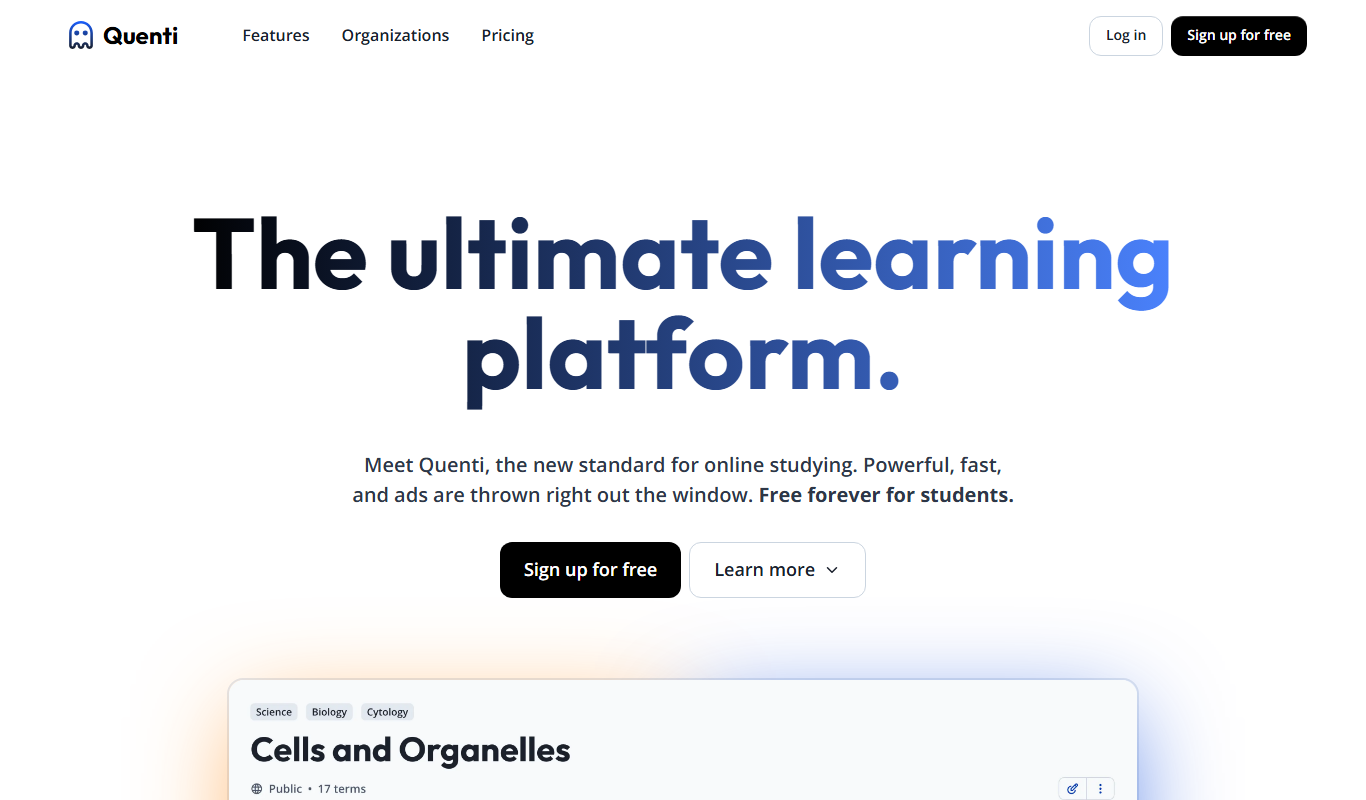
Quenti
Quenti is a cloud-based workforce management software that helps businesses schedule employees, track attendance, and manage absences efficiently through web and mobile platforms.

Free Trial
Mirro
Mirro is a cloud-based performance management tool that helps organizations conduct employee reviews, gather 360-degree feedback, manage OKRs, and run engagement surveys to improve workplace productivity and culture.
Subscription
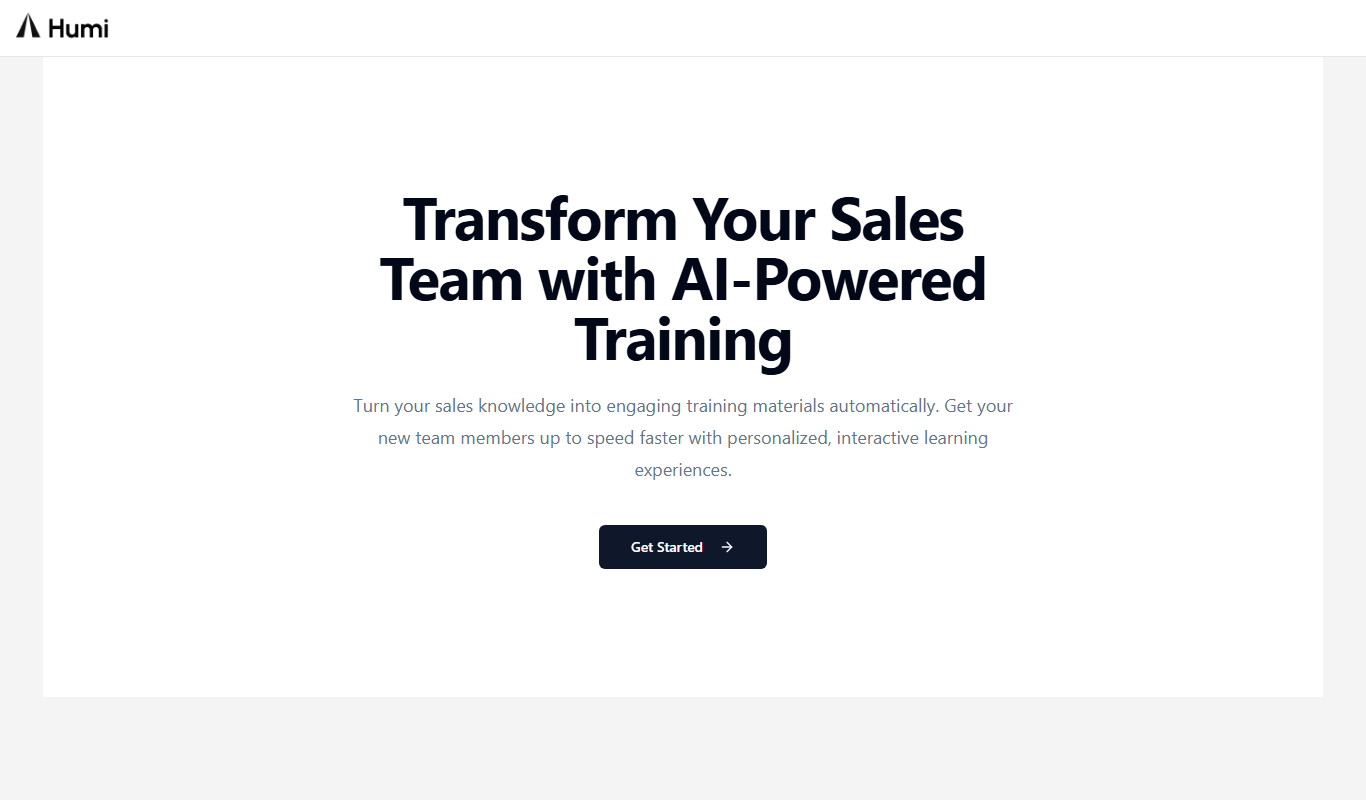
Humi onboarder
Humi Onboarder is a web-based HR software that automates and streamlines employee onboarding with customizable workflows, digital document management, and progress tracking.
Free Trial
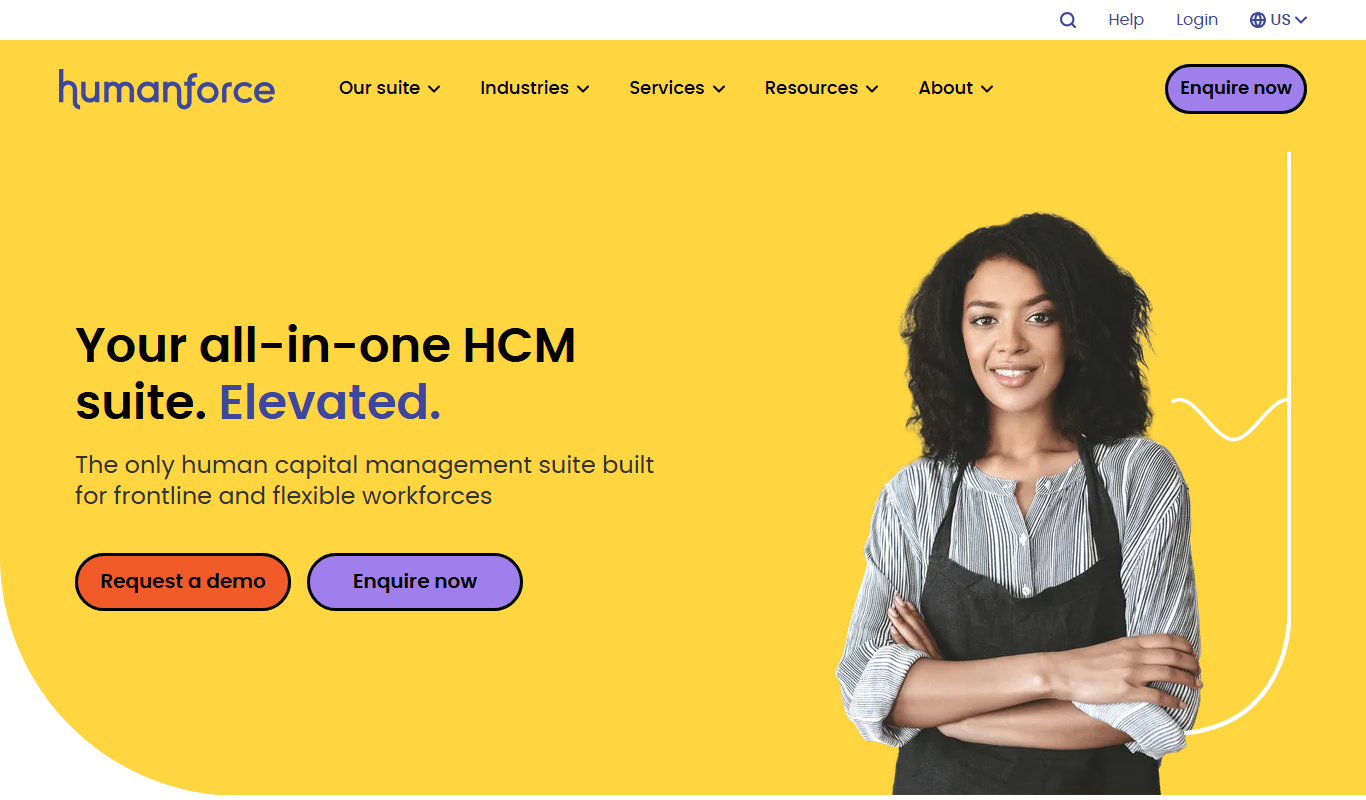
intellihr.com
IntelliHR is a cloud-based HR management platform that helps organizations manage employee performance, engagement, and HR analytics through continuous feedback, goal tracking, and reporting tools.
Freemium
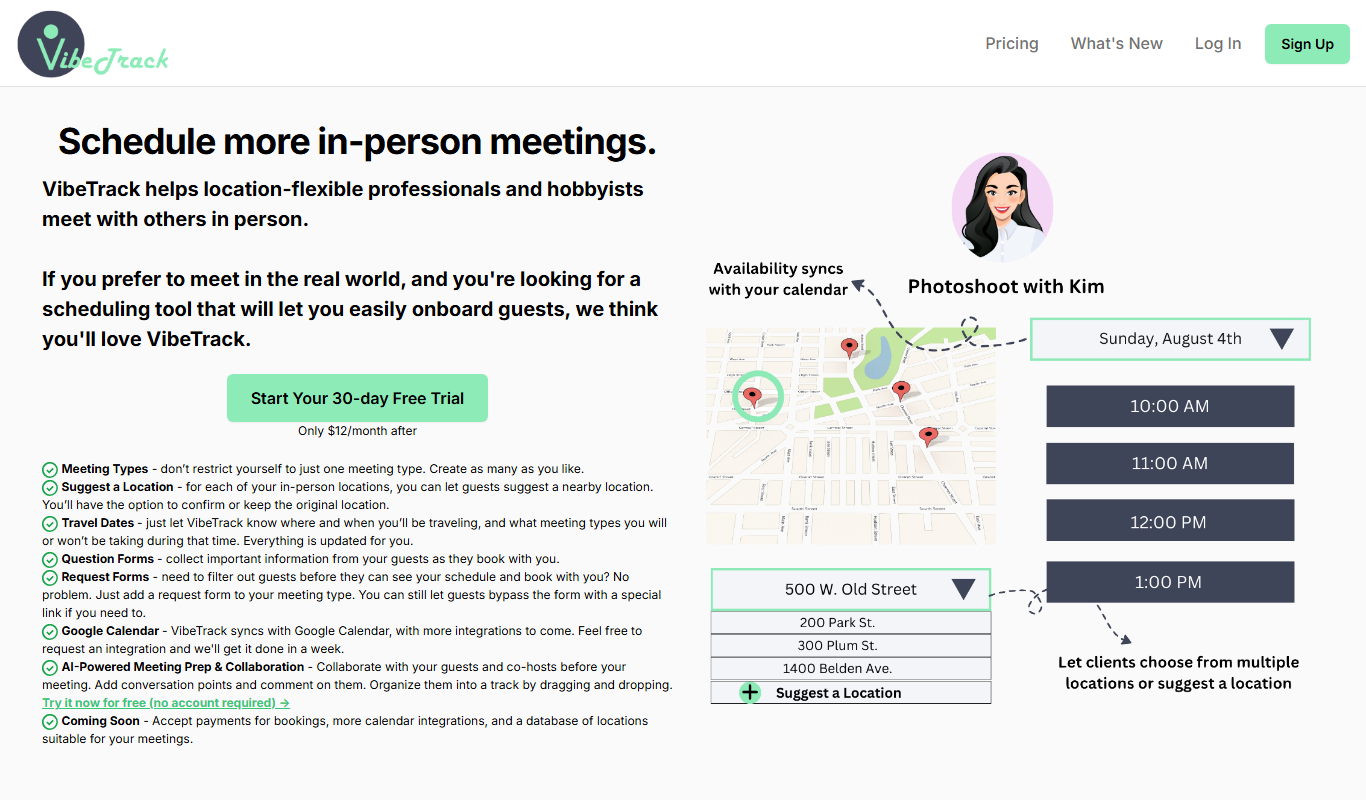
VibeTrack
VibeTrack is an employee engagement software that collects anonymous real-time feedback through pulse surveys, providing actionable insights to improve workplace culture and employee retention.
Free
Say My Name!
Say My Name! is a web app that enables teams to record and share audio pronunciations of their names, fostering respectful communication and inclusion.
Free Trial
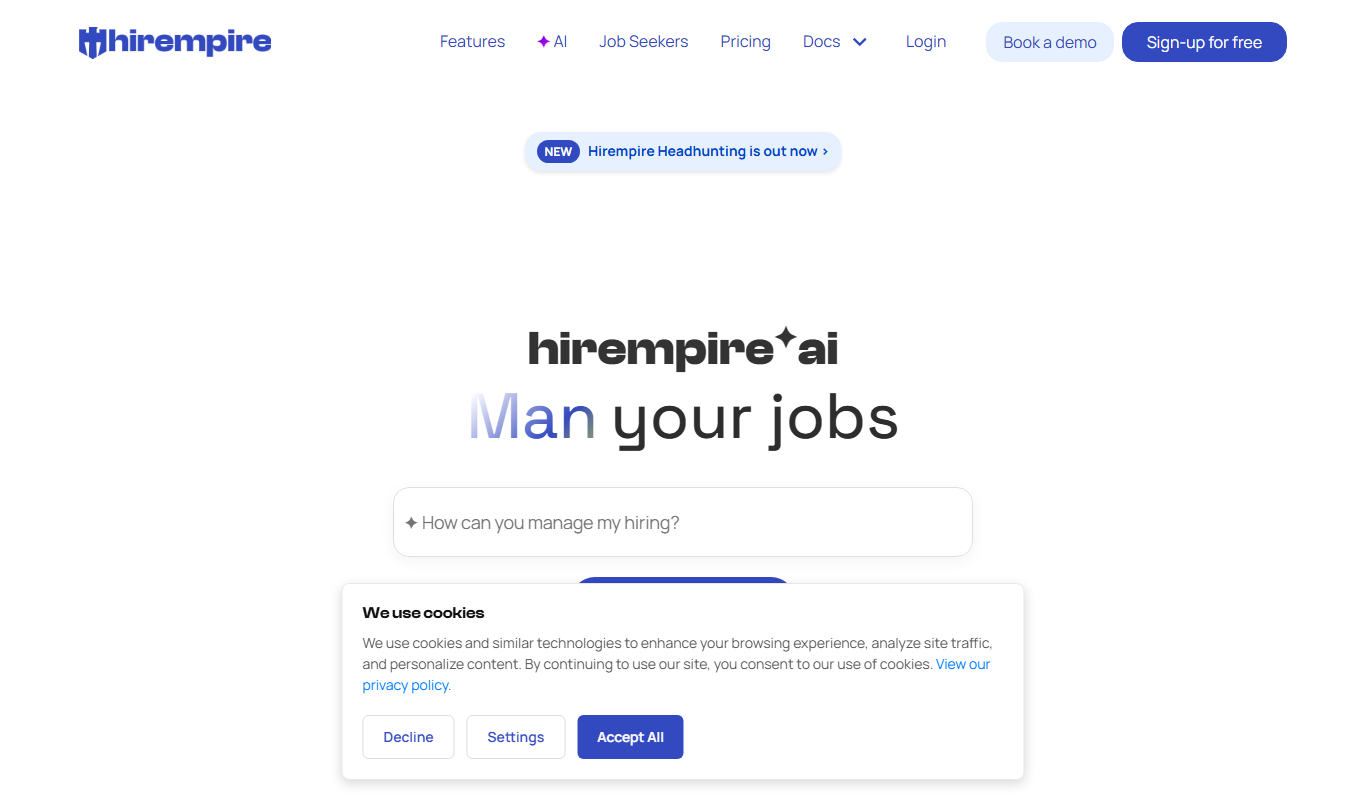
Hirempire
Hirempire is a cloud-based recruitment software that helps businesses manage applicant tracking, resume screening, job postings, and interview scheduling to streamline their hiring process.

Free Trial
HappyTeam.ai
HappyTeam.ai is a web-based platform that helps organizations measure and improve employee engagement and team happiness through pulse surveys, anonymous feedback, and sentiment analysis.