

From my experience with ProShots, I found it excels at providing DSLR-like manual controls on an iPhone, which is rare among mobile camera apps. The intuitive interface makes it accessible for beginners while offering enough depth for professionals to fine-tune their shots. However, the app is limited to iOS, and the free version restricts features with watermarks, which might be a drawback for casual users. Overall, if you want to elevate your mobile photography with precise manual settings and RAW capture, ProShots delivers a solid, affordable solution.
ProShots App Review - Best Mobile Camera App for Manual Photography
ProShots is an iOS camera app that provides full manual control over camera settings like ISO, shutter speed, and focus, enabling professional-quality photos and videos on iPhone.
- Best for
- Manual Photography
- Key capability
- Full Manual Controls
Do you recommend this tool?
What is ProShots?
ProShots is a powerful iOS camera application designed to provide photographers with manual control over their device’s camera. It offers advanced features typically found in professional cameras, such as manual focus, ISO, shutter speed, and white balance adjustments. The app aims to bridge the gap between smartphone photography and DSLR-level control, enabling users to capture high-quality images and videos with precision.
Key features of ProShots
ProShots features a comprehensive set of manual camera controls, including exposure compensation, focus peaking, histogram, and RAW capture. It also supports long exposure photography, time-lapse, and slow-motion video recording. The intuitive interface is designed for both beginners wanting to learn manual photography and professionals seeking advanced tools on their mobile device.
Full Manual Controls
Adjust ISO, shutter speed, focus, and white balance independently for precise photography.
RAW Image Capture
Shoot in RAW format to retain maximum image quality and flexibility in post-processing.
Focus Peaking and Histogram
Visual aids to ensure sharp focus and proper exposure.
Long Exposure and Time-Lapse
Capture creative shots with extended exposure times and time-lapse sequences.
Manual Video Controls
Control exposure and focus while recording videos for professional results.
Pros and cons of ProShots
Pros
- Comprehensive manual camera controls
- Supports RAW photo capture
- User-friendly interface for beginners and pros
- Affordable one-time purchase pricing
- Includes manual video recording features
Cons
- Available only on iOS
- Free version has limited features and watermarks
- No cloud backup or sync features
Key use cases for ProShots
Manual Photography
Allows users to take full control of camera settings like ISO, shutter speed, focus, and white balance for professional-quality photos.
Low Light Photography
Enables long exposure shots and manual adjustments to capture better images in challenging lighting conditions.
Creative Photo Editing
Offers in-app editing tools to enhance photos after capture, including filters and adjustments.
Video Recording
Supports manual controls for video recording, allowing users to adjust exposure and focus dynamically.
How ProShots works
- 1
Download and Install
Get ProShots from the Apple App Store and install it on your iOS device.
- 2
Launch the App
Open ProShots to access the camera interface with manual controls.
- 3
Adjust Camera Settings
Use sliders and dials to manually set ISO, shutter speed, focus, and white balance.
- 4
Capture Photos or Videos
Press the shutter or record button to take photos or videos with your customized settings.
- 5
Edit and Save
Use built-in editing tools to enhance your images before saving or sharing.
Who is using ProShots
Mobile photography enthusiasts
Professional photographers using iPhone
Content creators and influencers
Students learning photography
Videographers seeking manual control on iOS
ProShots pricing
Free
$0
Basic access with limited features and watermark on photos.
Pro
$4.99 one-time
Unlocks all manual controls, RAW capture, and removes watermarks.
Plans and prices are as published by the vendor and can change. Check the official site before you buy. Open the pricing page (opens in a new tab)
Frequently asked questions about ProShots
No, ProShots is currently only available for iOS devices.
Yes, the Pro version supports RAW image capture for higher quality photos.
Yes, it offers manual controls for video recording including exposure and focus adjustments.
Yes, there is a free version with limited features and watermarked photos.
It depends on your specific needs and how you plan to use the tool. The official website and documentation are the best sources for the latest details.
Some tools offer a free plan or trial with limited features. Availability can vary, so confirm on the official website.
Yes, it can help with that use case depending on how you configure it and what features are available. You’ll get the best results with clear inputs and a defined goal.
Sign in to review this tool.
Sign In to ReviewNo reviews yet
Be the first to share how this tool worked for you.
Ask about pricing, limits, or how it compares — or answer someone else.
Sign In to AskNo questions yet
Have a question about using or paying for this tool? Be the first to ask.
Featured on TiorAI



Alternative Tools
Explore similar AI tools that might fit your needs

One-time purchase
Halide Mark II
Halide Mark II is a premium iPhone camera app that provides manual controls, RAW and ProRAW capture, and advanced computational photography features to help users take professional-quality photos.

Paid
Camera+ 2
Camera+ 2 is an iOS photography app that combines manual camera controls with AI-powered editing features like background removal and portrait enhancements, designed for professional and enthusiast iPhone photographers.
More AI Headshot Generator tools
Other tools in the same category, for when this one is not quite the fit.

Contact Sales
Nightfall AI for Zendesk
Nightfall AI for Zendesk is a data loss prevention tool that integrates with Zendesk to detect, classify, and redact sensitive data in real time, helping organizations maintain compliance and secure customer support interactions.

Free
Reshot AI
Reshot AI is a free web platform providing authentic stock photos and AI-generated images for commercial and personal use without attribution.
Free
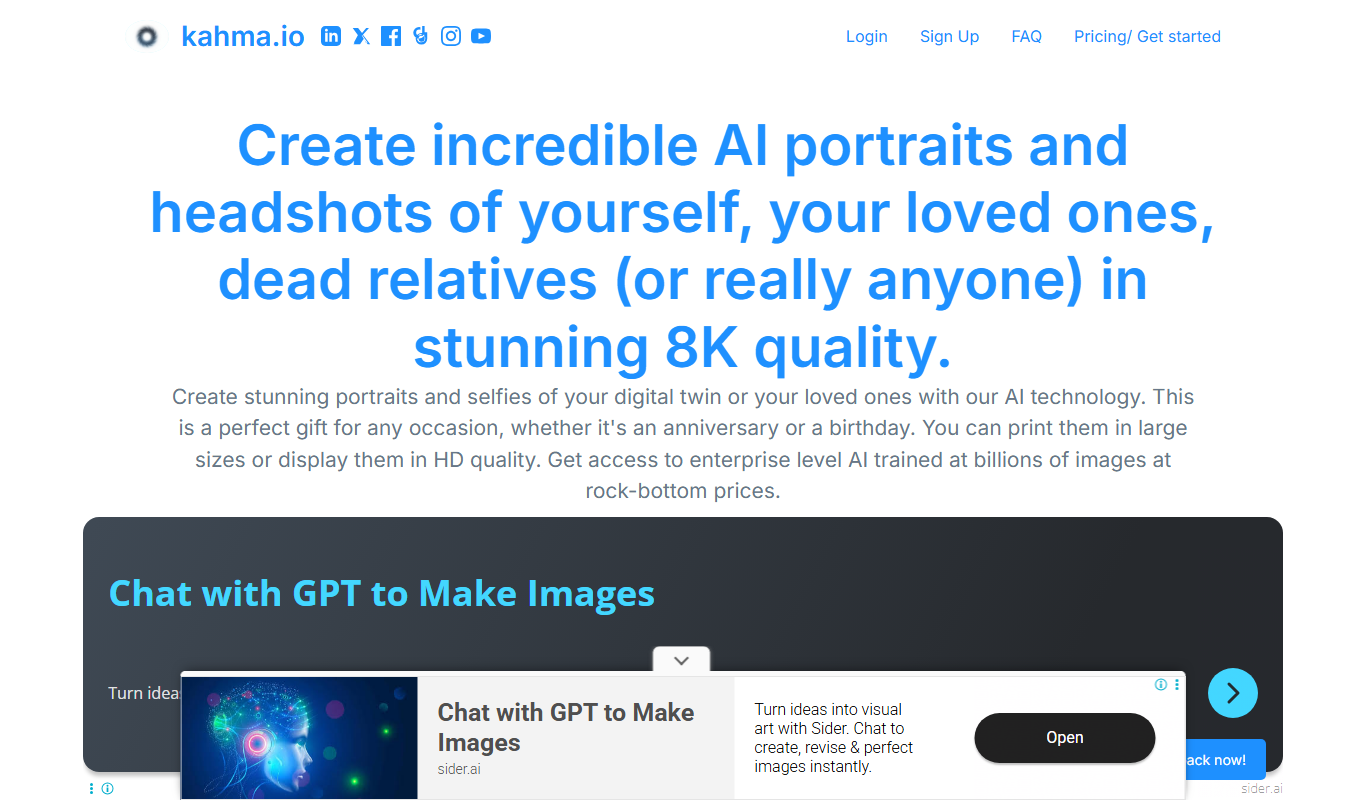
AI headshots and selfies
Kahma AI offers a web-based tool that generates realistic AI headshots and selfies from user photos, ideal for professional profiles and social media.
Free
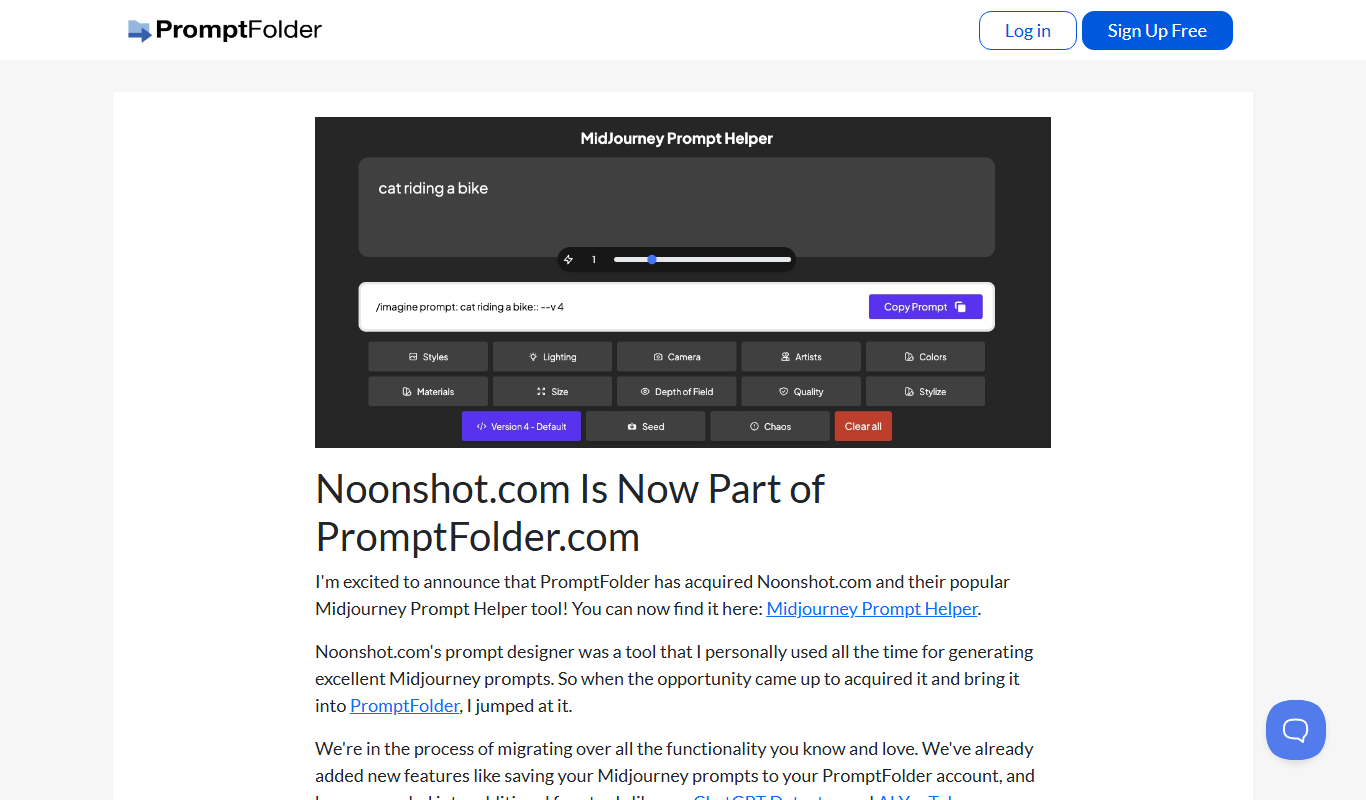
MidJourney Prompt Helper
MidJourney Prompt Helper is a web tool that assists users in generating and refining text prompts specifically for the MidJourney AI art platform, improving the quality and creativity of AI-generated images.

Freemium
HeadshotPro
HeadshotPro is an AI-based web tool that transforms your photos into professional-quality headshots with customizable backgrounds and high-resolution downloads.

Free
HubSpot
HubSpot is a comprehensive CRM platform offering marketing automation, sales pipeline management, and customer support tools to help businesses attract, engage, and retain customers.
Free Trial
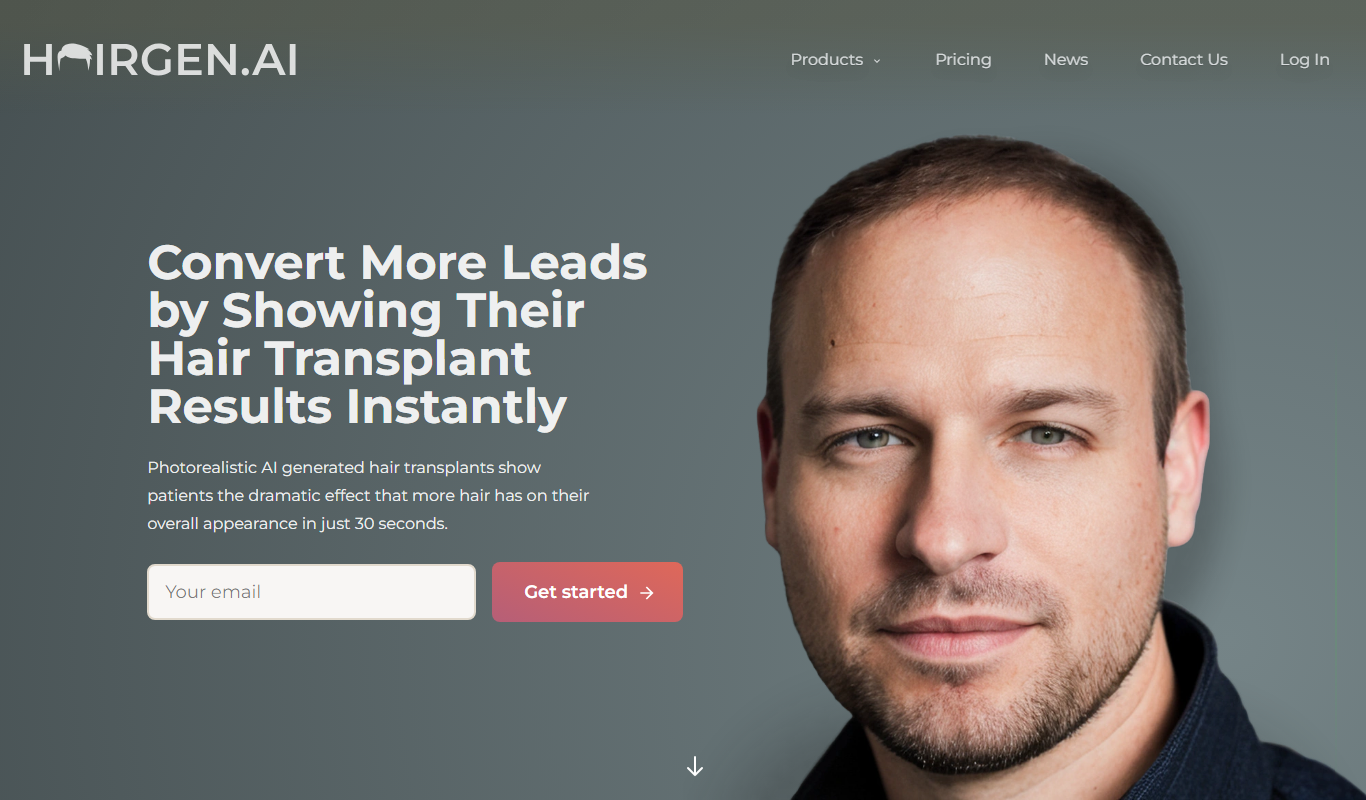
Hairgen AI
Hairgen AI is an AI-driven platform that creates realistic hair growth and styling visualizations from user photos, helping individuals and professionals preview hair restoration results.

Contact Sales
The Multiverse AI
The Multiverse AI is a platform that enables teams to deploy, manage, and scale machine learning models efficiently with features like centralized deployment, real-time monitoring, version control, and collaboration.