

From my experience with ProRes.ai, I found it excels at delivering high-quality AI-driven video upscaling and noise reduction through a simple web interface. It’s particularly well-suited for video editors and content creators who want professional-grade enhancements without complex software setups. However, the free plan’s limitations, including watermarked outputs and video length caps, mean serious users will likely need the paid subscription. Overall, if you need efficient, cloud-based video enhancement with ProRes codec support, ProRes.ai offers a solid and accessible solution.
ProRes.ai AI Video Enhancement Tool for Professional Video Quality
ProRes.ai is a cloud-based AI video enhancement tool that upscales and restores videos with support for ProRes codec output, ideal for professional video editing.
- Best for
- Video Quality Enhancement
- Key capability
- AI Video Upscaling
Your actions
Save ProRes.ai, follow its updates and vote on it — everything stays in your account.
Sign in or create a free account
What is ProRes.ai?
ProRes.ai is an AI-driven video enhancement platform designed to upscale, restore, and improve video quality automatically. It leverages advanced machine learning models to enhance video resolution, reduce noise, and restore details, making it ideal for creators, editors, and professionals seeking to improve their video content effortlessly.
Key features of ProRes.ai
Key features include AI-powered video upscaling, noise reduction, artifact removal, and support for ProRes codec output, enabling high-quality video enhancement suitable for professional use.
AI Video Upscaling
Increase video resolution up to 4K or higher with AI-driven detail reconstruction.
Noise and Artifact Reduction
Remove grain, noise, and compression artifacts to produce cleaner videos.
ProRes Codec Support
Export enhanced videos in Apple ProRes format for professional editing workflows.
Cloud-Based Processing
All video enhancement is performed on cloud servers, requiring no local hardware resources.
Pros and cons of ProRes.ai
Pros
- Easy-to-use web interface with no software installation
- High-quality AI upscaling and noise reduction
- Supports professional ProRes codec output
- Cloud processing frees local resources
Cons
- Limited free plan with watermarked output
- No desktop or mobile app versions currently available
- Processing times depend on video length and server load
Key use cases for ProRes.ai
Video Quality Enhancement
Improve the resolution and clarity of videos using AI-powered upscaling and noise reduction.
Video Restoration
Restore old or low-quality footage by removing artifacts and enhancing details.
Content Creation
Enhance videos for social media, marketing, or professional presentations with better visual quality.
Post-Production Workflow
Integrate AI-enhanced videos into editing pipelines for higher quality final outputs.
How ProRes.ai works
- 1
Upload Video
Users upload their video files directly to the ProRes.ai web platform.
- 2
Select Enhancement Options
Choose desired enhancement features such as upscaling resolution and noise reduction.
- 3
AI Processing
The AI models analyze and enhance the video automatically in the cloud.
- 4
Download Enhanced Video
Once processing is complete, users download the improved video in ProRes or other supported formats.
Who is using ProRes.ai
Video editors and post-production professionals
Content creators and social media marketers
Filmmakers restoring archival footage
Marketing agencies enhancing promotional videos
ProRes.ai pricing
Free
$0/month
Limited video length and resolution with watermark on output.
Pro
$29/month
Full access to all features, longer video processing, and watermark-free exports.
Plans and prices are as published by the vendor and can change. Check the official site before you buy. Open the pricing page (opens in a new tab)
Frequently asked questions about ProRes.ai
ProRes.ai supports common video formats such as MP4, MOV, and can export enhanced videos in ProRes and other professional formats.
The free plan has limits on video length and resolution, while the Pro subscription allows longer videos and higher resolutions.
Yes, ProRes.ai’s enhanced videos can be used in commercial and professional projects.
It depends on your specific needs and how you plan to use the tool. The official website and documentation are the best sources for the latest details.
Yes, it can help with that use case depending on how you configure it and what features are available. You’ll get the best results with clear inputs and a defined goal.
It depends on your specific needs and how you plan to use the tool. The official website and documentation are the best sources for the latest details.
Sign in to review this tool.
Sign In to ReviewNo reviews yet
Be the first to share how this tool worked for you.
Ask about pricing, limits, or how it compares — or answer someone else.
Sign In to AskNo questions yet
Have a question about using or paying for this tool? Be the first to ask.
Featured on TiorAI



More AI Bio Generator tools
Other tools in the same category, for when this one is not quite the fit.

Free
Bio.fm
Bio.fm is a web-based link in bio tool that helps users create a personalized landing page to aggregate multiple links, social media profiles, and content blocks for easy sharing on social media.

Free
LoveGenius
LoveGenius writes dating profiles and opening lines for dating apps.

Free
AutoProfile: Personal Profiles
AutoProfile is a web platform that helps users create customizable, professional personal profiles to showcase skills and experience online.

Free
AI Social Bio
AI Social Bio is a web-based AI tool that generates personalized social media bios tailored to various platforms, helping users create engaging profiles quickly.

Free
LingoJam Bio Generator
LingoJam Bio Generator is a free online tool that quickly creates personalized social media bios by generating multiple options based on your input keywords.

Free
Seapik AI
Seapik AI is a web platform that uses artificial intelligence to generate images from text descriptions, helping users create unique visuals for various creative and marketing needs.
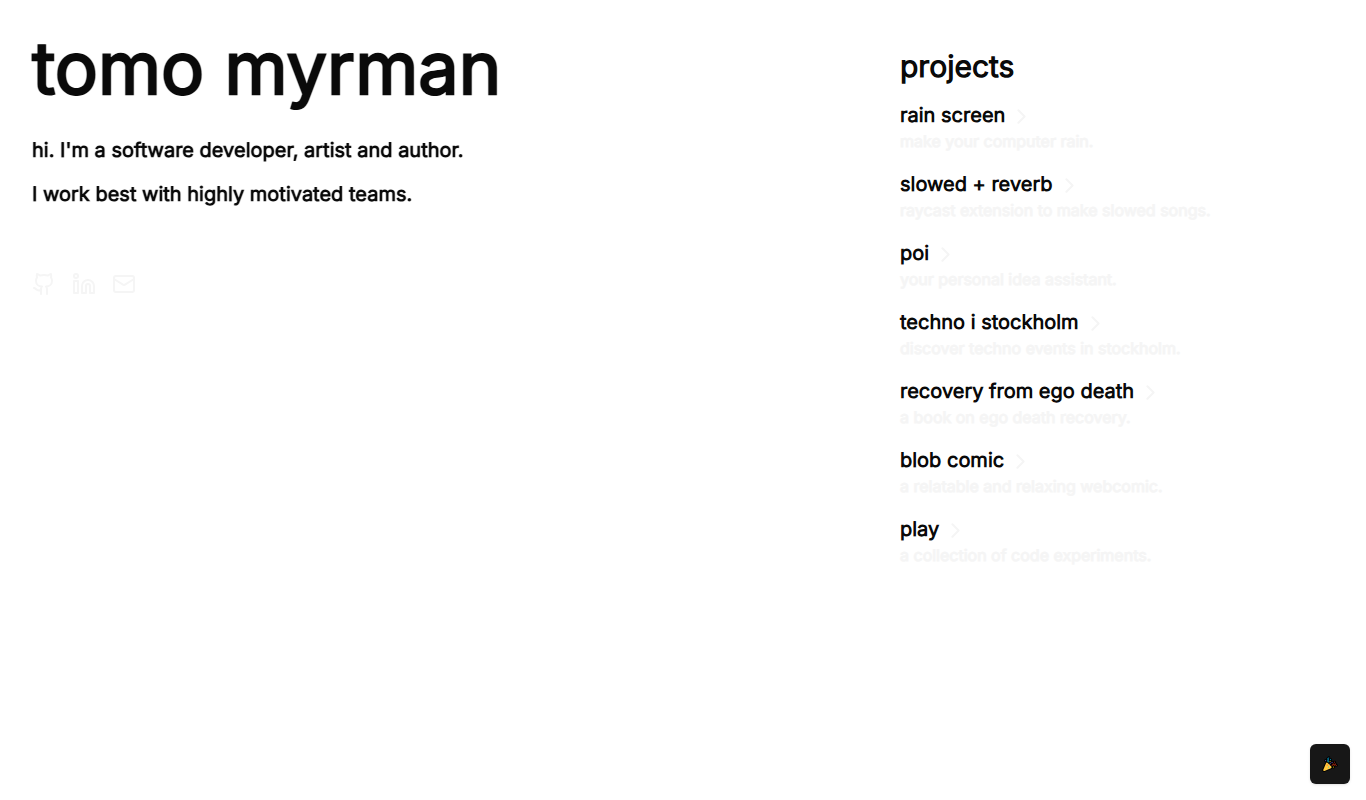
Free
Recovery From Ego Death
Recovery From Ego Death is a free online resource by Neon Tomo offering educational content and practical advice to help individuals recover from ego dissolution experiences and integrate them into daily life.

Free
ResumeFromSpace
ResumeFromSpace is an AI-driven online resume builder that helps users quickly create professional resumes and cover letters with customizable templates and smart content suggestions.