

From my experience with Prompt Mixer, I found it excels at simplifying the process of combining multiple AI prompts into one cohesive prompt. The tool’s straightforward interface makes it easy to experiment with prompt blending, which is especially useful for creative professionals and prompt engineers looking to optimize AI outputs. However, since it does not generate AI content directly, users need to use the blended prompts with other AI platforms. Overall, if you want a free, no-frills way to craft unique AI prompts by mixing ideas, Prompt Mixer delivers a practical and accessible solution.
Prompt Mixer AI Tool for Creative Prompt Generation and Blending
Prompt Mixer is a free web-based tool that blends multiple AI prompts into one, helping users create unique and optimized prompts for AI content generation.
- Best for
- Creative Prompt Generation
- Key capability
- Multiple Prompt Inputs

Do you recommend this tool?
What is Prompt Mixer?
Prompt Mixer is a web-based tool designed to blend and mix multiple AI prompts into a single, cohesive prompt. It helps users creatively combine different prompt inputs to generate unique and optimized prompts for AI models, enhancing the quality and diversity of AI-generated content.
Key features of Prompt Mixer
Prompt Mixer offers an intuitive interface for combining multiple prompts, adjusting blend ratios, and generating new prompt variations. It supports easy experimentation with prompt engineering to improve AI output creativity and relevance.
Multiple Prompt Inputs
Supports blending of several prompts simultaneously for complex prompt creation.
Blend Ratio Control
Allows users to adjust how much influence each prompt has in the final mix.
Instant Prompt Generation
Quickly produces a new prompt based on the blended inputs.
Web-Based Interface
Accessible from any modern browser without installation.
Pros and cons of Prompt Mixer
Pros
- Simple and intuitive interface for prompt blending
- No cost or registration required
- Supports multiple prompt inputs and blend adjustments
Cons
- Limited to prompt mixing without direct AI generation
- No advanced customization beyond blend ratios
- No mobile app or offline support
Key use cases for Prompt Mixer
Creative Prompt Generation
Generate unique and blended AI prompts by mixing multiple inputs to inspire creative outputs.
Prompt Engineering
Experiment with combining different prompt elements to optimize AI model responses.
AI Content Ideation
Use blended prompts to spark ideas for writing, art, or other AI-generated content.
How Prompt Mixer works
- 1
Input Prompts
Enter multiple prompts or text snippets you want to blend together.
- 2
Adjust Blend Settings
Modify the mixing ratios or parameters to control how prompts are combined.
- 3
Generate Mixed Prompt
Create a new blended prompt that merges the input prompts into one.
- 4
Use with AI Models
Copy the generated prompt to use with your preferred AI text or image generation tools.
Who is using Prompt Mixer
AI content creators
Prompt engineers
Writers and artists using AI tools
Creative professionals experimenting with AI
Educators teaching AI prompt techniques
Prompt Mixer pricing
Free
$0
Full access to prompt mixing features with no cost.
Plans and prices are as published by the vendor and can change. Check the official site before you buy. Open the pricing page (opens in a new tab)
Frequently asked questions about Prompt Mixer
Yes, Prompt Mixer is completely free to use without any subscription fees.
Yes, the blended prompts can be copied and used with any AI text or image generation model.
No account or registration is required to use Prompt Mixer.
It depends on your specific needs and how you plan to use the tool. The official website and documentation are the best sources for the latest details.
Sign in to review this tool.
Sign In to ReviewNo reviews yet
Be the first to share how this tool worked for you.
Ask about pricing, limits, or how it compares — or answer someone else.
Sign In to AskNo questions yet
Have a question about using or paying for this tool? Be the first to ask.
Featured on TiorAI



Alternative Tools
Explore similar AI tools that might fit your needs

Free
Prompt Hero
Prompt Hero is a web platform that provides a marketplace and community for discovering, sharing, and selling AI prompts used in text-to-image generation with popular AI art models.

Free
Promptist
Promptist is a free AI-powered tool by Microsoft that generates creative and effective text prompts to enhance interactions with AI language models.
More AI Design & Creative Tools tools
Other tools in the same category, for when this one is not quite the fit.
Free
FreePlanTour
FreePlanTour is a free, browser-based floor plan design tool that allows users to create and save detailed home and office layouts without any software installation.

Freemium
Morphlin
Morphlin is an AI-powered art generation tool that enables users to create unique digital images through image morphing and style transfer techniques on a user-friendly web platform.
Free
AI YouTube Thumbnails
AI YouTube Thumbnails is an AI-driven web tool that helps YouTube creators generate custom, optimized thumbnails quickly without design skills.
Freemium
TileMaker
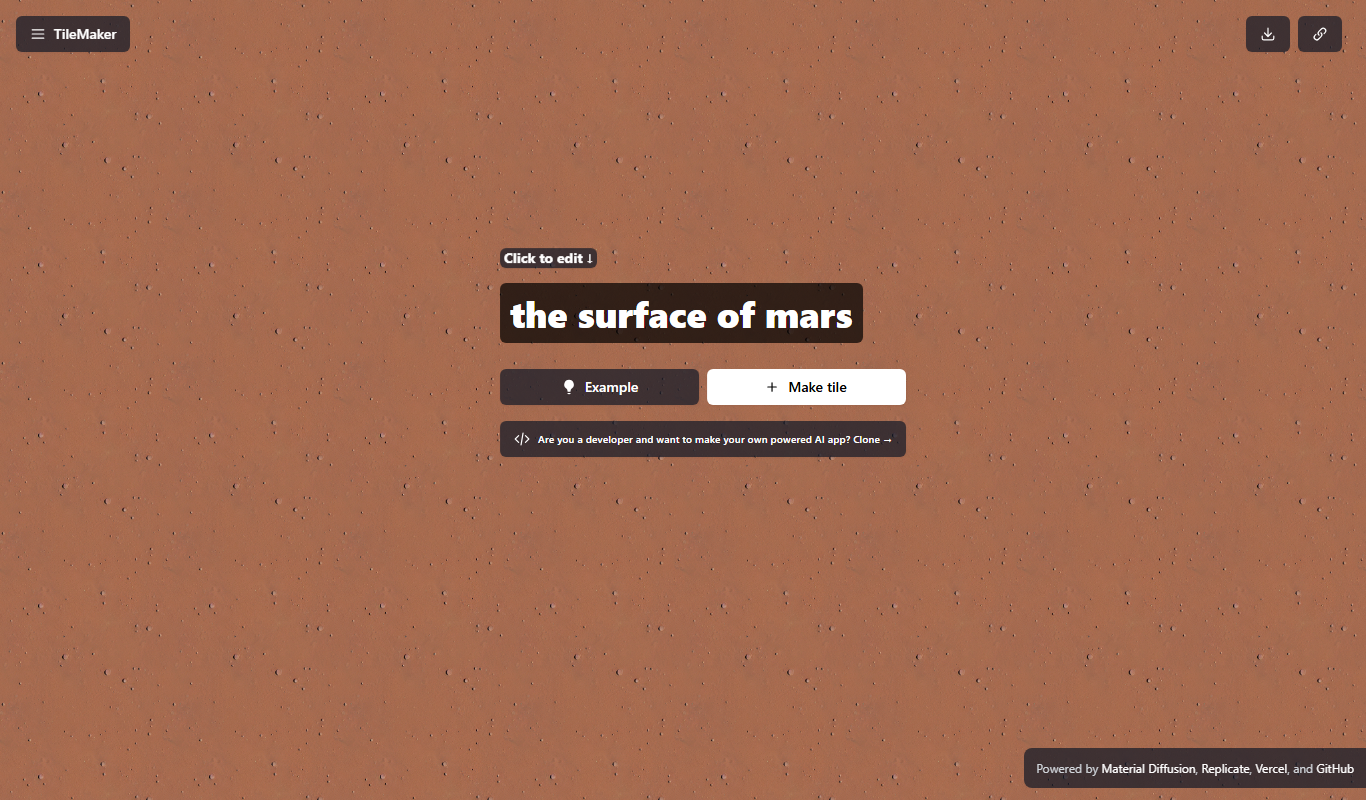
TileMaker is a design app that helps users create and visualize custom tile layouts with accurate measurements and export options for project planning.

Freemium
Sloyd
Sloyd is a web-based AI-assisted 3D modeling tool designed to help game developers and designers quickly create customizable low-poly 3D assets with ease.

Free
ai-dog.net
AI-Dog.net is a web-based AI image generator specialized in creating unique dog images from text prompts, offering multiple artistic styles and easy sharing options.

Free Trial
Tattoo Canvas
Tattoo Canvas is a web-based digital tattoo design software that provides tattoo artists with vector-based tools, customizable brushes, and stencil creation features to create and present professional tattoo artwork.

Free
svgtrace.com
svgtrace.com is a free web-based tool that converts raster images like PNG or JPG into scalable SVG vector graphics using automatic tracing algorithms.