

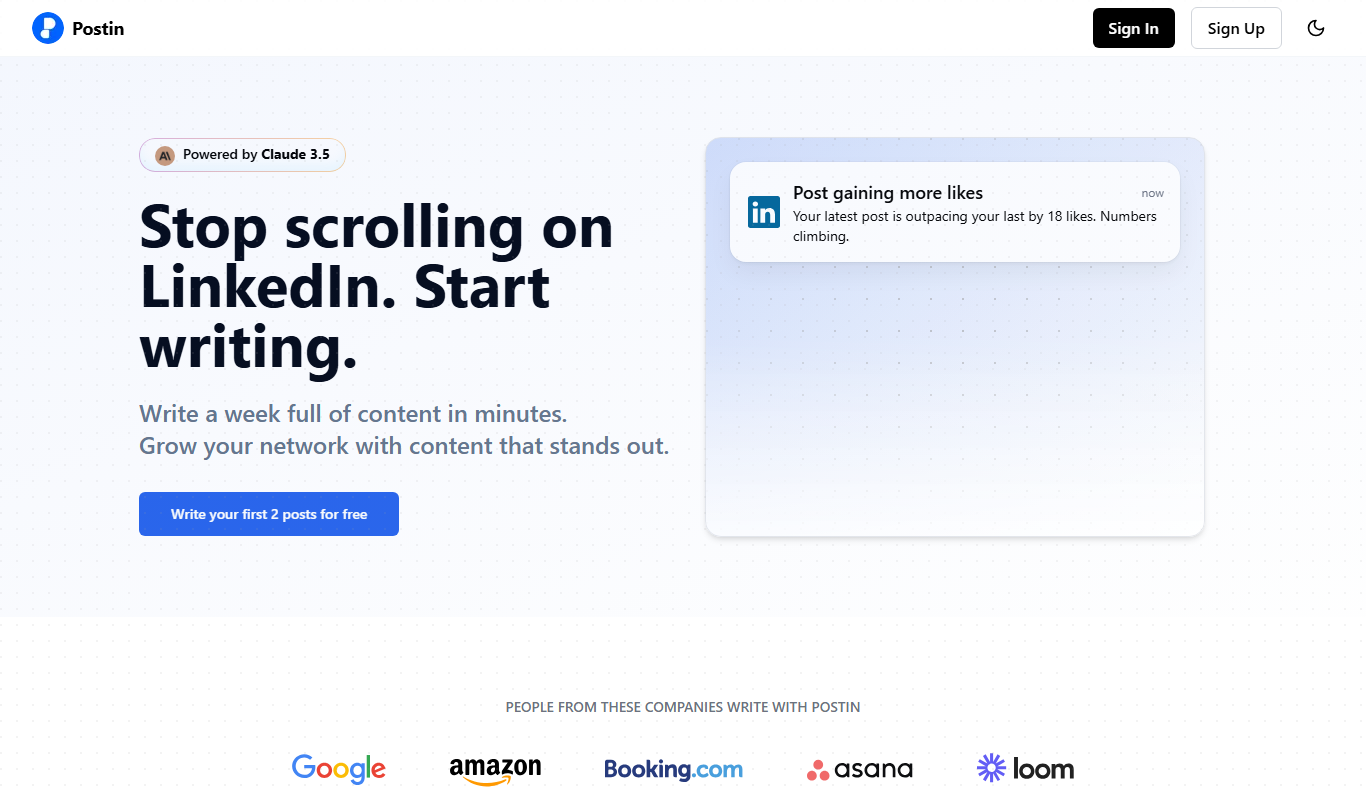
From my experience with Postin.ai, I found it excels at simplifying social media management through AI-powered content generation and bulk scheduling. The platform’s straightforward interface makes it accessible for marketers and small business owners who want to maintain consistent posting without spending hours daily. However, the lack of a mobile app and somewhat basic analytics may limit power users seeking deeper insights or on-the-go management. Overall, if you need an affordable, easy-to-use tool to automate social media posting across multiple accounts, Postin.ai delivers solid value.
Postin.ai AI Social Media Scheduler for Automated Content Posting
Postin.ai is an AI-driven social media management tool that automates content creation, scheduling, and posting across multiple platforms to help users maintain an active online presence efficiently.
- Best for
- Automated Social Media Posting
- Key capability
- AI Content Generation

Do you recommend this tool?
What is Postin.ai?
Postin.ai is an AI-powered social media management platform designed to automate content scheduling and posting. It helps users streamline their social media marketing by generating posts, scheduling them across various networks, and managing multiple accounts efficiently from one place.
Key features of Postin.ai
The platform offers AI-generated content creation, bulk scheduling, multi-account management, and analytics to help marketers and businesses maintain an active social media presence with minimal manual effort.
AI Content Generation
Automatically create engaging social media captions and posts using AI.
Bulk Scheduling
Upload and schedule multiple posts at once to save time.
Multi-Platform Support
Manage and post to various social media platforms from a single dashboard.
Analytics Dashboard
Track key metrics like engagement, reach, and post performance.
User-Friendly Interface
Intuitive design that simplifies social media management for all skill levels.
Pros and cons of Postin.ai
Pros
- Easy-to-use AI content generation
- Supports multiple social media platforms
- Bulk scheduling saves time
- Affordable pricing tiers
- Centralized multi-account management
Cons
- Limited integrations beyond major social platforms
- No mobile app available currently
- Analytics features could be more detailed
Key use cases for Postin.ai
Automated Social Media Posting
Schedule and automatically post content across multiple social media platforms to maintain consistent engagement.
Content Generation
Leverage AI to generate social media captions and posts, reducing the time spent on content creation.
Multi-Account Management
Manage multiple social media accounts from a single dashboard, simplifying workflow for agencies and marketers.
Analytics and Reporting
Track performance metrics of posts to optimize social media strategies.
How Postin.ai works
- 1
Sign Up
Create an account on Postin.ai’s website to access the dashboard.
- 2
Connect Social Accounts
Link your social media profiles such as Facebook, Instagram, Twitter, LinkedIn, and others.
- 3
Generate or Upload Content
Use AI to create posts or upload your own content for scheduling.
- 4
Schedule Posts
Set specific times or use bulk scheduling to automate posting.
- 5
Monitor Performance
Analyze post engagement and adjust strategies accordingly.
Who is using Postin.ai
Social media marketers
Small business owners
Digital marketing agencies
Content creators
Entrepreneurs
Postin.ai pricing
Free
$0/month
Limited features with basic scheduling and account connections.
Pro
$15/month
Advanced features including AI content generation, bulk scheduling, and analytics.
Business
$49/month
Full access with multi-account management and priority support.
Plans and prices are as published by the vendor and can change. Check the official site before you buy. Open the pricing page (opens in a new tab)
Frequently asked questions about Postin.ai
Postin.ai supports Facebook, Instagram, Twitter, LinkedIn, Pinterest, and more.
Yes, Postin.ai includes AI-powered content generation to help create engaging posts.
Yes, Postin.ai offers a free plan with limited features to get started.
Yes, the platform allows managing multiple accounts from one dashboard.
It depends on your specific needs and how you plan to use the tool. The official website and documentation are the best sources for the latest details.
Yes, it can help with that use case depending on how you configure it and what features are available. You’ll get the best results with clear inputs and a defined goal.
It depends on your specific needs and how you plan to use the tool. The official website and documentation are the best sources for the latest details.
Some tools offer a free plan or trial with limited features. Availability can vary, so confirm on the official website.
Sign in to review this tool.
Sign In to ReviewNo reviews yet
Be the first to share how this tool worked for you.
Ask about pricing, limits, or how it compares — or answer someone else.
Sign In to AskNo questions yet
Have a question about using or paying for this tool? Be the first to ask.
Featured on TiorAI



Alternative Tools
Explore similar AI tools that might fit your needs

Free
Later
Later is a social media management tool that enables users to visually plan, schedule, and analyze posts across multiple platforms including Instagram, Facebook, Twitter, and Pinterest.
More Copywriting Lite tools
Other tools in the same category, for when this one is not quite the fit.
Commission-based
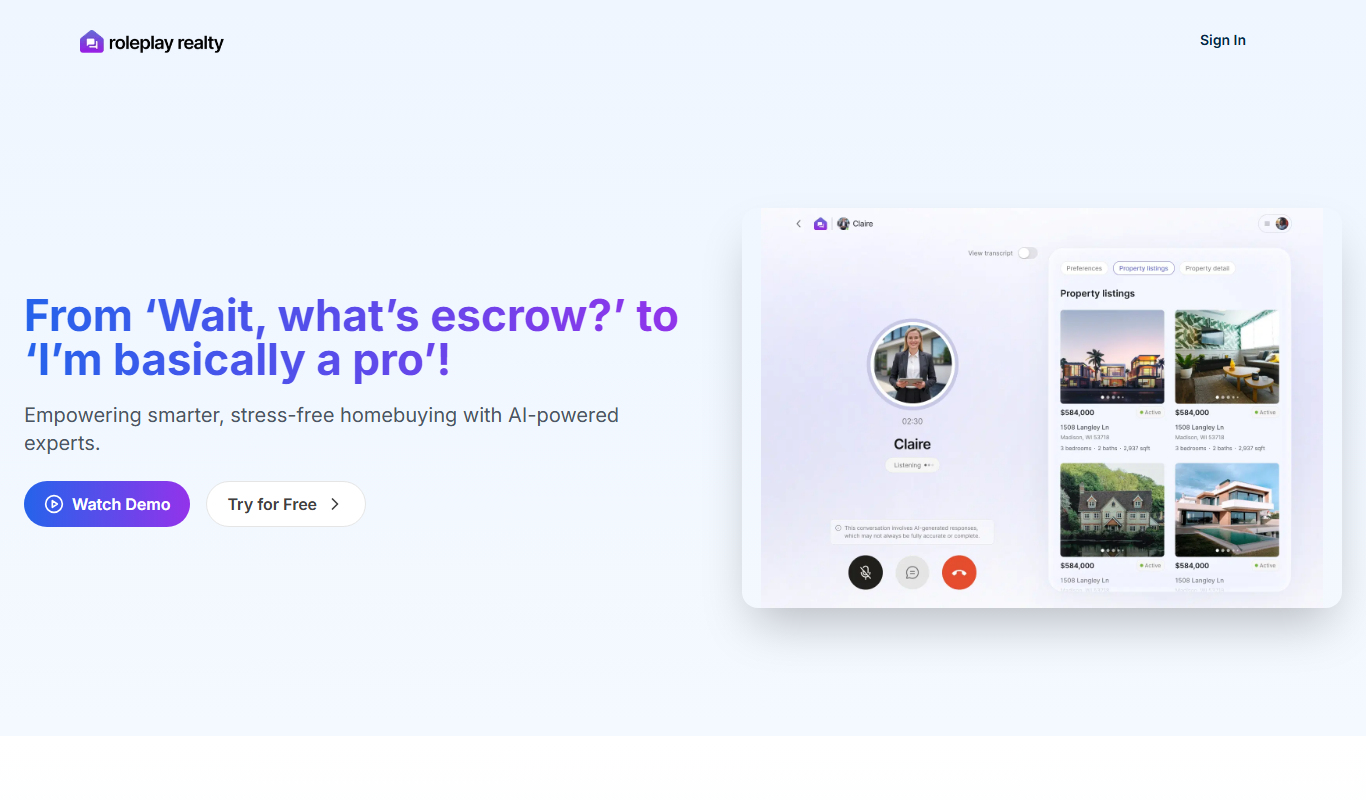
roleplay realty
Roleplay Realty is a web-based platform offering curated virtual real estate listings for roleplaying and metaverse communities, enabling users to buy, sell, and manage digital properties.

Subscription
PIA
Private Internet Access (PIA) is a VPN service that encrypts your internet connection, hides your IP address, and protects your online privacy with a strict no-logs policy and a large global server network.

Free Trial
Somme.ai
Somme.ai is an AI-powered writing assistant that helps users generate content such as blog posts, marketing copy, and SEO-optimized text efficiently through customizable AI models.

Free
DescribeWise
DescribeWise is an AI-powered writing assistant that helps users create clearer, more concise, and engaging content by providing real-time suggestions to improve readability and tone.

Free
Simplify Money
Simplify Money is a personal finance app that helps users track expenses, set budgets, and receive bill reminders to manage money effectively.