

Private Internet Access (PIA) VPN with no-logs policy and open-source apps
Private Internet Access (PIA) is a VPN service that encrypts your data, masks your IP address and keeps a strict no-logs policy, with servers in 104 countries and unlimited devices on one subscription.
- Best for
- Online privacy
- Key capability
- AES encryption
Save PIA, follow its updates and vote on it — everything stays in your account.
Sign in or create a free account

What is PIA?
Private Internet Access (PIA) is a VPN service that reroutes internet traffic through private and secure servers, encrypts data and masks the user’s IP address. It keeps a strict no-logs policy, offers open-source apps and a large server network, and allows unlimited simultaneous device connections on one subscription.
Key features of PIA
PIA encrypts traffic with a choice of 128-bit or 256-bit AES and keeps a strict no-logs policy. It also offers split tunneling, a kill switch in its mobile apps, multi-hop routing, an ad and tracker blocker, unlimited bandwidth and unlimited device connections.
AES encryption
Choose between 128-bit AES or 256-bit AES encryption ciphers.
No-logs policy
PIA never tracks, records or stores your browsing data, and its No-Logs policy has been reviewed in independent audits by Deloitte.
Kill switch
The mobile apps are optimized with a Kill Switch to help protect you from accidental data leaks.
Split tunneling
Choose which apps and domains can sidestep your VPN tunnel.
Global server network
NextGen VPN servers in 104 countries, including all 50 US states.
Pros and cons of PIA
Pros
- Strict no-logs policy reviewed in independent audits
- Apps are 100% open source
- Unlimited simultaneous device connections on one subscription
- Servers in 104 countries
- Apps for Windows, macOS, Linux, Android and iOS plus Chrome and Firefox extensions
Cons
- The 30-day money-back guarantee is for new subscribers only
- Antivirus and a dedicated IP address are paid add-ons
Key use cases for PIA
Online privacy
Mask your IP address to help prevent websites and trackers from identifying your online activities.
Travel
Connect to PIA VPN when traveling to access apps from back home more securely.
Public Wi-Fi protection
Help prevent snoopers and cybercriminals from intercepting your traffic on public networks.
Safer file sharing
Mask your IP address when you are sharing files online.
Smart TVs and consoles
Set up PIA on a compatible router to use it with smart TVs and game consoles.
How PIA works
- 1
Choose a plan
Sign up for Private Internet Access and choose your plan.
- 2
Download the app
Download the PIA VPN app for your device and verify your account.
- 3
Connect
Tap the power button to connect to a VPN server.
- 4
Browse with more privacy
Your internet traffic is rerouted and encrypted, and your IP address is masked.
Who is using PIA
PIA pricing
1 Month
$11.95/month
Autorenews at $11.95 monthly.
1 Year
$3.99/month, billed $47.88 per year
Billed at $47.88 the first year, then autorenews annually at $47.88.
3 Years + 3 Months
$2.03/month, autorenews at $79 every 3 years
Three years plus 3 extra months; autorenews at $79 every 3 years.
Plans and prices are as published by the vendor and can change. Check the official site before you buy. Open the pricing page (opens in a new tab)
Frequently asked questions about PIA
No. PIA never tracks, records or stores your browsing data, and its No-Logs policy has been reviewed in independent audits conducted by Deloitte.
Yes. One subscription gives unlimited simultaneous device connections on compatible devices.
PIA has apps for Windows, Linux, macOS, Android and iOS, extensions for Chrome and Firefox, and can also be set up on a compatible router.
Yes. A 30-day money-back guarantee is available to new subscribers only; purchases through third-party app stores follow their own refund terms.
Yes. PIA says its apps are open source, and it uses VPN protocols such as WireGuard.
Pricing depends on the plan and included features. For the most accurate and up-to-date details, check the official pricing page.
It depends on your specific needs and how you plan to use the tool. The official website and documentation are the best sources for the latest details.
Conclusion
Traffic from the user’s device is rerouted through private servers, encrypted and given a masked IP address, which is the core job of this VPN service. The service keeps a strict no-logs policy, and the site says it has been reviewed in independent audits by Deloitte. Users can choose 128-bit or 256-bit AES, route chosen apps and domains outside the tunnel with split tunneling, and block known ads and trackers with the MACE feature.
Its apps are open source and cover Windows, macOS, Linux, Android and iOS plus Chrome and Firefox, while a compatible router extends it to smart TVs and game consoles. One subscription allows unlimited simultaneous device connections, and the server network spans 104 countries. Plans run monthly, yearly or for three years, and the money-back guarantee applies to new subscribers only.
Sources
Sign in to review this tool.
Sign In to ReviewNo reviews yet
Be the first to share how this tool worked for you.
Ask about pricing, limits, or how it compares — or answer someone else.
Sign In to AskNo questions yet
Have a question about using or paying for this tool? Be the first to ask.
Featured on TiorAI



More Privacy & Security tools
Other tools in the same category, for when this one is not quite the fit.
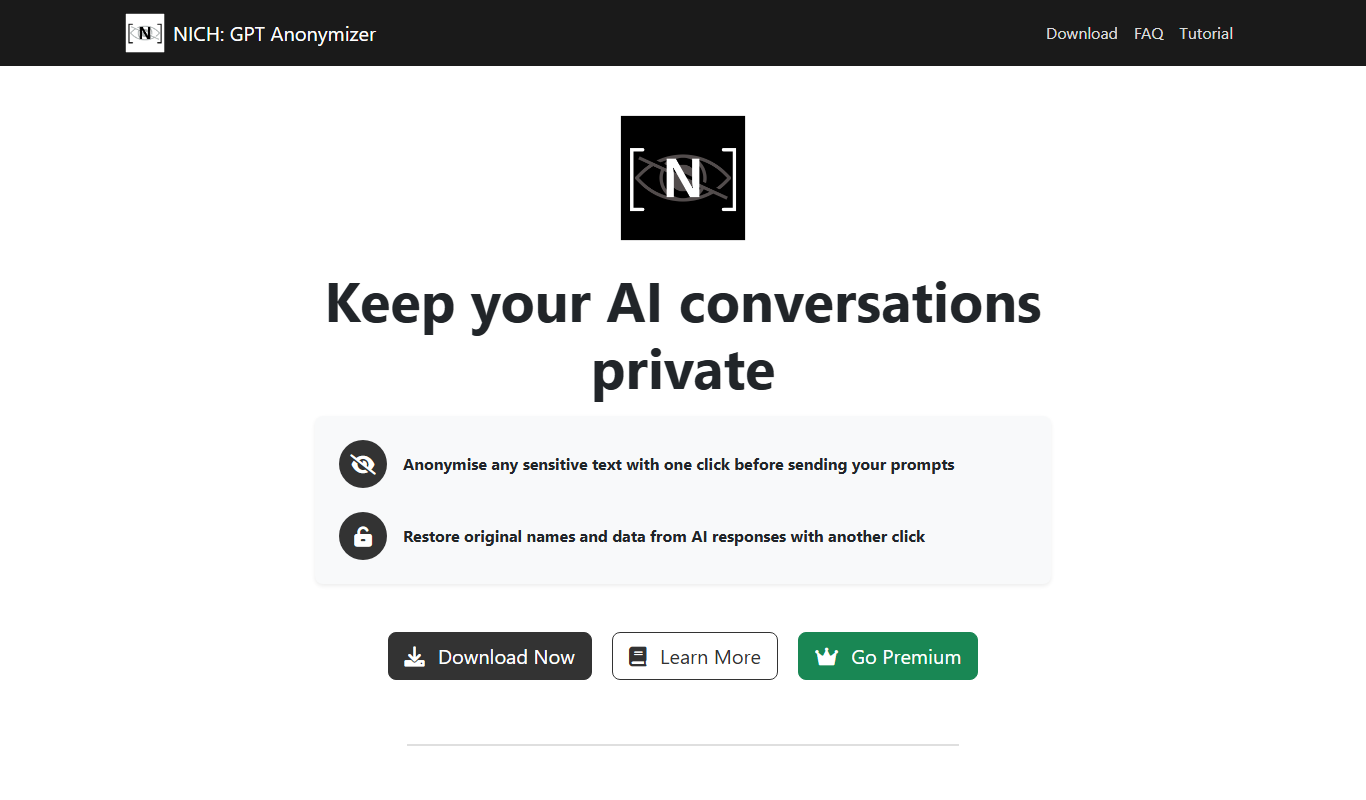
NICH: GPT Anonymizer
NICH: GPT Anonymizer is a free Chrome extension that replaces personal details with placeholders before you send a message to an AI assistant, with detection running in your browser.

Loti
Loti AI protects your digital likeness: it scans the internet for your face and voice and takes down impersonation, deepfakes and other unauthorized content.