

From my experience with Poster Generator, I found it excels at providing a straightforward and free way to create custom posters without any design background. The web-based interface is simple and accessible, making it ideal for small businesses, educators, and event organizers who need quick poster solutions. However, the tool lacks advanced design features found in professional software, and there is no mobile app, which may limit flexibility for some users. Overall, if you need a no-cost, easy-to-use poster maker for basic designs, Poster Generator delivers solid results.
Poster Generator Online Tool for Custom Poster Design and Printing
Poster Generator is a free web-based tool that enables users to design and download custom posters quickly using templates and simple editing features without needing graphic design experience.
- Best for
- Event Promotion
- Key capability
- User-Friendly Interface
Your actions
Save Poster Generator, follow its updates and vote on it — everything stays in your account.
Sign in or create a free account

What is Poster Generator?
Poster Generator is a free online tool that allows users to design and create custom posters easily without needing advanced graphic design skills. It provides a simple interface to add text, images, and customize layouts for printing or digital use.
Key features of Poster Generator
The tool offers a straightforward poster creation process with customizable templates, text editing, image uploads, and options to download or print the final design. It is accessible via web browsers without installation.
User-Friendly Interface
Intuitive design tools that require no prior experience.
Template Library
Access to a variety of poster templates for different purposes.
Custom Text and Image Upload
Add personalized text and upload your own images to create unique posters.
Free to Use
No cost to create and download posters.
Pros and cons of Poster Generator
Pros
- Easy to use with no design experience required
- Completely free with no hidden charges
- No account registration needed
- Supports image uploads for customization
Cons
- Limited advanced design features compared to professional software
- No mobile app version available
Key use cases for Poster Generator
Event Promotion
Create eye-catching posters to promote events such as concerts, workshops, and community gatherings.
Business Advertising
Design custom posters for marketing campaigns, sales, and product launches to attract customers.
Educational Materials
Generate informative posters for classrooms, seminars, and training sessions to enhance learning.
Personal Projects
Make personalized posters for home decoration, gifts, or social media sharing.
How Poster Generator works
- 1
Access the Website
Open the Poster Generator website on any web browser.
- 2
Choose a Template or Start Blank
Select from available poster templates or start with a blank canvas.
- 3
Customize Your Poster
Add and edit text, upload images, and adjust layout elements to your preference.
- 4
Download or Print
Save your poster as an image or PDF file for printing or sharing online.
Who is using Poster Generator
Small business owners
Event organizers
Educators
Individuals creating personal posters
Poster Generator pricing
Free
$0
Full access to poster creation tools with no fees.
Plans and prices are as published by the vendor and can change. Check the official site before you buy. Open the pricing page (opens in a new tab)
Frequently asked questions about Poster Generator
No, you can use the tool directly without signing up.
Yes, you can download your poster as an image or PDF file.
No, posters created with Poster Generator do not have watermarks.
Some tools offer a free plan or trial with limited features. Availability can vary, so confirm on the official website.
Yes, it can help with that use case depending on how you configure it and what features are available. You’ll get the best results with clear inputs and a defined goal.
It depends on your specific needs and how you plan to use the tool. The official website and documentation are the best sources for the latest details.
Sign in to review this tool.
Sign In to ReviewNo reviews yet
Be the first to share how this tool worked for you.
Ask about pricing, limits, or how it compares — or answer someone else.
Sign In to AskNo questions yet
Have a question about using or paying for this tool? Be the first to ask.
Featured on TiorAI



More AI Banner Generator tools
Other tools in the same category, for when this one is not quite the fit.

Free Trial
CorelDRAW
CorelDRAW is a professional graphic design software suite used for vector illustration, page layout, photo editing, and typography, available on Windows and Mac platforms.
Free
CoolText
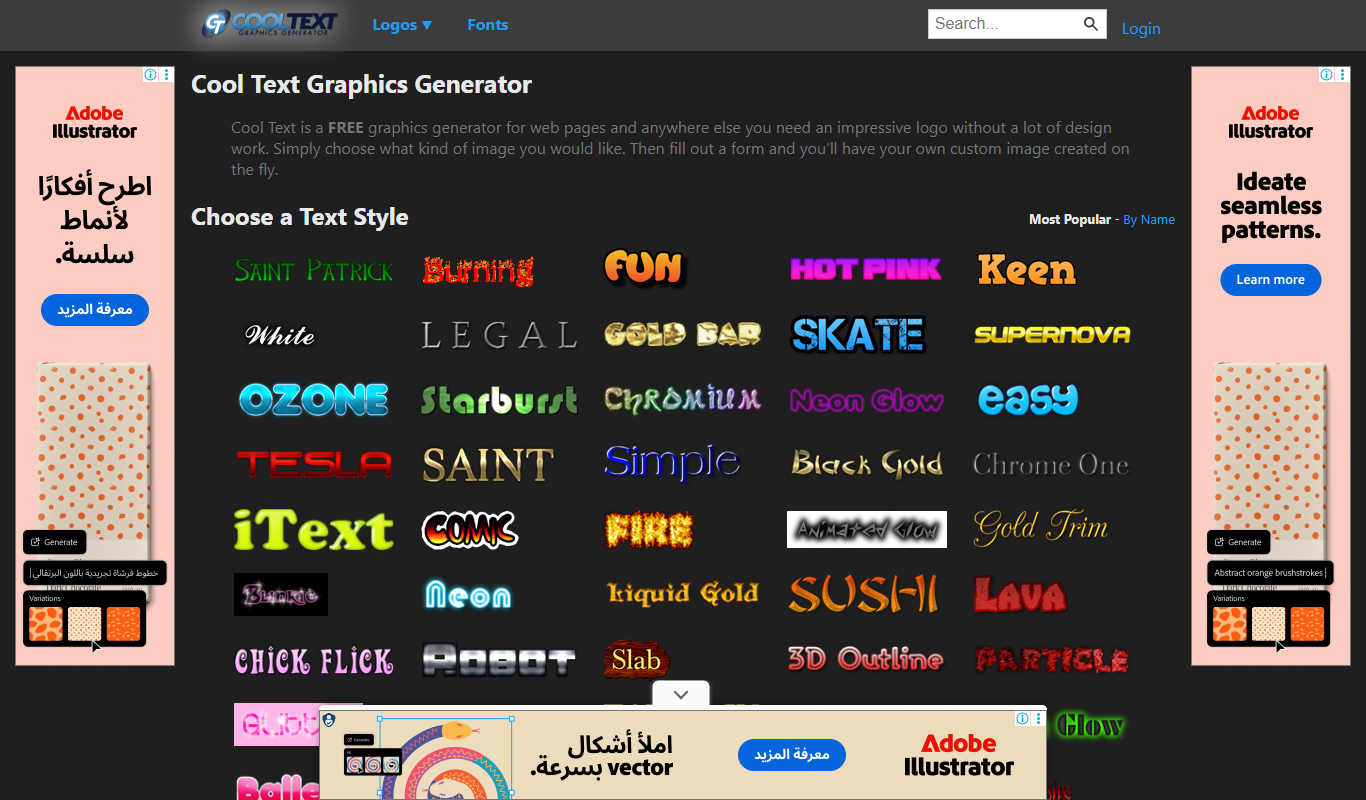
CoolText is a free online tool for creating custom logos and graphic text designs with various fonts and effects, ideal for quick branding needs.
Freemium
Bannersnack
Bannersnack is a web-based banner maker that allows users to create static and animated banners for digital marketing campaigns with customizable templates and collaboration features.
Custom Pricing
Brella
Brella is an AI-driven event networking platform that facilitates meaningful connections and engagement for virtual, hybrid, and in-person events through personalized matchmaking and scheduling.

Free
AI Santa Claus
AI Santa Claus is a web-based platform that generates personalized video messages featuring a virtual Santa Claus using AI voice and facial animation technology.

Enterprise
Nextatlas Generate
Nextatlas Generate is an AI-driven trend forecasting platform that analyzes digital data to predict emerging market trends and consumer behaviors, helping businesses innovate and strategize effectively.

Free
minimaxme
Minimaxme is an AI chatbot platform that enables users to build and deploy personalized conversational bots for customer support, lead generation, and engagement without coding.

Free
AI LinkedIn Banners
AI LinkedIn Banners is a web tool that uses AI to generate and customize LinkedIn banner images, helping users create professional profile headers quickly without design skills.