

From my experience with Portrait Studio Pro, it excels at quickly producing polished, professional headshots with minimal effort. The AI retouching and background replacement features make it especially useful for job seekers and professionals needing consistent, high-quality profile photos. While the web-only platform limits mobile use, the straightforward interface and batch processing capabilities streamline portrait creation for individuals and teams alike. If you want a reliable AI tool for professional headshots without complex editing software, Portrait Studio Pro delivers solid, user-friendly results.
Portrait Studio Pro AI Headshot Generator for Professional Photos
Portrait Studio Pro is a web-based AI tool that generates professional-quality headshots by enhancing user photos with retouching and background customization.
- Best for
- Professional Headshots
- Key capability
- AI-Powered Retouching
Your actions
Save Portrait Studio Pro, follow its updates and vote on it — everything stays in your account.
Sign in or create a free account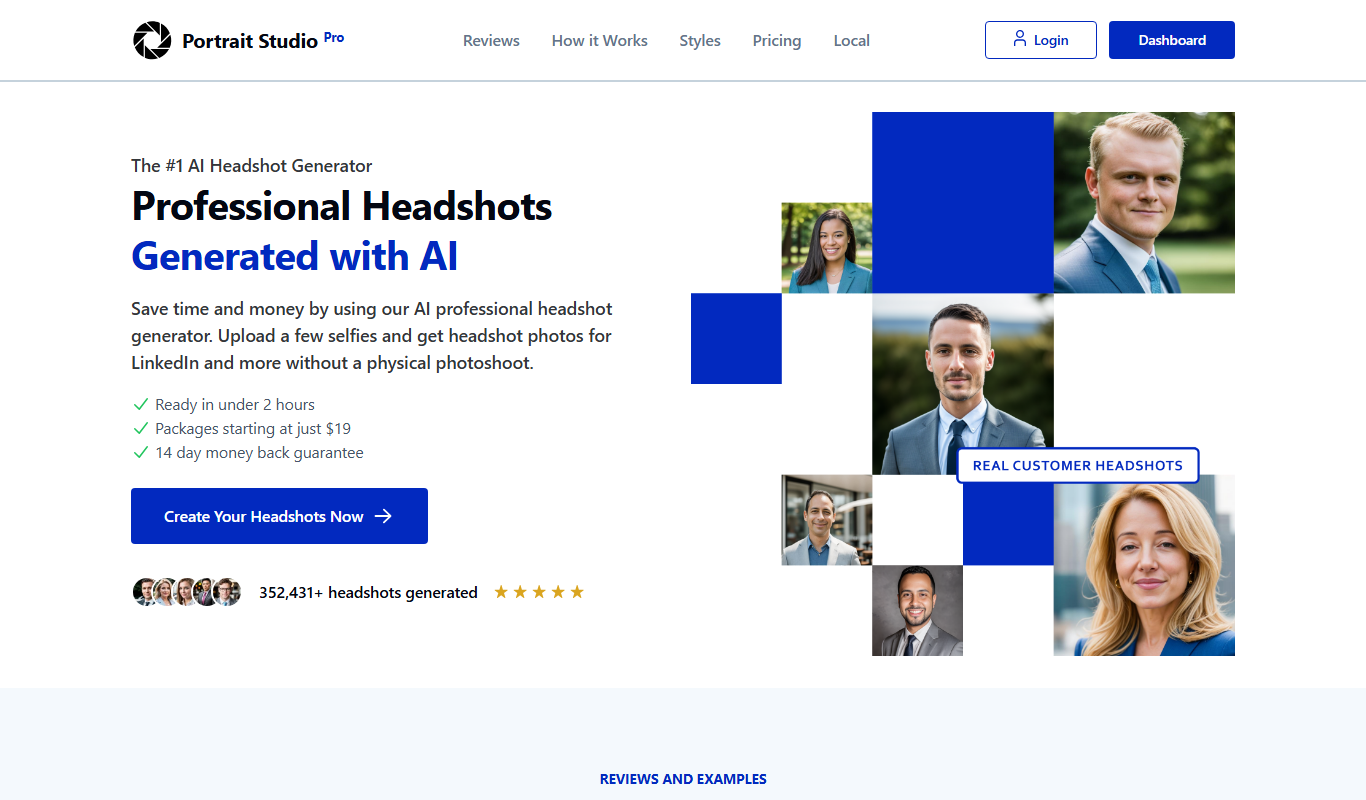
What is Portrait Studio Pro?
Portrait Studio Pro is a web-based AI-powered headshot generator designed to create professional and polished portraits from user photos. It leverages advanced artificial intelligence to enhance, retouch, and stylize images, producing high-quality headshots suitable for business, social media, and creative uses.
Key features of Portrait Studio Pro
The tool offers automated photo enhancement, background replacement, style customization, and batch processing capabilities. Users can upload their photos and receive refined headshots optimized for various professional and personal applications.
AI-Powered Retouching
Automatically improves skin tone, lighting, and facial features for a natural look.
Background Replacement
Easily change or remove backgrounds to suit professional or creative contexts.
Style Customization
Offers multiple portrait styles including formal, casual, and artistic options.
Batch Processing
Process multiple photos at once to save time for teams or agencies.
Pros and cons of Portrait Studio Pro
Pros
- Easy to use with intuitive interface
- Produces high-quality, professional headshots
- Offers background customization
- Supports batch processing for multiple photos
Cons
- Limited free trial before subscription required
- Only available as a web platform, no mobile app
Key use cases for Portrait Studio Pro
Professional Headshots
Generate high-quality professional headshots for resumes, LinkedIn profiles, and corporate use.
Social Media Profile Pictures
Create polished and consistent profile pictures for social media platforms.
Creative Portraits
Produce artistic and stylized portraits for personal branding or creative projects.
Marketing and Branding
Use AI-generated portraits to enhance marketing materials and brand identity.
How Portrait Studio Pro works
- 1
Upload Your Photo
Start by uploading a clear photo of yourself to the platform.
- 2
Select Style and Preferences
Choose from various headshot styles and customization options to match your needs.
- 3
AI Processing
The AI analyzes and enhances your photo, applying retouching and background adjustments.
- 4
Download Your Headshot
Review the generated headshot and download it for your professional or personal use.
Who is using Portrait Studio Pro
Job seekers
Marketing professionals
Social media influencers
Small business owners
Creative professionals
Portrait Studio Pro pricing
Free Trial
$0
Limited number of free headshots to test the service.
Monthly Subscription
$19.99/month
Unlimited headshots with full access to all features.
Plans and prices are as published by the vendor and can change. Check the official site before you buy. Open the pricing page (opens in a new tab)
Frequently asked questions about Portrait Studio Pro
Yes, you upload your own photos which the AI then enhances and stylizes.
Absolutely, the tool is designed to create professional-quality headshots ideal for LinkedIn and other professional platforms.
Yes, you can try a limited number of headshots for free before subscribing.
Yes, the tool allows background replacement to fit different professional or creative needs.
It depends on your specific needs and how you plan to use the tool. The official website and documentation are the best sources for the latest details.
Yes, it can help with that use case depending on how you configure it and what features are available. You’ll get the best results with clear inputs and a defined goal.
Sign in to review this tool.
Sign In to ReviewNo reviews yet
Be the first to share how this tool worked for you.
Ask about pricing, limits, or how it compares — or answer someone else.
Sign In to AskNo questions yet
Have a question about using or paying for this tool? Be the first to ask.
Featured on TiorAI



Alternative Tools
Explore similar AI tools that might fit your needs

Free
FaceApp
FaceApp is an AI photo editing application that uses neural networks to apply realistic face transformations such as aging, gender swaps, and makeup filters.

Free Trial
PhotoWorks
PhotoWorks is an AI-driven photo editing software for Windows and macOS that automates background removal, portrait retouching, and photo restoration.
More AI Headshot Generator tools
Other tools in the same category, for when this one is not quite the fit.

Custom Pricing
Aragon AI
Aragon AI is an AI headshot generator that turns your selfies into studio-quality professional headshots in 30 minutes, for individuals and teams.

Contact Sales
Nightfall AI for Zendesk
Nightfall AI for Zendesk is a data loss prevention tool that integrates with Zendesk to detect, classify, and redact sensitive data in real time, helping organizations maintain compliance and secure customer support interactions.

Free
Indie Hacker Stacks
Indie Hacker Stacks is an online directory of software tool stacks used by indie hackers and startups, with a free plan and a paid Premium plan.
Freemium
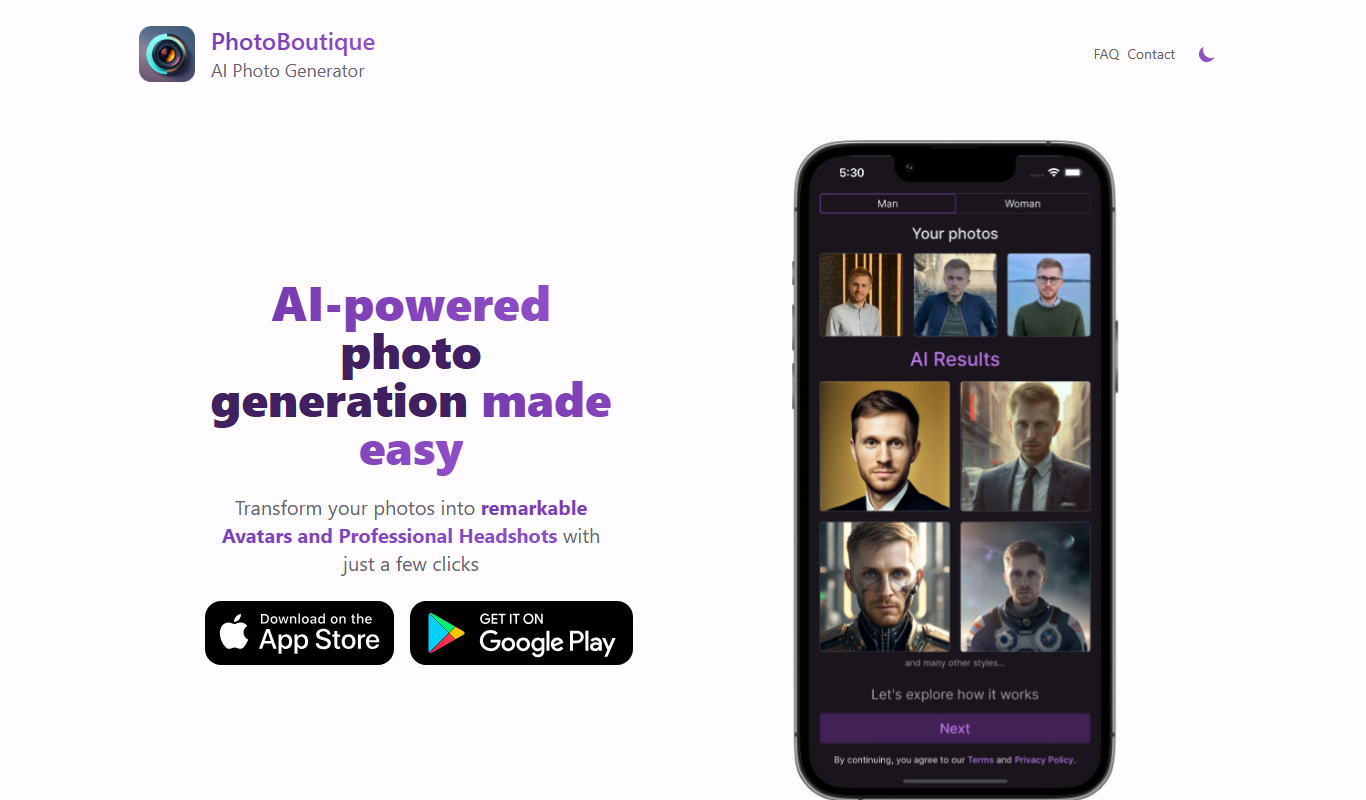
PhotoBoutique – AI Avatar maker
PhotoBoutique is a web-based AI avatar maker that generates personalized avatars using artificial intelligence, suitable for social media profiles, gaming, and creative uses.

Free
Reshot AI
Reshot AI is a free web platform providing authentic stock photos and AI-generated images for commercial and personal use without attribution.
Free
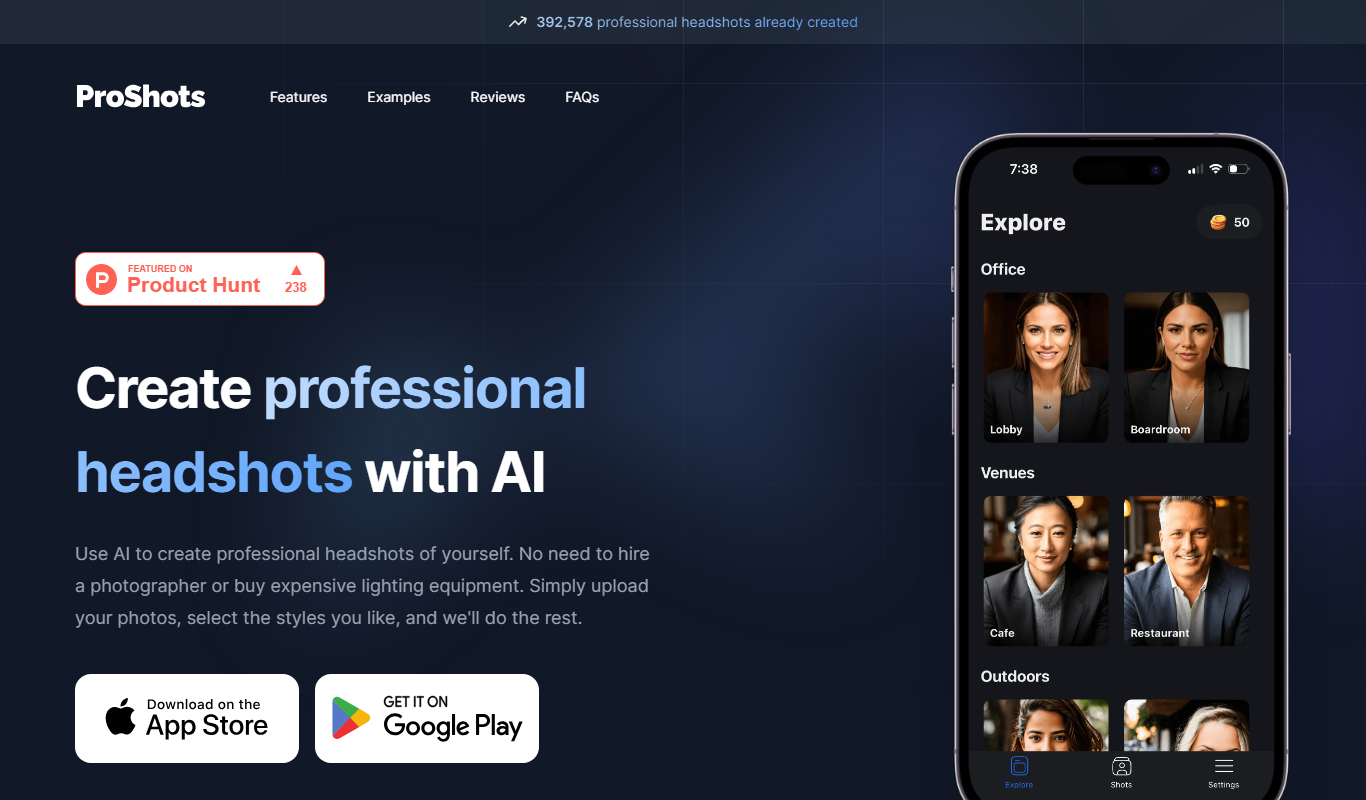
ProShots
ProShots is an iOS camera app that provides full manual control over camera settings like ISO, shutter speed, and focus, enabling professional-quality photos and videos on iPhone.

Freemium
HeadshotPro
HeadshotPro is an AI-based web tool that transforms your photos into professional-quality headshots with customizable backgrounds and high-resolution downloads.

Free
HubSpot
HubSpot is a comprehensive CRM platform offering marketing automation, sales pipeline management, and customer support tools to help businesses attract, engage, and retain customers.