

From my experience with Polis, I found it excels at facilitating large-scale, inclusive public engagement by leveraging AI to cluster and visualize diverse opinions in real time. The platform’s ability to reveal nuanced consensus and disagreement helps decision-makers understand complex social dynamics more clearly. It’s particularly well-suited for governments, community organizers, and organizations seeking transparent and democratic feedback. However, the learning curve for interpreting AI-driven visualizations and limited customization on the free plan are trade-offs to consider. Overall, Polis delivers a powerful solution for real-time public opinion gathering and consensus building.
Polis Online Platform for Real-Time Public Opinion and Consensus Building
Polis is an AI-powered platform that facilitates large-scale public opinion gathering and consensus building through real-time interactive surveys and AI-driven response clustering.
- Best for
- Community Engagement
- Key capability
- AI-Powered Clustering
Your actions
Save Polis, follow its updates and vote on it — everything stays in your account.
Sign in or create a free accountWhat is Polis?
Polis is an AI-powered platform designed to facilitate large-scale, real-time public opinion gathering and consensus building. It enables organizations, governments, and communities to engage participants in open-ended conversations, then uses machine learning to cluster similar responses and visualize collective sentiment. This approach helps identify common ground and divergent views, making complex social and political discussions more transparent and actionable.
Key features of Polis
Polis offers real-time interactive surveys, AI-driven response clustering, dynamic data visualization, and tools for managing large-scale public engagement. It supports anonymous participation to encourage honest feedback and provides detailed analytics to help decision-makers understand nuanced public opinion.
AI-Powered Clustering
Automatically groups similar participant responses to reveal patterns and consensus.
Real-Time Visualization
Dynamic graphs and maps display evolving public opinion during the conversation.
Anonymous Participation
Ensures privacy to encourage honest and open feedback from participants.
Customizable Surveys
Flexible question formats and conversation settings tailored to diverse engagement needs.
Detailed Analytics
Comprehensive reports and data exports support in-depth analysis and decision-making.
Pros and cons of Polis
Pros
- Facilitates large-scale, inclusive public engagement
- AI-driven clustering reveals nuanced consensus
- Real-time visualization enhances transparency
- Supports anonymous and honest feedback
- Flexible for various use cases and sectors
Cons
- Limited customization on free plan
- Learning curve for interpreting AI visualizations
- Primarily web-based; no dedicated mobile app
Key use cases for Polis
Community Engagement
Facilitates inclusive conversations by collecting and analyzing diverse public opinions to help organizations understand community perspectives.
Policy Development
Enables governments and institutions to gather real-time feedback from constituents to inform policy decisions and improve transparency.
Consensus Building
Uses AI-driven clustering and visualization to identify areas of agreement and disagreement among participants, fostering collaborative decision-making.
Market Research
Allows businesses to gauge customer sentiment and preferences through interactive surveys and data-driven insights.
Event Feedback
Collects participant opinions during or after events to improve future planning and engagement strategies.
How Polis works
- 1
Create a Conversation
Set up a Polis conversation by defining topics and questions to engage your audience.
- 2
Invite Participants
Share the conversation link with your community or target audience to gather diverse opinions.
- 3
Collect Responses
Participants submit open-ended comments and vote on others’ responses in real time.
- 4
Analyze Data
Polis uses AI to cluster similar responses and visualize consensus and disagreement patterns.
- 5
Review Insights
Explore detailed analytics and reports to inform decisions, policies, or strategies.
Who is using Polis
Government agencies
Community organizers
Policy makers
Market researchers
Nonprofit organizations
Event planners
Polis pricing
Free
$0
Basic access for small conversations with limited features.
Enterprise
Custom Pricing
Advanced features, larger participant capacity, and dedicated support for organizations.
Plans and prices are as published by the vendor and can change. Check the official site before you buy. Open the pricing page (opens in a new tab)
Frequently asked questions about Polis
Polis offers a free tier for small-scale conversations, with custom pricing for enterprise-level features.
Polis supports anonymous participation and does not require personal data, protecting user privacy.
Yes, Polis is designed to manage thousands of participants simultaneously with real-time analysis.
Governments, NGOs, businesses, and community groups use Polis for engagement, policy development, and research.
It depends on your specific needs and how you plan to use the tool. The official website and documentation are the best sources for the latest details.
It depends on your specific needs and how you plan to use the tool. The official website and documentation are the best sources for the latest details.
It depends on your specific needs and how you plan to use the tool. The official website and documentation are the best sources for the latest details.
Sign in to review this tool.
Sign In to ReviewNo reviews yet
Be the first to share how this tool worked for you.
Ask about pricing, limits, or how it compares — or answer someone else.
Sign In to AskNo questions yet
Have a question about using or paying for this tool? Be the first to ask.
Featured on TiorAI



More AI Analytics Assistant tools
Other tools in the same category, for when this one is not quite the fit.

Custom Pricing
SafeGraph
SafeGraph is a data platform for POI, building footprint and address data.

Custom Pricing
Placer.ai
Placer.ai is a location analytics platform that provides detailed foot traffic and consumer behavior insights using anonymized mobile device data, helping businesses optimize retail site selection, real estate analysis, and marketing strategies.
Free Trial
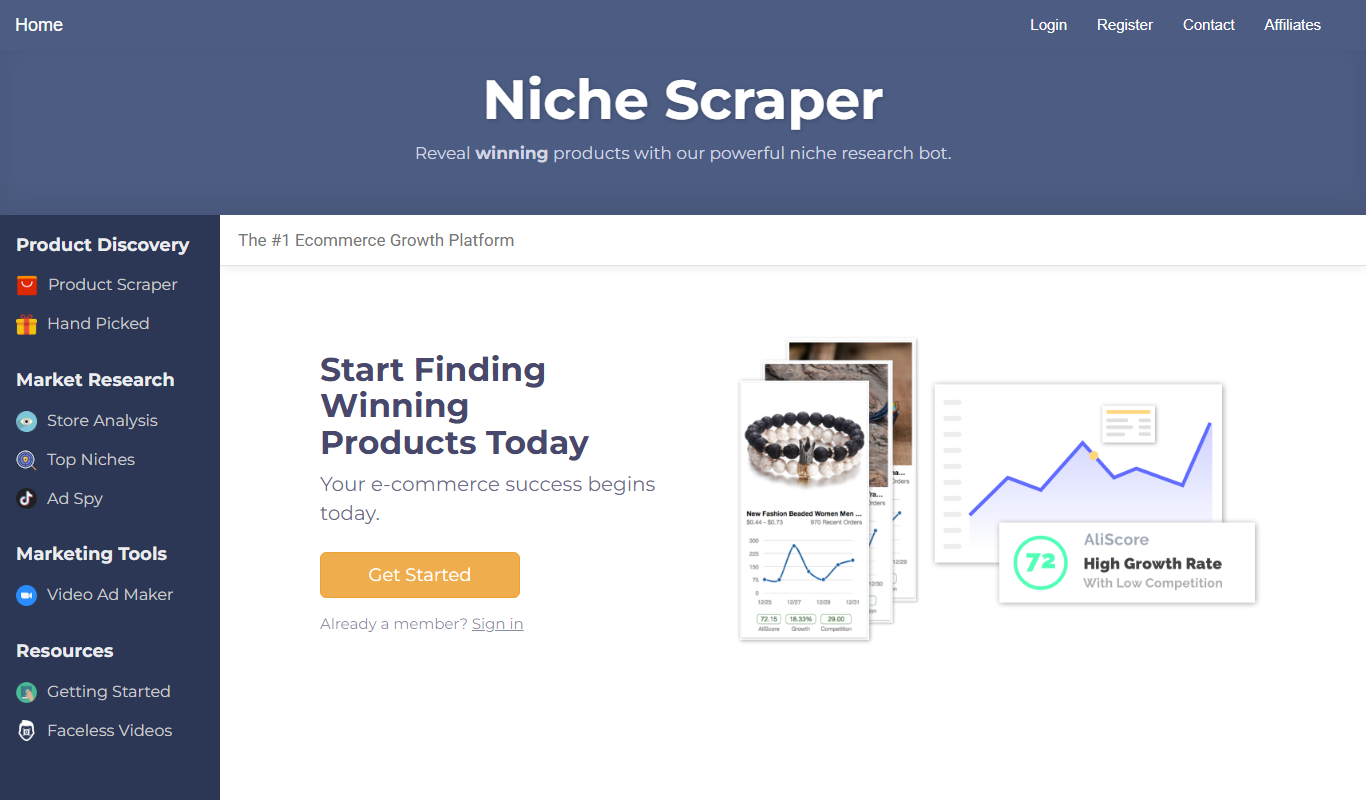
Niche Scraper
Niche Scraper is a web-based tool that helps dropshipping entrepreneurs find trending products and analyze competitor Shopify stores to build profitable ecommerce businesses.
Custom Pricing
CaptivateIQ
CaptivateIQ is a cloud-based sales commission software that automates incentive compensation calculations, integrates with CRM and ERP systems, and provides real-time dashboards to improve sales performance management.

Free Trial
Nagios XI
Nagios XI is an enterprise IT infrastructure monitoring solution that provides real-time network, server, and application monitoring with customizable alerts and reporting.
Free Trial
SolarWinds Network Performance Monitor
SolarWinds Network Performance Monitor is a network monitoring tool that provides real-time visibility, fault detection, and performance analytics to help IT teams manage and optimize their network infrastructure.

Enterprise
CB Insights
CB Insights is a market intelligence platform that uses AI to analyze data on private companies, investors, and market trends to support strategic business decisions.

Custom Pricing
Celonis
Celonis is a process mining and execution management platform that helps organizations visualize and optimize their business processes using AI-driven analytics and automation.