

PlatformIO Embedded Development Platform for IoT and Microcontroller Projects
PlatformIO is an open-source embedded development platform that supports multiple microcontroller boards and frameworks, providing tools for building, debugging, and managing firmware projects efficiently.
- Best for
- Embedded Firmware Development
- Key capability
- Cross-Platform Build System
Save PlatformIO, follow its updates and vote on it — everything stays in your account.
Sign in or create a free account
What is PlatformIO?
PlatformIO is an open-source ecosystem for embedded development that provides a cross-platform build system, library manager, and full-featured IDE integration. It supports over 800 different development boards and multiple frameworks, enabling developers to write, compile, and debug firmware for microcontrollers and IoT devices efficiently.
Key features of PlatformIO
PlatformIO offers a unified development environment with multi-platform support, advanced debugging tools, library management, and integration with popular code editors like Visual Studio Code and Atom. It streamlines embedded software development with automation and continuous integration capabilities.
Cross-Platform Build System
Supports multiple operating systems and hardware platforms with a unified build process.
Integrated Debugging
Provides advanced debugging capabilities for embedded devices directly within the IDE.
Library Manager
Access a vast registry of embedded libraries for easy integration and management.
IDE Integration
Seamlessly integrates with popular editors like VS Code and Atom for enhanced development experience.
Continuous Integration Support
Enables automation of build and test processes for embedded projects in CI/CD pipelines.
Pros and cons of PlatformIO
Pros
- Supports a wide range of microcontroller boards and frameworks
- Cross-platform and editor-agnostic
- Strong community and extensive library registry
- Integrated debugging and testing tools
- Free and open-source core with optional professional features
Cons
- Steeper learning curve for beginners unfamiliar with embedded development
- Some advanced features require paid subscription
- Setup and configuration can be complex for certain hardware
Key use cases for PlatformIO
Embedded Firmware Development
Develop, build, and debug firmware for microcontrollers and embedded devices using PlatformIO's unified environment.
IoT Device Programming
Create and manage Internet of Things (IoT) applications with support for numerous boards and frameworks.
Cross-Platform Development
Write code once and deploy across multiple hardware platforms with PlatformIO’s cross-platform build system.
Continuous Integration for Embedded Projects
Automate builds and testing of embedded software with PlatformIO’s integration into CI/CD pipelines.
Library Management
Easily find, install, and manage libraries for embedded development through PlatformIO’s library registry.
How PlatformIO works
- 1
Install PlatformIO
Download and install PlatformIO IDE as a standalone application or as an extension for Visual Studio Code or Atom.
- 2
Create a Project
Start a new embedded project by selecting your target board and framework within PlatformIO.
- 3
Write and Build Code
Develop your firmware using PlatformIO’s editor and build system that compiles code for your hardware.
- 4
Upload and Debug
Upload the compiled firmware to your device and use PlatformIO’s debugging tools to troubleshoot.
- 5
Manage Libraries
Search, install, and update libraries from PlatformIO’s registry to extend your project functionality.
Who is using PlatformIO
PlatformIO pricing
Free
$0/month
Access to core PlatformIO features including IDE, build system, and library manager.
Pro
$10 per user/month
Additional professional features such as private library registries, advanced debugging, and priority support.
Plans and prices are as published by the vendor and can change. Check the official site before you buy. Open the pricing page (opens in a new tab)
Frequently asked questions about PlatformIO
PlatformIO supports Windows, macOS, and Linux operating systems, and can be used as a standalone IDE or as extensions for VS Code and Atom.
Yes, PlatformIO supports Arduino framework and allows you to import and develop Arduino projects with enhanced tools.
Absolutely, PlatformIO is widely used by professionals for embedded and IoT development due to its robust features and extensibility.
Yes, PlatformIO includes integrated debugging tools compatible with many hardware debuggers.
This tool is designed to help users accomplish its core tasks more efficiently. It is typically used by individuals or teams looking to improve productivity and workflow.
Some tools offer a free plan or trial with limited features. Availability can vary, so confirm on the official website.
Yes, it can help with that use case depending on how you configure it and what features are available. You’ll get the best results with clear inputs and a defined goal.
Integration support depends on the tool and its available connectors or API. Check the official documentation or integrations page to confirm what is supported.
Conclusion
Installation comes in two forms, a standalone PlatformIO IDE or an extension for Visual Studio Code or Atom, on Windows, macOS and Linux. Each project starts by selecting a target board and framework, the build system then compiles the firmware for that hardware, and integrated debugging tools work with many hardware debuggers. Libraries are searched, installed and updated from the registry, and existing Arduino projects can be imported. It also enables automation of build and test processes in CI/CD pipelines.
This open-source ecosystem is aimed at embedded systems developers, IoT engineers and firmware developers as well as hardware hobbyists. Core features are free, while the Pro plan costs $10 per user per month. Setup and configuration can be complex for certain hardware.
Sources
Sign in to review this tool.
Sign In to ReviewNo reviews yet
Be the first to share how this tool worked for you.
Ask about pricing, limits, or how it compares — or answer someone else.
Sign In to AskNo questions yet
Have a question about using or paying for this tool? Be the first to ask.
Featured on TiorAI



Alternative Tools
Explore similar AI tools that might fit your needs

Arduino IDE
Arduino IDE is a free, open-source integrated development environment used to write, compile, and upload code to Arduino microcontroller boards, supporting embedded systems development and prototyping.
More Coding & Development tools
Other tools in the same category, for when this one is not quite the fit.
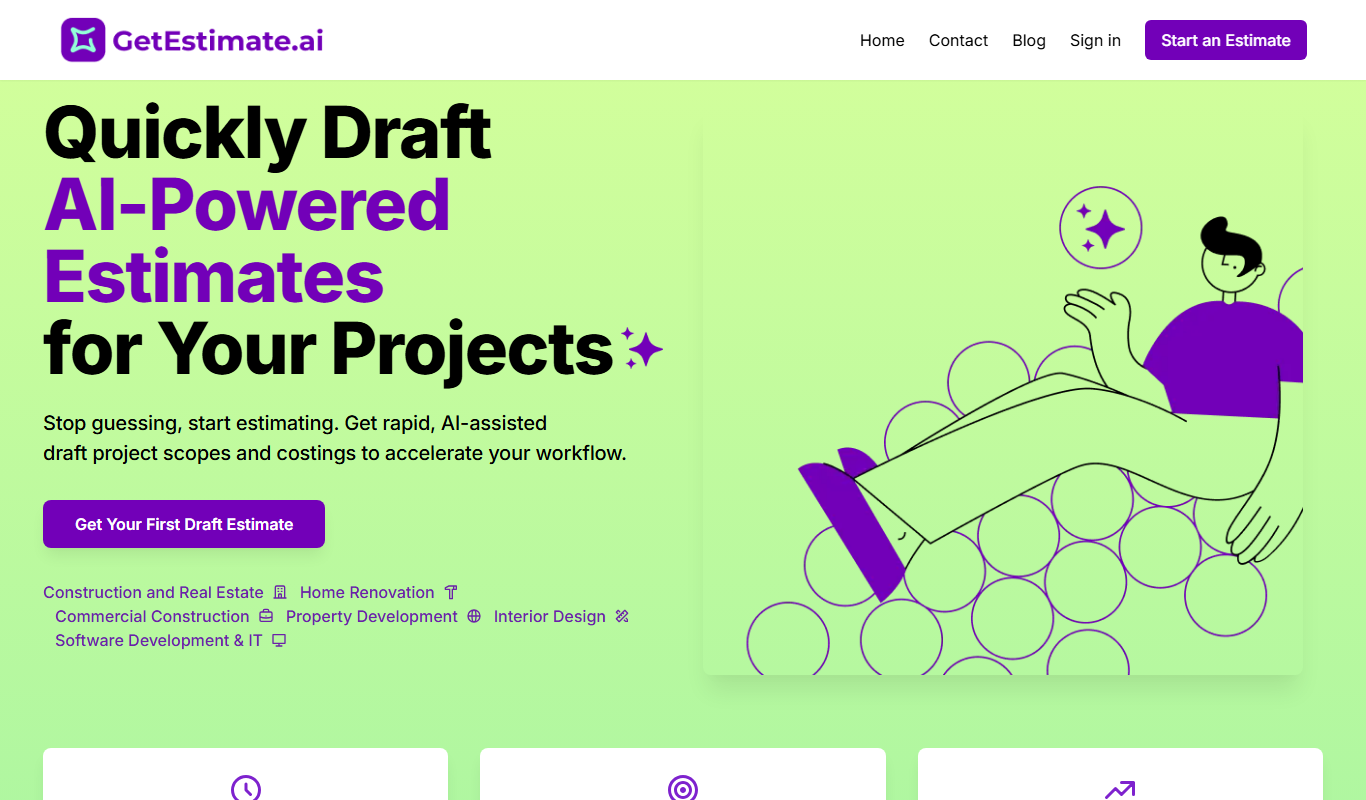
GetEstimate.ai
GetEstimate.ai is an AI agent that analyzes your project, asks targeted questions and generates detailed construction and software estimates, paid per estimate with no subscription.

UXPin
UXPin is a web-based UX design platform that enables interactive prototyping, real-time collaboration, and design system management for teams and individual designers.

PDF2XL
PDF2XL is a software tool that converts PDF documents, especially tables, into editable Excel spreadsheets with features like OCR and batch processing.

Tailwind
Tailwind CSS is a utility-first CSS framework that enables developers to build custom, responsive web interfaces quickly by using atomic CSS classes directly in markup.
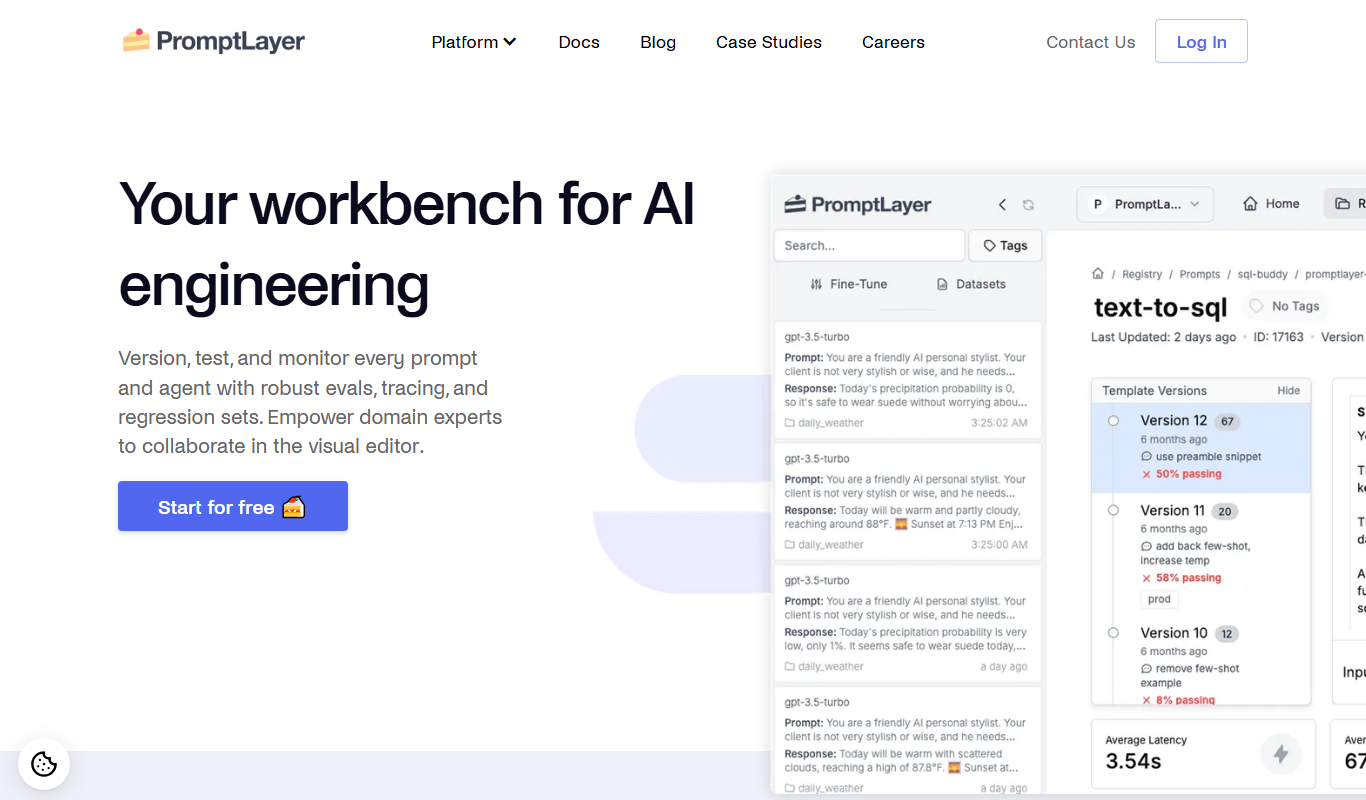
PromptLayer
PromptLayer is a platform that helps developers log, version, and analyze AI prompts and completions to improve prompt engineering and optimize costs when using large language models like OpenAI's GPT.

ScriptRunner
ScriptRunner is an automation platform that centralizes management, security, and execution of PowerShell scripts to streamline IT workflows and enable self-service automation.
Schrödinger
Schrödinger is a molecular modeling software suite that supports drug discovery and materials science through advanced simulations and AI integration.

Heroku
Heroku is a cloud platform as a service (PaaS) that enables developers to deploy, manage, and scale applications easily without managing infrastructure.