

From my experience with Plano.ly, I found it excels at simplifying complex project planning through its intuitive visual boards combined with AI-powered suggestions. The platform makes it easy for teams, especially remote or distributed ones, to collaborate in real-time and keep track of tasks without overwhelming interfaces. However, the lack of dedicated mobile apps and limited integrations may pose challenges for some users. Overall, if you need a straightforward, visually-driven project management tool that enhances team collaboration, Plano.ly delivers solid results with a gentle learning curve.
Plano.ly - AI-Powered Visual Planning and Collaboration Tool for Teams
Plano.ly is an AI-powered visual planning platform that enables teams to organize projects, assign tasks, and collaborate in real-time using interactive boards and AI suggestions.
- Best for
- Team Project Planning
- Key capability
- Visual Project Boards

Do you recommend this tool?
What is plano.ly?
Plano.ly is an AI-powered visual planning and collaboration platform designed to help teams organize projects, workflows, and ideas in an intuitive, visual format. It combines interactive boards with AI assistance to streamline project management and enhance team communication.
Key features of plano.ly
Plano.ly offers visual project boards, AI-driven suggestions, task assignment, real-time collaboration, and workflow mapping to help teams plan and execute projects efficiently.
Visual Project Boards
Drag-and-drop boards that allow teams to organize tasks and ideas visually.
AI-Powered Suggestions
Intelligent recommendations to improve planning and workflow efficiency.
Real-Time Collaboration
Multiple users can edit and comment on boards simultaneously.
Task Assignment and Tracking
Assign tasks to team members and track their progress within the platform.
Workflow Mapping
Visualize processes to identify bottlenecks and optimize team operations.
Pros and cons of plano.ly
Pros
- Intuitive visual interface simplifies complex project planning
- AI-powered suggestions help optimize workflows
- Supports real-time collaboration for distributed teams
- Flexible pricing plans including a free tier
- Easy task assignment and progress tracking
Cons
- Limited integrations compared to some competitors
- Primarily web-based with no dedicated mobile apps yet
- Advanced features require paid subscription
Key use cases for plano.ly
Team Project Planning
Create and organize project plans visually to align team members and track progress.
Workflow Visualization
Map out workflows and processes to improve clarity and efficiency across teams.
Collaborative Brainstorming
Use interactive boards to brainstorm ideas collectively and structure them effectively.
Task Management
Assign, prioritize, and monitor tasks within projects to ensure timely completion.
Remote Team Collaboration
Facilitate communication and coordination among distributed teams through shared visual plans.
How plano.ly works
- 1
Sign Up
Create a free account on the Plano.ly website to start using the platform.
- 2
Create a Visual Board
Set up a new project board to visually organize tasks, ideas, and workflows.
- 3
Invite Team Members
Add collaborators to your board to enable real-time teamwork and communication.
- 4
Use AI Assistance
Leverage AI-powered suggestions to optimize your plans and workflows.
- 5
Track Progress
Monitor task completion and project milestones directly within the visual board.
Who is using plano.ly
Small to medium-sized teams
Project managers
Remote teams
Creative agencies
Startups
plano.ly pricing
Free
$0/month
Basic access with limited boards and collaborators.
Pro
$12/month
Advanced features including unlimited boards, AI assistance, and priority support.
Business
Custom pricing
Tailored solutions for larger teams with enhanced security and integrations.
Plans and prices are as published by the vendor and can change. Check the official site before you buy. Open the pricing page (opens in a new tab)
Frequently asked questions about plano.ly
Yes, Plano.ly offers a free plan with limited features suitable for small teams or individual use.
Absolutely, Plano.ly supports real-time collaboration allowing multiple users to work on boards simultaneously.
Currently, Plano.ly offers integrations with popular project management and communication platforms, with more planned.
Plano.ly employs industry-standard security measures to protect your data and ensure privacy.
This tool is designed to help users accomplish its core tasks more efficiently. It is typically used by individuals or teams looking to improve productivity and workflow.
Some tools offer a free plan or trial with limited features. Availability can vary, so confirm on the official website.
Yes, it can help with that use case depending on how you configure it and what features are available. You’ll get the best results with clear inputs and a defined goal.
Yes, it can help with that use case depending on how you configure it and what features are available. You’ll get the best results with clear inputs and a defined goal.
Sign in to review this tool.
Sign In to ReviewNo reviews yet
Be the first to share how this tool worked for you.
Ask about pricing, limits, or how it compares — or answer someone else.
Sign In to AskNo questions yet
Have a question about using or paying for this tool? Be the first to ask.
Featured on TiorAI



Alternative Tools
Explore similar AI tools that might fit your needs

Free
Trello
Trello is a visual project management tool that helps teams organize tasks and workflows using boards, lists, and cards, with automation and integrations to enhance productivity.

Business
Asana
Asana is a cloud-based project management platform that enables teams to organize tasks, track progress, automate workflows, and collaborate effectively across projects.
More AI Bio Generator tools
Other tools in the same category, for when this one is not quite the fit.

Free
Bio.fm
Bio.fm is a web-based link in bio tool that helps users create a personalized landing page to aggregate multiple links, social media profiles, and content blocks for easy sharing on social media.

Free
LingoJam Bio Generator
LingoJam Bio Generator is a free online tool that quickly creates personalized social media bios by generating multiple options based on your input keywords.

Free
Seapik AI
Seapik AI is a web platform that uses artificial intelligence to generate images from text descriptions, helping users create unique visuals for various creative and marketing needs.
Free
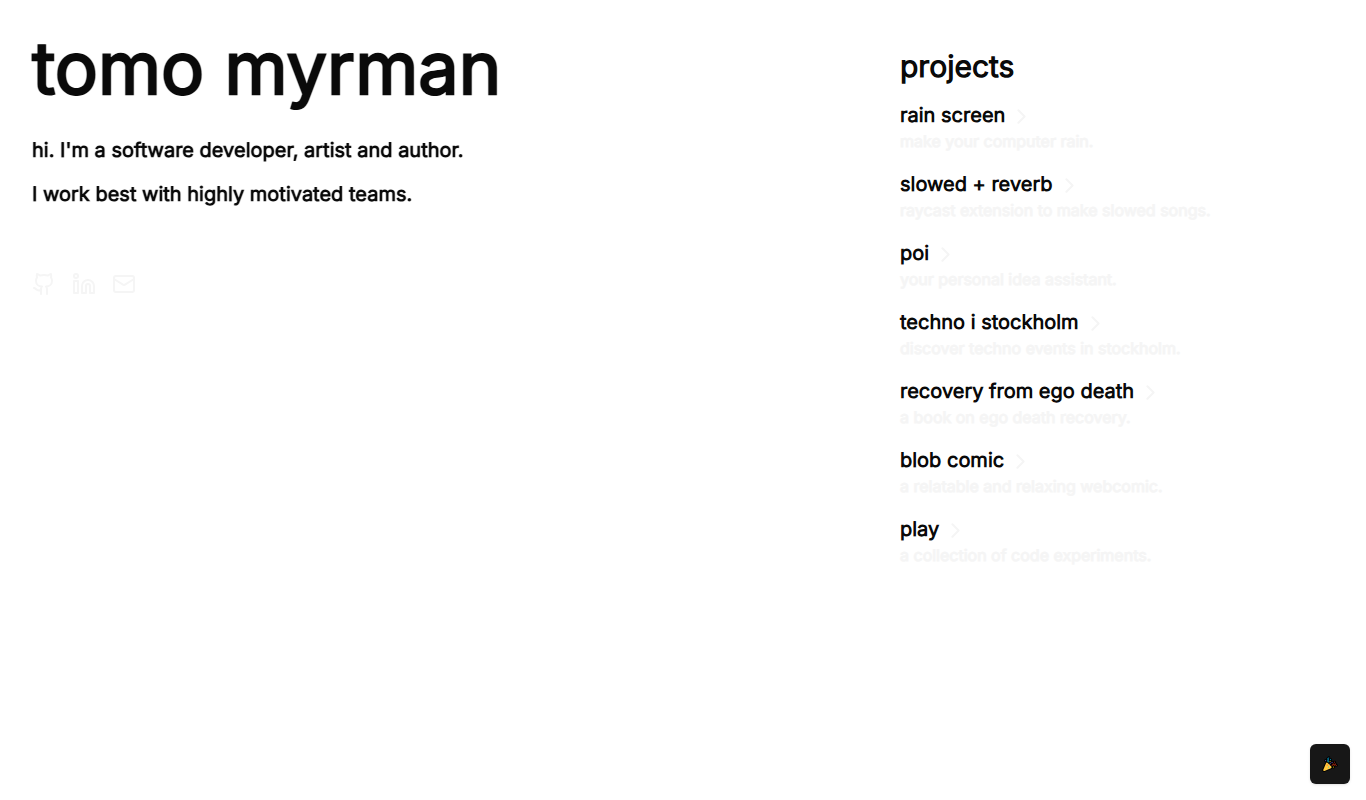
Recovery From Ego Death
Recovery From Ego Death is a free online resource by Neon Tomo offering educational content and practical advice to help individuals recover from ego dissolution experiences and integrate them into daily life.

Free
ResumeFromSpace
ResumeFromSpace is an AI-driven online resume builder that helps users quickly create professional resumes and cover letters with customizable templates and smart content suggestions.

Subscription
ScheduleWave
ScheduleWave is a cloud-based employee scheduling software that helps businesses create and manage work schedules, track attendance, and ensure labor law compliance through an easy-to-use platform with mobile access.

Free
Tangle Club
Tangle Club is a feeless NFT marketplace built on the IOTA Tangle, allowing users to mint, buy, sell, and trade digital collectibles without gas fees.

Freemium
WingmanX
WingmanX is an AI-driven sales assistant that provides real-time coaching, call transcription, and CRM integration to help sales teams improve their conversations and close more deals.