

From my experience with Pitch.com, I found it excels at enabling seamless real-time collaboration on presentations, which is invaluable for teams working remotely or across departments. The intuitive interface and professional templates make it easy to create polished pitch decks quickly. However, the reliance on cloud connectivity means offline editing is limited, which can be a drawback in low-connectivity situations. Overall, if your team needs a modern, collaborative presentation tool that integrates well with other productivity apps, Pitch.com delivers a strong, user-friendly solution.
Collaborative Presentation Software for Teams with Real-Time Editing Features
Pitch.com is a cloud-based collaborative presentation software that enables teams to create, edit, and share presentations in real time with professional templates and integrations.
- Best for
- Team Collaboration on Presentations
- Key capability
- Real-Time Collaboration

Do you recommend this tool?
What is Pitch.com?
Pitch.com is a modern collaborative presentation software designed to help teams create, edit, and share presentations in real time. It combines the ease of use of traditional presentation tools with powerful collaboration features, enabling teams to work together seamlessly on pitch decks, reports, and marketing materials. Pitch integrates with popular productivity tools and offers a cloud-based platform accessible from web and desktop applications.
Key features of Pitch.com
Pitch offers real-time collaborative editing, version control, professional templates, integrations with tools like Slack and Google Drive, commenting and feedback mechanisms, and analytics to track presentation engagement.
Real-Time Collaboration
Multiple users can edit and comment on presentations simultaneously with live updates.
Professional Templates
Access a library of customizable templates designed for pitches, reports, and marketing.
Version History and Control
Track changes and revert to previous versions easily to maintain presentation integrity.
Integrations
Connect with Slack, Google Drive, Figma, and other tools to streamline workflows.
Analytics Dashboard
Monitor viewer engagement and presentation performance with built-in analytics.
Pros and cons of Pitch.com
Pros
- Intuitive and modern user interface
- Strong real-time collaboration features
- Robust version control and history
- Good integration with other productivity tools
- Cross-platform availability
Cons
- Limited offline editing capabilities
- Some advanced features require paid plans
- Mobile app functionality is less comprehensive than desktop
Key use cases for Pitch.com
Team Collaboration on Presentations
Allows multiple users to create, edit, and comment on presentations simultaneously, improving teamwork and reducing version conflicts.
Sales and Investor Pitch Decks
Provides professional templates and tools tailored for creating compelling sales and investor presentations.
Remote and Hybrid Work Presentations
Supports distributed teams with cloud-based access and real-time updates, facilitating remote collaboration.
Marketing Campaign Presentations
Enables marketing teams to build visually engaging presentations to communicate campaign strategies and results.
Internal Company Updates
Helps teams prepare and share internal reports and updates with clear visuals and collaborative input.
How Pitch.com works
- 1
Create an Account
Sign up on Pitch.com using your email or through single sign-on options.
- 2
Start a New Presentation
Choose from a variety of templates or start from scratch to build your presentation.
- 3
Invite Team Members
Add collaborators to your presentation to work together in real time.
- 4
Edit and Comment
Simultaneously edit slides, leave comments, and resolve feedback within the platform.
- 5
Present and Share
Present directly from Pitch or share links with stakeholders for viewing or collaboration.
Who is using Pitch.com
Sales teams
Marketing professionals
Startups and entrepreneurs
Remote and distributed teams
Enterprise organizations
Pitch.com pricing
Free
$0/month
Basic features with limited collaborators and presentations.
Pro
$12/month per user
Advanced collaboration tools, unlimited presentations, and priority support.
Enterprise
Custom pricing
Tailored solutions with enhanced security, dedicated support, and integrations.
Plans and prices are as published by the vendor and can change. Check the official site before you buy. Open the pricing page (opens in a new tab)
Frequently asked questions about Pitch.com
Yes, Pitch offers a free plan with basic features suitable for individuals and small teams.
Pitch primarily operates as a cloud-based platform; offline editing is limited but desktop apps offer some offline capabilities.
Pitch integrates with Slack, Google Drive, Figma, and other popular productivity tools.
Yes, Pitch offers enterprise plans with custom features, security, and support for large organizations.
This tool is designed to help users accomplish its core tasks more efficiently. It is typically used by individuals or teams looking to improve productivity and workflow.
Some tools offer a free plan or trial with limited features. Availability can vary, so confirm on the official website.
Yes, it can help with that use case depending on how you configure it and what features are available. You’ll get the best results with clear inputs and a defined goal.
Yes, it can help with that use case depending on how you configure it and what features are available. You’ll get the best results with clear inputs and a defined goal.
Sign in to review this tool.
Sign In to ReviewNo reviews yet
Be the first to share how this tool worked for you.
Ask about pricing, limits, or how it compares — or answer someone else.
Sign In to AskNo questions yet
Have a question about using or paying for this tool? Be the first to ask.
Featured on TiorAI



Alternative Tools
Explore similar AI tools that might fit your needs
Free
Prezi
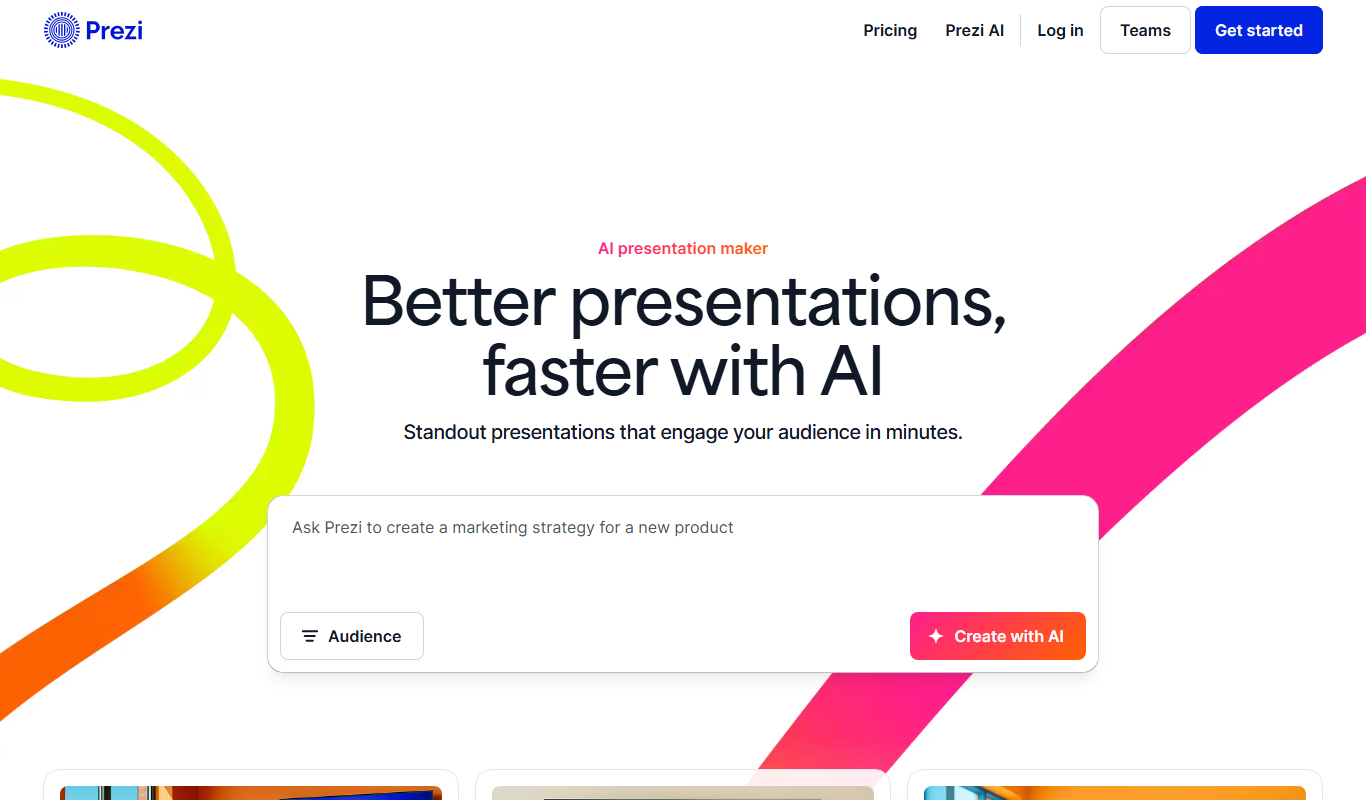
Prezi is a cloud-based presentation tool that uses a zoomable canvas to create engaging, non-linear presentations with real-time collaboration and multimedia support.
More Business Management tools
Other tools in the same category, for when this one is not quite the fit.

Free
Roadtrippers
Roadtrippers is a travel planning app that helps users create detailed road trip itineraries by mapping routes, discovering attractions, and optimizing travel plans.

Free
TripIt
TripIt is a travel app that automatically organizes your travel plans into a single itinerary by parsing confirmation emails, providing real-time flight alerts, and allowing itinerary sharing.

Free
FormSwift
FormSwift is an online platform that provides customizable legal and business document templates, PDF editing, and electronic signature capabilities to help users create and manage important documents easily.

Pay As You Go
TextMagic
TextMagic is a cloud-based SMS marketing platform that enables businesses to send bulk text messages, automate notifications, and engage customers with two-way messaging and API integration.

Free Trial
EZ Texting
EZ Texting is a cloud-based SMS marketing platform that enables businesses to send mass text messages, automate campaigns, and engage customers with two-way messaging.

Free Trial
SimpleTexting
SimpleTexting is a cloud-based SMS marketing platform that enables businesses to send mass text messages, automate SMS workflows, and engage customers with two-way messaging to improve communication and marketing effectiveness.

Free
Spocket
Spocket is a dropshipping platform that helps ecommerce entrepreneurs source products from vetted US and EU suppliers, automate order fulfillment, and integrate with major online store platforms like Shopify and WooCommerce.

Free
Oberlo
Oberlo is a dropshipping app for Shopify that automates product importing, inventory management, and order fulfillment, enabling entrepreneurs to run ecommerce stores without holding inventory.