

From my experience with Photobooth AI, I found it excels at simplifying complex photo editing tasks through AI automation, especially for portrait enhancement and background removal. The web-based platform is intuitive, making it accessible for users without advanced editing skills. It’s particularly well-suited for social media creators and small business marketers who need quick, polished images. However, the free plan’s limitations, such as watermarked images and usage caps, mean serious users will likely need the subscription. Overall, Photobooth AI delivers efficient and quality photo enhancements for everyday editing needs.
Photobooth AI - AI-Powered Photo Editing and Enhancement Tool Online
Photobooth AI is a web-based photo editing tool that uses artificial intelligence to automate portrait retouching, background removal, and image upscaling, making professional photo editing accessible and fast.
- Best for
- Portrait Enhancement
- Key capability
- AI Portrait Retouching
Your actions
Save Photobooth AI, follow its updates and vote on it — everything stays in your account.
Sign in or create a free account
What is Photobooth AI?
Photobooth AI is an online AI-powered photo editing application designed to simplify and enhance the process of improving images. It leverages artificial intelligence to automate complex editing tasks such as portrait retouching, background removal, and image upscaling, making professional-quality photo editing accessible to users without advanced skills.
Key features of Photobooth AI
The tool offers automated portrait enhancement, background removal, AI-driven image upscaling, and creative filters. Its intuitive web interface allows users to upload photos and apply enhancements quickly, streamlining workflows for photographers, marketers, and social media creators.
AI Portrait Retouching
Automatically smooth skin, brighten eyes, and enhance facial details.
Background Removal
Remove or replace backgrounds with a single click for cleaner images.
Image Upscaling
Increase image resolution while preserving detail and clarity.
Creative Filters and Effects
Apply artistic styles to photos to create unique looks.
User-Friendly Web Interface
No software installation required; accessible from any modern browser.
Pros and cons of Photobooth AI
Pros
- Easy-to-use interface requiring no technical skills
- Automated AI enhancements save time
- Supports multiple photo editing features in one platform
- Affordable subscription plan
- No software installation needed
Cons
- Limited free plan with watermarked images
- No dedicated mobile app
- Some advanced editing options are not customizable
Key use cases for Photobooth AI
Portrait Enhancement
Automatically improve portrait photos by smoothing skin, enhancing facial features, and adjusting lighting.
Background Removal
Easily remove or replace backgrounds in photos for professional-looking images.
Image Upscaling
Increase photo resolution without losing quality using AI-powered upscaling.
Creative Photo Effects
Apply artistic filters and effects to photos to create unique visual styles.
Social Media Content Creation
Prepare polished images quickly for social media posts, ads, and profiles.
How Photobooth AI works
- 1
Upload Photo
Users start by uploading their photo to the Photobooth AI web platform.
- 2
Select Editing Features
Choose from options like portrait enhancement, background removal, or upscaling.
- 3
AI Processing
The AI algorithms analyze and automatically apply the selected enhancements.
- 4
Preview and Adjust
Users can preview results and make manual adjustments if needed.
- 5
Download Edited Image
Save the enhanced photo in high resolution for personal or professional use.
Who is using Photobooth AI
Amateur photographers
Social media content creators
Small business marketers
Freelance graphic designers
E-commerce sellers
Photobooth AI pricing
Free
$0/month
Basic editing features with limited daily usage and watermark on images.
Pro
$9.99/month
Unlimited access to all features, high-resolution downloads, and no watermarks.
Plans and prices are as published by the vendor and can change. Check the official site before you buy. Open the pricing page (opens in a new tab)
Frequently asked questions about Photobooth AI
Yes, it offers high-quality AI enhancements that can speed up editing workflows for professionals.
Currently, Photobooth AI is optimized for web browsers and does not have dedicated mobile apps.
Photobooth AI uses secure connections and does not share your photos with third parties.
Background removal is available but with usage limits and watermarked outputs on the free plan.
It depends on your specific needs and how you plan to use the tool. The official website and documentation are the best sources for the latest details.
Some tools offer a free plan or trial with limited features. Availability can vary, so confirm on the official website.
Yes, it can help with that use case depending on how you configure it and what features are available. You’ll get the best results with clear inputs and a defined goal.
Yes, it can help with that use case depending on how you configure it and what features are available. You’ll get the best results with clear inputs and a defined goal.
Sign in to review this tool.
Sign In to ReviewNo reviews yet
Be the first to share how this tool worked for you.
Ask about pricing, limits, or how it compares — or answer someone else.
Sign In to AskNo questions yet
Have a question about using or paying for this tool? Be the first to ask.
Featured on TiorAI



Alternative Tools
Explore similar AI tools that might fit your needs

Free
Fotor
Fotor is an online photo editing and graphic design tool offering AI-powered enhancements, templates, and batch processing across web and mobile platforms.
More AI Artificial Intelligence Tools tools
Other tools in the same category, for when this one is not quite the fit.

Freemium
Video Editor AI
Video Editor AI lets you edit any video with AI: remove objects, blur faces, remove backgrounds, upscale and add subtitles. Free, no watermark.

Freemium
Zetta
Zetta automates business intelligence with dashboards, analysis, insights and a conversational AI Analyst, set up by connecting a data warehouse and defining metrics.
Freemium
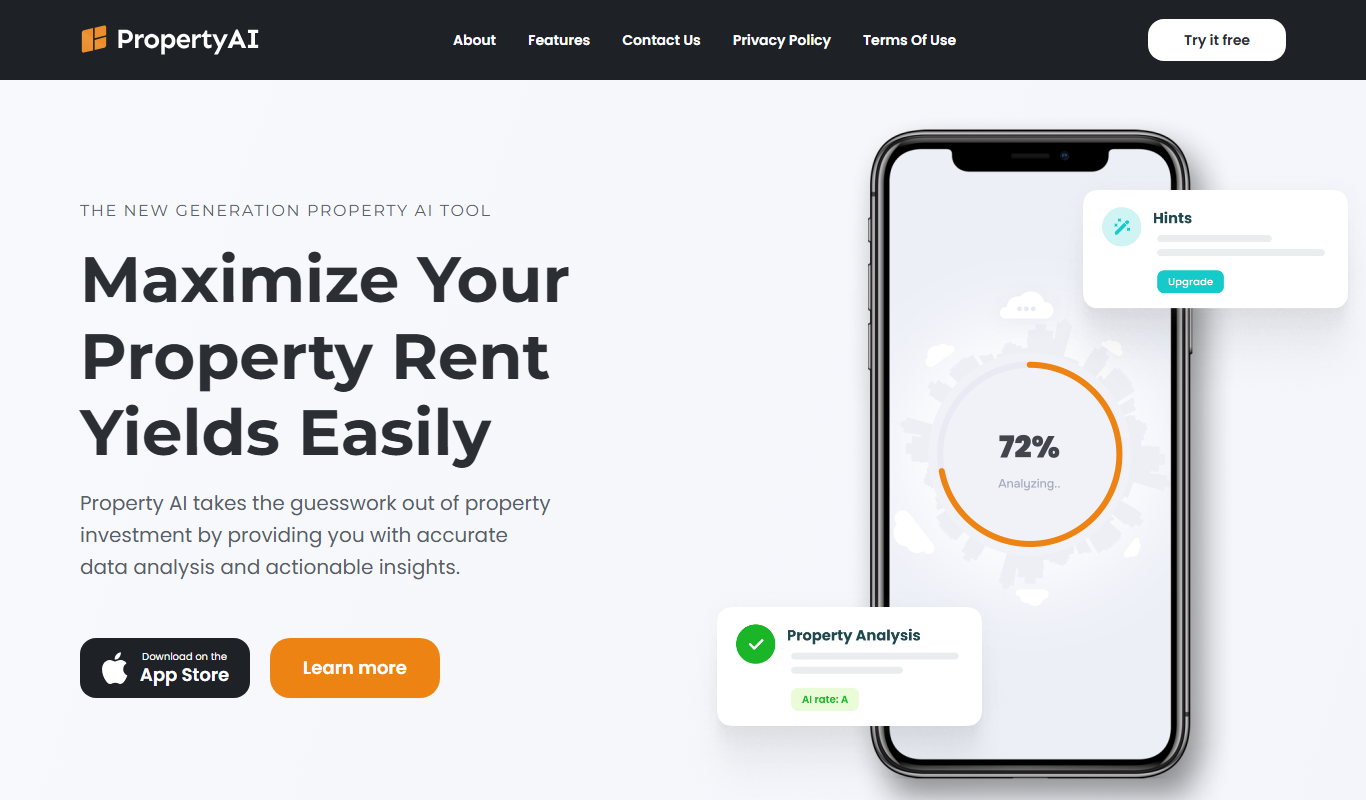
Property AI – Maximize Rental Yield
Property AI takes the guesswork out of property investment by providing accurate data analysis and actionable insights.

Contact for pricing
Fynite.AI
Fynite is an enterprise OS for agentic AI that unifies petabyte-scale data, trains domain-specific models and deploys AI agents that execute outcomes autonomously.

Freemium
EasyTrip AI
EasyTrip AI is an AI-driven travel planner that generates customized trip itineraries based on your travel dates, destinations, and preferences, helping you organize your trip efficiently.

Freemium
Travel Itinerary AI
Travel Itinerary AI is an AI-powered web tool that creates personalized travel itineraries based on your preferences, helping you plan and manage trips efficiently.

Free
aigclist
AIGCList is a free online directory that aggregates and categorizes AI tools, providing detailed information, user reviews, and AI industry news to help users discover and compare AI solutions.

Free
AI Tool Center
AI Tool Center is a free online directory that helps users discover, compare, and review AI tools across various categories and industries.