

From my experience with PhotoAlign Studio, it excels at delivering precise and automated photo alignment that significantly reduces manual editing time. The batch processing feature is a real time-saver for photographers working with large image sets, especially in panorama and HDR workflows. While the desktop-only availability limits flexibility for mobile users, the software’s intuitive interface and robust correction tools make it a solid choice for professionals and enthusiasts alike. If you need reliable photo stitching and alignment with affordable pricing, PhotoAlign Studio is a dependable solution.
PhotoAlign Studio - Professional Photo Alignment and Stitching Software
PhotoAlign Studio is a desktop software that automates photo alignment and stitching, ideal for creating panoramas and correcting distortions in photography.
- Best for
- Panorama Stitching
- Key capability
- Automatic Photo Alignment
Your actions
Save PhotoAlign Studio, follow its updates and vote on it — everything stays in your account.
Sign in or create a free account
What is PhotoAlign Studio?
PhotoAlign Studio is a specialized desktop software designed to precisely align and stitch photos for photographers and imaging professionals. It automates the process of aligning multiple images, correcting distortions, and preparing photos for panoramas or HDR workflows. The software supports batch processing and offers advanced algorithms to ensure pixel-perfect results, making it ideal for landscape, architectural, and creative photography projects.
Key features of PhotoAlign Studio
PhotoAlign Studio offers automatic photo alignment, distortion correction, batch processing, and seamless panorama stitching. Its intuitive interface and powerful algorithms enable users to enhance photo composition and prepare images for further editing or printing.
Automatic Photo Alignment
Uses advanced algorithms to detect and align overlapping images accurately.
Batch Processing Support
Enables users to align multiple photo groups simultaneously, increasing efficiency.
Distortion and Perspective Correction
Corrects lens distortions and perspective issues common in architectural photography.
Panorama Stitching
Seamlessly merges aligned photos into high-quality panoramic images.
User-Friendly Interface
Clean and intuitive UI designed for photographers of all skill levels.
Pros and cons of PhotoAlign Studio
Pros
- Accurate automatic photo alignment with minimal manual input
- Supports batch processing to save time on large projects
- Corrects lens distortion and perspective issues effectively
- User-friendly interface suitable for beginners and pros
- Affordable subscription plans with a free trial option
Cons
- Limited mobile or web platform support; desktop only
- Free trial outputs watermarked images
- Advanced features require higher-tier subscription
Key use cases for PhotoAlign Studio
Panorama Stitching
Combine multiple overlapping photos into seamless panoramic images with precise alignment.
Photo Alignment Correction
Automatically correct misaligned photos for better composition and consistency.
HDR Image Preparation
Align bracketed exposures accurately to create high dynamic range (HDR) images.
Architectural Photography
Correct perspective distortions and align images for architectural and real estate photography.
Batch Processing
Process multiple photo sets simultaneously to save time on large projects.
How PhotoAlign Studio works
- 1
Import Photos
Load your set of photos into the software for alignment and processing.
- 2
Automatic Alignment
The software analyzes and aligns images based on overlapping content and metadata.
- 3
Adjust Settings
Fine-tune alignment parameters or correct perspective distortions manually if needed.
- 4
Batch Process
Apply alignment to multiple photo sets automatically to streamline workflow.
- 5
Export Results
Save aligned photos or stitched panoramas in various formats for further editing.
Who is using PhotoAlign Studio
Professional photographers
Photography enthusiasts
Architectural photographers
Real estate photographers
HDR and panorama image creators
PhotoAlign Studio pricing
Free Trial
$0
Limited features with watermark on output; try before you buy.
Standard
$49/year
Full access to alignment and stitching features for hobbyists and enthusiasts.
Professional
$99/year
Includes batch processing, priority support, and commercial use license.
Plans and prices are as published by the vendor and can change. Check the official site before you buy. Open the pricing page (opens in a new tab)
Frequently asked questions about PhotoAlign Studio
Yes, the software supports most common RAW formats from popular camera brands.
Batch processing is only available in the Professional plan.
Yes, PhotoAlign Studio is compatible with both Windows and macOS desktop platforms.
Commercial use requires purchasing the Professional plan.
It depends on your specific needs and how you plan to use the tool. The official website and documentation are the best sources for the latest details.
It depends on your specific needs and how you plan to use the tool. The official website and documentation are the best sources for the latest details.
Yes, it can help with that use case depending on how you configure it and what features are available. You’ll get the best results with clear inputs and a defined goal.
Sign in to review this tool.
Sign In to ReviewNo reviews yet
Be the first to share how this tool worked for you.
Ask about pricing, limits, or how it compares — or answer someone else.
Sign In to AskNo questions yet
Have a question about using or paying for this tool? Be the first to ask.
Featured on TiorAI



Alternative Tools
Explore similar AI tools that might fit your needs

Free Trial
PTGui
PTGui is a professional panorama stitching software that creates seamless 360-degree and HDR panoramic images by combining multiple photos with advanced alignment and blending tools.
More AI Healthcare & Wellness Tools tools
Other tools in the same category, for when this one is not quite the fit.
Freemium
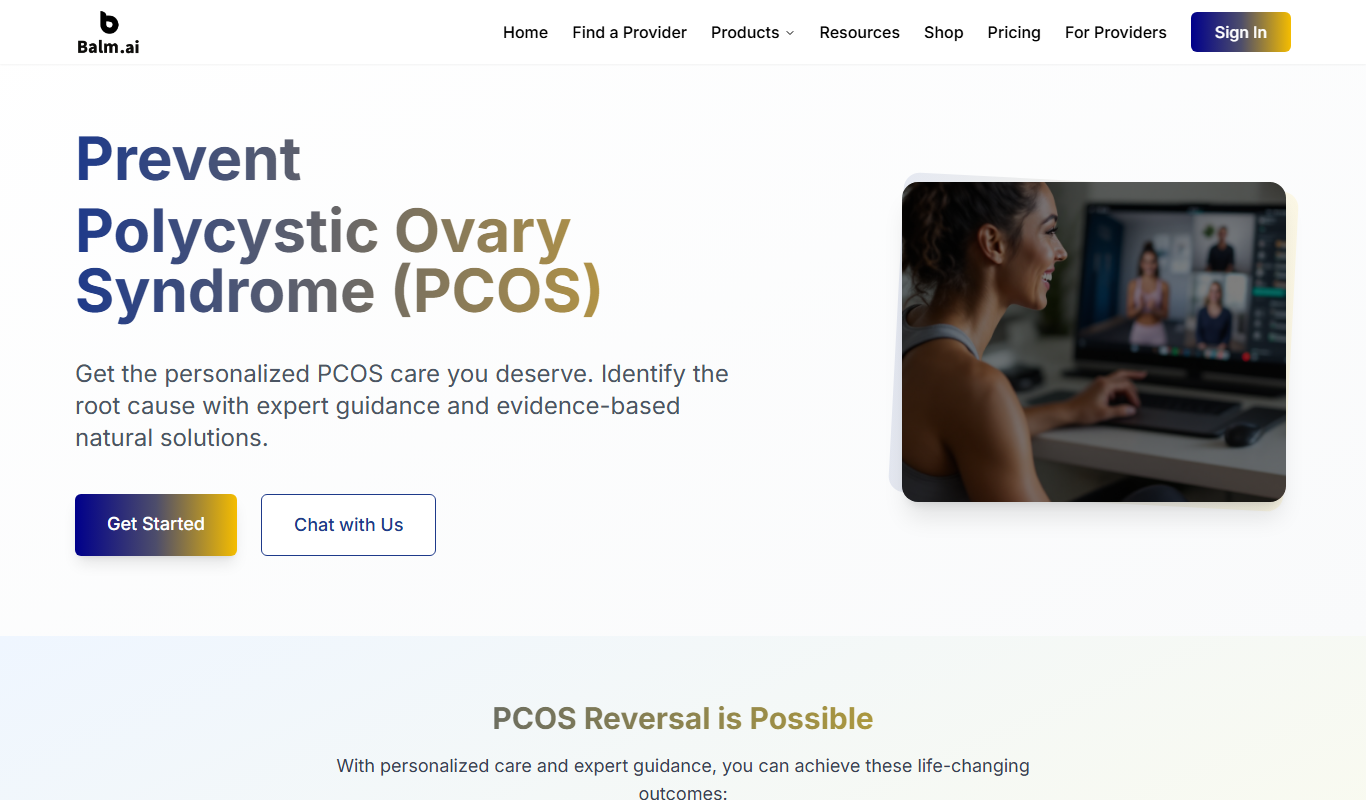
Balm.ai
Balm.ai is an AI health companion for PMOS, PCOS, metabolic health, obesity and infertility, with root-cause reports, community access and specialist referrals.

Enterprise
Skinive AI
Skinive AI is a CE-certified artificial intelligence platform that analyzes skin images to detect and assess various dermatological conditions, supporting telemedicine and clinical workflows.
Enterprise
Livongo
Livongo is a digital health platform that uses connected devices and AI-driven coaching to help individuals manage chronic conditions such as diabetes and hypertension effectively.

Custom Pricing
artivatic.ai
Artivatic.ai is an AI platform specializing in automating insurance and healthcare processes like underwriting and fraud detection through machine learning.

Free
Miiskin
Miiskin is a mobile app that helps users monitor their skin for changes, especially moles, to aid early detection of skin cancer by tracking photos over time.
Free
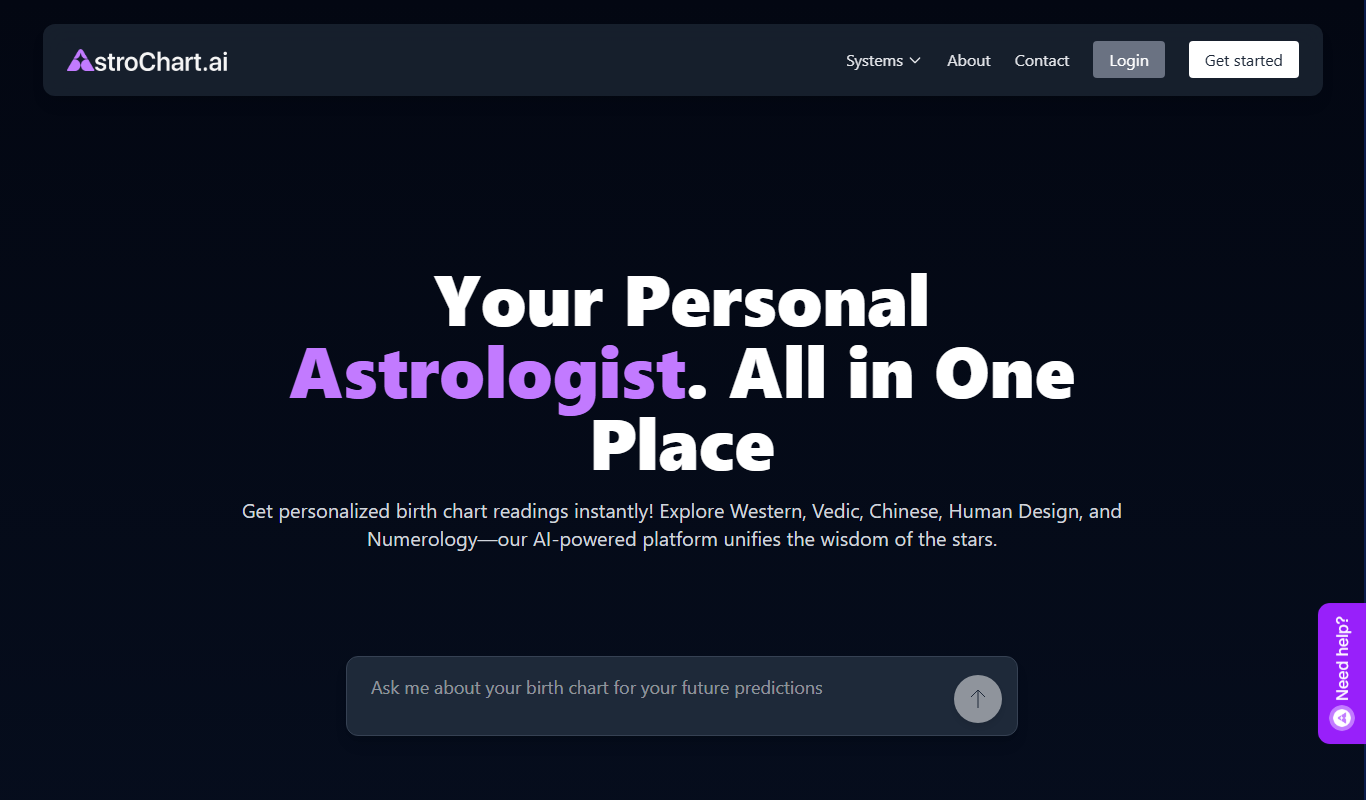
AstroChart.ai
AstroChart.ai is an AI-driven platform that creates personalized astrology birth charts and detailed interpretations based on your birth data, helping users understand their astrological profile easily online.

Free
Dream Advisor
Dream Advisor is an app that helps users record and interpret their dreams using personalized insights to promote mental wellness and self-awareness.

Free
Mind Tracker
Mind Tracker is an app on the App Store and Google Play.