

From my experience with Perspective API, it stands out as a reliable and research-driven tool for detecting toxic language in online content. Its straightforward API and customizable thresholds make it practical for platforms aiming to maintain respectful user interactions. While it excels in English and several major languages, nuanced moderation still benefits from human oversight. Overall, if your goal is to automate toxicity detection and improve community safety, Perspective API offers a solid foundation backed by Google’s expertise.
Perspective API for Content Moderation and Toxicity Detection in Text
Perspective API is an AI-powered tool by Jigsaw that scores text for toxicity and harmful content to help platforms moderate user-generated content effectively.
- Best for
- Content Moderation
- Key capability
- Toxicity Detection

Do you recommend this tool?
What is Perspective API?
Perspective API is a machine learning-powered tool developed by Jigsaw, a Google subsidiary, designed to identify toxic language and harmful content in text. It provides an API that scores text based on the perceived impact it might have on a conversation, helping platforms moderate user-generated content effectively and foster healthier online communities.
Key features of Perspective API
Perspective API offers real-time toxicity scoring, customizable models for different types of harmful content, multi-language support, and easy integration via RESTful API. It enables developers and moderators to detect various forms of abusive language, including insults, threats, and harassment.
Toxicity Detection
Scores text on how likely it is to be perceived as toxic or harmful.
Multi-Attribute Analysis
Detects various attributes such as insults, threats, profanity, and identity attacks.
Customizable Thresholds
Allows platforms to set sensitivity levels for moderation based on their community standards.
Multi-Language Support
Supports toxicity detection in several major languages beyond English.
Real-Time API Access
Enables instant analysis for live content moderation.
Pros and cons of Perspective API
Pros
- Accurate and research-backed toxicity detection
- Easy API integration with clear documentation
- Supports multiple harmful content attributes
- Free tier available for testing and small projects
- Backed by Google’s Jigsaw with ongoing improvements
Cons
- Primarily optimized for English, other languages less accurate
- May require human review for nuanced moderation
- Limited free tier usage may not suit large platforms
Key use cases for Perspective API
Content Moderation
Automatically detect and filter toxic or harmful comments on online platforms to maintain safe user environments.
Community Management
Assist moderators by flagging potentially abusive or inflammatory language for review, improving moderation efficiency.
Customer Support
Identify toxic language in customer interactions to prioritize responses and maintain respectful communication.
Research and Analysis
Analyze large datasets of online conversations to study patterns of toxicity and hate speech.
AI Content Filtering
Integrate toxicity scoring into AI-generated content workflows to ensure outputs meet community standards.
How Perspective API works
- 1
API Integration
Developers integrate the Perspective API into their platforms using RESTful calls to submit text for analysis.
- 2
Text Submission
User-generated text or content is sent to the API for evaluation.
- 3
Toxicity Scoring
The API returns scores indicating the likelihood that the text is toxic or contains other harmful attributes.
- 4
Actionable Insights
Platforms use these scores to filter, flag, or moderate content automatically or with human review.
Who is using Perspective API
Online community managers
Social media platforms
Customer support teams
Content moderation services
Researchers studying online toxicity
Perspective API pricing
Free
$0/month
Basic access with limited API calls suitable for small projects or testing.
Enterprise
Custom pricing
Higher volume usage and dedicated support for large-scale moderation needs.
Plans and prices are as published by the vendor and can change. Check the official site before you buy. Open the pricing page (opens in a new tab)
Frequently asked questions about Perspective API
It can detect toxic language, insults, threats, profanity, identity attacks, and other harmful speech.
There is a free tier with limited usage, and paid plans are available for higher volume needs.
It supports English primarily, with additional support for Spanish, French, German, Portuguese, and Italian.
Yes, you can set thresholds to adjust how strict the moderation should be.
Integration support depends on the tool and its available connectors or API. Check the official documentation or integrations page to confirm what is supported.
Sign in to review this tool.
Sign In to ReviewNo reviews yet
Be the first to share how this tool worked for you.
Ask about pricing, limits, or how it compares — or answer someone else.
Sign In to AskNo questions yet
Have a question about using or paying for this tool? Be the first to ask.
Featured on TiorAI



More AI Content Generator tools
Other tools in the same category, for when this one is not quite the fit.
Custom Pricing
Ion Interactive
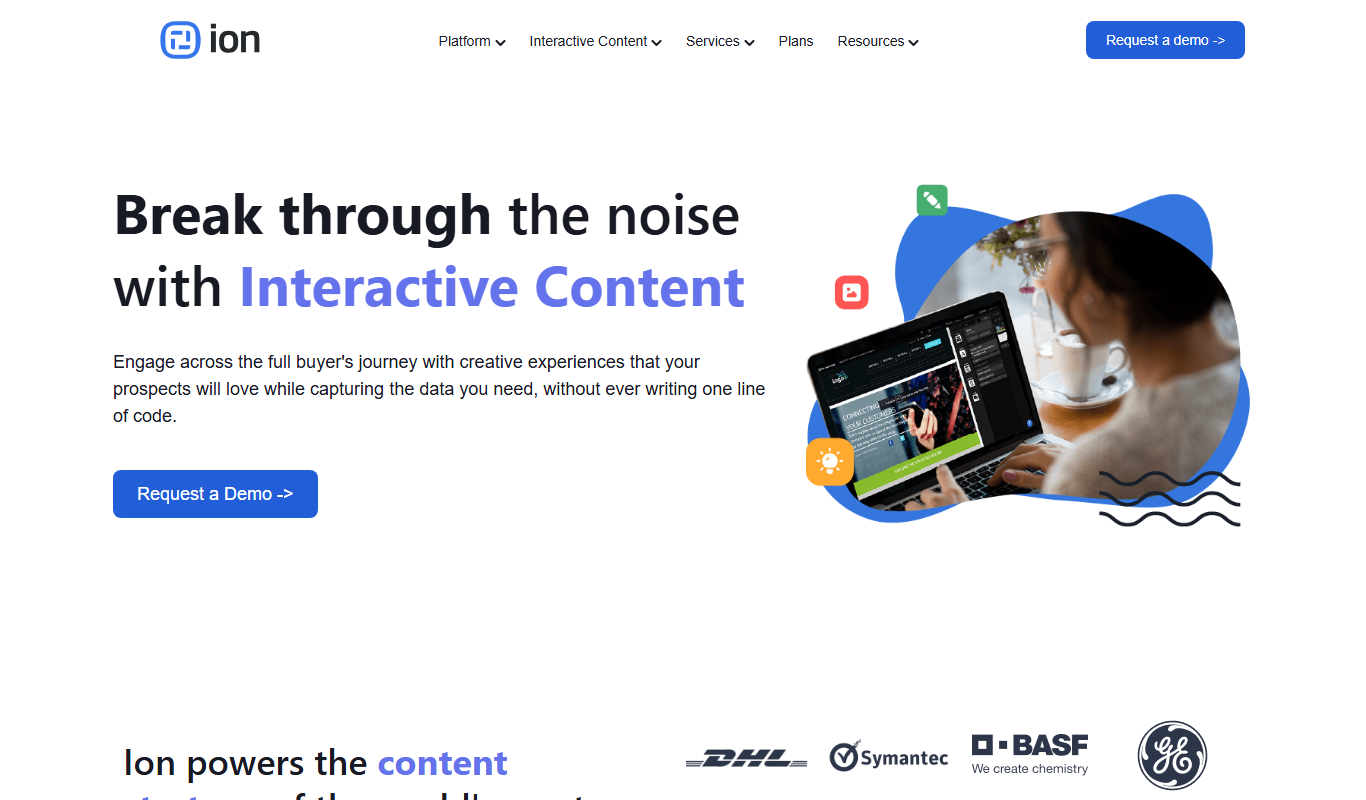
Ion Interactive is a web-based platform that enables marketers to create interactive content like quizzes and assessments to engage audiences and generate leads without coding.
Freemium
简道云内容助手
Jiandaoyun Content Assistant is an AI writing tool embedded in a no-code platform that helps users generate and automate content creation, primarily for Chinese language users.

Free
写作猫AI
写作猫AI is a Chinese-language AI writing assistant that supports content generation, creative writing, and text refinement through a web platform.

Free
Internet Archive
Internet Archive is a free nonprofit digital library offering millions of books, audio, video, and archived websites accessible online through its web platform and the Wayback Machine.

Freemium
Simpleclub
Simpleclub is an educational platform providing interactive video lessons and personalized learning tools primarily for secondary school students, helping them understand school subjects and prepare for exams.

Free
Calmly Writer
Calmly Writer is a minimalist writing app designed to help users focus by providing a distraction-free interface, Markdown support, autosave, and export options. It is available as a free web app and a paid desktop app for offline use.

Free
Fighting Fantasy
Fighting Fantasy is a web-based interactive story platform that lets users play and create branching narrative gamebooks inspired by the classic Fighting Fantasy series, incorporating RPG elements like dice rolls and character stats.

Free
Spreadsheeto
Spreadsheeto is an online platform offering detailed Microsoft Excel tutorials and courses to help users from beginners to advanced professionals improve their spreadsheet skills.