
From my experience with PDF Talker, I found it excels at providing a straightforward, browser-based solution for converting PDFs into spoken audio without any software installation. It’s particularly well-suited for users who need quick accessibility options or prefer listening to documents while multitasking. However, the tool currently supports only English and struggles with scanned PDFs, which limits its use in some scenarios. Overall, if you want an easy way to listen to text-based PDFs online with adjustable speed and a free tier, PDF Talker delivers a reliable and user-friendly experience.
PDF Talker Text-to-Speech Tool for Reading PDFs Online Easily
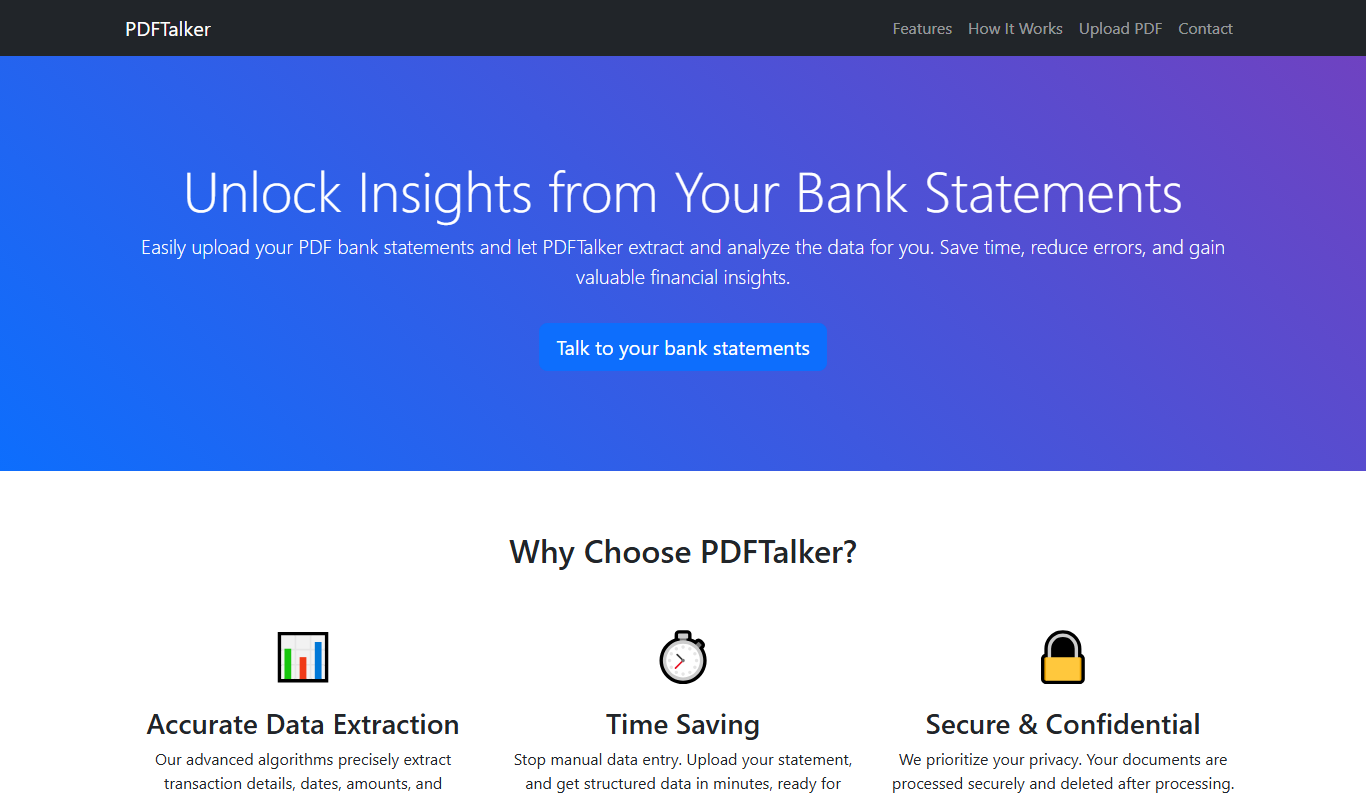
PDF Talker is an online text-to-speech tool that converts PDF documents into spoken audio directly in your browser, supporting English language and offering free and premium plans.
What is PDF Talker?
PDF Talker is a web-based text-to-speech tool designed to convert PDF documents into spoken audio. It enables users to upload PDF files and listen to their content read aloud directly in the browser without installing software. This tool is especially useful for accessibility, multitasking, and improving comprehension.
Key Features of PDF Talker
Online PDF Upload
No software installation needed; upload PDFs directly on the website.
Natural Voice Playback
Uses advanced text-to-speech voices for clear and natural audio.
Adjustable Speed
Users can control the reading speed to suit their listening preference.
Supports Multiple PDFs
Handles various PDF formats and sizes efficiently.
Pros and Cons of PDF Talker
Pros
- No installation required, works in any browser
- Simple and intuitive user interface
- Adjustable reading speed for personalized listening
- Free tier available for casual users
Cons
- Limited language support (English only)
- May not accurately read scanned or image-based PDFs
- Free plan has usage and file size restrictions
Key Use Cases for PDF Talker
Accessibility for Visually Impaired
Allows users with visual impairments to listen to PDF content instead of reading.
Multitasking and Learning
Users can listen to PDFs while doing other tasks, improving productivity and retention.
Proofreading and Reviewing
Listening to PDFs helps catch errors and improve comprehension during editing.
Language Learning
Helps language learners hear correct pronunciation and intonation from PDF texts.
How PDF Talker Works
-
1
Upload PDF
Users upload their PDF document to the PDF Talker website.
-
2
Convert to Speech
The tool processes the PDF text and converts it into audio using text-to-speech technology.
-
3
Listen Online
Users can play, pause, and control the audio playback directly in the browser.
Who's Using PDF Talker
Visually impaired users
Students and learners
Professionals needing multitasking tools
Language learners
Content reviewers and editors
PDF Talker Pricing
Free
$0/month
Basic access with limited usage and standard voice options.
Premium
$9.99/month
Unlimited usage, premium voices, and faster processing.
Frequently Asked Questions About PDF Talker
No, PDF Talker is a web-based tool that works entirely in your browser.
PDF Talker works best with text-based PDFs; scanned images may not be read accurately.
The free plan has file size limits; premium plans allow larger files.
Currently, PDF Talker supports English text-to-speech only.
It depends on your specific needs and how you plan to use the tool. The official website and documentation are the best sources for the latest details.
Some tools offer a free plan or trial with limited features. Availability can vary, so confirm on the official website.
Yes, it can help with that use case depending on how you configure it and what features are available. You’ll get the best results with clear inputs and a defined goal.
Share your review
Reviews are limited to one per logged-in user and are published after moderation.
You need an account to review this tool.
0.0
★
★
★
★
★
0 reviews
5 star
0
4 star
0
3 star
0
2 star
0
1 star
0
No reviews yet
Be the first to share how this tool worked for you.
Questions from the community
Read questions and answers about this tool, or ask your own.
No questions yet
Start the conversation by asking the first question about this tool.
Is this tool helpful?
Alternative Tools
Explore similar AI tools that might fit your needs

Free
ReadAloud
ReadAloud is a versatile text-to-speech tool available as browser extensions and mobile apps that converts written text into natural speech, supporting multiple languages and voices to enhance accessibility and content consumption.

Free
GPT Reader: A Free AI Text-to-Speech
GPT Reader is a free online AI text-to-speech tool that converts English text into natural-sounding speech with multiple voice options and adjustable speed, requiring no signup.

Free
EasyDictation.app
EasyDictation.app is a free web-based tool that converts your spoken words into text in real time using browser speech recognition technology, requiring no installation or account.

Free
Marlee
Marlee is an AI-powered voice assistant app that enables hands-free task management and reminders, focusing on accessibility and productivity for iOS and Android users.

Free
CT Read
CT Read is an AI-driven text-to-speech tool that helps individuals with dyslexia and reading challenges by reading text aloud with synchronized highlighting to improve comprehension.

Free
Text Reader AI
Text Reader AI is a web-based AI text-to-speech tool that converts written text into natural, clear audio, supporting accessibility and content consumption.

Free
Text2Go
Text2Go is an AI text-to-speech tool that converts written text into natural-sounding audio using customizable voices via a web platform.

Free
ImageAI.QA
ImageAI.QA is a free web tool that uses AI to generate detailed image descriptions, improving accessibility and SEO by providing accurate alt text.
Free
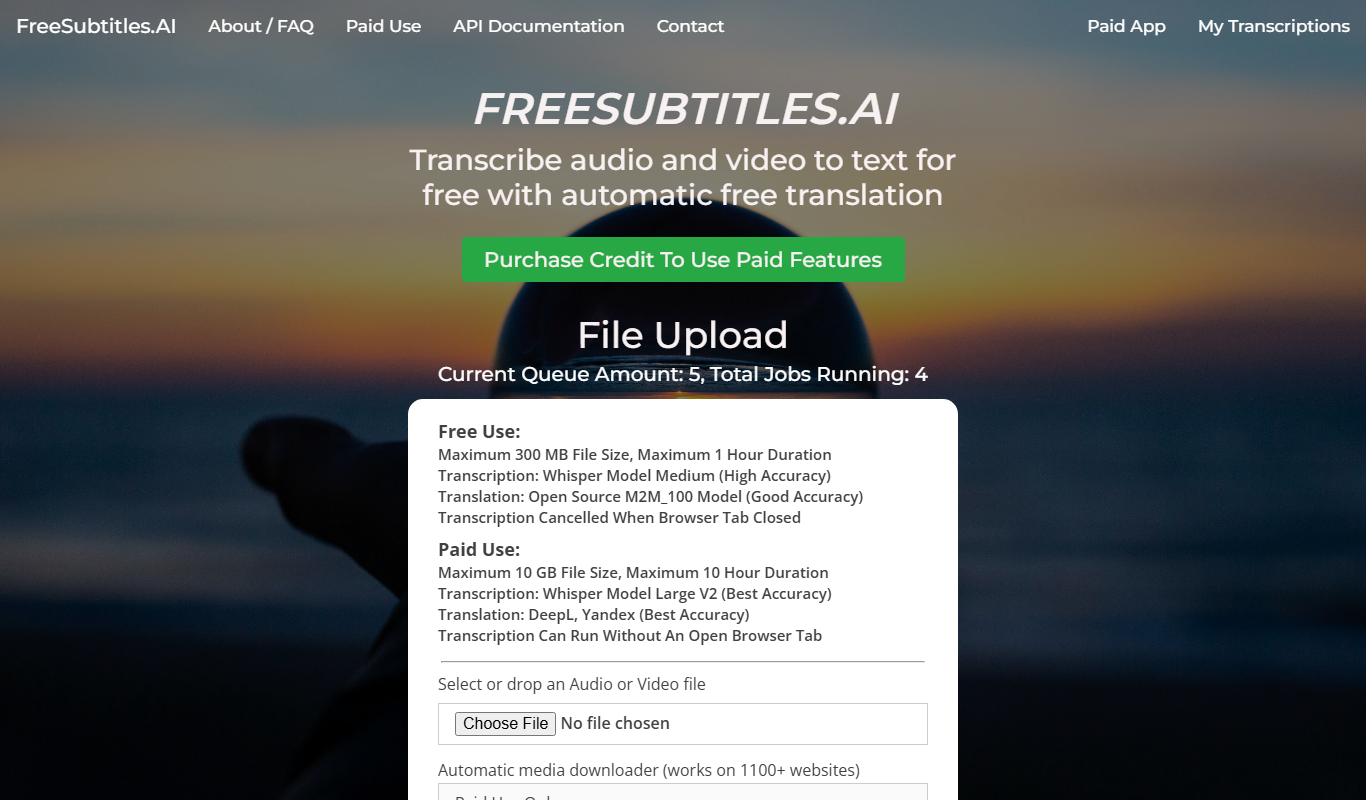
Free Subtitles AI
Free Subtitles AI is a free web-based tool that automatically generates accurate subtitles for videos in multiple languages without requiring account registration.