

PaveAI AI Analytics Assistant for Automated Marketing Data Insights
PaveAI is an AI analytics assistant that automates the transformation of marketing data into actionable reports and insights, primarily integrating with Google Analytics to help marketers optimize campaigns and improve ROI.
- Best for
- Automated Marketing Reports
- Key capability
- Automated Report Generation
Save PaveAI, follow its updates and vote on it — everything stays in your account.
Sign in or create a free account
What is PaveAI?
PaveAI is an AI-powered analytics assistant designed to automate the transformation of raw marketing data into clear, actionable reports and insights. It integrates with platforms like Google Analytics to help marketers, agencies, and businesses understand their data without manual analysis.
Key features of PaveAI
PaveAI offers automated report generation, AI-driven insights, multi-channel data integration, white-label reporting, and campaign attribution analysis to streamline marketing analytics workflows.
Automated Report Generation
Create detailed marketing reports automatically without manual data crunching.
AI-Powered Insights
Leverage AI to uncover trends, anomalies, and opportunities in your marketing data.
Multi-Channel Integration
Combine data from various marketing platforms for a holistic view.
White-Label Reporting
Customize reports with your branding for professional client presentations.
Campaign Attribution Analysis
Identify which marketing efforts contribute most to conversions and revenue.
Pros and cons of PaveAI
Pros
- Automates complex marketing data analysis
- Saves time on report creation
- Provides actionable AI-driven insights
- Supports white-labeling for agencies
- Integrates easily with Google Analytics
Cons
- Limited integrations beyond Google Analytics
- Pricing may be high for small businesses
- Customization options could be more extensive
Key use cases for PaveAI
Automated Marketing Reports
Generate easy-to-understand marketing reports automatically from Google Analytics and other data sources.
Data-Driven Marketing Insights
Transform complex marketing data into actionable insights to optimize campaigns and improve ROI.
SEO Performance Analysis
Analyze SEO metrics and website traffic data to identify opportunities for search engine optimization.
Campaign Attribution
Understand which marketing channels and campaigns drive conversions and revenue.
Client Reporting for Agencies
Create professional, white-labeled reports for clients quickly and efficiently.
How PaveAI works
- 1
Connect Data Sources
Link your Google Analytics and other marketing platforms to PaveAI.
- 2
Select Report Type
Choose the type of marketing report or insight you want to generate.
- 3
AI Processes Data
PaveAI uses AI to analyze your data and extract meaningful insights.
- 4
Review & Customize
Review the generated report and customize it if needed.
- 5
Export or Share
Download, share, or white-label the report for clients or internal teams.
Who is using PaveAI
PaveAI pricing
Starter
$49/month
Basic features with limited reports and data sources.
Professional
$149/month
Advanced features, more reports, and integrations.
Agency
Custom pricing
Full feature set with white-labeling and priority support.
Plans and prices are as published by the vendor and can change. Check the official site before you buy. Open the pricing page (opens in a new tab)
Frequently asked questions about PaveAI
PaveAI primarily integrates with Google Analytics but also supports other marketing platforms for comprehensive data analysis.
Yes, reports can be customized and white-labeled to match your branding and specific client needs.
PaveAI offers a free trial period so you can test the platform before committing to a subscription.
PaveAI analyzes SEO-related metrics and traffic data to provide insights that help improve search engine rankings.
This tool is designed to help users accomplish its core tasks more efficiently. It is typically used by individuals or teams looking to improve productivity and workflow.
Integration support depends on the tool and its available connectors or API. Check the official documentation or integrations page to confirm what is supported.
Yes, it can help with that use case depending on how you configure it and what features are available. You’ll get the best results with clear inputs and a defined goal.
Some tools offer a free plan or trial with limited features. Availability can vary, so confirm on the official website.
Conclusion
Raw marketing data goes in and a finished report comes out: once Google Analytics and other marketing platforms are linked, PaveAI uses AI to analyze the data and extract insights. Reports are created automatically without manual data crunching, and they can be downloaded, shared or white-labeled for clients or internal teams. Attribution analysis identifies which marketing efforts contribute most to conversions and revenue, while SEO metrics and website traffic data are analyzed for search optimization opportunities.
Digital marketing agencies and SEO specialists are the most specific audiences, next to marketing analysts and freelance marketers. For agency work, reports can carry the agency’s own branding for professional client presentations. Google Analytics remains the primary integration, although other marketing platforms are also supported for data analysis.
Sources
Sign in to review this tool.
Sign In to ReviewNo reviews yet
Be the first to share how this tool worked for you.
Ask about pricing, limits, or how it compares — or answer someone else.
Sign In to AskNo questions yet
Have a question about using or paying for this tool? Be the first to ask.
Featured on TiorAI



Alternative Tools
Explore similar AI tools that might fit your needs

Supermetrics
Supermetrics is a marketing data integration tool that automates the collection and reporting of data from various advertising and analytics platforms into spreadsheets and dashboards.
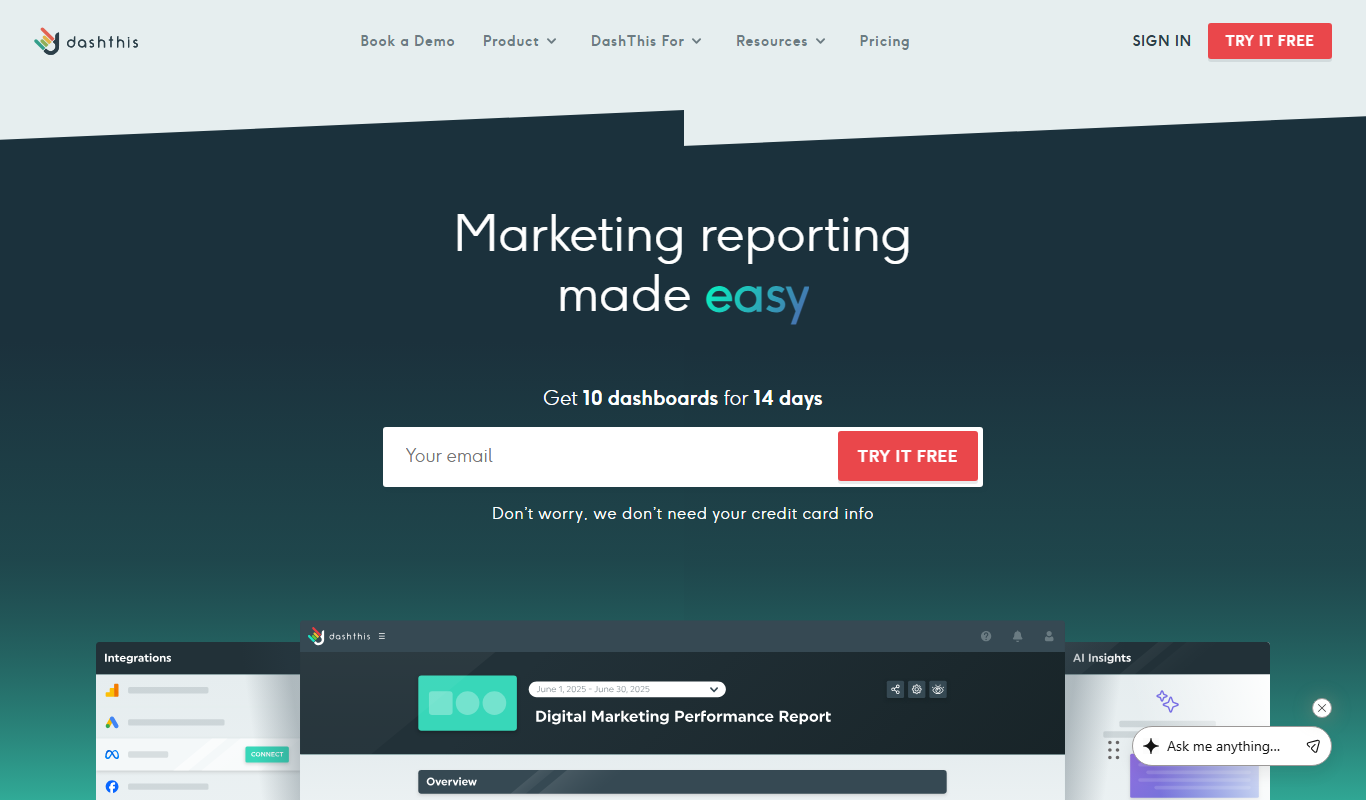
DashThis
DashThis is a marketing dashboard software that automates data aggregation and reporting from multiple marketing platforms, offering customizable, white-label dashboards for agencies and marketers.
More AI Analytics Assistant tools
Other tools in the same category, for when this one is not quite the fit.

AiCure
AiCure is an AI-powered platform that remotely monitors patient medication adherence using video confirmation, primarily for clinical trials and healthcare providers.

Albacross
Albacross is a B2B lead generation platform that identifies anonymous website visitors, provides detailed company insights, and integrates with CRM systems to help businesses convert visitors into qualified leads.

OptinMonster
OptinMonster is a lead generation software that helps websites convert visitors into subscribers and customers using popups, exit-intent triggers, and targeted campaigns integrated with email marketing services.
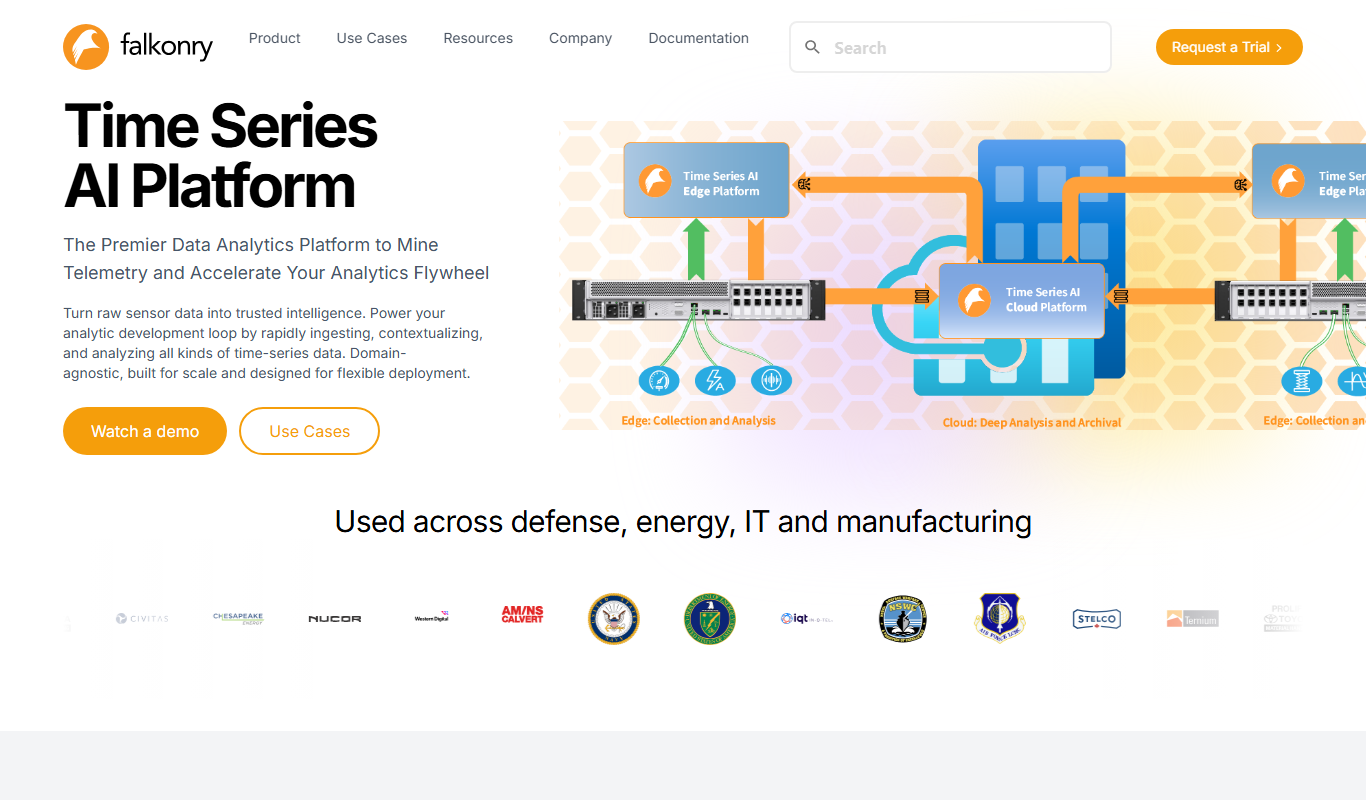
Falkonry
Falkonry is an AI platform that analyzes industrial IoT time series data to provide predictive maintenance, anomaly detection, and operational insights.

Branch Metrics
Branch Metrics is a platform that provides mobile app attribution and deep linking technology to help marketers track user acquisition and engagement across channels, improving app growth and user experience.

Adjust
Adjust is a mobile measurement platform that provides marketers with attribution analytics, fraud prevention, audience segmentation, and cost aggregation to optimize app marketing campaigns.

Appsflyer
Appsflyer is a mobile attribution and marketing analytics platform that helps app marketers track installs, measure campaign performance, prevent ad fraud, and optimize user acquisition.
DuckDuckGo
DuckDuckGo is a privacy-centric search engine that does not track users, blocks trackers and ads, and offers anonymous browsing across web and mobile platforms.