

From my experience with Patient Portal by Epic, I found it excels at providing patients with secure, centralized access to their health information and communication tools. The platform’s integration with Epic’s EHR system ensures that users receive up-to-date medical data and can manage appointments and prescriptions efficiently. It is particularly well-suited for patients who want to stay engaged with their healthcare providers and for medical organizations aiming to enhance patient experience. However, access depends on whether the healthcare provider supports the portal, and the user interface can vary, which may affect usability. Overall, if you need a reliable, secure way to manage your healthcare digitally, Epic’s Patient Portal delivers solid results.
Secure Patient Portal by Epic for Healthcare Communication and Records
Patient Portal by Epic is a secure online platform that allows patients to access their medical records, schedule appointments, communicate with healthcare providers, and manage billing, enhancing patient engagement and healthcare management.
- Best for
- Access Medical Records
- Key capability
- Comprehensive Health Records
Save Patient Portal by Epic, follow its updates and vote on it — everything stays in your account.
Sign in or create a free account
What is Patient Portal by Epic?
Patient Portal by Epic is a secure online platform designed to connect patients with their healthcare providers. It enables patients to access their personal health information, communicate with care teams, manage appointments, and handle billing tasks conveniently from any device. The portal enhances patient engagement and streamlines healthcare management by providing a centralized, user-friendly interface.
Key features of Patient Portal by Epic
The portal offers comprehensive features including access to medical records, appointment scheduling, secure messaging, prescription refill requests, and billing management. It supports multi-language access and integrates seamlessly with Epic’s electronic health record (EHR) system, ensuring up-to-date information and secure data handling.
Comprehensive Health Records
Access to lab results, immunizations, allergies, and visit summaries.
Two-Way Secure Messaging
Encrypted communication channel between patients and healthcare teams.
Appointment Management
Easy scheduling and reminders for upcoming visits.
Prescription Refill Requests
Streamlined process to request medication refills.
Billing and Insurance Integration
View statements, insurance claims, and make payments online.
Pros and cons of Patient Portal by Epic
Pros
- Centralized access to comprehensive health information
- Secure and HIPAA-compliant communication
- Convenient appointment and prescription management
Cons
- Access depends on healthcare provider participation
- User interface can vary between providers
- No direct pricing information publicly available
Key use cases for Patient Portal by Epic
Access Medical Records
Patients can securely view their health records, lab results, and visit summaries anytime.
Appointment Scheduling
Users can schedule, reschedule, or cancel medical appointments directly through the portal.
Secure Messaging
Patients communicate confidentially with their healthcare providers for questions and follow-ups.
Prescription Management
Request prescription refills and view medication history conveniently online.
Billing and Payments
Review medical bills, insurance claims, and make payments securely within the portal.
How Patient Portal by Epic works
- 1
Registration
Patients receive an invitation or register through their healthcare provider to create a secure account.
- 2
Verification
Identity verification ensures secure access to personal health information.
- 3
Dashboard Access
Users log in to view their health records, appointments, messages, and billing details.
- 4
Interaction
Patients can schedule appointments, communicate with providers, request refills, and pay bills.
Who is using Patient Portal by Epic
Patient Portal by Epic pricing
Custom Pricing
Varies
Pricing is tailored based on healthcare provider agreements and deployment scale.
Plans and prices are as published by the vendor and can change. Check the official site before you buy. Open the pricing page (opens in a new tab)
Frequently asked questions about Patient Portal by Epic
Yes, the portal uses encryption and strict authentication protocols to protect patient data.
Yes, the portal is accessible via web browsers and dedicated mobile apps.
You typically receive an invitation from your healthcare provider or can register through their website.
Yes, secure messaging allows you to send and receive messages with your care team.
It depends on your specific needs and how you plan to use the tool. The official website and documentation are the best sources for the latest details.
Some tools offer a free plan or trial with limited features. Availability can vary, so confirm on the official website.
Yes, it can help with that use case depending on how you configure it and what features are available. You’ll get the best results with clear inputs and a defined goal.
Sign in to review this tool.
Sign In to ReviewNo reviews yet
Be the first to share how this tool worked for you.
Ask about pricing, limits, or how it compares — or answer someone else.
Sign In to AskNo questions yet
Have a question about using or paying for this tool? Be the first to ask.
Featured on TiorAI



Alternative Tools
Explore similar AI tools that might fit your needs

MyChart
MyChart is a secure patient portal by Epic Systems that allows patients to access medical records, schedule appointments, message providers, and conduct telehealth visits online.
More AI CRM tools
Other tools in the same category, for when this one is not quite the fit.

Litify
Litify is a cloud-based legal CRM and case management platform built on Salesforce, designed to help law firms automate client intake, manage cases, and streamline workflows.
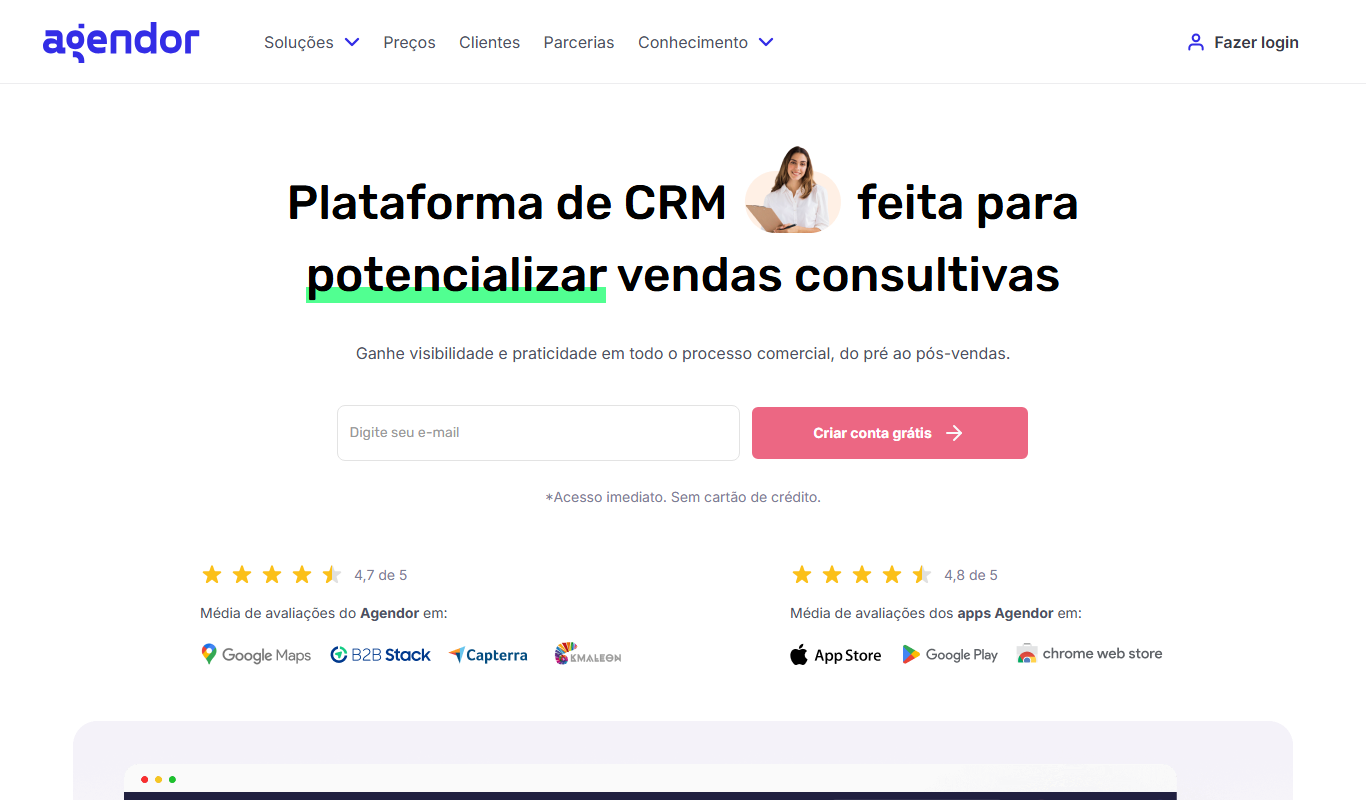
Agendor CRM
Agendor CRM is a cloud-based platform that helps sales teams manage their sales pipeline, customer relationships, and team collaboration with customizable features and mobile access.

RD Station CRM
RD Station CRM is a cloud-based AI-powered customer relationship management platform that integrates sales pipeline management, lead capture, and marketing automation to help businesses optimize sales and marketing efforts.

Pitchbox
Pitchbox is a web platform that automates outreach campaigns for link building and influencer marketing by combining prospecting, personalized email sequences, and campaign management.

LoyaltyLion
LoyaltyLion is a loyalty program platform designed for ecommerce stores to increase customer retention through points, rewards, and referral incentives.

Smile.io
Smile.io is a loyalty program platform that enables e-commerce businesses to create points, referral, and VIP rewards programs to boost customer retention and engagement.

Data Ladder
Data Ladder is a data quality software platform that helps organizations cleanse, match, deduplicate, and enrich data to improve accuracy and analytics.

CleanTalk
CleanTalk is a cloud-based anti-spam service that protects websites and online forms from spam bots using invisible filtering technology without captchas, supporting multiple CMS platforms and offering API integration.