

From my experience with Papyrus AI, I found it excels at providing a clean, distraction-free writing environment combined with intelligent AI autocomplete and content suggestions. After spending time with the platform, I can say it’s particularly well-suited for writers, marketers, and students who want to speed up their writing process without sacrificing quality. However, there’s a trade-off: the tool currently supports only English and lacks a dedicated mobile app, which might limit flexibility for some users. Overall, if you need an efficient AI writing assistant for diverse content types, Papyrus AI delivers solid, user-friendly results.
Papyrus AI Writing Assistant for Content Creation and Productivity
Papyrus AI is an AI writing assistant that provides real-time autocomplete and content generation to help users write faster and with improved quality.
- Best for
- Content Writing
- Key capability
- AI Autocomplete
Do you recommend this tool?
What is Papyrus AI?
Papyrus AI is an AI-powered writing assistant designed to help users create high-quality written content quickly and efficiently. It integrates advanced natural language processing to provide real-time suggestions, autocomplete, and content generation features within a clean, distraction-free interface. Papyrus AI aims to enhance productivity for writers, marketers, students, and professionals by reducing writer’s block and improving text quality.
Key features of Papyrus AI
Papyrus AI offers features such as AI-driven autocomplete, context-aware suggestions, content generation, and a minimalist writing environment. It supports seamless drafting of various content types, from creative stories to professional documents, helping users maintain focus and speed up their writing process.
AI Autocomplete
Predictive text suggestions to speed up writing and reduce errors.
Context-Aware Content Generation
Generate paragraphs or ideas based on the current text context.
Minimalist Writing Interface
Distraction-free environment to focus on writing.
Multi-Use Case Support
Suitable for creative, academic, business, and marketing writing.
Pros and cons of Papyrus AI
Pros
- User-friendly and clean writing interface
- Effective AI autocomplete and content suggestions
- Supports multiple writing styles and use cases
Cons
- Limited language support (English only)
- No dedicated mobile app as of now
Key use cases for Papyrus AI
Content Writing
Generate articles, blog posts, and marketing copy efficiently using AI-powered suggestions.
Creative Writing
Assist authors and storytellers in drafting narratives, dialogues, and story ideas.
Productivity Enhancement
Streamline writing workflows with AI-driven autocomplete and editing features.
Academic Writing
Support students and researchers in drafting essays, reports, and papers.
Business Communication
Create professional emails, proposals, and presentations with AI assistance.
How Papyrus AI works
- 1
Create an Account
Sign up on the Papyrus AI website to access the writing platform.
- 2
Start a New Document
Open a new writing session in the web editor.
- 3
Use AI Suggestions
Receive real-time autocomplete and content suggestions as you type.
- 4
Edit and Refine
Modify the AI-generated text to suit your style and purpose.
- 5
Export or Save
Save your work or export it for publishing or sharing.
Who is using Papyrus AI
Content creators
Authors and novelists
Students and academics
Marketing professionals
Business communicators
Papyrus AI pricing
Free
$0/month
Basic access with limited AI suggestions and document storage.
Pro
$15/month
Unlimited AI suggestions, priority support, and enhanced features.
Plans and prices are as published by the vendor and can change. Check the official site before you buy. Open the pricing page (opens in a new tab)
Frequently asked questions about Papyrus AI
Yes, Papyrus AI offers advanced writing assistance that can help professional writers improve productivity and overcome writer’s block.
Yes, there is a free plan with limited features to try out the platform.
Currently, Papyrus AI primarily supports English.
This tool is designed to help users accomplish its core tasks more efficiently. It is typically used by individuals or teams looking to improve productivity and workflow.
Pricing depends on the plan and included features. For the most accurate and up-to-date details, check the official pricing page.
Yes, it can help with that use case depending on how you configure it and what features are available. You’ll get the best results with clear inputs and a defined goal.
Sign in to review this tool.
Sign In to ReviewNo reviews yet
Be the first to share how this tool worked for you.
Ask about pricing, limits, or how it compares — or answer someone else.
Sign In to AskNo questions yet
Have a question about using or paying for this tool? Be the first to ask.
Featured on TiorAI



More AI Charting tools
Other tools in the same category, for when this one is not quite the fit.

Free
Anania AI
Anania AI is a web-based platform that allows users to query databases and spreadsheets using natural language, providing instant answers and visualizations without requiring SQL knowledge.

Free
Gorilla Terminal
Gorilla Terminal is a web platform providing real-time stock market data, customizable stock scanners, and integrated trading capabilities for active traders.

Freemium
DressPlay
DressPlay is an AI-driven virtual try-on platform that creates realistic 3D avatars and uses augmented reality to help users visualize clothing before purchase.

Subscription
TradeUI
TradeUI is a web-based platform that provides customizable stock scanning, real-time trading alerts, and a market dashboard to help investors identify trading opportunities and manage portfolios efficiently.

Custom Pricing
Bodh
Bodh is a web-based data annotation platform that supports multi-modal data labeling including images, videos, text, and audio to help teams create accurate datasets for machine learning models.

Free Trial
Analytics Model
Analytics Model is a web-based AI platform that automates data analysis and predictive modeling, enabling users to generate insights and visualizations without coding expertise.
Free
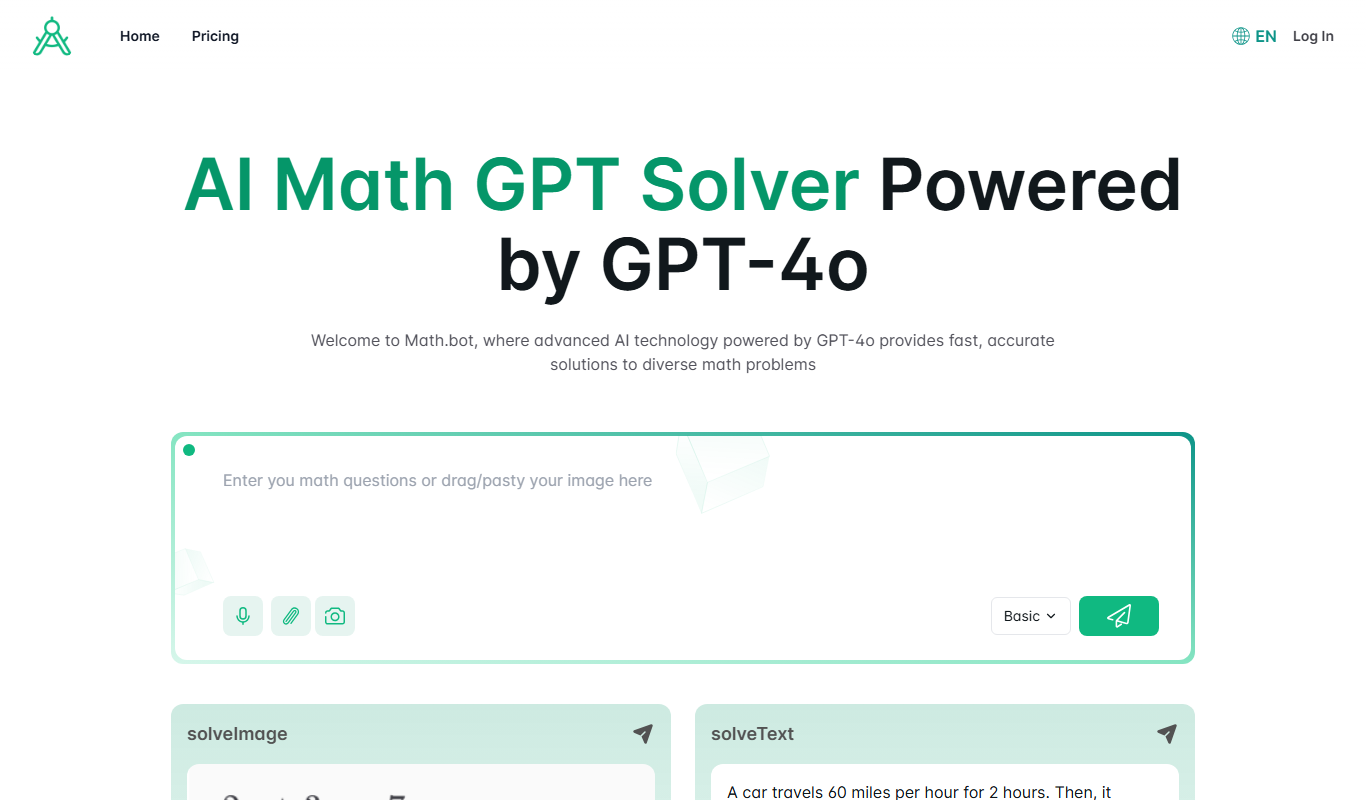
Math.bot: AI Math Solver by GPT-4o
Math.bot is an AI-powered math solver using GPT-4o that provides detailed step-by-step solutions to a wide range of math problems via a web interface.

Freemium
Mest
Mest is an AI writing assistant that helps users generate and edit content efficiently with grammar and style suggestions.