

From my experience with Papermerge, I found it excels at providing a robust open-source solution for digitizing and managing paper documents with OCR capabilities. Setting it up requires some technical skill, but once configured, it offers a flexible and powerful platform for businesses aiming to transition to a paperless workflow. Its self-hosting option ensures full control over sensitive documents, which is a significant advantage for privacy-conscious users. However, the limited language support and the need for technical setup might be a barrier for some. Overall, if you want an affordable, customizable document management system with strong OCR features, Papermerge is a solid choice.
Papermerge Document Management System for Efficient Paperless Workflow
Papermerge is an open-source document management system that uses OCR to digitize and organize scanned documents, enabling efficient paperless workflows.
Your actions

Do you recommend this tool?
What is papermerge.com?
Papermerge is an open-source document management system designed to help individuals and organizations digitize, organize, and manage their paper documents efficiently. It leverages OCR (Optical Character Recognition) to convert scanned documents into searchable digital files, enabling quick retrieval and streamlined workflows in a paperless environment.
Frequently asked questions about papermerge.com
Yes, the Community Edition is free and open source for self-hosting.
It supports PDFs, TIFFs, JPEGs, PNGs, and other common scanned document formats.
Yes, it includes user and role management to facilitate team collaboration.
Papermerge offers APIs and supports integration with external systems.
It depends on your specific needs and how you plan to use the tool. The official website and documentation are the best sources for the latest details.
Yes, it can help with that use case depending on how you configure it and what features are available. You’ll get the best results with clear inputs and a defined goal.
It depends on your specific needs and how you plan to use the tool. The official website and documentation are the best sources for the latest details.
Sign in to review this tool.
Sign In to ReviewNo reviews yet
Be the first to share how this tool worked for you.
Ask about pricing, limits, or how it compares — or answer someone else.
Sign In to AskNo questions yet
Have a question about using or paying for this tool? Be the first to ask.
Featured on TiorAI



Alternative Tools
Explore similar AI tools that might fit your needs

Enterprise Licensing
DocuWare
DocuWare is a document management and workflow automation software that helps organizations digitize, organize, and automate business processes securely.

Enterprise Licensing
M-Files
M-Files is an intelligent document management platform that uses metadata to organize content, automate workflows, and ensure compliance, suitable for enterprises seeking efficient information management.
Free
Paperless-ngx
Paperless-ngx is an open-source document management system that helps digitize, organize, and search paper documents using OCR technology.
More AI Documents Generator tools
Other tools in the same category, for when this one is not quite the fit.
Freemium
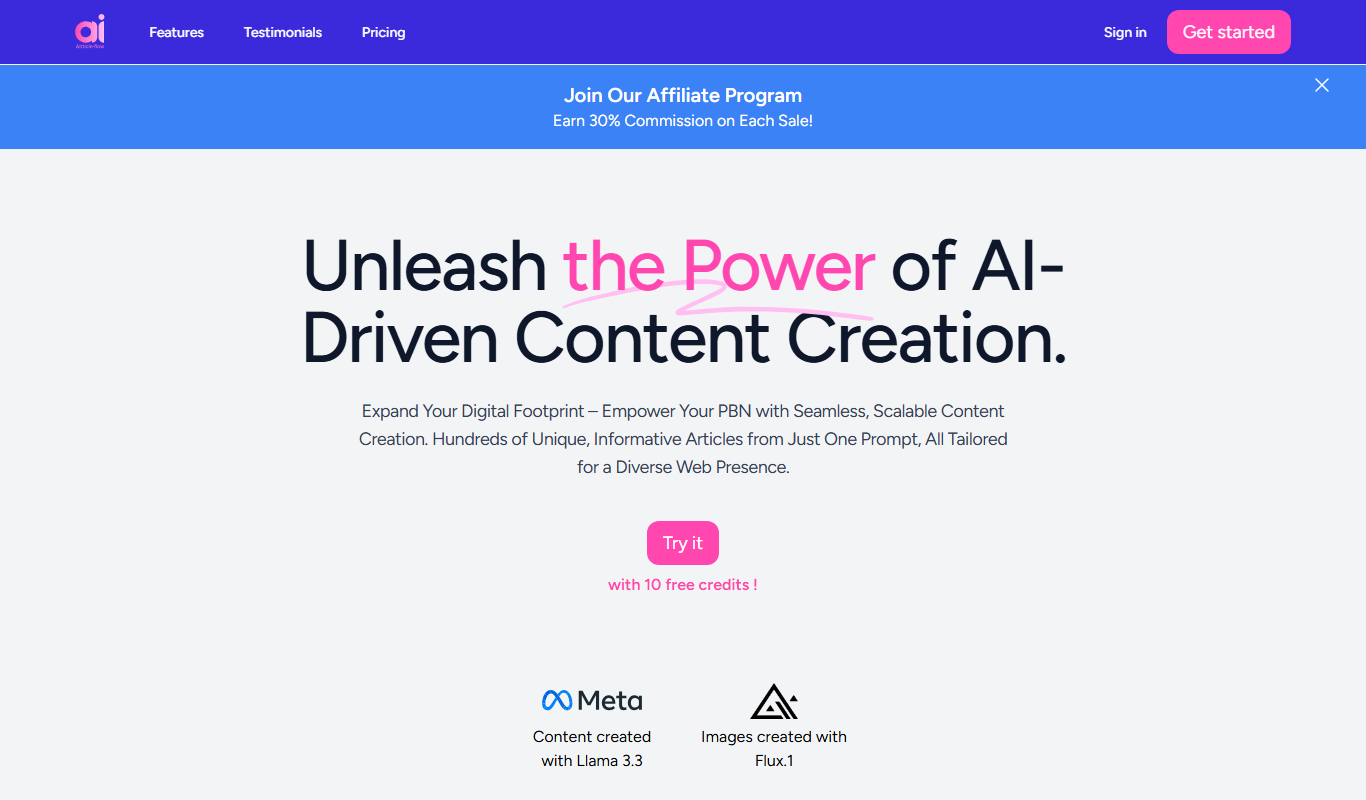
AIrticle flow
AIrticle Flow is an AI writing assistant that generates SEO-friendly articles and marketing content to help users create high-quality text efficiently.

Free Trial
Boggl AI
Boggl AI is an AI-powered writing assistant that uses GPT-3 technology to help users generate, edit, and optimize written content efficiently through customizable templates and real-time editing tools.
N/A
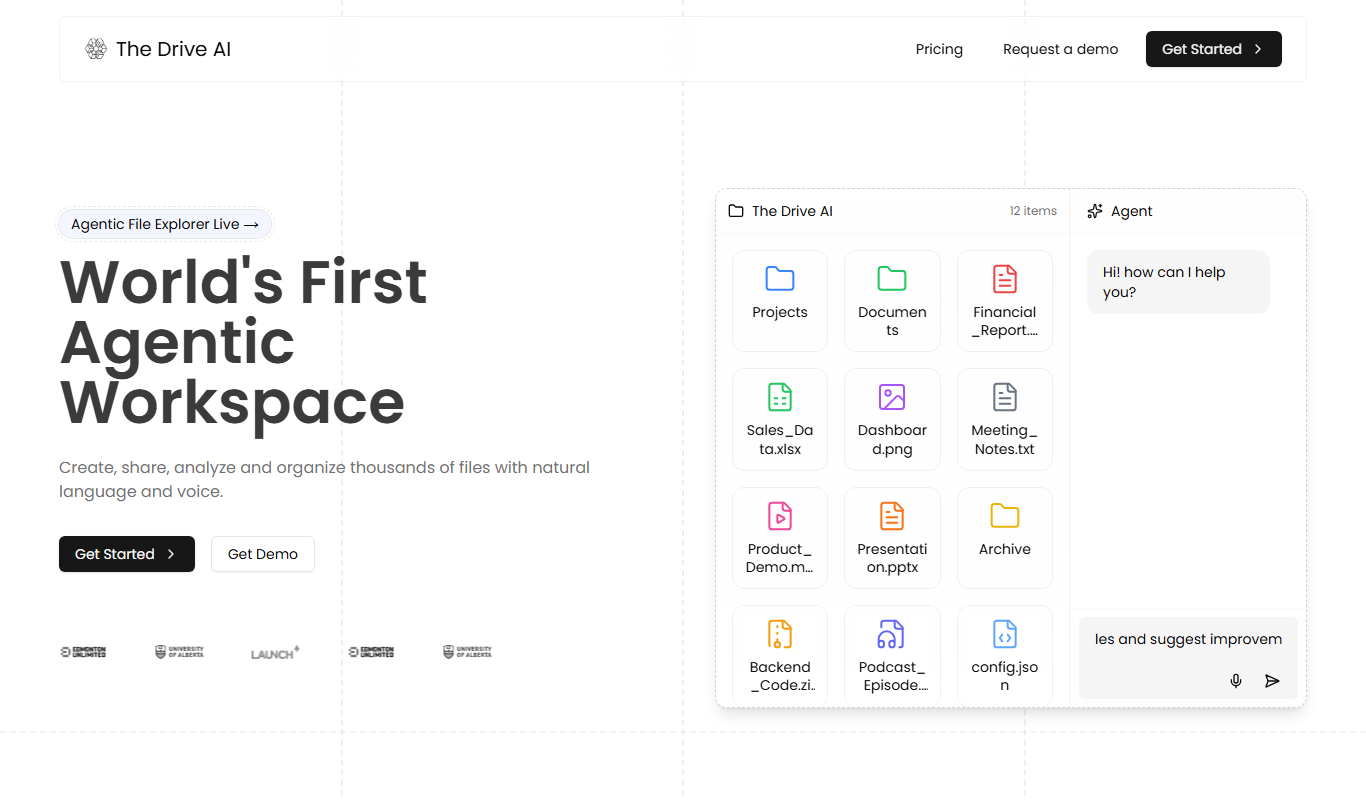
The Drive AI
The Drive AI was an AI software platform for autonomous vehicles, providing perception, mapping, and decision-making capabilities to enable self-driving cars in urban environments.
Free Trial
InfoBaseAI
InfoBaseAI is an AI-powered platform that centralizes and organizes enterprise data, enabling semantic search and real-time knowledge access to improve productivity.

Free
Unriddle
Unriddle is an AI-powered writing assistant that helps users generate, optimize, and edit content with SEO tools to improve writing efficiency and quality.

Free
Tenorshare AI Chat PDF Tool
Tenorshare AI Chat PDF Tool is a web platform that enables users to upload PDF documents and interact with them via AI-powered chat, allowing natural language questions, summaries, and information extraction.
Free
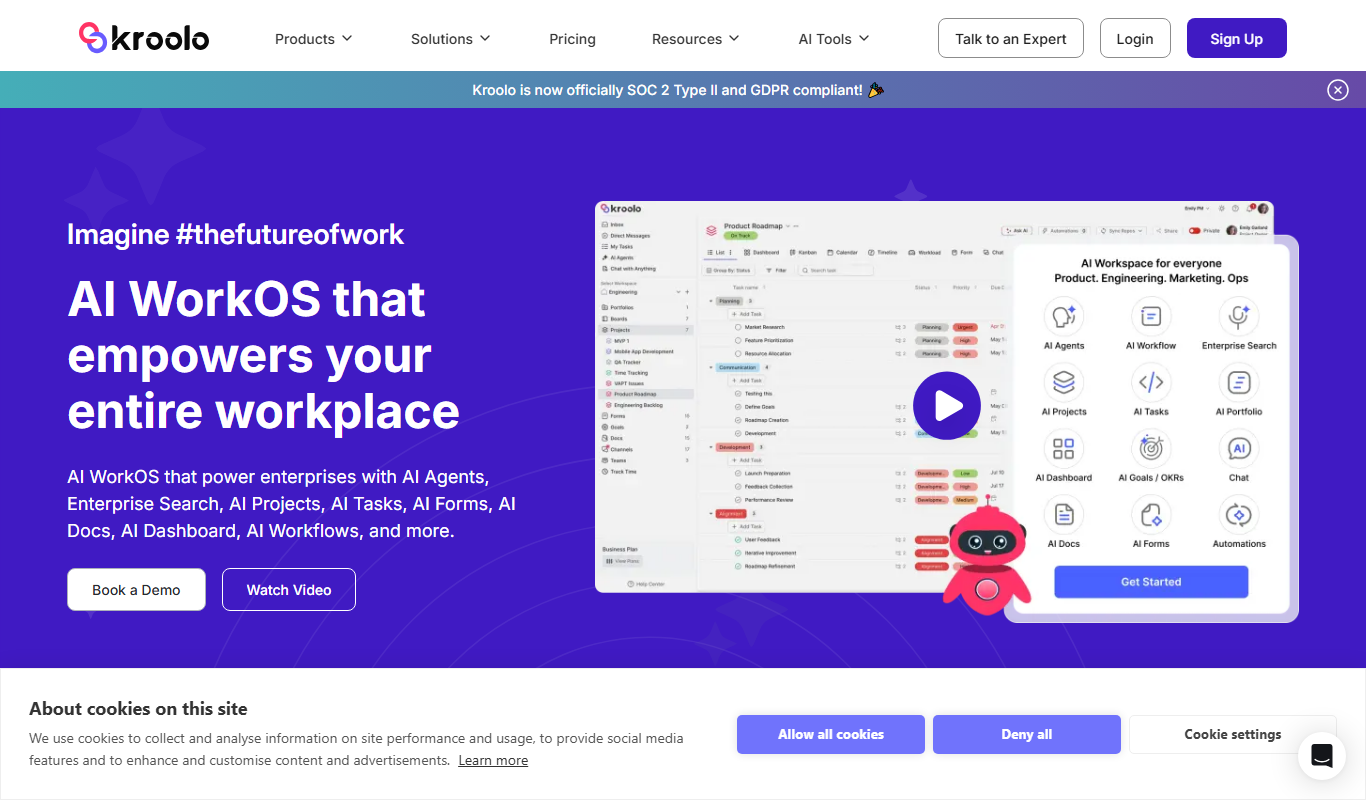
Kroolo
Kroolo is an AI-powered writing assistant designed to generate and optimize content for blogs, marketing, and SEO purposes, helping users create quality text efficiently.
Free
AIPDFs
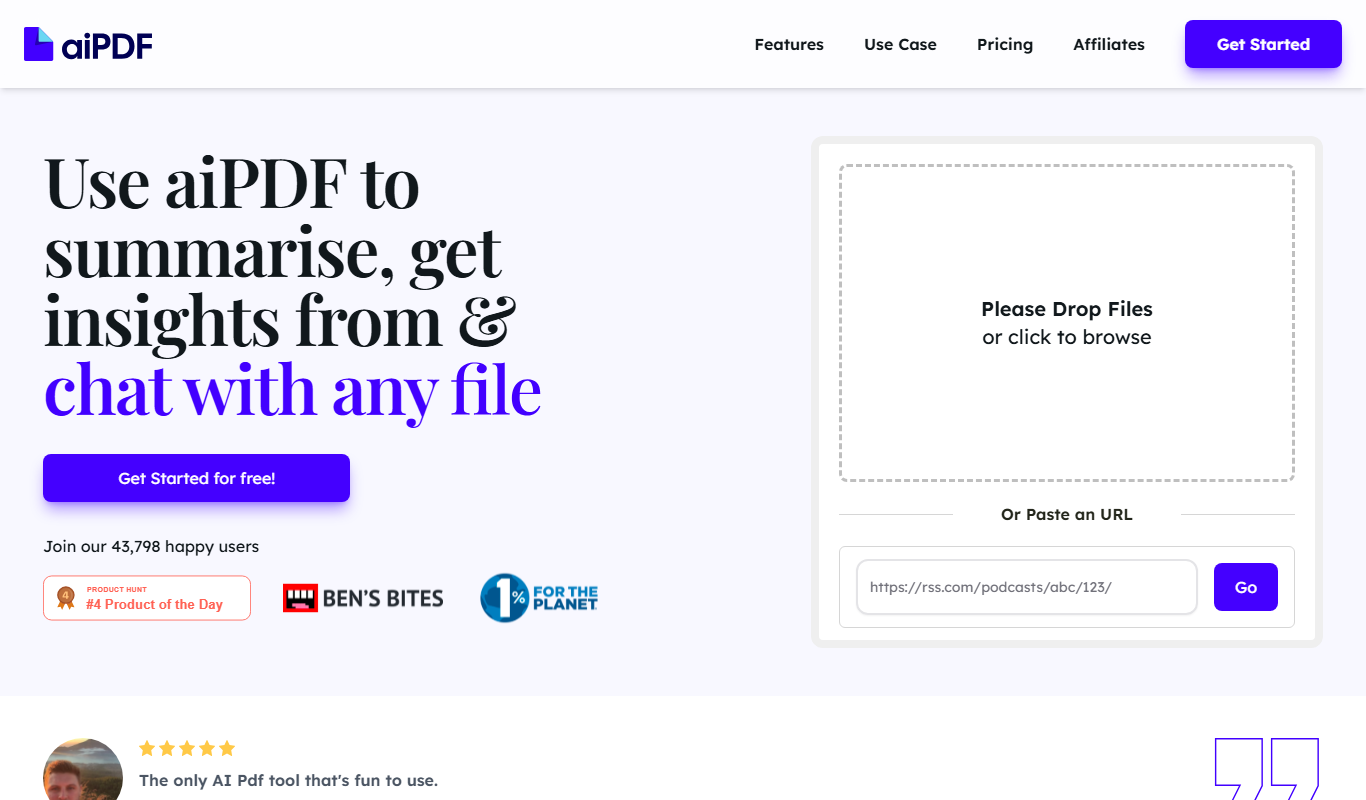
AIPDFs is a web-based AI tool that reads, summarizes, and allows interactive querying of PDF documents to help users quickly extract key information.