

From my experience with AIPDFs, I found it excels at simplifying the process of digesting lengthy PDF documents by providing clear AI-generated summaries and an interactive chatbot for querying content. This makes it particularly well-suited for students, researchers, and professionals who need to quickly extract key information without reading entire files. However, the free plan limits upload sizes and features, and the platform currently supports only English and web access, which may restrict some users. Overall, if you frequently work with PDFs and want to save time on document analysis, AIPDFs offers a practical and user-friendly solution.
AI-powered PDF Reader and Summarizer for Efficient Document Analysis
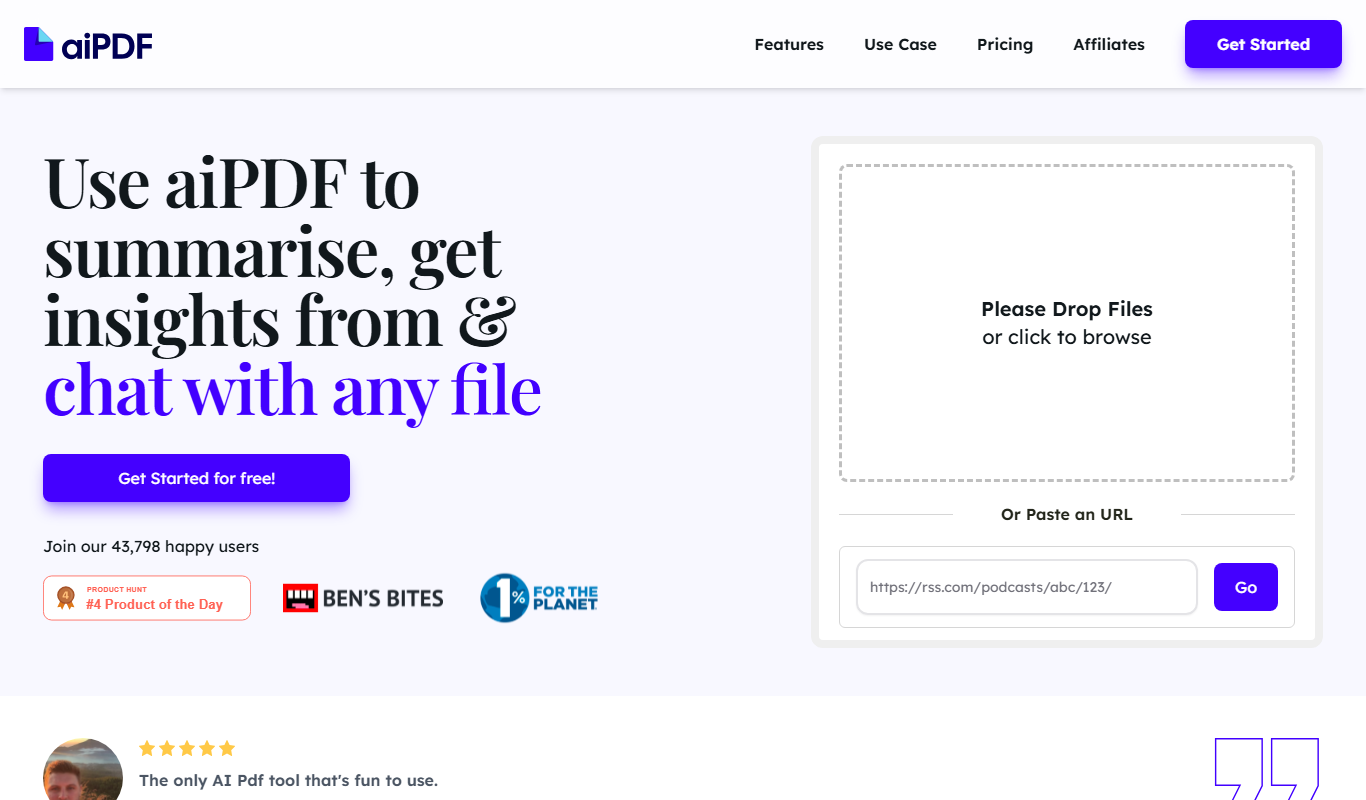
AIPDFs is a web-based AI tool that reads, summarizes, and allows interactive querying of PDF documents to help users quickly extract key information.
- Best for
- PDF Document Summarization
- Key capability
- AI-Powered Summarization
Do you recommend this tool?
What is AIPDFs?
AIPDFs is a web-based AI-powered platform designed to help users read, understand, and interact with PDF documents more efficiently. It leverages artificial intelligence to extract text, summarize content, and provide a chatbot interface that answers user queries based on the PDF’s content. This tool is ideal for anyone who deals with large volumes of PDF files and needs to quickly grasp the essential information without manually reading through entire documents.
Key features of AIPDFs
AIPDFs offers features such as AI-driven PDF text extraction, automatic summarization of documents, an interactive chatbot for querying PDFs, and support for uploading multiple PDFs. The platform is accessible via web browsers and focuses on simplifying document analysis and research workflows.
AI-Powered Summarization
Automatically condenses lengthy PDF documents into concise summaries highlighting key points.
PDF Chatbot Interface
Allows users to ask questions and receive answers based on the content of the uploaded PDFs.
Multi-PDF Support
Users can upload and interact with multiple PDF files simultaneously.
Web-Based Access
Accessible from any modern web browser without the need for software installation.
Pros and cons of AIPDFs
Pros
- Simplifies reading and understanding complex PDFs
- Interactive chatbot enhances document engagement
- Supports multiple PDFs in one session
Cons
- Limited free plan features and upload sizes
- Currently supports only English language
- No desktop or mobile app versions available
Key use cases for AIPDFs
PDF Document Summarization
Automatically generate concise summaries of lengthy PDF documents to save reading time.
Interactive PDF Chatbot
Engage with PDFs through a chatbot interface that answers questions based on the document content.
Research and Study Aid
Extract key insights and information from academic papers, reports, and manuals efficiently.
Business Document Analysis
Quickly review contracts, proposals, and other business PDFs by querying their contents.
How AIPDFs works
- 1
Upload PDF
Users upload one or more PDF files to the platform via a simple drag-and-drop or file selection interface.
- 2
AI Processing
The AI engine extracts text from the PDFs and processes the content to generate summaries and prepare for interactive querying.
- 3
Interact with Document
Users can read the AI-generated summaries or ask questions through the chatbot interface to get specific answers from the document.
Who is using AIPDFs
Students and researchers
Business professionals reviewing contracts
Content creators needing quick document insights
Legal professionals analyzing case files
AIPDFs pricing
Free
$0/month
Basic access with limited PDF uploads and usage.
Pro
$9.99/month
Unlimited PDF uploads, faster processing, and priority support.
Plans and prices are as published by the vendor and can change. Check the official site before you buy. Open the pricing page (opens in a new tab)
Frequently asked questions about AIPDFs
Yes, AIPDFs supports uploading and interacting with multiple PDF files simultaneously.
The free plan has size and upload limits, while the Pro plan offers higher or unlimited limits.
Summaries are generated using advanced AI models and provide a reliable overview, but users should verify critical details.
It depends on your specific needs and how you plan to use the tool. The official website and documentation are the best sources for the latest details.
Yes, it can help with that use case depending on how you configure it and what features are available. You’ll get the best results with clear inputs and a defined goal.
Some tools offer a free plan or trial with limited features. Availability can vary, so confirm on the official website.
Sign in to review this tool.
Sign In to ReviewNo reviews yet
Be the first to share how this tool worked for you.
Ask about pricing, limits, or how it compares — or answer someone else.
Sign In to AskNo questions yet
Have a question about using or paying for this tool? Be the first to ask.
Featured on TiorAI



More AI Documents Generator tools
Other tools in the same category, for when this one is not quite the fit.
Freemium
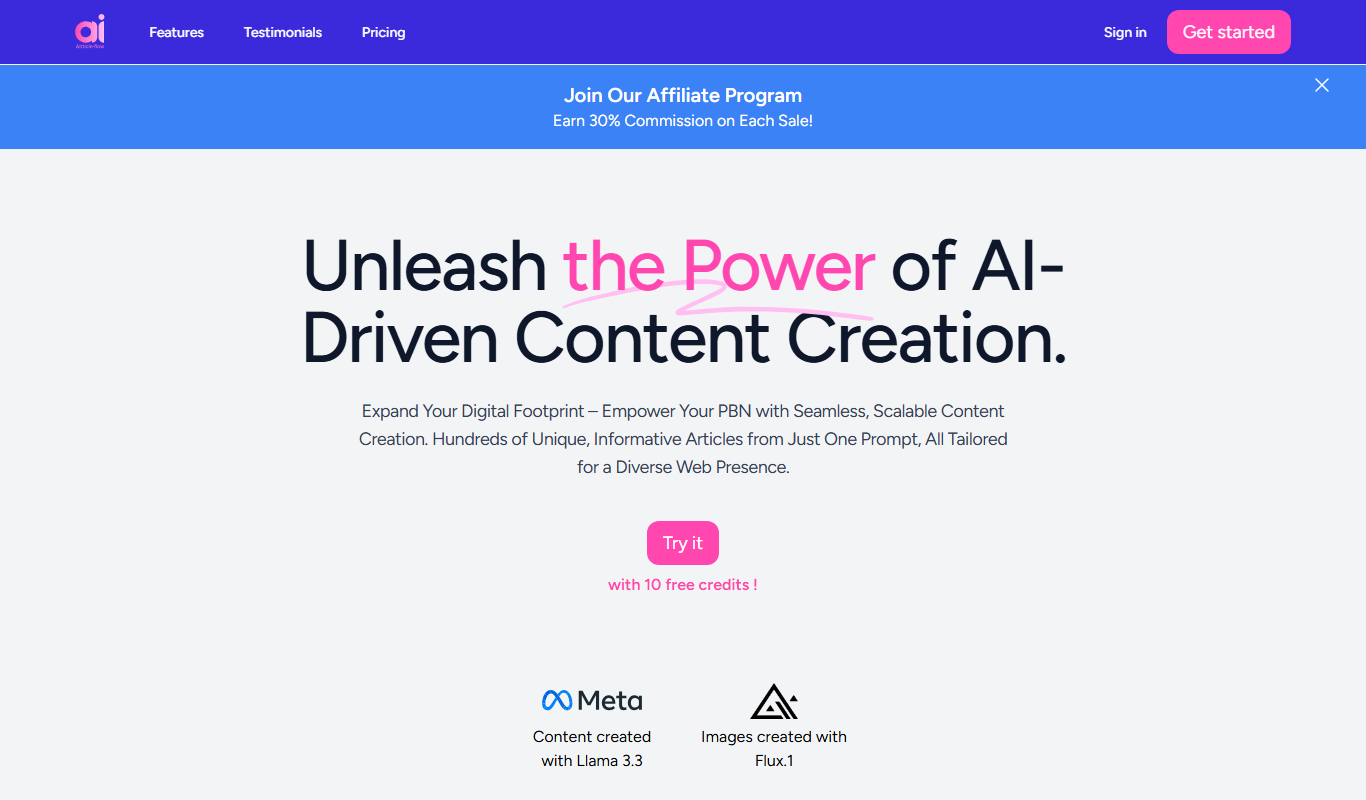
AIrticle flow
AIrticle Flow is an AI writing assistant that generates SEO-friendly articles and marketing content to help users create high-quality text efficiently.

Free Trial
Boggl AI
Boggl AI is an AI-powered writing assistant that uses GPT-3 technology to help users generate, edit, and optimize written content efficiently through customizable templates and real-time editing tools.
N/A
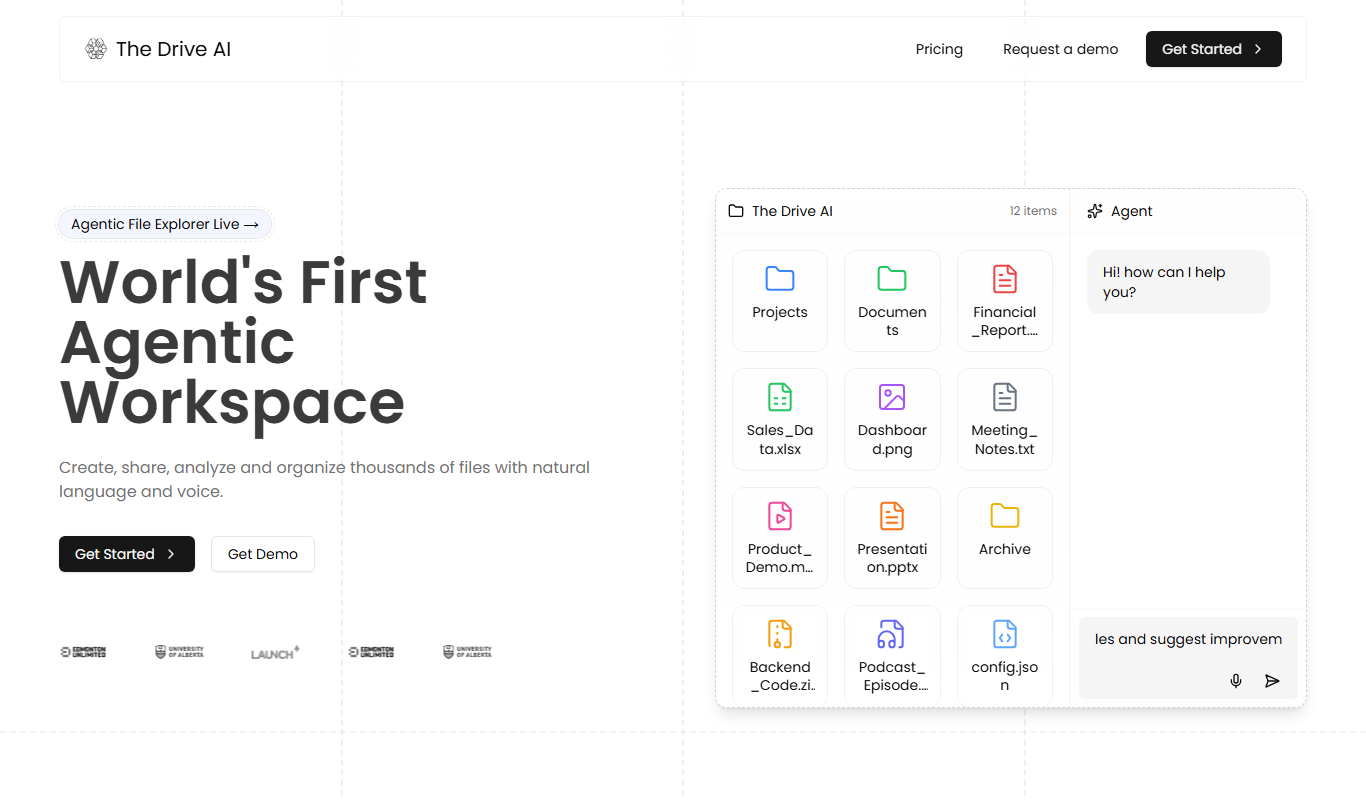
The Drive AI
The Drive AI was an AI software platform for autonomous vehicles, providing perception, mapping, and decision-making capabilities to enable self-driving cars in urban environments.

Free
papermerge.com
Papermerge is an open-source document management system that uses OCR to digitize and organize scanned documents, enabling efficient paperless workflows.
Free Trial
InfoBaseAI
InfoBaseAI is an AI-powered platform that centralizes and organizes enterprise data, enabling semantic search and real-time knowledge access to improve productivity.

Free
Unriddle
Unriddle is an AI-powered writing assistant that helps users generate, optimize, and edit content with SEO tools to improve writing efficiency and quality.

Free
Tenorshare AI Chat PDF Tool
Tenorshare AI Chat PDF Tool is a web platform that enables users to upload PDF documents and interact with them via AI-powered chat, allowing natural language questions, summaries, and information extraction.
Free
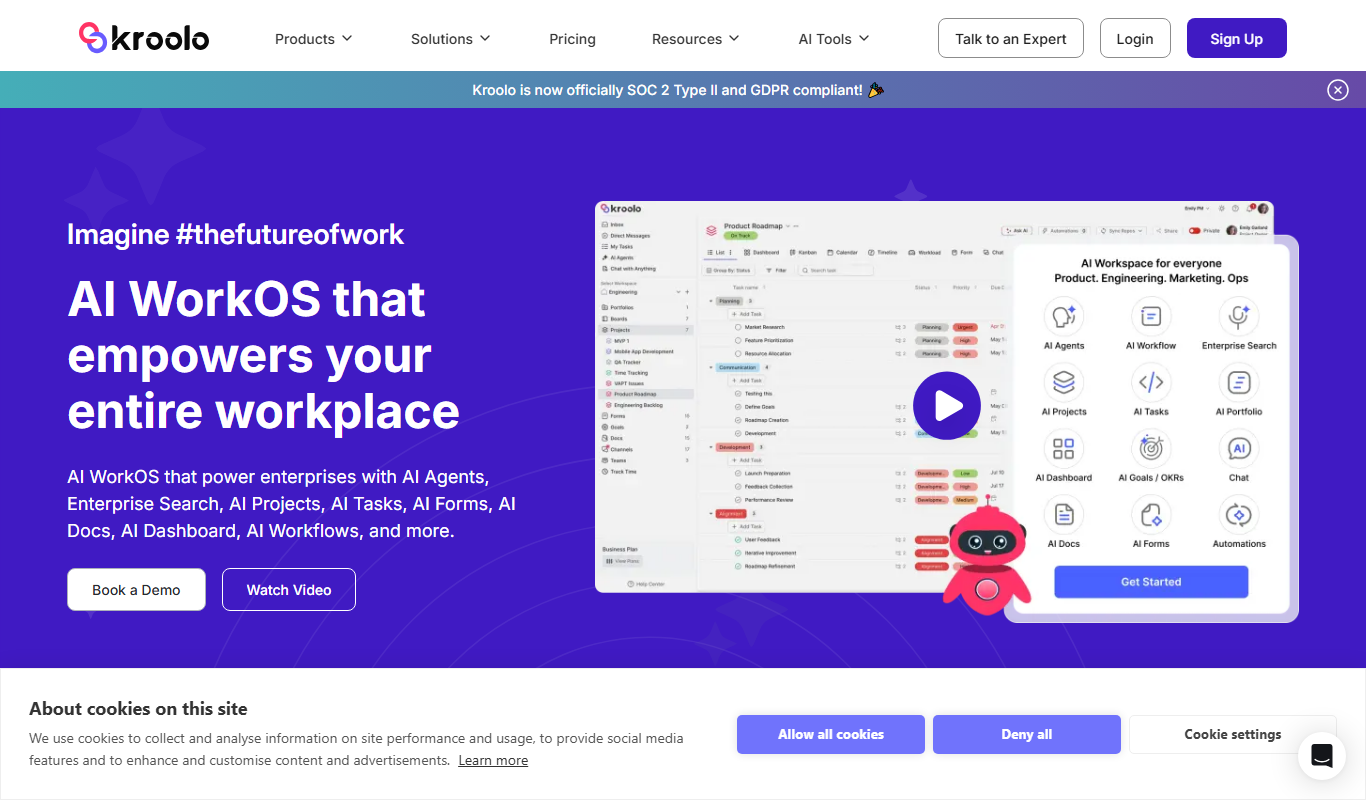
Kroolo
Kroolo is an AI-powered writing assistant designed to generate and optimize content for blogs, marketing, and SEO purposes, helping users create quality text efficiently.