

From my experience with Palantir Foundry, it excels at unifying complex enterprise data into a single platform that supports collaboration and operational analytics. The platform’s strength lies in its ability to handle diverse data sources securely while enabling teams to build custom workflows and applications without heavy coding. However, the learning curve can be steep for new users, and pricing is tailored for large organizations, making it less accessible for smaller businesses. Overall, if your organization requires robust data integration with strong governance and collaboration, Palantir Foundry delivers comprehensive capabilities.
Palantir Foundry Data Integration Platform for Enterprise Analytics
Palantir Foundry is an enterprise data integration and analytics platform that centralizes data from multiple sources, enabling organizations to build collaborative workflows and custom applications for data-driven decision-making.
- Best for
- Data Integration
- Key capability
- Unified Data Platform
Your actions
Save Palantir Foundry, follow its updates and vote on it — everything stays in your account.
Sign in or create a free account
What is Palantir Foundry?
Palantir Foundry is an enterprise data integration and analytics platform designed to transform the way organizations manage, analyze, and operationalize their data. It provides a centralized environment where users can connect disparate data sources, build data pipelines, and create actionable insights through collaborative workflows. Foundry supports complex data governance and security requirements, making it suitable for large-scale, mission-critical applications across industries such as finance, healthcare, manufacturing, and government.
Key features of Palantir Foundry
Foundry offers features including data integration from diverse sources, real-time data processing, collaborative data modeling, customizable workflows, and robust security controls. Its platform enables users to build scalable analytics applications without extensive coding, fostering data-driven decision-making at all organizational levels.
Unified Data Platform
Centralizes diverse data sources into a single, accessible environment.
Visual Data Pipeline Builder
Enables users to create and manage data workflows with minimal coding.
Collaborative Workspace
Supports teamwork with shared projects, versioning, and role-based access.
Robust Security and Compliance
Implements granular permissions and audit trails to meet enterprise standards.
Custom Application Framework
Allows building bespoke applications on top of integrated data assets.
Pros and cons of Palantir Foundry
Pros
- Highly scalable for large enterprise data environments
- Strong collaboration features for cross-team projects
- Robust security and governance capabilities
- Flexible integration with diverse data sources
Cons
- Pricing is not transparent and may be expensive for smaller organizations
- Steep learning curve for new users without technical background
- Primarily designed for large enterprises, less suited for small businesses
Key use cases for Palantir Foundry
Data Integration
Combine data from multiple sources into a unified platform for comprehensive analysis.
Operational Analytics
Enable real-time analytics to improve operational decision-making across departments.
Collaboration Across Teams
Facilitate cross-functional collaboration by providing a shared data environment.
Data Governance and Security
Manage data access controls and ensure compliance with enterprise security standards.
Custom Application Development
Build tailored data-driven applications using Foundry’s modular framework.
How Palantir Foundry works
- 1
Connect Data Sources
Integrate data from databases, cloud services, and legacy systems into Foundry’s platform.
- 2
Prepare and Model Data
Clean, transform, and model data using visual tools and code notebooks.
- 3
Collaborate and Share
Enable teams to work together on data projects with version control and access management.
- 4
Build Applications
Develop custom analytics applications and dashboards tailored to business needs.
- 5
Deploy and Monitor
Operationalize data workflows and monitor performance to ensure reliability.
Who is using Palantir Foundry
Large enterprises
Data engineering teams
Business intelligence professionals
Government agencies
Healthcare organizations
Palantir Foundry pricing
Custom Enterprise Pricing
Contact Sales
Pricing tailored to organizational size, data volume, and deployment needs.
Plans and prices are as published by the vendor and can change. Check the official site before you buy. Open the pricing page (opens in a new tab)
Frequently asked questions about Palantir Foundry
Foundry is used across finance, healthcare, manufacturing, government, and more for data integration and analytics.
Yes, Foundry supports real-time data ingestion and analytics to enable timely decision-making.
Foundry offers visual tools for non-technical users but also supports coding for advanced customization.
It provides granular access controls, encryption, and compliance features to protect sensitive data.
This tool is designed to help users accomplish its core tasks more efficiently. It is typically used by individuals or teams looking to improve productivity and workflow.
Data handling and security practices vary by provider. Review the official privacy policy to understand how your data is stored and used.
It depends on your specific needs and how you plan to use the tool. The official website and documentation are the best sources for the latest details.
Sign in to review this tool.
Sign In to ReviewNo reviews yet
Be the first to share how this tool worked for you.
Ask about pricing, limits, or how it compares — or answer someone else.
Sign In to AskNo questions yet
Have a question about using or paying for this tool? Be the first to ask.
Featured on TiorAI



Alternative Tools
Explore similar AI tools that might fit your needs

Subscription
Snowflake
Snowflake is a cloud-based data platform that provides scalable data warehousing, analytics, and secure data sharing with support for structured and semi-structured data.

Enterprise
Databricks
Databricks is a cloud-based unified data analytics platform that enables scalable big data processing, machine learning, and collaborative data science using Apache Spark technology.
More AI Analytics Assistant tools
Other tools in the same category, for when this one is not quite the fit.

Free
VidStats
VidStats is a YouTube analytics platform with free and paid tools for tracking channel and video performance.

Freemium
Marcus – your AI Billing Agent
Marcus is an AI-powered billing agent that automates invoice creation, sends payment reminders, and manages accounts receivable to help businesses improve cash flow and reduce manual billing tasks.
Enterprise
Gong.io
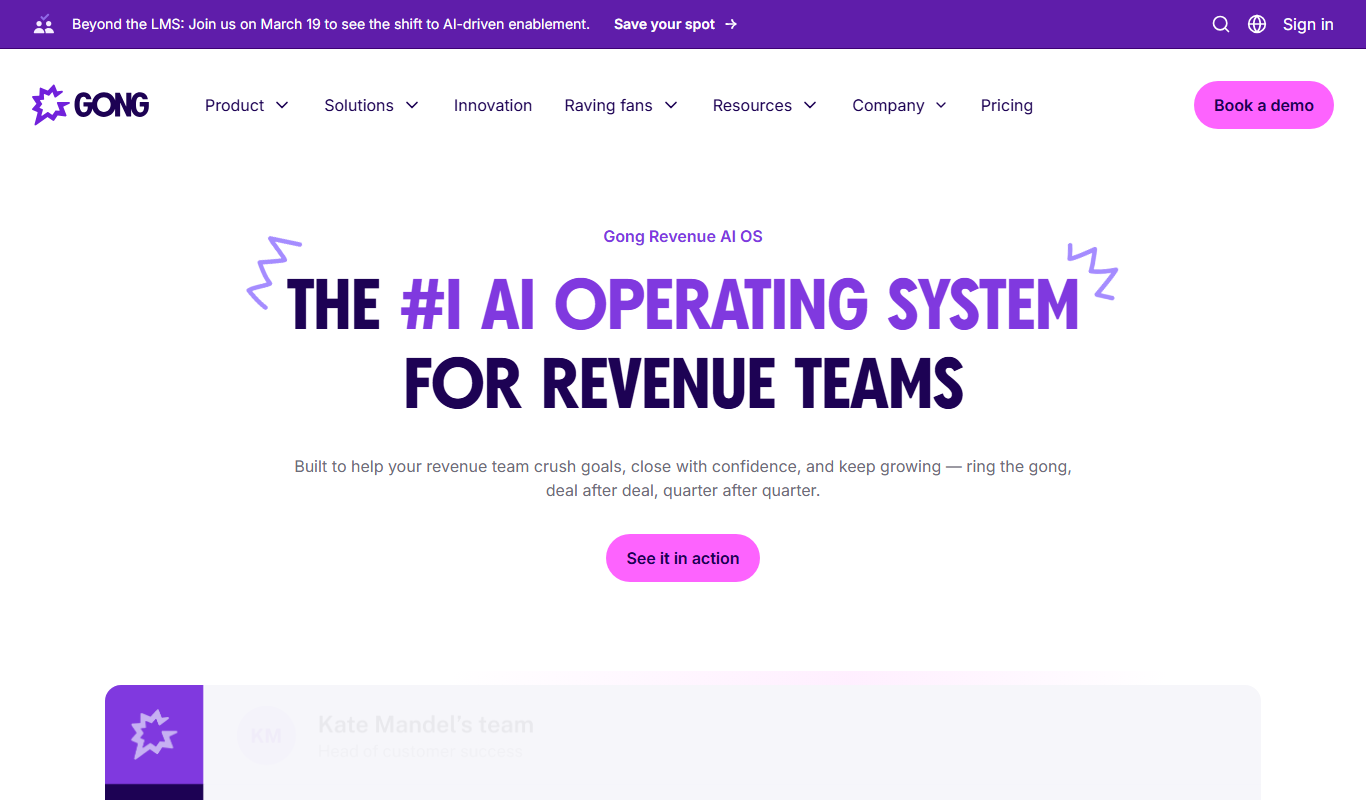
Gong.io is an AI-driven conversation intelligence platform that records, transcribes, and analyzes sales and customer interactions to provide actionable insights for improving sales performance and forecasting.

Freemium
Diffbot
Diffbot is an AI-driven platform that automatically extracts structured data from web pages using machine learning and computer vision, providing APIs for developers to access clean, organized data for various applications.
Free
Zacks Investment Research
Zacks Investment Research provides stock ratings, earnings estimates, and financial research tools to help investors make informed decisions.

Custom Pricing
Avigilon
Avigilon provides integrated video surveillance and AI analytics solutions designed to enhance security monitoring, access control, and incident response for enterprises and organizations.

Enterprise
Rhombus
Rhombus Systems is a cloud-based video security platform that uses AI-powered cameras and analytics to provide businesses with real-time surveillance, alerts, and operational insights accessible remotely.

Subscription
Eagle Eye Networks
Eagle Eye Networks is a cloud video surveillance platform that provides AI-powered video analytics, remote monitoring, and multi-site security management via web and mobile apps.