AI Tools Directory: 14,702 tools, compared and categorised

Every AI tool we track, with pricing, platform and category on each entry. Filter down to a shortlist, then open the ones worth a closer look.

Browse by category

All 1,751 categories

Explore all AI tools

Filter 14,702 AI tools by pricing, category, platform and language.

14,702 tools

Screenshot of the Soundtrack Your Brand interface
Subscription

Soundtrack Your Brand

Soundtrack Your Brand is a licensed music streaming platform designed for businesses to legally stream curated playlists that enhance customer experience and reinforce brand identity across retail, hospitality, and office environments.

Free

Noisli

Noisli is an ambient sound generator that helps users improve focus, relaxation, and sleep by mixing customizable background sounds like rain, white noise, and coffee shop chatter.

Screenshot of the Kompoz interface
Free

Kompoz

Kompoz is a web-based platform that allows musicians to collaborate remotely by uploading, sharing, and mixing audio tracks to create music together online.

Screenshot of the Sonic Visualiser interface
Free

Sonic Visualiser

Sonic Visualiser is a free, open-source desktop application for viewing and analyzing audio files with detailed visualizations like spectrograms and waveforms, widely used in music research and education.

Screenshot of the AudioCipher interface
Free Trial

AudioCipher

AudioCipher is an AI-powered tool that transforms text input into unique music beats and melodies, enabling easy music creation without deep music theory knowledge.

Screenshot of the YTMP3 interface
Free

YTMP3

YTMP3 is a free online tool that converts YouTube videos into MP3 audio or MP4 video files by pasting the video URL and downloading the converted file without registration.

Screenshot of the MP3Juices interface
Free

MP3Juices

MP3Juices is a free web platform that allows users to search for music and download MP3 files or convert videos to MP3 without registration.

Screenshot of the Spectrasonics Omnisphere interface
One-time purchase

Spectrasonics Omnisphere

Spectrasonics Omnisphere is a comprehensive software synthesizer plugin combining multiple synthesis types and a vast sound library, widely used for music production, sound design, and live performance.

One-time purchase

Native Instruments Komplete

Native Instruments Komplete is a professional music production suite offering a vast collection of virtual instruments, effects, and sound libraries designed for composing, producing, and performing music.

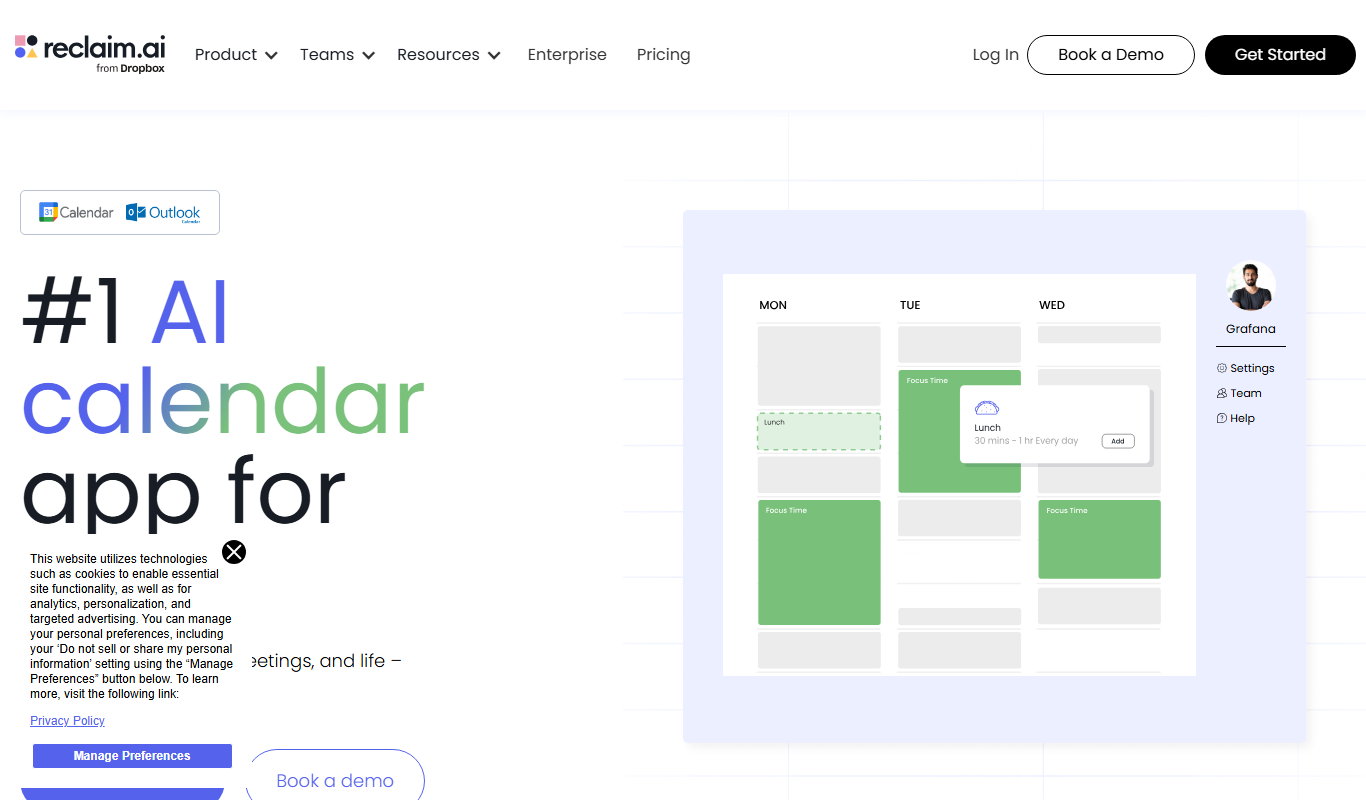
Screenshot of the Reclaim.ai interface
Free

Reclaim.ai

Reclaim.ai is an AI-driven calendar assistant that automates scheduling meetings, blocking focus time, and resolving conflicts to optimize your daily productivity.

Screenshot of the Sunsama interface
Free Trial

Sunsama

Sunsama is a daily planner and task management software designed to help individuals and teams organize their workday using time blocking, integrations, and collaboration features.

Screenshot of the YSI Water Quality Monitoring interface
Custom Pricing

YSI Water Quality Monitoring

YSI Water Quality Monitoring provides sensor-based systems to measure and analyze water parameters like dissolved oxygen and pH, enabling real-time environmental data collection and remote monitoring.

Page 59 of 1,226

Popular AI tool collections

Ten tools per shortlist, ranked, for when a category is still too many results.

All 486 collections

Still deciding

Compare two AI tools side by side

Pricing, supported platforms and what each one is actually good at, laid out in one table. 764 comparisons are written and ready.

Browse comparisons

About the TiorAI AI tools directory

Every one of the 14,702 entries here carries the same fields: what the tool does, what it costs, which platforms it runs on, and which categories it belongs to. That is what makes filtering across the whole catalogue possible rather than decorative.

The catalogue is not the point on its own; competitors list the same tools. What is worth your time is what sits on top of it: comparisons that commit to a recommendation, alternative sets that are genuinely comparable, and entries that get corrected when a vendor changes its pricing.

Common questions

How do I narrow 14,000 tools down to a shortlist?

Start from a category rather than the full list: the category index above jumps straight into the twelve largest ones. From there, use the pricing shortcuts to drop anything outside your budget, then open the three or four entries that look closest and compare them side by side.

What does each pricing label mean?

Free means there is a usable tier at no cost with no time limit. Freemium means a free tier exists but the useful features sit behind a paid plan. Free trial means paid-only after a fixed evaluation window. Subscription means recurring billing with no free tier. Labels come from the vendor and are re-checked when a listing is updated.

Can I combine filters?

Yes. Category, pricing, tech stack, language and platform stack together, and every combination has its own URL, so a filtered view can be bookmarked or shared. Active filters appear above the results and can be removed one at a time.

Why do some tools have no screenshot?

Around 8% of entries have no captured screenshot, usually because the tool sits behind a login or the site blocks automated capture. Those entries show the tool's initial instead. It is not a signal about the tool's quality.

How are tools ordered by default?

Newest first, so the front of the directory reflects what has recently shipped. Switch the sort to Top Rated for the highest-scoring entries, or Most Popular to order by real visitor interest across views and outbound clicks.

What is the difference between an alternative and a comparison?

An alternatives page answers "what else does this job?" and lists comparable tools for one product. A comparison page takes two named tools and works through pricing, capability and fit to reach a recommendation. Both are linked from every tool entry.