
Free Trial
MadMapper
MadMapper is a desktop software for projection and LED mapping that allows artists and designers to map video content onto physical surfaces and control visuals in real-time using MIDI and DMX.


Every AI tool we track, with pricing, platform and category on each entry. Filter down to a shortlist, then open the ones worth a closer look.
Filter 14,702 AI tools by pricing, category, platform and language.
MadMapper is a desktop software for projection and LED mapping that allows artists and designers to map video content onto physical surfaces and control visuals in real-time using MIDI and DMX.
IndieMono is an AI-powered writing assistant that helps users generate and improve creative and professional written content through an easy-to-use web platform.
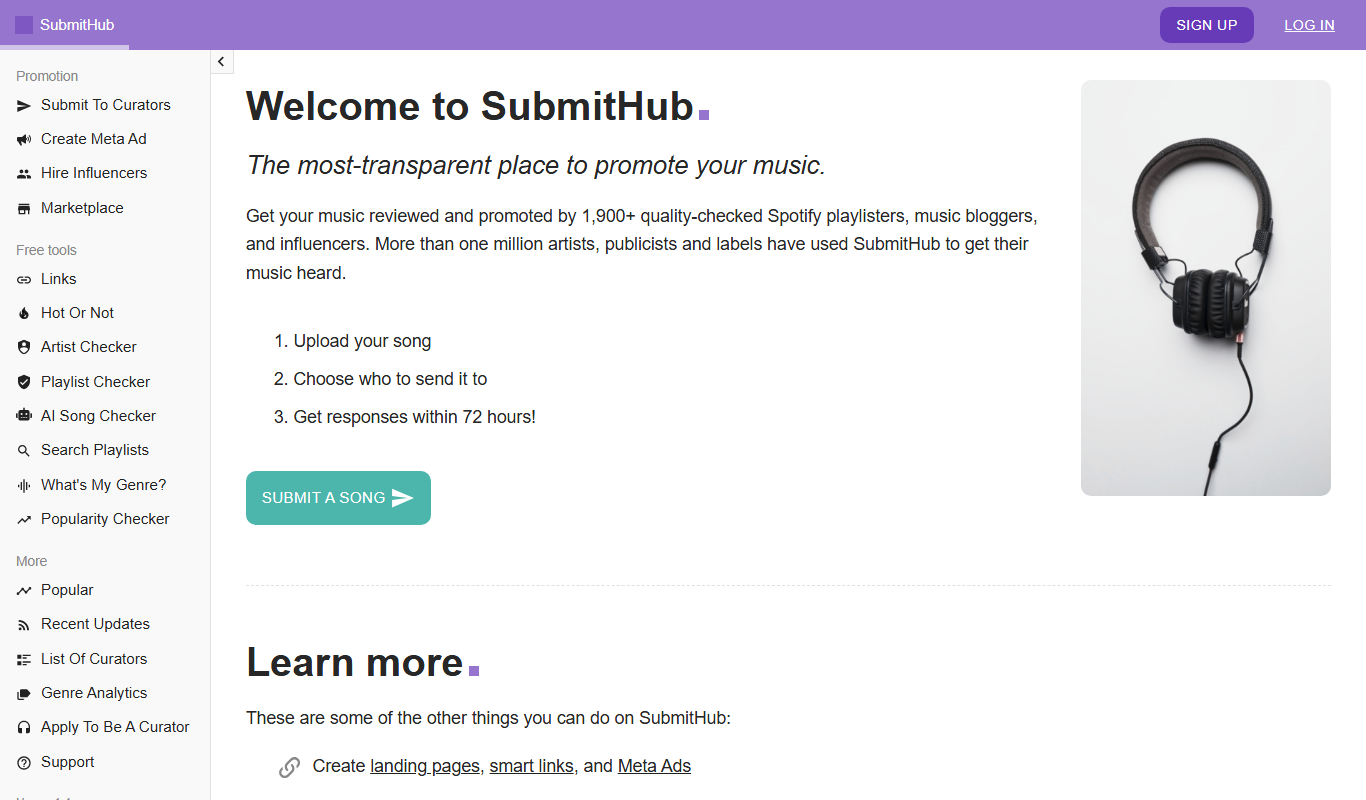
SubmitHub is a music promotion platform that connects independent artists and labels with music curators, bloggers, and playlist creators to submit music, receive feedback, and gain exposure through a pay-per-submission model.
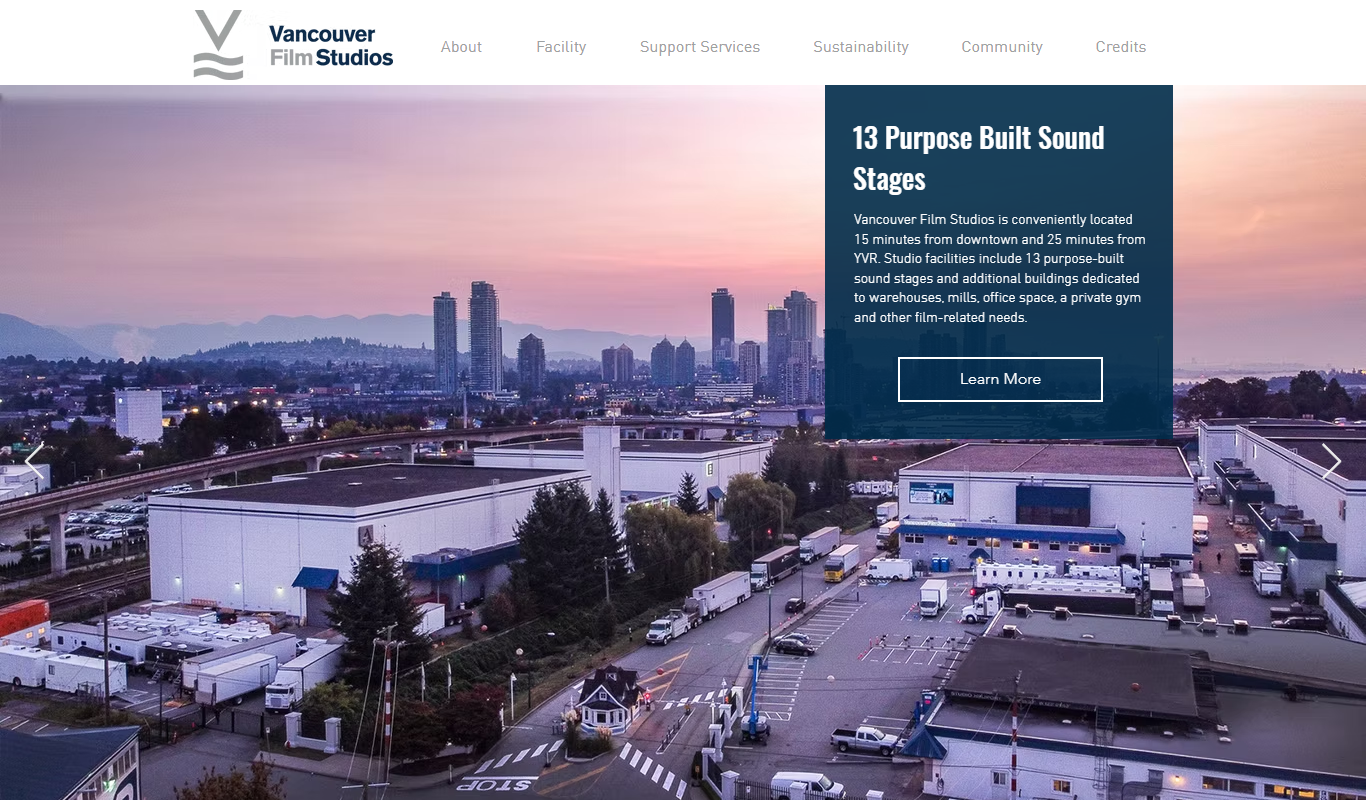
Vancouver Film Studios provides fully equipped sound stages and production support services for film, television, and commercial productions in Vancouver, Canada.
Can I Stream It is a free online tool that helps you find where movies and TV shows are available to stream, rent, or buy across multiple streaming platforms.

Plex is a media server and streaming platform that lets you organize, stream, and share your personal media collections across devices, with optional premium features like live TV and DVR through Plex Pass.
Vapor IO provides an edge computing platform called Kinetic Edge that enables distributed cloud infrastructure and 5G network integration to reduce latency and improve application performance.

Movesense is a wearable sensor platform by Suunto that captures motion, heart rate, and audio data for sports, health, and research applications using an open API and Bluetooth connectivity.
AntV is an open-source JavaScript data visualization library developed by Alibaba that enables developers to create interactive, customizable charts and graphs for web applications.
Propeller Health is a digital health platform that uses connected inhaler sensors and a mobile app to help patients with asthma and COPD monitor medication use, receive personalized insights, and enable healthcare providers to remotely track patient adherence and respiratory health.
AsthmaMD is a mobile and web app designed to help individuals with asthma track symptoms, manage medications, and create personalized asthma action plans to improve respiratory health.
StreamSets is a DataOps platform that enables organizations to design, deploy, and monitor real-time and batch data pipelines with a visual interface, supporting data drift detection and error handling to ensure reliable data integration.
Page 56 of 1,226
Ten tools per shortlist, ranked, for when a category is still too many results.
Still deciding
Pricing, supported platforms and what each one is actually good at, laid out in one table. 764 comparisons are written and ready.
Browse comparisonsComparable tools for the products people already use.
Every one of the 14,702 entries here carries the same fields: what the tool does, what it costs, which platforms it runs on, and which categories it belongs to. That is what makes filtering across the whole catalogue possible rather than decorative.
The catalogue is not the point on its own; competitors list the same tools. What is worth your time is what sits on top of it: comparisons that commit to a recommendation, alternative sets that are genuinely comparable, and entries that get corrected when a vendor changes its pricing.
Start from a category rather than the full list: the category index above jumps straight into the twelve largest ones. From there, use the pricing shortcuts to drop anything outside your budget, then open the three or four entries that look closest and compare them side by side.
Free means there is a usable tier at no cost with no time limit. Freemium means a free tier exists but the useful features sit behind a paid plan. Free trial means paid-only after a fixed evaluation window. Subscription means recurring billing with no free tier. Labels come from the vendor and are re-checked when a listing is updated.
Yes. Category, pricing, tech stack, language and platform stack together, and every combination has its own URL, so a filtered view can be bookmarked or shared. Active filters appear above the results and can be removed one at a time.
Around 8% of entries have no captured screenshot, usually because the tool sits behind a login or the site blocks automated capture. Those entries show the tool's initial instead. It is not a signal about the tool's quality.
Newest first, so the front of the directory reflects what has recently shipped. Switch the sort to Top Rated for the highest-scoring entries, or Most Popular to order by real visitor interest across views and outbound clicks.
An alternatives page answers "what else does this job?" and lists comparable tools for one product. A comparison page takes two named tools and works through pricing, capability and fit to reach a recommendation. Both are linked from every tool entry.