

Free
智联招聘简历助手
智联招聘简历助手 is an AI-powered resume assistant integrated with Zhaopin that helps job seekers optimize resumes, match jobs, and track applications efficiently.
Every AI tool we track, with pricing, platform and category on each entry. Filter down to a shortlist, then open the ones worth a closer look.
Filter 14,702 AI tools by pricing, category, platform and language.
智联招聘简历助手 is an AI-powered resume assistant integrated with Zhaopin that helps job seekers optimize resumes, match jobs, and track applications efficiently.

Juro is a contract management platform that helps legal and business teams create, automate, and manage contracts efficiently with a no-code editor, workflow automation, and e-signatures.

Divvy is a free expense management platform that provides businesses with virtual and physical corporate cards, budgeting tools, and real-time expense tracking to control company spending effectively.

Ramp is a free corporate card and spend management platform that helps businesses automate expense tracking, issue unlimited virtual and physical cards, and integrate with accounting software for streamlined financial workflows.
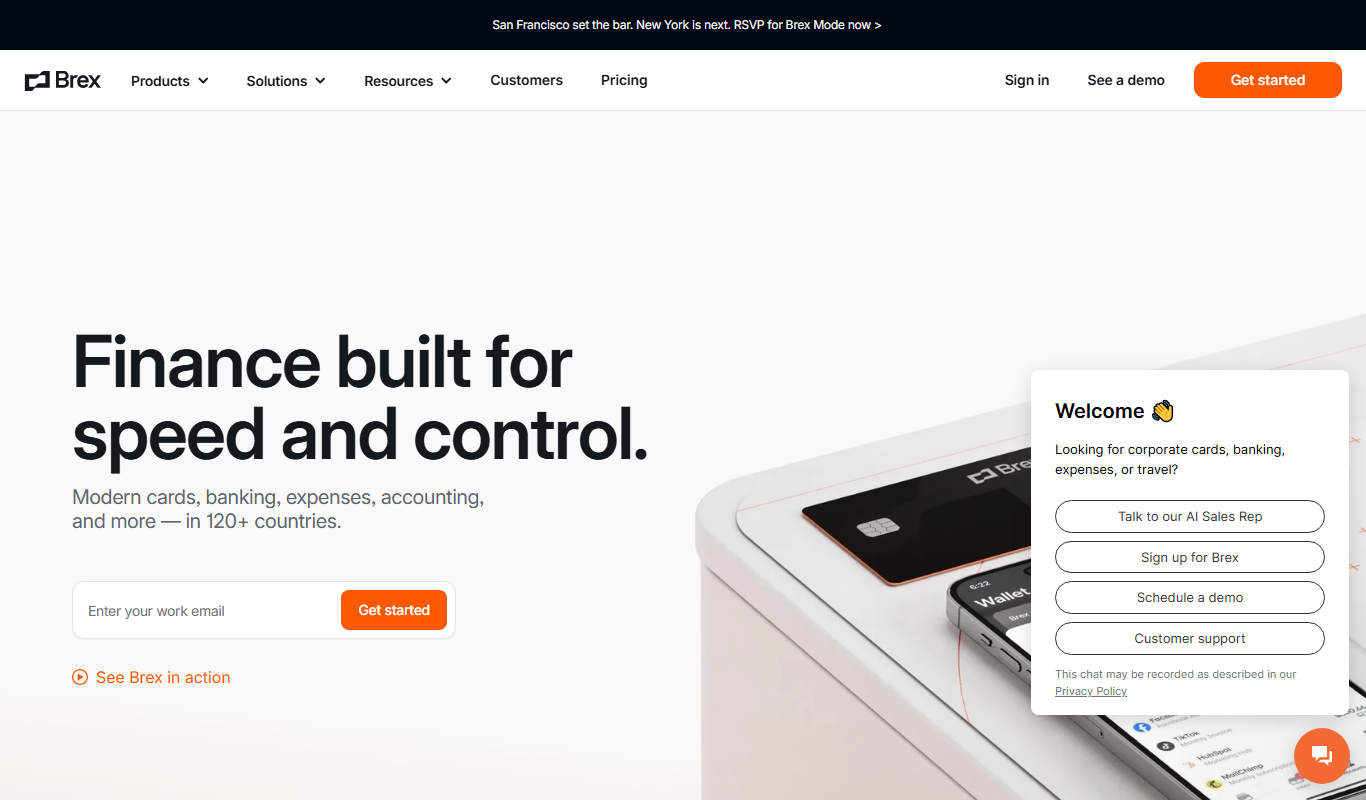
Brex is a financial technology platform providing corporate credit cards and cash management accounts tailored for startups and growing businesses, enabling streamlined expense management and financial operations without personal guarantees.
New Relic is a full-stack observability platform that helps developers and IT teams monitor application performance, infrastructure health, and user experience in real time with AI-powered analytics and customizable dashboards.

Runscope is a cloud-based API testing and monitoring tool that helps developers automate API tests, monitor uptime and performance, and debug issues with detailed traffic inspection.

42Crunch is an AI-powered API security platform that automates vulnerability detection, OpenAPI validation, and continuous monitoring to protect APIs throughout their lifecycle.

Salt Security is an AI-powered API security platform that detects and prevents API attacks using machine learning and behavioral analytics.

Daylio is a mood tracking and journaling app that lets users log daily moods and activities quickly to gain insights into mental health and habits.

Harver is an AI-driven recruitment platform that automates candidate assessments and streamlines hiring processes for enterprises, improving candidate experience and reducing bias.

FactSet is a financial data and analytics platform used by investment professionals to access market data, perform research, manage portfolios, and analyze risk.
Page 212 of 1,226
Ten tools per shortlist, ranked, for when a category is still too many results.
Still deciding
Pricing, supported platforms and what each one is actually good at, laid out in one table. 764 comparisons are written and ready.
Browse comparisonsComparable tools for the products people already use.
Every one of the 14,702 entries here carries the same fields: what the tool does, what it costs, which platforms it runs on, and which categories it belongs to. That is what makes filtering across the whole catalogue possible rather than decorative.
The catalogue is not the point on its own; competitors list the same tools. What is worth your time is what sits on top of it: comparisons that commit to a recommendation, alternative sets that are genuinely comparable, and entries that get corrected when a vendor changes its pricing.
Start from a category rather than the full list: the category index above jumps straight into the twelve largest ones. From there, use the pricing shortcuts to drop anything outside your budget, then open the three or four entries that look closest and compare them side by side.
Free means there is a usable tier at no cost with no time limit. Freemium means a free tier exists but the useful features sit behind a paid plan. Free trial means paid-only after a fixed evaluation window. Subscription means recurring billing with no free tier. Labels come from the vendor and are re-checked when a listing is updated.
Yes. Category, pricing, tech stack, language and platform stack together, and every combination has its own URL, so a filtered view can be bookmarked or shared. Active filters appear above the results and can be removed one at a time.
Around 8% of entries have no captured screenshot, usually because the tool sits behind a login or the site blocks automated capture. Those entries show the tool's initial instead. It is not a signal about the tool's quality.
Newest first, so the front of the directory reflects what has recently shipped. Switch the sort to Top Rated for the highest-scoring entries, or Most Popular to order by real visitor interest across views and outbound clicks.
An alternatives page answers "what else does this job?" and lists comparable tools for one product. A comparison page takes two named tools and works through pricing, capability and fit to reach a recommendation. Both are linked from every tool entry.