

From my experience with Opinly.ai, I found it excels at simplifying complex customer feedback into actionable insights using AI-powered sentiment and topic analysis. The platform’s intuitive dashboards make it accessible even for users without technical backgrounds, which is a significant advantage. It’s particularly well-suited for market researchers and customer experience teams looking to quickly interpret qualitative data. However, the tool currently supports only English, which may limit its use for global feedback analysis. Overall, if you need an efficient way to analyze open-ended feedback and improve customer satisfaction, Opinly.ai delivers reliable and user-friendly results.
Opinly.ai Review: AI-Powered Customer Feedback Analysis Platform
Opinly.ai is an AI-driven platform that analyzes customer feedback using sentiment analysis and topic extraction to help businesses improve customer experience and product development.
- Best for
- Customer Sentiment Analysis
- Key capability
- Sentiment Analysis
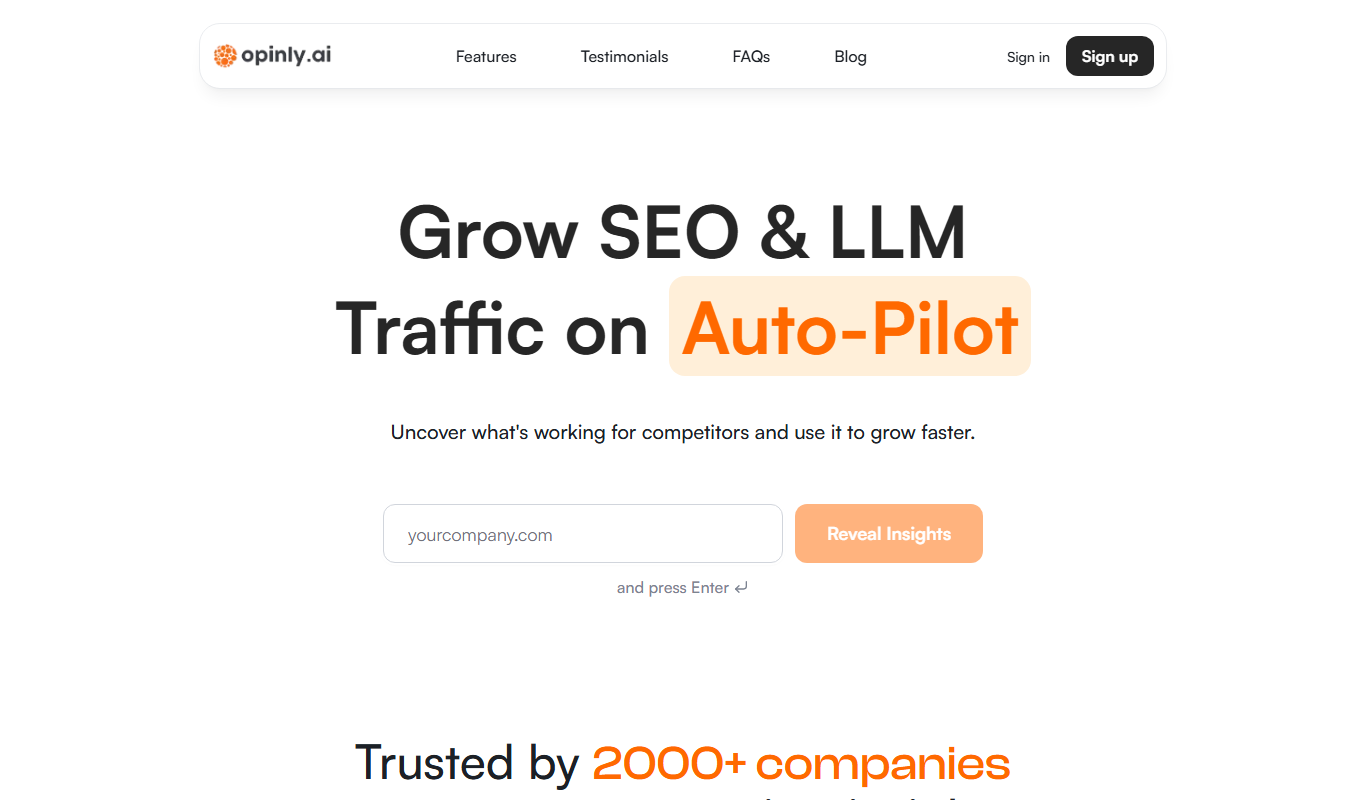

Do you recommend this tool?
What is Opinly.ai?
Opinly.ai is an AI-driven customer feedback analysis platform designed to help businesses quickly understand and act on qualitative data from surveys, reviews, and other feedback sources. By leveraging natural language processing and sentiment analysis, Opinly.ai transforms unstructured text into clear insights, enabling data-driven decisions to improve customer satisfaction and product development.
Key features of Opinly.ai
Key features include automated sentiment analysis, topic extraction, trend visualization, and easy integration with survey platforms. The tool offers intuitive dashboards that summarize feedback data, making it accessible for teams without data science expertise.
Sentiment Analysis
Automatically detects positive, negative, and neutral sentiments in customer feedback.
Topic Extraction
Identifies recurring themes and topics within large volumes of text data.
Trend Visualization
Displays sentiment and topic trends over time with easy-to-understand charts.
Multi-Source Integration
Supports importing data from various platforms including survey tools and social media.
Customizable Reports
Generates tailored reports to suit different stakeholder needs.
Pros and cons of Opinly.ai
Pros
- User-friendly interface with clear visualizations
- Automates complex qualitative data analysis
- Supports multiple feedback sources
- Customizable reporting options
- Affordable pricing tiers
Cons
- Limited language support beyond English
- No mobile app currently available
- Advanced features require paid plans
Key use cases for Opinly.ai
Customer Sentiment Analysis
Analyze customer feedback from surveys, reviews, and social media to understand sentiment trends and improve customer experience.
Survey Data Interpretation
Automatically process and interpret open-ended survey responses to extract actionable insights without manual effort.
Product Feedback Evaluation
Evaluate product feedback to identify strengths and weaknesses, helping product teams prioritize improvements.
Market Research Enhancement
Enhance market research by quickly summarizing large volumes of qualitative data for strategic decision-making.
Customer Support Improvement
Identify common customer issues and pain points from support tickets and feedback to improve service quality.
How Opinly.ai works
- 1
Upload Feedback Data
Import customer feedback from surveys, reviews, or support channels into the platform.
- 2
AI-Powered Analysis
The system applies natural language processing to analyze sentiment, extract topics, and identify key themes.
- 3
Review Insights
Users access visual dashboards and reports that highlight sentiment trends, common issues, and actionable recommendations.
- 4
Take Action
Use the insights to improve products, customer service, and overall customer experience.
Who is using Opinly.ai
Market researchers
Customer experience teams
Product managers
Marketing agencies
Small to medium-sized businesses
Opinly.ai pricing
Free
$0/month
Basic access with limited feedback volume and core features.
Pro
$49/month
Expanded feedback limits, advanced analytics, and priority support.
Enterprise
Custom pricing
Tailored solutions with unlimited data, integrations, and dedicated support.
Plans and prices are as published by the vendor and can change. Check the official site before you buy. Open the pricing page (opens in a new tab)
Frequently asked questions about Opinly.ai
Opinly.ai can analyze open-ended survey responses, customer reviews, social media comments, and support tickets.
Currently, Opinly.ai primarily supports English language feedback analysis.
Yes, Opinly.ai supports data import from popular survey platforms and can also process CSV uploads.
Yes, Opinly.ai offers a free plan with limited features to test the platform.
It depends on your specific needs and how you plan to use the tool. The official website and documentation are the best sources for the latest details.
Pricing depends on the plan and included features. For the most accurate and up-to-date details, check the official pricing page.
Integration support depends on the tool and its available connectors or API. Check the official documentation or integrations page to confirm what is supported.
It depends on your specific needs and how you plan to use the tool. The official website and documentation are the best sources for the latest details.
Sign in to review this tool.
Sign In to ReviewNo reviews yet
Be the first to share how this tool worked for you.
Ask about pricing, limits, or how it compares — or answer someone else.
Sign In to AskNo questions yet
Have a question about using or paying for this tool? Be the first to ask.
Featured on TiorAI



Alternative Tools
Explore similar AI tools that might fit your needs

Enterprise
MonkeyLearn
MonkeyLearn is a no-code AI platform that enables businesses to classify, extract, and analyze text data using customizable machine learning models accessible via web and API.

Enterprise
Qualtrics
Qualtrics is an experience management platform that enables organizations to design surveys, collect feedback, and analyze data using AI-powered tools to improve customer, employee, product, and brand experiences.

Custom Pricing
Medallia
Medallia is a customer experience management platform that collects and analyzes feedback across multiple channels using AI to provide actionable insights for businesses.
More AI Data & Analytics Tools tools
Other tools in the same category, for when this one is not quite the fit.

Free Trial
Journeai
Journeai is an AI-powered software that automatically maps customer journeys across multiple marketing channels, providing real-time analytics and insights to optimize marketing strategies.

Custom Pricing
sentiance.com
Sentiance is an AI-powered platform that transforms sensor and contextual data into actionable behavioral insights, enabling businesses to understand user behavior and deliver personalized experiences in real-time.

Contact for pricing
ODESIS
ODESIS is an AI-driven analytics platform that helps businesses transform data into actionable insights through machine learning, visualization, and predictive analytics.

Contact for pricing
QUINETICS
Quinetics is an AI platform that provides businesses with advanced data analytics, workflow automation, and custom machine learning model development to optimize operations and decision-making.

Free Trial
Trenz.ai
Trenz.ai is an AI-driven data analytics platform that helps businesses analyze data, visualize insights, and forecast trends through an easy-to-use interface.

Free Trial
TikNeuron
TikNeuron is an AI-driven platform that helps TikTok creators and marketers grow their accounts by providing analytics, trend discovery, and content optimization recommendations.
Free
Show the Link
Show the Link is a URL shortening service that enables users to create branded short links using custom domains, track link performance with analytics, and manage links through an intuitive dashboard.

Free Trial
Thumblytics
Thumblytics is an AI-driven video analytics platform that provides real-time engagement heatmaps and detailed viewer behavior insights to help optimize video content and marketing strategies.