

From my experience with Onvo AI, I found it excels at providing accurate real-time transcription combined with automated meeting summaries that save significant time for busy professionals. The platform’s intuitive interface and multi-device support make it easy to integrate into daily workflows, especially for remote teams and project managers. However, the tool currently supports only English and offers limited transcription minutes on the free plan, which could be restrictive for some users. Overall, if you need a reliable AI assistant to capture and summarize meeting content efficiently, Onvo AI delivers solid results.
Onvo AI Review: AI-Powered Meeting Transcription and Summarization Tool
Onvo AI is an AI-powered tool that transcribes and summarizes meetings in real-time, helping teams capture accurate notes and key points efficiently.
- Best for
- Meeting Transcription
- Key capability
- Real-Time Transcription
Your actions
Save Onvo AI, follow its updates and vote on it — everything stays in your account.
Sign in or create a free account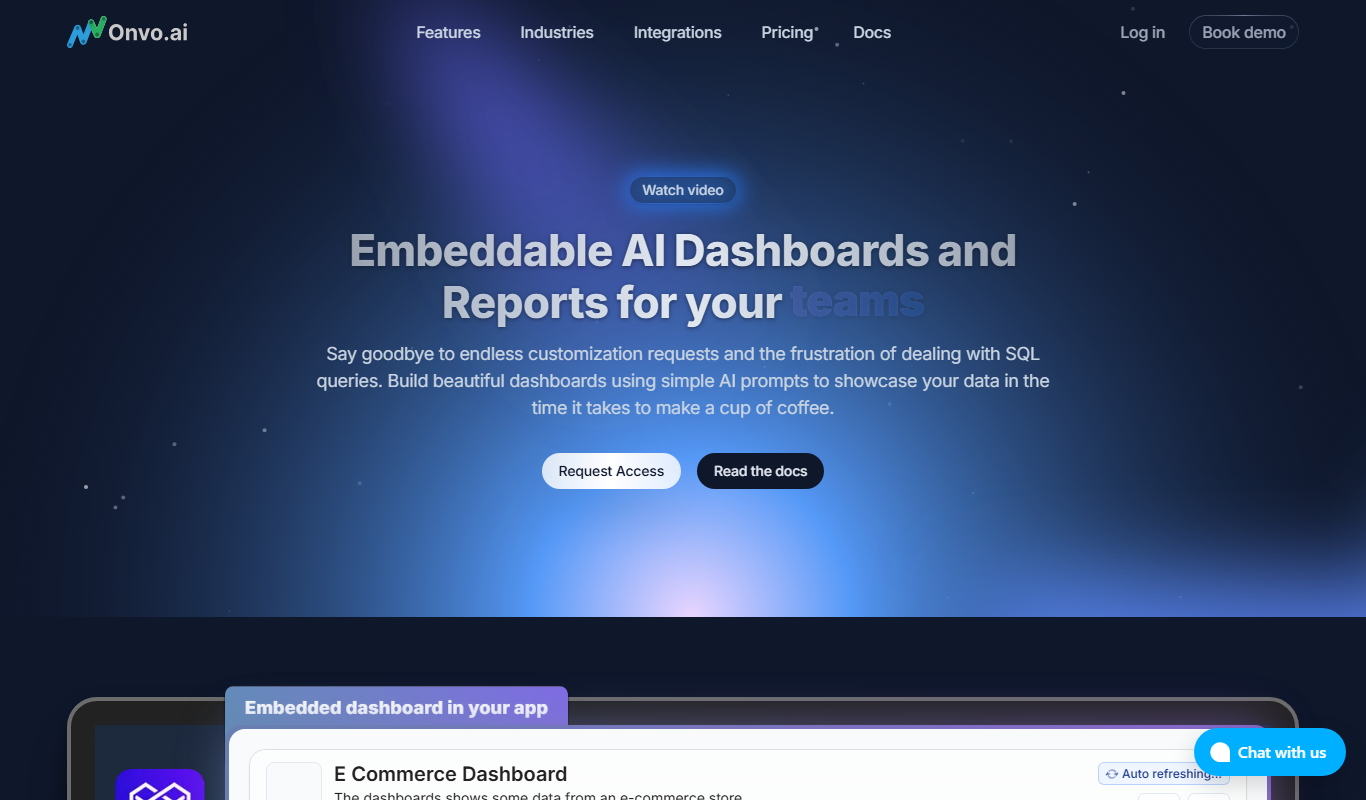

What is Onvo AI?
Onvo AI is an AI-powered meeting assistant designed to transcribe and summarize spoken content from meetings, calls, and interviews. It leverages advanced speech recognition and natural language processing technologies to convert audio into accurate text and generate concise summaries, helping teams save time and improve productivity.
Key features of Onvo AI
Onvo AI offers real-time transcription, automated meeting summaries, speaker identification, and easy sharing options. Its intuitive interface supports seamless integration into daily workflows, enabling users to focus on discussions without worrying about manual note-taking.
Real-Time Transcription
Captures spoken words during meetings instantly with high accuracy.
Automated Summarization
Creates brief summaries to quickly convey the essence of discussions.
Speaker Identification
Differentiates between speakers to provide clear context in transcripts.
Multi-Platform Access
Available on web and mobile devices for flexibility.
Searchable Archives
Stores transcripts and summaries in an organized, searchable database.
Pros and cons of Onvo AI
Pros
- Accurate real-time transcription
- Automated meeting summaries save time
- Easy sharing and collaboration features
- Supports both live and uploaded audio
- User-friendly interface
Cons
- Supports English language only
- Limited free plan transcription minutes
- No offline transcription capability
Key use cases for Onvo AI
Meeting Transcription
Automatically transcribe audio from meetings, calls, and interviews to create accurate text records.
Meeting Summarization
Generate concise summaries of meeting discussions to highlight key points and action items.
Collaboration
Share transcriptions and summaries with team members to improve communication and follow-up.
Note Taking Automation
Reduce manual note-taking effort by capturing spoken content in real-time.
Searchable Meeting Archives
Create searchable records of past meetings for easy reference and knowledge management.
How Onvo AI works
- 1
Record or Upload Audio
Start recording a meeting directly in the app or upload pre-recorded audio files.
- 2
AI Transcription
Onvo AI processes the audio using speech-to-text technology to generate a detailed transcript.
- 3
Generate Summary
The tool automatically creates a concise summary highlighting key discussion points and action items.
- 4
Review and Share
Users can review transcripts and summaries, make edits if needed, and share them with team members.
Who is using Onvo AI
Remote teams
Business professionals
Content creators
Interviewers and journalists
Project managers
Onvo AI pricing
Free
$0/month
Limited transcription minutes and basic features for individual users.
Pro
$15/month
Extended transcription limits, advanced features, and priority support.
Business
Custom pricing
Tailored solutions with team collaboration tools and enterprise-grade support.
Plans and prices are as published by the vendor and can change. Check the official site before you buy. Open the pricing page (opens in a new tab)
Frequently asked questions about Onvo AI
Currently, Onvo AI supports English transcription and summarization only.
Yes, users can upload audio files to transcribe and summarize past meetings.
Onvo AI offers a mobile app for both iOS and Android platforms.
Onvo AI uses advanced speech recognition technology, providing high accuracy, though clarity of audio affects results.
This tool is designed to help users accomplish its core tasks more efficiently. It is typically used by individuals or teams looking to improve productivity and workflow.
It depends on your specific needs and how you plan to use the tool. The official website and documentation are the best sources for the latest details.
Yes, it can help with that use case depending on how you configure it and what features are available. You’ll get the best results with clear inputs and a defined goal.
Some tools offer a free plan or trial with limited features. Availability can vary, so confirm on the official website.
Sign in to review this tool.
Sign In to ReviewNo reviews yet
Be the first to share how this tool worked for you.
Ask about pricing, limits, or how it compares — or answer someone else.
Sign In to AskNo questions yet
Have a question about using or paying for this tool? Be the first to ask.
Featured on TiorAI



More AI Productivity Tools tools
Other tools in the same category, for when this one is not quite the fit.

Free
Writing with AI
Writing with AI by RubyGPT is a web-based AI writing assistant that uses GPT-3 technology to help users generate and refine written content efficiently.
Free
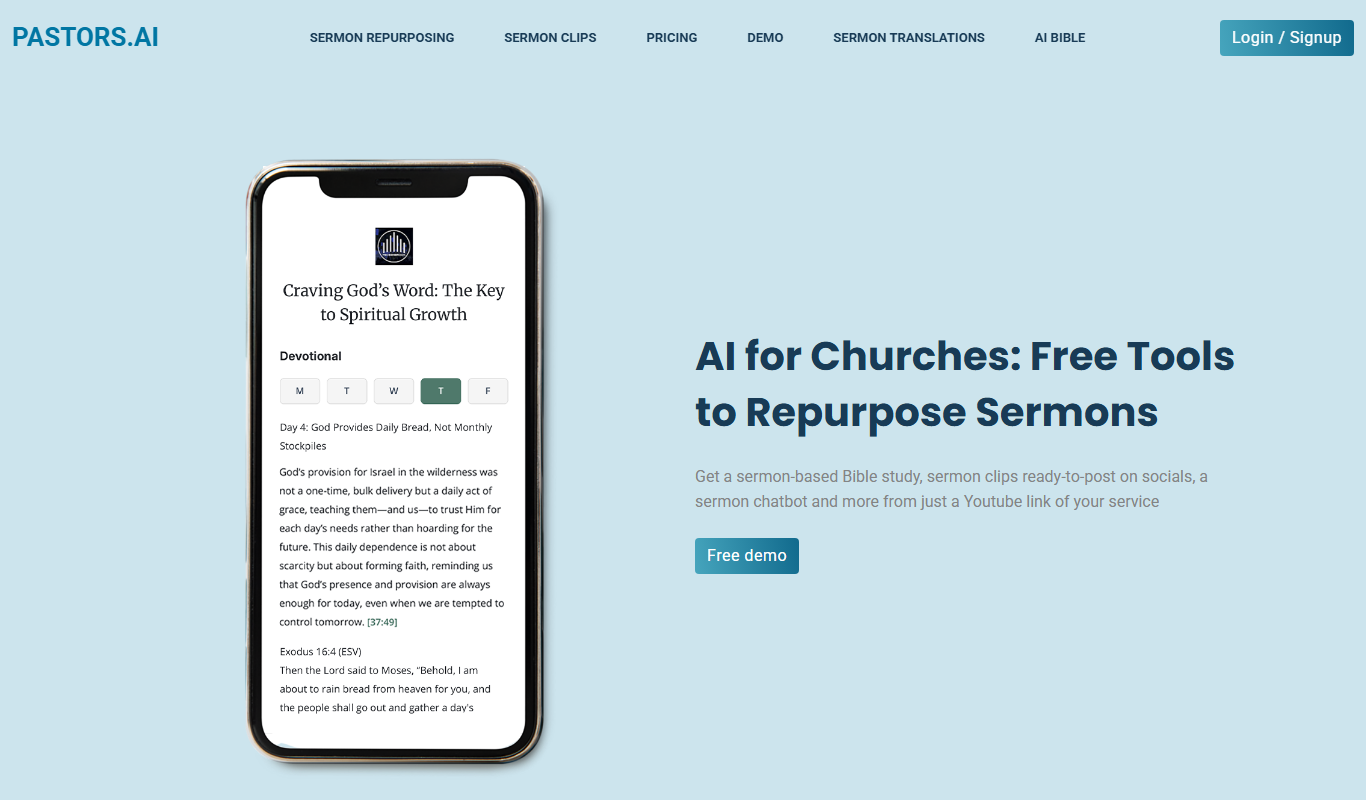
Pastors.ai
Pastors.ai turns a YouTube sermon link into sermon clips, devotionals, Bible studies and a custom church chatbot, emailed in about 30 minutes.

Free
MindMap AI APP
MindMap AI App is a web-based mind mapping tool that uses AI to help users generate and organize ideas visually, supporting brainstorming, project planning, and collaboration.

Free
Presentify.ai
Presentify.ai is an AI-driven presentation software that helps users create professional slide decks quickly by generating content and optimizing design automatically.

Free Trial
Wizard of Swipe for Tinder
Wizard of Swipe for Tinder is an AI-powered automation tool that automates swiping on Tinder based on user preferences to increase match chances and save time.

Freemium
Jugemu.app with OpenAI o1 Support
Jugemu.app brings together more than 17 large language models, including ChatGPT, Claude and Gemini, and compares them.

Free
EasyNoteAI
EasyNoteAI is an AI-driven tool that automates note taking and summarization, helping users quickly capture and organize information from meetings, lectures, and content.
Freemium
LID: AI-Powered Voice Journaling
Lid is an iOS app for voice journaling, and its current site is getlid.co.