

From my experience with Olovka AI Essay Writer, I found it particularly effective for quickly generating essay drafts that provide a solid foundation for further editing. The tool’s straightforward interface makes it accessible even for users new to AI writing assistants. It’s especially useful for students who need to overcome writer’s block or speed up the initial writing phase. However, the generated content often requires careful review and personalization to ensure originality and quality, which is a common trade-off with AI-generated text. Overall, Olovka is a practical choice for those seeking a fast, AI-driven essay drafting tool.
Olovka AI Essay Writer - Automated Essay Writing Tool for Students
Olovka AI Essay Writer is a web-based tool that uses artificial intelligence to generate essay drafts based on user input, helping students and writers create essays faster and with customizable options.
- Best for
- Academic Essay Writing
- Key capability
- AI-Powered Essay Generation
Your actions
Save Olovka: AI Essay Writer, follow its updates and vote on it — everything stays in your account.
Sign in or create a free account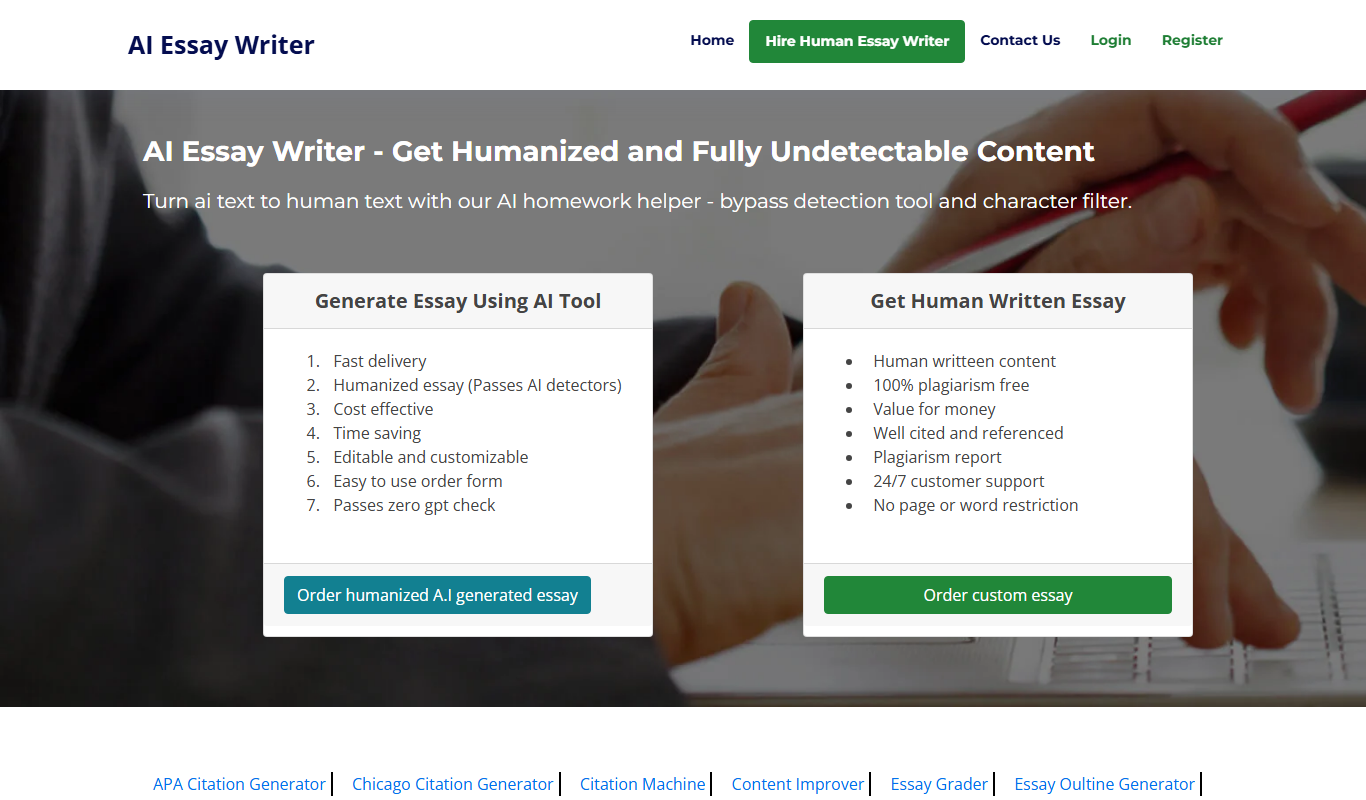

What is Olovka: AI Essay Writer?
Olovka AI Essay Writer is a web-based AI-powered tool designed to help students and writers generate essays quickly and efficiently. It uses artificial intelligence to create coherent, structured essays based on user input, aiming to simplify the writing process and provide a starting point for academic or creative writing tasks.
Key features of Olovka: AI Essay Writer
The tool offers automated essay generation, topic-based content creation, and customizable essay structures. It supports multiple essay formats and provides users with editable drafts to refine and personalize their work.
AI-Powered Essay Generation
Automatically creates essays based on user-provided topics and parameters.
Customizable Essay Length and Style
Allows users to specify essay length and preferred writing style.
User-Friendly Interface
Simple web interface for easy input and editing of essays.
Instant Draft Creation
Generates essay drafts quickly to save time.
Pros and cons of Olovka: AI Essay Writer
Pros
- Quick essay draft generation
- Easy to use interface
- Customizable essay parameters
- Free tier available
Cons
- Limited language support (English only)
- May require user editing for quality and originality
- No mobile app available
Key use cases for Olovka: AI Essay Writer
Academic Essay Writing
Generate structured essays on various topics to assist students with academic assignments.
Content Drafting
Create initial drafts for essays or articles to speed up the writing process.
Idea Generation
Help users brainstorm and outline essay topics and arguments.
Writing Assistance
Provide suggestions and improvements for essay content and structure.
How Olovka: AI Essay Writer works
- 1
Enter Essay Topic
Users input the essay topic or prompt they want to write about.
- 2
Select Essay Parameters
Choose essay type, length, and any specific instructions or keywords.
- 3
Generate Essay
The AI processes the input and produces a draft essay.
- 4
Review and Edit
Users can review the generated content and make edits as needed.
Who is using Olovka: AI Essay Writer
Students
Educators
Content writers
Academic professionals
Non-native English speakers
Olovka: AI Essay Writer pricing
Free
$0/month
Limited access with basic essay generation features and daily usage limits.
Premium
$9.99/month
Unlimited essay generation, priority support, and access to advanced features.
Plans and prices are as published by the vendor and can change. Check the official site before you buy. Open the pricing page (opens in a new tab)
Frequently asked questions about Olovka: AI Essay Writer
Yes, there is a free plan with limited daily usage, and a premium subscription for unlimited access.
Yes, the generated essays are editable so you can customize and improve them.
Currently, Olovka supports essay writing in English only.
Olovka generates unique essays using AI, but users should verify originality and avoid plagiarism.
It depends on your specific needs and how you plan to use the tool. The official website and documentation are the best sources for the latest details.
Some tools offer a free plan or trial with limited features. Availability can vary, so confirm on the official website.
Yes, it can help with that use case depending on how you configure it and what features are available. You’ll get the best results with clear inputs and a defined goal.
Sign in to review this tool.
Sign In to ReviewNo reviews yet
Be the first to share how this tool worked for you.
Ask about pricing, limits, or how it compares — or answer someone else.
Sign In to AskNo questions yet
Have a question about using or paying for this tool? Be the first to ask.
Featured on TiorAI



More AI Education & Learning Tools tools
Other tools in the same category, for when this one is not quite the fit.

Free
mindspore.cn
MindSpore is an open-source deep learning framework by Huawei that supports flexible AI model development, distributed training, and deployment on cloud and edge devices.
Freemium
GradeGenius
GradeGenius is an AI-based grading tool that automates scoring of essays and tests, helping educators save time and provide consistent student assessments.

Freemium
AI Math Solver Powered by Math GPT Free Online
AI Math Solver Powered by Math GPT is an online AI math solver powered by GPT-4o that gives step-by-step solutions to math equations and word problems submitted as text, images, PDFs or CSV files.

Freemium
testportal.net
Testportal.net is an online exam platform that enables secure test creation, automated grading, and remote proctoring for educational and corporate assessments.

Freemium
AIQuizGen
AIQuizGen is an AI-powered platform that automates quiz creation by generating questions from user-provided content, supporting multiple question types and easy sharing.
Free
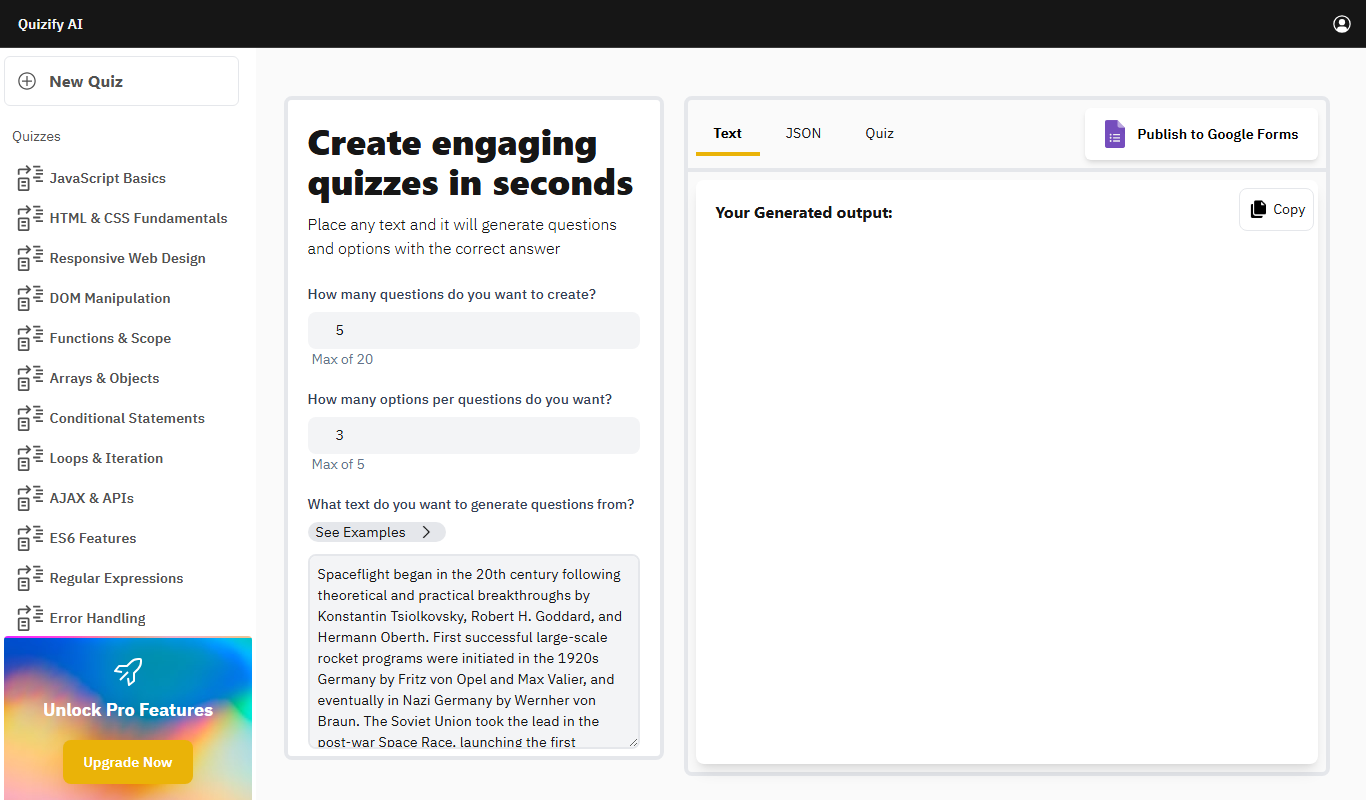
Quizify
Quizify is an AI-powered quiz generator for educators that turns any text into questions and answer options and can publish them to Google Forms.
Free
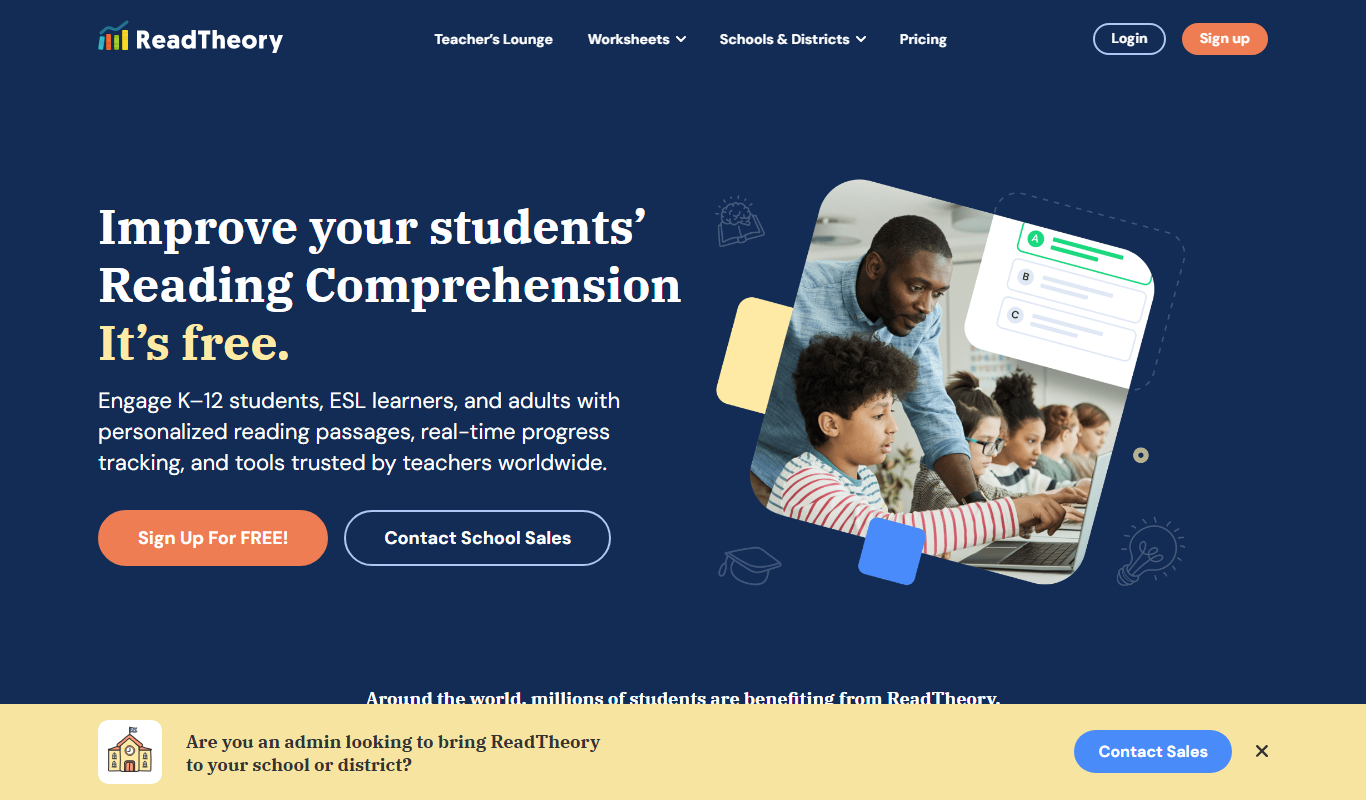
ReadTheory
ReadTheory is an adaptive online platform that helps students improve reading comprehension through personalized exercises and allows teachers to track progress with detailed reports.

Free
Quizbot.ai
Quizbot.ai is an AI-driven platform that helps users create interactive quizzes by generating questions from input content, enabling quick and engaging assessments.