

From my experience with Notewand, I found it excels at automating the tedious parts of note-taking like tagging and summarization, which saves significant time. After spending time with the platform, I can say it’s particularly well-suited for students, researchers, and knowledge workers who need to organize large volumes of notes efficiently. However, there’s a trade-off: the lack of offline access means you must be connected to the internet to fully benefit from its AI features. Overall, if you need a smart, AI-driven note-taking app to boost your productivity, Notewand delivers solid results.
Notewand AI Note-Taking App for Efficient Knowledge Management
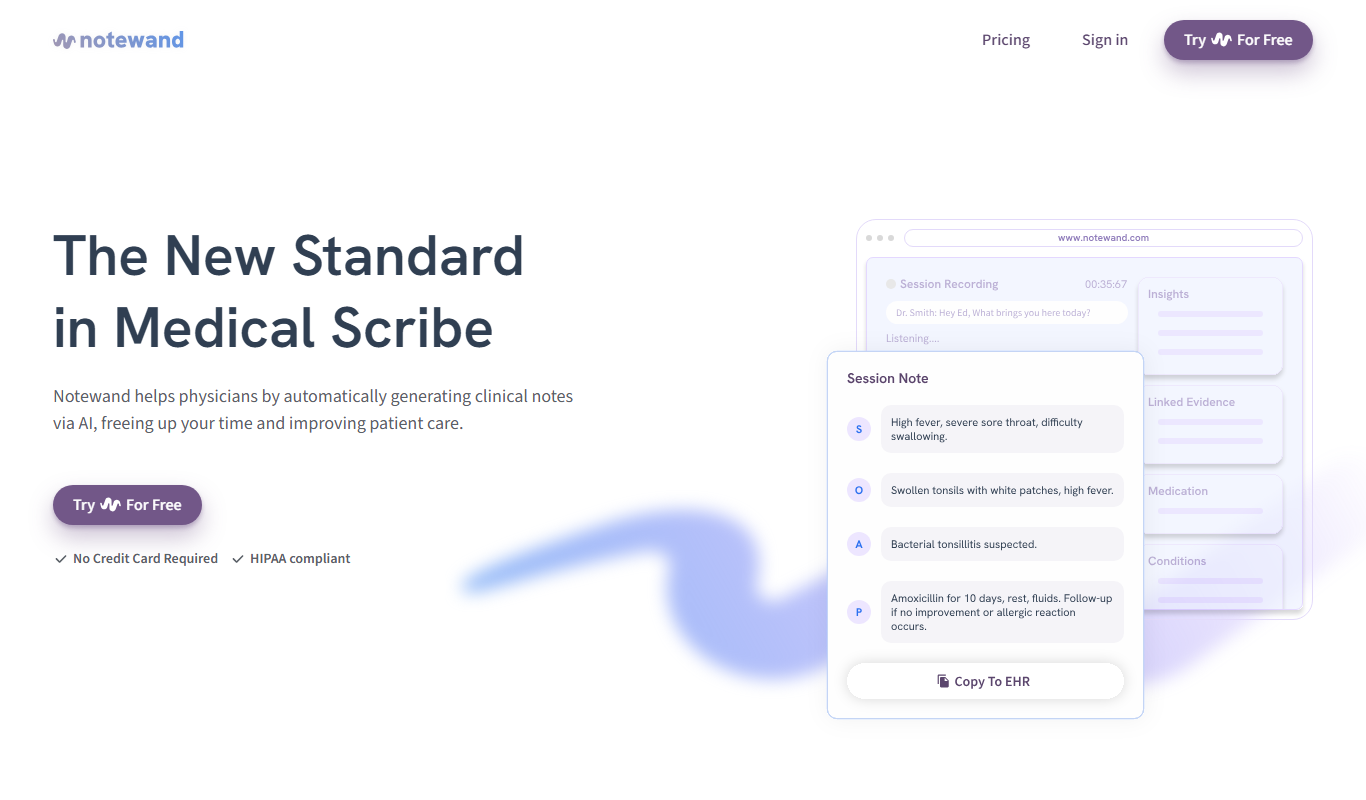
Notewand is an AI-driven note-taking app that helps users organize, tag, summarize, and search notes efficiently across web and desktop platforms.
- Best for
- Personal Knowledge Management
- Key capability
- AI-Powered Tagging
Do you recommend this tool?
What is Notewand?
Notewand is an AI-powered note-taking and knowledge management application designed to help users capture, organize, and retrieve information efficiently. It leverages artificial intelligence to automate tagging, summarization, and search, enabling users to manage their notes with less manual effort and greater clarity.
Key features of Notewand
Notewand offers AI-assisted note organization, smart tagging, powerful search capabilities, and intuitive note linking. It supports seamless note creation and retrieval, making it easier to maintain a structured knowledge base.
AI-Powered Tagging
Automatically assigns relevant tags to notes to improve organization.
Smart Summarization
Generates concise summaries of notes to facilitate quick review.
Advanced Search
Enables fast and accurate retrieval of notes using AI-driven search algorithms.
Note Linking
Allows users to connect related notes, creating a web of knowledge.
Cross-Platform Access
Accessible via web and desktop applications for flexible usage.
Pros and cons of Notewand
Pros
- AI automates tedious note organization tasks
- Intuitive interface for easy note creation and retrieval
- Powerful search improves productivity
- Cross-platform availability
- Supports linking notes for contextual knowledge
Cons
- No offline mode limits access without internet
- Limited language support (English only)
- Pricing may be a barrier for casual users
Key use cases for Notewand
Personal Knowledge Management
Organize and retrieve personal notes efficiently using AI-powered search and tagging.
Research and Study
Capture and structure research notes with AI assistance to improve comprehension and recall.
Project Documentation
Maintain clear and accessible project notes that can be easily searched and linked.
Meeting Notes
Take structured meeting notes and quickly find key points using AI-driven indexing.
How Notewand works
- 1
Create Notes
Users write or import notes into Notewand’s interface.
- 2
AI Tagging and Summarization
The AI automatically tags notes and generates summaries for quick understanding.
- 3
Organize and Link
Users can organize notes into categories and link related notes for context.
- 4
Search and Retrieve
Advanced AI-powered search helps users quickly find relevant notes.
Who is using Notewand
Students and researchers
Knowledge workers
Project managers
Writers and content creators
Anyone needing efficient note organization
Notewand pricing
Free
$0/month
Basic note-taking features with limited AI assistance.
Pro
$9/month
Full access to AI features, unlimited notes, and priority support.
Plans and prices are as published by the vendor and can change. Check the official site before you buy. Open the pricing page (opens in a new tab)
Frequently asked questions about Notewand
Currently, Notewand requires an internet connection to utilize AI features and sync notes.
Yes, Notewand supports importing notes in common formats to help you migrate your data.
Notewand uses encryption and secure servers to protect your data privacy.
It depends on your specific needs and how you plan to use the tool. The official website and documentation are the best sources for the latest details.
Some tools offer a free plan or trial with limited features. Availability can vary, so confirm on the official website.
It depends on your specific needs and how you plan to use the tool. The official website and documentation are the best sources for the latest details.
Sign in to review this tool.
Sign In to ReviewNo reviews yet
Be the first to share how this tool worked for you.
Ask about pricing, limits, or how it compares — or answer someone else.
Sign In to AskNo questions yet
Have a question about using or paying for this tool? Be the first to ask.
Featured on TiorAI



Alternative Tools
Explore similar AI tools that might fit your needs

Free
Evernote
Evernote is a cross-platform note-taking app that helps users capture, organize, and collaborate on notes, tasks, and projects with multi-format support and powerful search.

Free
Notion
Notion is a versatile productivity tool that combines note-taking, task management, databases, and team collaboration in one customizable workspace accessible across devices.
Free Trial
Roam Research
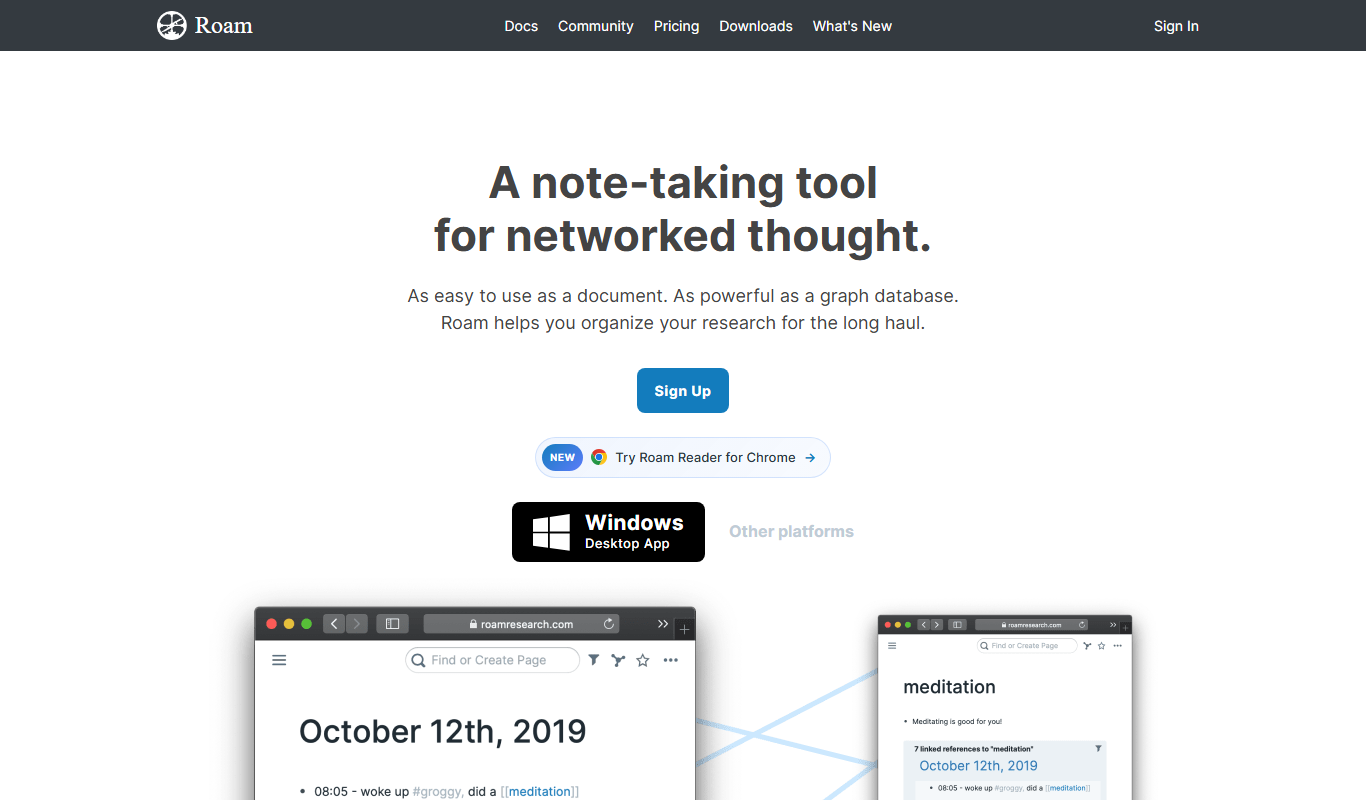
Roam Research is a note-taking and knowledge management tool that uses bidirectional linking and graph visualization to help users organize and connect ideas effectively.
More AI Knowledge Base Tools tools
Other tools in the same category, for when this one is not quite the fit.

Free Trial
KBaseBot
KBaseBot is an AI chatbot that automates customer support by leveraging your knowledge base to provide instant, accurate answers and reduce support workload.

Free
Aardvark
Aardvark is an AI assistant that helps teams quickly search and access internal knowledge by integrating with multiple data sources and providing natural language answers.

Free
Penseum
Penseum is a knowledge management platform that helps individuals and teams organize, share, and collaborate on notes and documents through a hierarchical structure and powerful search, accessible via web and API.

Free
Skim AI
Skim AI is an AI-driven tool that summarizes long documents and web pages by extracting key points and insights, helping users save time and improve comprehension.
Free
Asklo AI
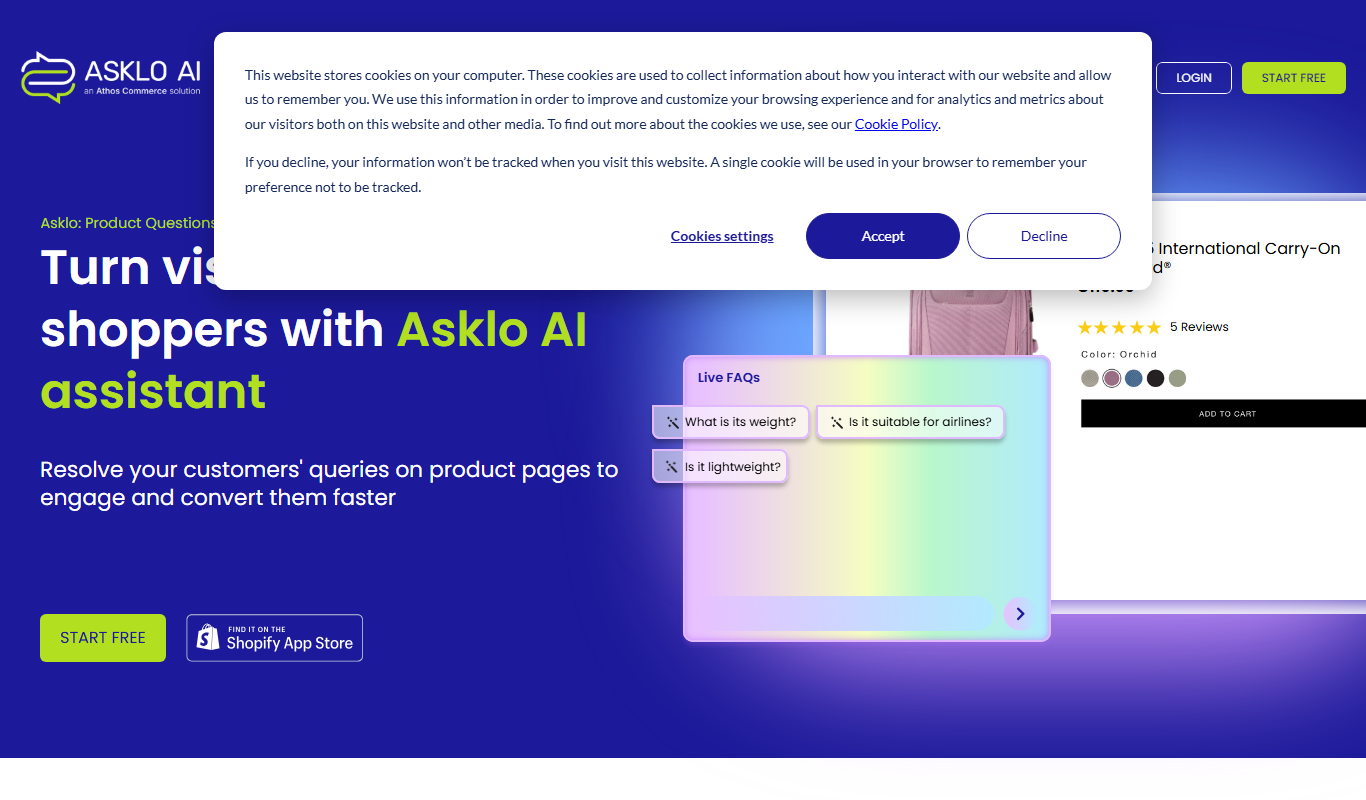
Asklo AI is an AI-powered conversational search platform that enables users to query internal documents and data sources using natural language, providing context-aware answers and seamless integration via API.

Custom Pricing
Glean
Glean is an AI-powered enterprise knowledge management platform that integrates multiple data sources to provide unified search, expert identification, and collaboration tools for organizations.

Free Trial
Biliki AI
Biliki AI is an AI-driven knowledge management platform that integrates with multiple data sources to provide teams with instant, accurate answers via a natural language chat interface, enhancing productivity and collaboration.

Free Trial
RAGFlow
RAGFlow is a no-code AI platform that enables users to build and automate retrieval-augmented generation workflows by integrating document retrieval with generative AI to provide accurate, context-aware responses.