

Compare Top Online Brokers with NerdWallet Broker Comparison Tool
NerdWallet Broker Comparison is a free online tool that helps investors compare fees, features, and account types of various online brokers to find the best match for their financial goals.
- Best for
- Compare Brokerage Accounts
- Key capability
- Comprehensive Broker Listings
Save NerdWallet Broker Comparison, follow its updates and vote on it — everything stays in your account.
Sign in or create a free account
What is NerdWallet Broker Comparison?
NerdWallet Broker Comparison is a free online tool that allows users to compare and evaluate various online brokerage firms. It aggregates key information such as fees, account types, investment options, and platform features to help investors choose the best brokerage service tailored to their financial goals.
Key features of NerdWallet Broker Comparison
The tool offers side-by-side comparisons of brokers, detailed fee breakdowns, account type filters, and expert reviews. It simplifies the complex process of selecting a brokerage by presenting clear, unbiased data and recommendations.
Comprehensive Broker Listings
Includes a wide range of online brokers covering various investment styles and account types.
Detailed Fee Breakdown
Transparent presentation of commissions, trading fees, and account minimums.
Filter and Sort Options
Users can filter brokers by features, account types, and investment preferences.
Expert Reviews and Ratings
Provides professional insights and user ratings to aid decision-making.
Educational Resources
Offers articles and guides to help users understand brokerage concepts and investing basics.
Pros and cons of NerdWallet Broker Comparison
Pros
- Easy-to-use interface with clear comparisons
- Comprehensive and up-to-date broker data
- Free access without registration
- Includes expert reviews and educational content
Cons
- Limited to brokers available in the U.S. market
- Does not provide personalized financial advice
Key use cases for NerdWallet Broker Comparison
Compare Brokerage Accounts
Users can compare features, fees, and services of various online brokerage firms to find the best fit for their investing needs.
Investment Account Selection
Helps investors select appropriate account types such as individual, joint, retirement, or custodial accounts.
Fee and Commission Analysis
Provides detailed information on trading fees, commissions, and account minimums to help users minimize costs.
Research Broker Features
Enables users to evaluate brokers based on tools, educational resources, customer service, and mobile app quality.
Financial Planning Support
Assists users in making informed decisions aligned with their financial goals and investment strategies.
How NerdWallet Broker Comparison works
- 1
Access the Broker Comparison Tool
Visit NerdWallet’s website and navigate to the broker comparison section.
- 2
Set Your Preferences
Select criteria such as account type, investment style, and desired features.
- 3
Review Broker Options
Browse through the curated list of brokers with detailed comparisons.
- 4
Analyze Fees and Features
Examine fee structures, commissions, and platform capabilities.
- 5
Choose the Best Broker
Make an informed decision based on your investment needs and the comparison data.
Who is using NerdWallet Broker Comparison
NerdWallet Broker Comparison pricing
Free
$0
Full access to broker comparison tool and resources at no cost.
Plans and prices are as published by the vendor and can change. Check the official site before you buy. Open the pricing page (opens in a new tab)
Frequently asked questions about NerdWallet Broker Comparison
Yes, the tool is completely free and accessible to anyone via the NerdWallet website.
NerdWallet regularly updates broker data to ensure accuracy, typically on a monthly basis.
The tool provides links to broker websites where users can apply, but does not process applications itself.
NerdWallet may receive compensation from some brokers, but strives to provide unbiased comparisons.
This tool is designed to help users accomplish its core tasks more efficiently. It is typically used by individuals or teams looking to improve productivity and workflow.
The best alternative depends on your workflow, features you need, and budget. Compare plans, integrations, and output quality to choose the closest fit.
Yes, it can help with that use case depending on how you configure it and what features are available. You’ll get the best results with clear inputs and a defined goal.
Conclusion
Broker comparisons here start with preferences: users select account type, investment style and desired features, then browse a curated list of brokers with detailed comparisons. Side-by-side comparisons include detailed fee breakdowns of commissions, trading fees and account minimums, information meant to help users minimize costs. Filters narrow brokers by features, account types and investment preferences, and expert reviews with user ratings sit next to the data. It also lets users evaluate brokers on tools, educational resources, customer service and mobile app quality.
Account selection is part of the process too, covering individual, joint, retirement and custodial accounts. Articles and guides explain brokerage concepts and investing basics. Fee structures and platform capabilities are examined before a decision is made from the comparison data. The intended result is an informed decision aligned with the user’s financial goals and investment strategies. The tool is aimed at individual investors, beginner traders and students learning about investing, while financial advisors researching brokers can use it as well.
Access is free on the NerdWallet website without registration. Coverage is limited to brokers available in the U.S. market, and the tool does not provide personalized financial advice.
Sources
Sign in to review this tool.
Sign In to ReviewNo reviews yet
Be the first to share how this tool worked for you.
Ask about pricing, limits, or how it compares — or answer someone else.
Sign In to AskNo questions yet
Have a question about using or paying for this tool? Be the first to ask.
Featured on TiorAI



More Business Management tools
Other tools in the same category, for when this one is not quite the fit.
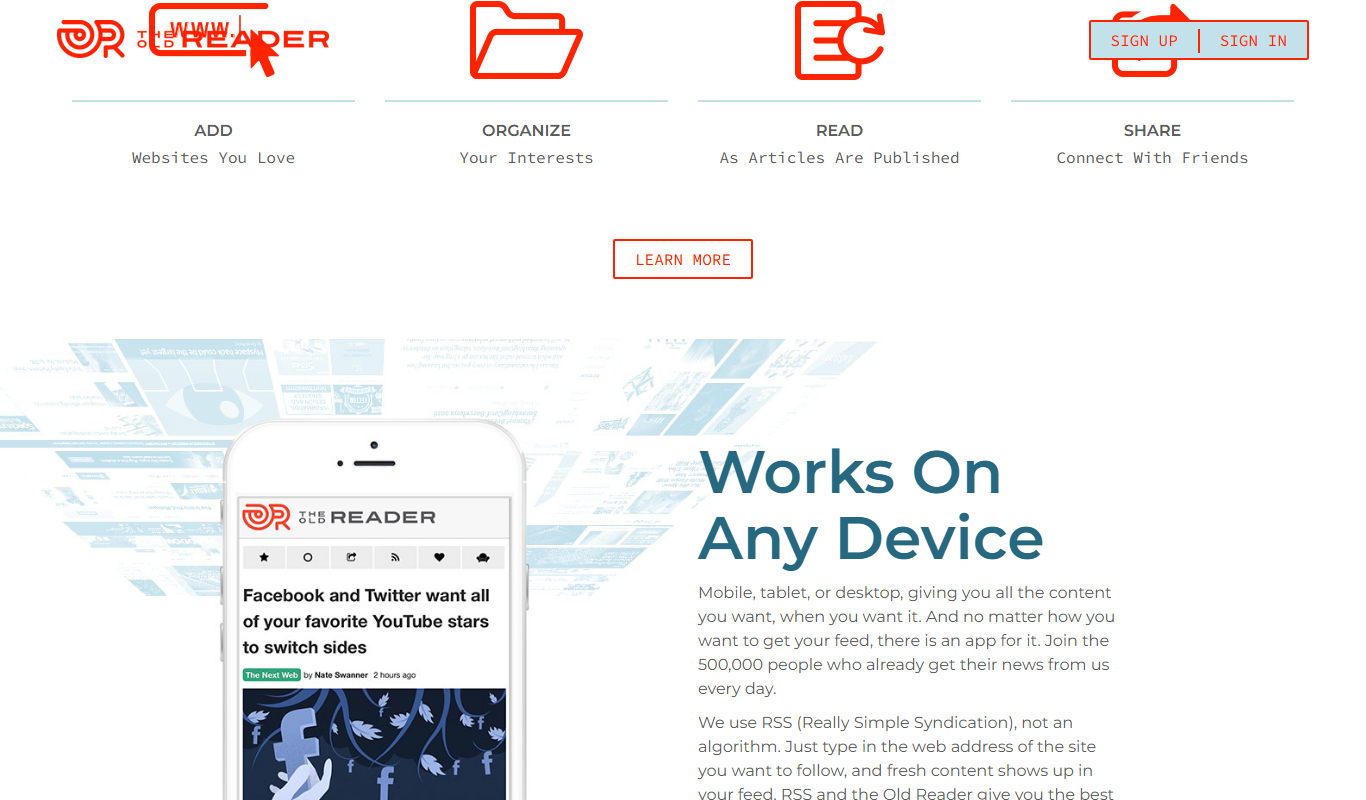
The Old Reader
The Old Reader is a web-based RSS feed reader that aggregates news and blog content from multiple sources, offering a simple interface with social sharing and organizational features.

ScriptRunner
ScriptRunner is an automation platform that centralizes management, security, and execution of PowerShell scripts to streamline IT workflows and enable self-service automation.

Fundable
Fundable is an online crowdfunding platform that enables startups and small businesses to raise capital through equity and rewards-based campaigns by connecting them with investors and managing fundraising efforts.
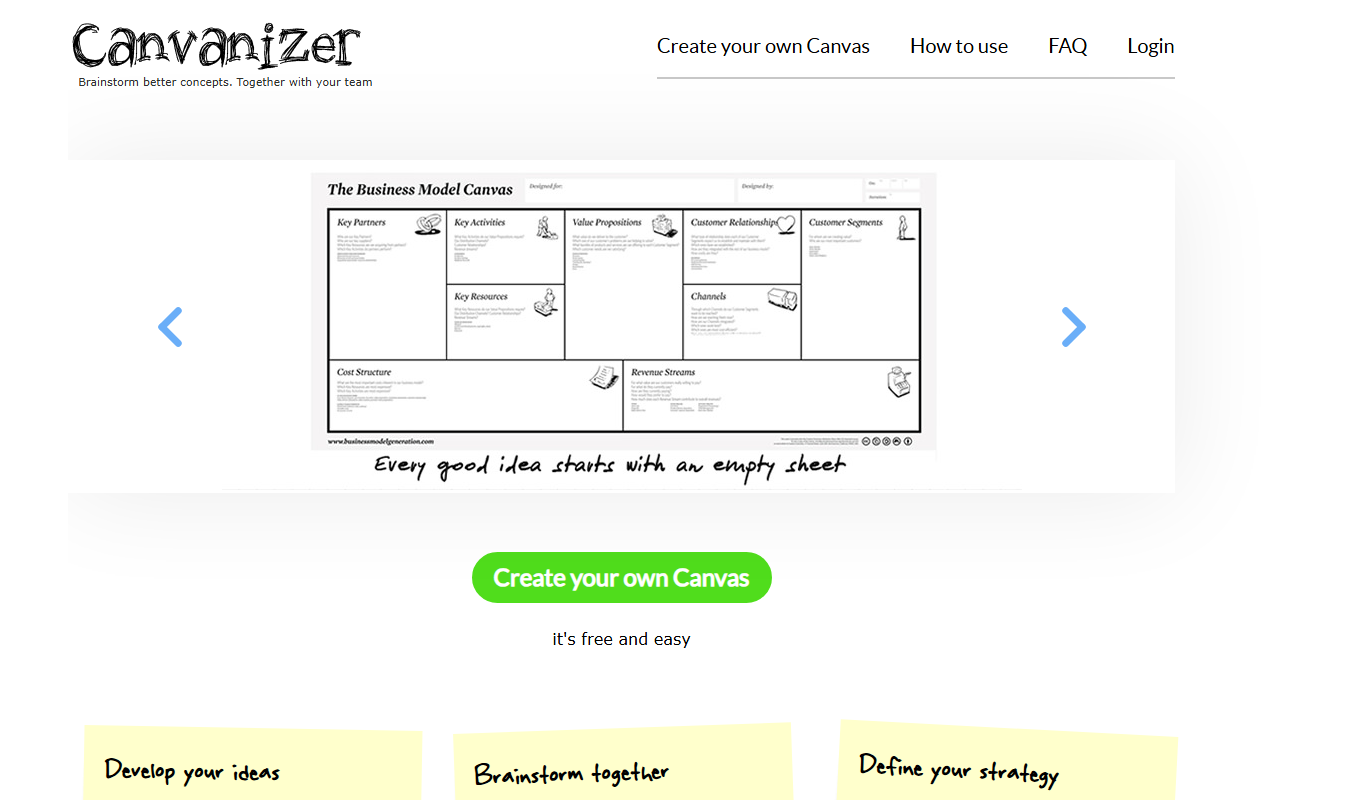
Canvanizer
Canvanizer is a web-based tool that enables users to create and collaborate on business model and strategy canvases using customizable templates for planning and brainstorming.

Holdem Manager
Holdem Manager is a Windows-based poker tracking software that imports hand histories, provides a real-time HUD, and offers advanced post-game analysis to help online poker players improve their performance.

PokerTracker
PokerTracker is a poker tracking software that helps online players analyze hand histories, track sessions, and use a real-time HUD to improve their poker strategy.

Perkbox
Perkbox is an employee benefits and engagement platform that provides companies with tools to offer perks, recognition, and wellbeing resources to improve employee satisfaction and retention.

BenefitHub
BenefitHub is an employee benefits platform that centralizes benefits management, rewards, and wellness programs to improve workforce engagement and simplify HR administration.