

From my experience with MyCVCreator, I found it excels at providing an easy-to-use interface for building professional resumes quickly, even for users without design skills. The availability of multiple templates and cover letter creation makes it a practical choice for job seekers aiming to present polished applications. However, the free plan is somewhat limited, and advanced customization options are modest compared to some competitors. Overall, if you want a straightforward, web-based resume builder with multilingual support, MyCVCreator delivers solid results.
Professional Resume Builder and CV Creator Online with Templates
MyCVCreator is an online platform that helps users create professional resumes and cover letters using customizable templates, supporting multiple languages and offering both free and premium plans.
- Best for
- Create Professional Resumes
- Key capability
- Customizable Resume Templates

Do you recommend this tool?
What is mycvcreator.com?
MyCVCreator is an online resume and CV builder designed to help job seekers create professional and visually appealing resumes quickly. It offers a variety of customizable templates and tools to tailor resumes and cover letters to specific job applications, making the process straightforward even for users without design experience.
Key features of mycvcreator.com
The platform features an intuitive drag-and-drop editor, multiple resume templates, cover letter creation, multi-language support, and options to download or share resumes in popular formats. It also provides career advice and examples to guide users in crafting effective job application documents.
Customizable Resume Templates
A wide selection of professional templates that can be personalized to fit different job sectors.
Cover Letter Builder
Create matching cover letters with guided content suggestions.
Multi-language Support
Supports multiple languages to cater to international job seekers.
Easy Export Options
Download resumes in PDF and other common formats for easy submission.
Career Advice and Examples
Access tips and sample resumes to improve your job application documents.
Pros and cons of mycvcreator.com
Pros
- User-friendly interface with drag-and-drop editing
- Wide variety of professional templates
- Includes cover letter creation
- Supports multiple languages
- Affordable premium plan
Cons
- Limited features on the free plan
- No mobile app available
- Customization options may be basic for advanced users
Key use cases for mycvcreator.com
Create Professional Resumes
Users can build tailored resumes using customizable templates to highlight their skills and experience.
Generate Cover Letters
The platform allows users to create matching cover letters to accompany their resumes for job applications.
Download and Export CVs
Users can download their resumes in multiple formats such as PDF for easy sharing with employers.
Manage Multiple CV Versions
Users can save and manage different versions of their CVs for various job applications.
Career Guidance
Provides tips and examples to help users improve their resumes and cover letters.
How mycvcreator.com works
- 1
Sign Up or Log In
Create a free account to start building your resume or log in to access saved documents.
- 2
Choose a Template
Select from a variety of professional resume templates that suit your industry and style.
- 3
Customize Your Resume
Use the editor to add your personal information, work experience, education, and skills.
- 4
Create a Cover Letter
Optionally, generate a matching cover letter tailored to your job application.
- 5
Download or Share
Download your resume and cover letter in PDF or other formats, or share them online.
Who is using mycvcreator.com
Job seekers
Recent graduates
Career changers
Freelancers
International applicants
mycvcreator.com pricing
Free
$0/month
Basic access with limited templates and download options.
Premium
$9.99/month
Full access to all templates, cover letter builder, unlimited downloads, and priority support.
Plans and prices are as published by the vendor and can change. Check the official site before you buy. Open the pricing page (opens in a new tab)
Frequently asked questions about mycvcreator.com
Yes, there is a free plan that allows you to create resumes with limited templates and download options.
You can download your resume in PDF format, which is widely accepted by employers.
Yes, the platform includes a cover letter builder with templates and content suggestions.
You can edit your resume anytime on the platform and download updated versions as needed.
Some tools offer a free plan or trial with limited features. Availability can vary, so confirm on the official website.
Yes, it can help with that use case depending on how you configure it and what features are available. You’ll get the best results with clear inputs and a defined goal.
Yes, it can help with that use case depending on how you configure it and what features are available. You’ll get the best results with clear inputs and a defined goal.
Sign in to review this tool.
Sign In to ReviewNo reviews yet
Be the first to share how this tool worked for you.
Ask about pricing, limits, or how it compares — or answer someone else.
Sign In to AskNo questions yet
Have a question about using or paying for this tool? Be the first to ask.
Featured on TiorAI



Alternative Tools
Explore similar AI tools that might fit your needs

Free
Resume.io
Resume.io is an online resume builder that helps users create professional resumes and cover letters with customizable templates, expert advice, and job application tracking.
More AI Album Cover Generator tools
Other tools in the same category, for when this one is not quite the fit.

Enterprise
qdrant.io
Qdrant is an open-source vector search engine that enables scalable, real-time semantic search and AI-powered applications by efficiently managing and querying high-dimensional vector data.

Free Trial
Packify.ai
Packify.ai is an AI-driven online tool that helps users design custom product packaging with 3D mockups and direct ordering.
Free
YACSS
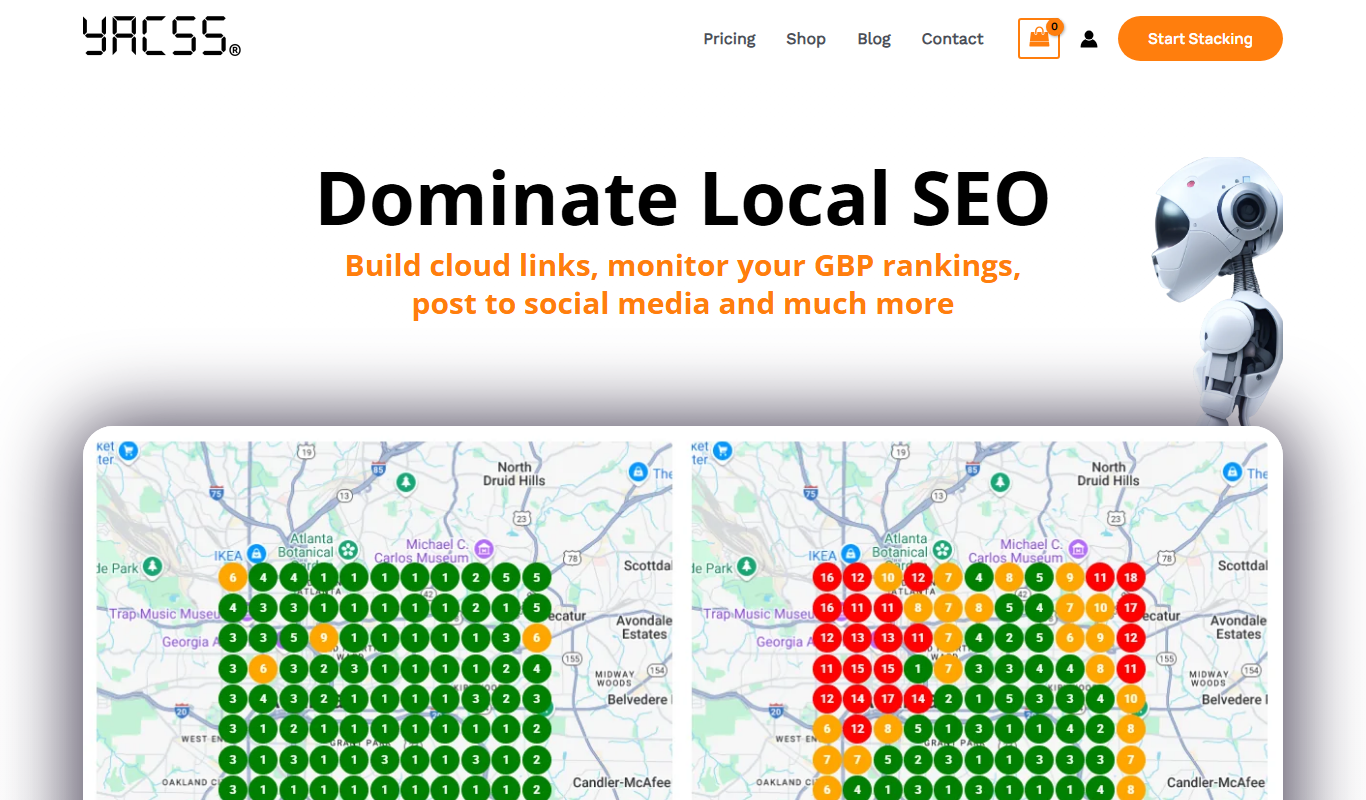
YACSS is a lightweight atomic CSS framework that provides utility classes for fast and responsive web design without JavaScript dependencies.

Free Trial
Opus
Opus AI is an AI-powered video creation tool that automates video editing and generation from scripts or raw footage, designed for marketers and content creators.

Free
Postly
Postly is an AI-driven social media scheduling platform that automates posting and offers content suggestions to streamline social media management.
Freemium
AMBLR – AI Travel Planner
AMBLR is an AI-powered travel planner that creates personalized trip itineraries based on your preferences, travel dates, and budget, helping you plan multi-destination trips with budget estimates and customizable plans.
Free
simbla-sites.com
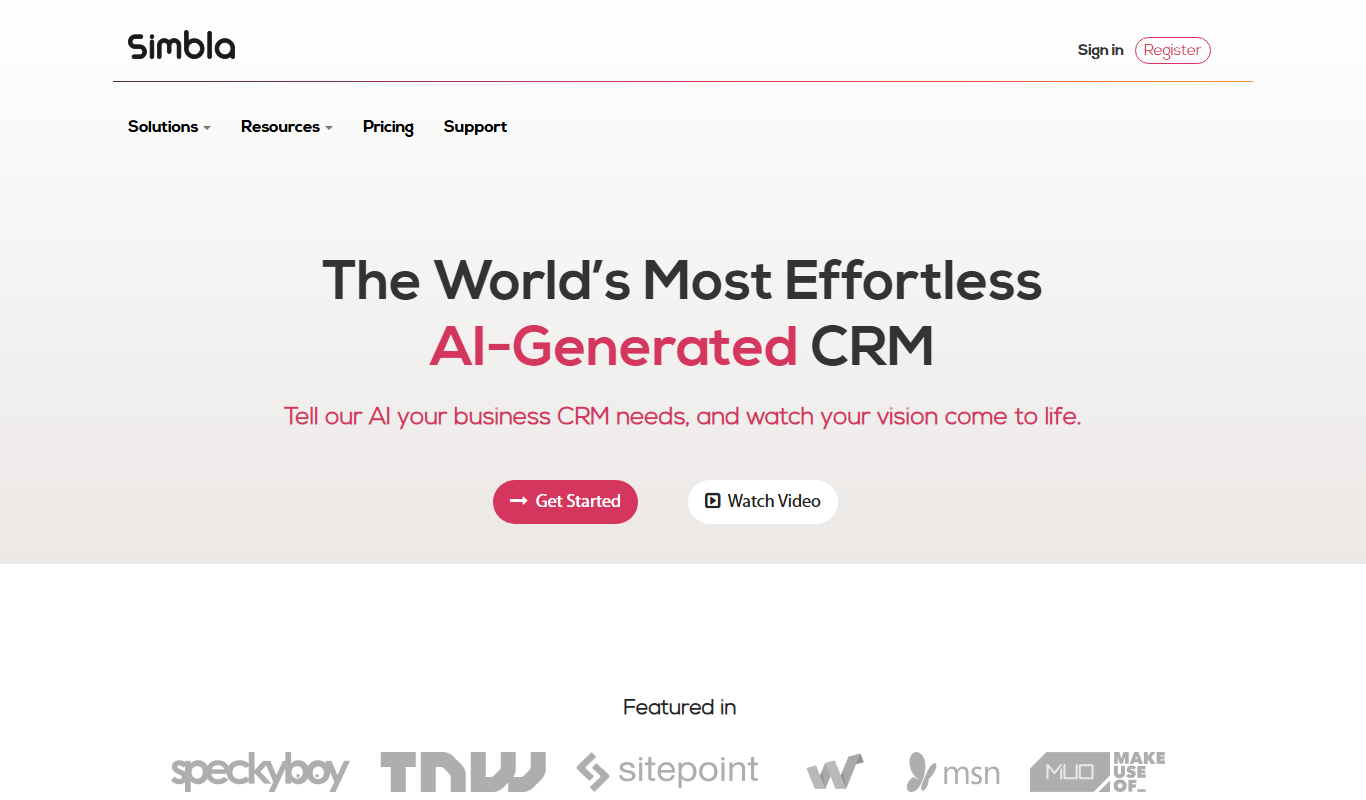
Simbla is a cloud-based website builder offering an intuitive drag-and-drop editor, responsive templates, database creation, and e-commerce features, enabling users to build professional websites without coding.

Free Trial
Novo AI
Novo AI is a web-based platform that uses artificial intelligence to automate video creation, enabling marketers and content creators to produce professional marketing videos quickly without advanced editing skills.