

From my experience with My Booking Hub, I found it excels at providing a straightforward and reliable online booking solution tailored for UK small businesses. The platform’s ease of setup and automated notifications help reduce administrative tasks effectively. After spending time with the system, I can say it’s particularly well-suited for freelancers, salons, and consultants who need a simple yet functional scheduling tool. However, there’s a trade-off: it lacks a dedicated mobile app and has fewer integrations compared to larger competitors. Overall, if you need a focused UK booking system with essential features, My Booking Hub delivers solid results.
My Booking Hub UK Online Booking System for Small Businesses
My Booking Hub is a UK-focused online booking system that helps small businesses manage appointments with features like calendar integration, automated notifications, and multi-user access.
- Best for
- Appointment Scheduling
- Key capability
- Online Booking Page


Do you recommend this tool?
What is My Booking Hub?
My Booking Hub is a UK-based online booking and appointment scheduling platform designed to help small businesses manage their bookings efficiently. It offers a user-friendly web interface where businesses can set up their services, availability, and allow customers to book appointments online at any time.
Key features of My Booking Hub
The platform provides features such as real-time calendar management, automated booking confirmations, customer notifications, and easy integration with business websites. It aims to reduce administrative overhead and improve booking accuracy.
Online Booking Page
Customizable booking page accessible to customers 24/7.
Calendar Integration
Synchronize bookings with your calendar to avoid double bookings.
Automated Notifications
Send confirmation and reminder emails to customers automatically.
Multi-User Access
Allow multiple staff members to manage bookings within one account.
Pros and cons of My Booking Hub
Pros
- Easy to set up and use for small businesses
- Provides automated customer notifications
- Supports multi-user access for teams
Cons
- No dedicated mobile app available
- Limited integrations compared to larger competitors
Key use cases for My Booking Hub
Appointment Scheduling
Allows businesses to manage customer appointments efficiently with an online calendar.
Customer Booking Management
Enables customers to book services online 24/7, reducing manual booking efforts.
Small Business Operations
Supports small businesses in streamlining bookings and improving customer experience.
How My Booking Hub works
- 1
Create an Account
Sign up on the My Booking Hub website to start setting up your booking system.
- 2
Set Up Services and Availability
Define the services you offer and configure your available time slots.
- 3
Share Your Booking Link
Provide customers with a link to your booking page or embed it on your website.
- 4
Manage Bookings
Receive and manage customer bookings through the online dashboard.
Who is using My Booking Hub
Small businesses in the UK
Freelancers and consultants
Health and wellness practitioners
Beauty salons and spas
Educational tutors
My Booking Hub pricing
Free Trial
Free for 14 days
Access all features with no commitment for two weeks.
Standard
£15/month
Includes unlimited bookings, notifications, and basic support.
Premium
£30/month
Adds advanced features like multi-user access and priority support.
Plans and prices are as published by the vendor and can change. Check the official site before you buy. Open the pricing page (opens in a new tab)
Frequently asked questions about My Booking Hub
Yes, you can customize the booking page to match your branding and service offerings.
Currently, My Booking Hub is accessible via web browsers on mobile devices but does not have a dedicated app.
Yes, it supports calendar synchronization to keep your schedule up to date.
It depends on your specific needs and how you plan to use the tool. The official website and documentation are the best sources for the latest details.
Pricing depends on the plan and included features. For the most accurate and up-to-date details, check the official pricing page.
It depends on your specific needs and how you plan to use the tool. The official website and documentation are the best sources for the latest details.
Sign in to review this tool.
Sign In to ReviewNo reviews yet
Be the first to share how this tool worked for you.
Ask about pricing, limits, or how it compares — or answer someone else.
Sign In to AskNo questions yet
Have a question about using or paying for this tool? Be the first to ask.
Featured on TiorAI



Alternative Tools
Explore similar AI tools that might fit your needs

Free
SimplyBook.me
SimplyBook.me is an online appointment scheduling platform that enables businesses to automate client bookings, manage calendars, send reminders, and accept payments through an easy-to-use interface.

Free Trial
Acuity Scheduling
Acuity Scheduling is an online appointment booking software that enables businesses to automate scheduling, send reminders, accept payments, and sync calendars to streamline client bookings.
Free
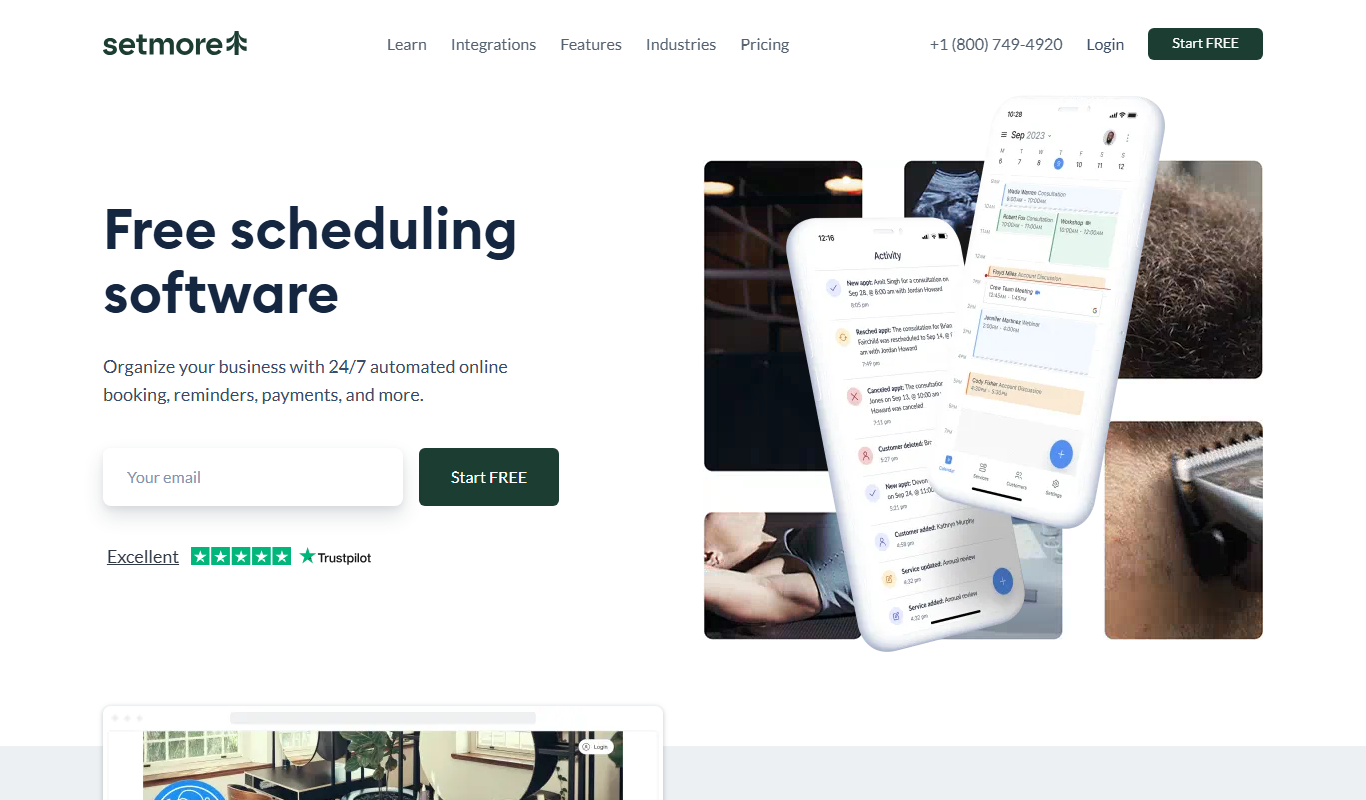
Setmore
Setmore is an online appointment scheduling software designed for small businesses to manage bookings, staff schedules, automated reminders, and payments through web and mobile platforms.