

From my experience with Mondly VR, I found it excels at providing an immersive and interactive environment that makes language learning more engaging than traditional methods. Using VR to simulate real-life conversations helps build confidence and speaking skills effectively. However, the requirement for compatible VR hardware can be a barrier for some users, and the free version offers limited content. Overall, if you have access to VR equipment and want to improve your language skills through immersive practice, Mondly VR delivers a compelling and innovative learning experience.
Mondly VR Language Learning App with Immersive Virtual Reality Lessons
Mondly VR is a virtual reality language learning app that uses immersive scenarios and speech recognition to help users practice and improve their language skills in a realistic environment.
- Best for
- Language Learning
- Key capability
- Immersive VR Scenarios
Your actions
Save Mondly VR, follow its updates and vote on it — everything stays in your account.
Sign in or create a free account
What is Mondly VR?
Mondly VR is a virtual reality language learning application developed by ATi Studios that offers immersive and interactive lessons to help users learn new languages. It leverages VR technology to simulate real-life conversations and environments, enabling learners to practice speaking, listening, and comprehension skills in a highly engaging way.
Key features of Mondly VR
The tool features realistic VR scenarios, speech recognition for pronunciation feedback, interactive dialogues, and gamified lessons designed to enhance language acquisition through immersive experiences.
Immersive VR Scenarios
Experience language learning in realistic virtual environments that simulate everyday situations.
Speech Recognition Technology
Receive real-time feedback on pronunciation to improve speaking skills.
Interactive Dialogues
Engage in conversations with virtual characters to practice language in context.
Gamified Learning
Stay motivated with game-like elements such as points and levels.
Multi-language Support
Access courses in multiple popular languages to suit diverse learners.
Pros and cons of Mondly VR
Pros
- Highly immersive and engaging VR language learning experience
- Effective speech recognition for pronunciation practice
- Supports multiple popular languages
- Gamified lessons increase motivation
- Flexible self-paced learning
Cons
- Requires compatible VR hardware which can be costly
- Limited free content compared to premium subscription
- May cause motion sickness for some users
Key use cases for Mondly VR
Language Learning
Practice and learn new languages through immersive VR conversations and scenarios.
Pronunciation Improvement
Use speech recognition to improve pronunciation and speaking skills in a virtual environment.
Cultural Immersion
Experience realistic cultural settings to enhance language retention and contextual understanding.
Interactive Education
Engage with interactive lessons and dialogues to build vocabulary and grammar skills.
Self-Paced Learning
Learn at your own pace with accessible VR lessons anytime and anywhere.
How Mondly VR works
- 1
Install and Launch
Download Mondly VR on your compatible VR headset and launch the app.
- 2
Select Language
Choose the language you want to learn from the available options.
- 3
Engage in VR Lessons
Participate in interactive VR conversations and scenarios designed to teach vocabulary and grammar.
- 4
Practice Speaking
Use the built-in speech recognition to practice pronunciation and receive instant feedback.
- 5
Track Progress
Monitor your learning progress and complete lessons at your own pace.
Who is using Mondly VR
Language learners seeking immersive practice
VR enthusiasts interested in educational apps
Educators looking for innovative teaching tools
Travelers preparing for foreign language use
Students wanting to improve speaking skills
Mondly VR pricing
Free
$0/month
Limited access to basic VR lessons and introductory content.
Premium
$9.99/month
Full access to all languages, lessons, and advanced features with no ads.
Plans and prices are as published by the vendor and can change. Check the official site before you buy. Open the pricing page (opens in a new tab)
Frequently asked questions about Mondly VR
Mondly VR supports Oculus Quest, Oculus Rift, HTC Vive, and PlayStation VR headsets.
Yes, Mondly VR offers courses in several languages including Spanish, French, German, and more.
Yes, it uses speech recognition technology to give real-time pronunciation feedback.
Yes, there is a free version with limited lessons and content.
Yes, it can help with that use case depending on how you configure it and what features are available. You’ll get the best results with clear inputs and a defined goal.
It depends on your specific needs and how you plan to use the tool. The official website and documentation are the best sources for the latest details.
Some tools offer a free plan or trial with limited features. Availability can vary, so confirm on the official website.
Yes, it can help with that use case depending on how you configure it and what features are available. You’ll get the best results with clear inputs and a defined goal.
Sign in to review this tool.
Sign In to ReviewNo reviews yet
Be the first to share how this tool worked for you.
Ask about pricing, limits, or how it compares — or answer someone else.
Sign In to AskNo questions yet
Have a question about using or paying for this tool? Be the first to ask.
Featured on TiorAI



More AI Speech Synthesis tools
Other tools in the same category, for when this one is not quite the fit.
Freemium
Tactus Therapy
Tactus Therapy is a mobile app designed to help children with speech delays improve their articulation through interactive exercises and progress tracking.
Free
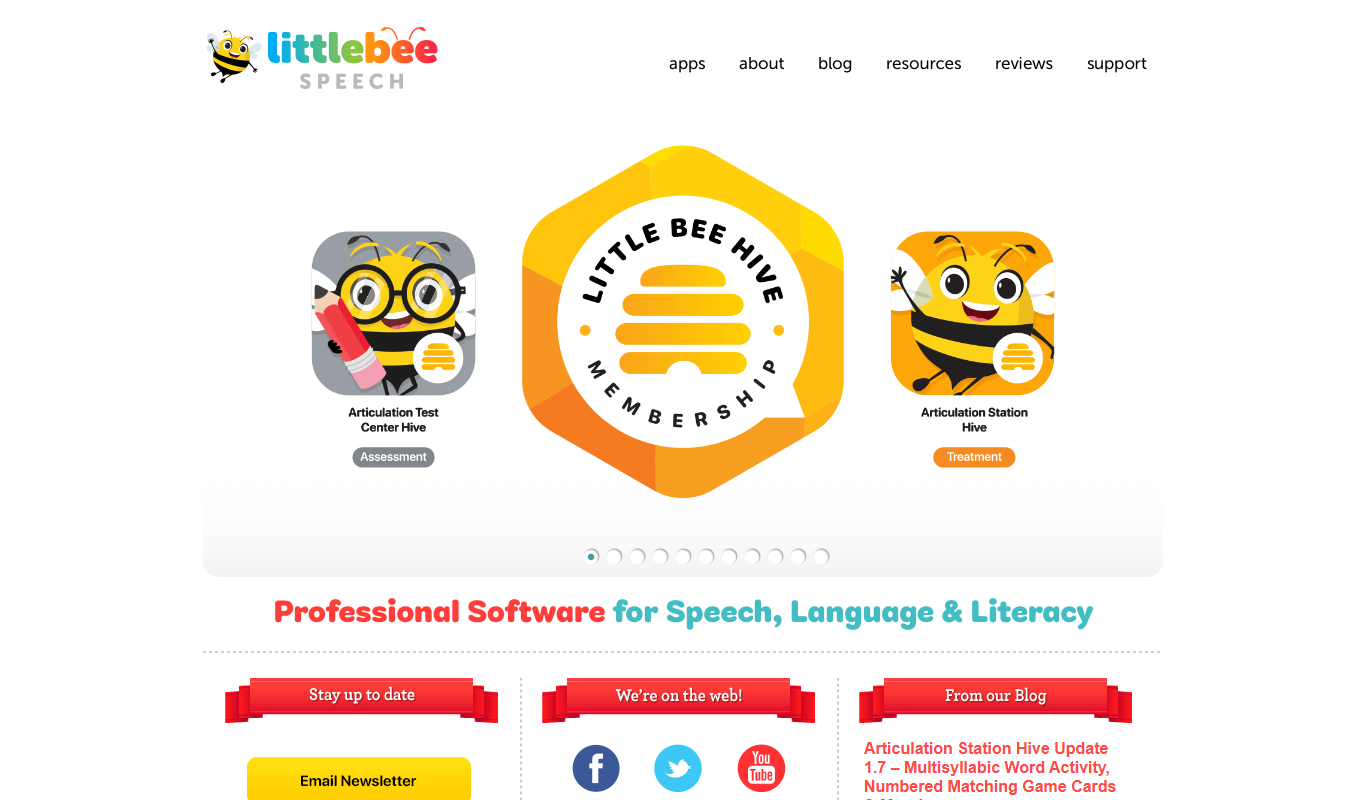
Articulation Station
Articulation Station is a mobile app by Little Bee Speech that helps children practice and improve their speech articulation through interactive exercises and audio modeling.
Free
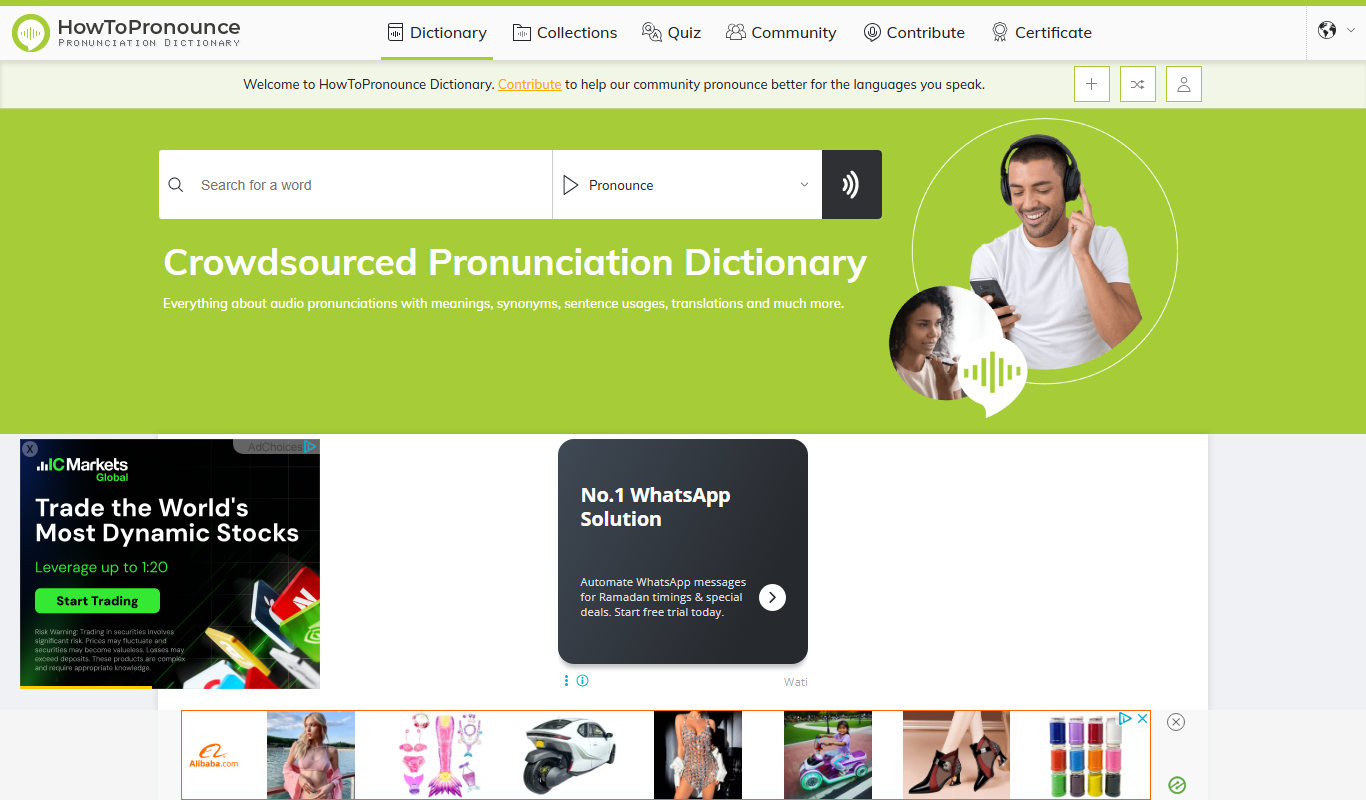
HowToPronounce
HowToPronounce is a free online tool that provides audio pronunciations and phonetic spellings for words in multiple languages, helping users learn correct pronunciation through native and expert recordings.

Free
EnglishCentral
EnglishCentral is an online English learning platform that uses video lessons and AI-powered speech recognition to help users improve their English speaking and listening skills through interactive practice and instant feedback.

Free
NVDA Screen Reader
NVDA is a free, open-source screen reader for Windows that helps visually impaired users access digital content through speech and braille output.

Free Trial
Audible
Audible is a subscription-based platform offering a vast library of audiobooks, podcasts, and spoken-word content with features like offline listening and Whispersync for Voice.

Free
EnglishClass101
EnglishClass101 is an online platform offering audio and video lessons, vocabulary tools, and cultural insights to help learners of all levels improve their English skills.

Freemium
Speakly
Speakly is an AI-powered language learning app that personalizes vocabulary and speaking practice to help users learn new languages efficiently through real-life conversation simulations and speech recognition feedback.