

From my experience with Mokker AI, I found it excels at simplifying product photography for e-commerce sellers by automating image creation without needing a physical photoshoot. The platform’s ease of use and customizable styles make it a practical choice for small to medium businesses looking to enhance their product visuals quickly. However, the customization options are somewhat limited to preset styles, and there is no mobile app, which might restrict flexibility for some users. Overall, if you want to save time and costs on product photography while maintaining professional quality, Mokker AI delivers solid results.
Mokker AI: AI-Powered Product Photography Generator for E-commerce
Mokker AI is a web-based platform that uses artificial intelligence to generate professional product photography images automatically, helping e-commerce businesses create high-quality visuals without traditional photoshoots.
- Best for
- E-commerce Product Photography
- Key capability
- AI-Powered Image Generation
Your actions
Save Mokker, follow its updates and vote on it — everything stays in your account.
Sign in or create a free account
What is Mokker?
Mokker AI is an AI-powered platform designed to generate professional product photography images automatically. It enables e-commerce businesses and marketers to create high-quality, customizable product visuals without the need for traditional photoshoots, saving time and costs. Users can upload product photos or input product details, and Mokker AI generates diverse images with different backgrounds, styles, and settings suitable for online stores and marketing materials.
Key features of Mokker
Mokker AI offers automated product image generation with customizable backgrounds and styles, bulk image creation, and easy integration for e-commerce platforms. It leverages advanced AI models to produce consistent, high-resolution images that enhance product presentation and boost online sales.
AI-Powered Image Generation
Automatically create professional product photos using advanced AI models.
Customizable Backgrounds and Styles
Choose from a variety of backgrounds and visual styles to match brand aesthetics.
Bulk Image Creation
Generate multiple images at once to streamline product catalog development.
High-Resolution Outputs
Produce images suitable for web and print with clear, detailed visuals.
User-Friendly Web Platform
Access and operate the tool easily through a web-based interface without technical skills.
Pros and cons of Mokker
Pros
- Saves time and cost compared to traditional photoshoots
- Easy to use with no technical skills required
- Generates high-quality, customizable product images
- Supports bulk image generation for catalogs
- Web-based platform accessible from anywhere
Cons
- Limited customization beyond preset styles
- No mobile app available
- Pricing may be high for very small sellers
Key use cases for Mokker
E-commerce Product Photography
Generate high-quality, customizable product images for online stores without the need for physical photoshoots.
Marketing and Advertising
Create professional product visuals for marketing campaigns, social media, and advertisements quickly and efficiently.
Product Catalog Creation
Build consistent and appealing product catalogs with AI-generated images tailored to brand aesthetics.
Prototype Visualization
Visualize product prototypes or concepts with realistic images before manufacturing or launch.
How Mokker works
- 1
Upload Product Images or Details
Users start by uploading existing product photos or providing product information to the platform.
- 2
Customize Image Styles
Select from various backgrounds, lighting, and style options to tailor the product images to brand needs.
- 3
Generate Images
Mokker AI processes inputs and creates multiple high-quality product images automatically.
- 4
Download and Use
Download the generated images for use in e-commerce listings, marketing campaigns, or catalogs.
Who is using Mokker
E-commerce store owners
Digital marketers
Product managers
Small and medium businesses
Advertising agencies
Mokker pricing
Free Trial
$0
Limited number of image generations to test the platform.
Basic
$29/month
Access to standard features with a set monthly image generation quota.
Pro
$79/month
Higher image generation limits and priority support for growing businesses.
Plans and prices are as published by the vendor and can change. Check the official site before you buy. Open the pricing page (opens in a new tab)
Frequently asked questions about Mokker
Yes, Mokker AI is designed to be user-friendly and does not require photography expertise.
You can generate images for a wide range of products including apparel, electronics, accessories, and more.
Yes, the AI creates unique images based on your inputs and selected styles.
Yes, images generated through Mokker AI can be used commercially, subject to the platform’s terms of service.
It depends on your specific needs and how you plan to use the tool. The official website and documentation are the best sources for the latest details.
It depends on your specific needs and how you plan to use the tool. The official website and documentation are the best sources for the latest details.
Yes, it can help with that use case depending on how you configure it and what features are available. You’ll get the best results with clear inputs and a defined goal.
Pricing depends on the plan and included features. For the most accurate and up-to-date details, check the official pricing page.
Sign in to review this tool.
Sign In to ReviewNo reviews yet
Be the first to share how this tool worked for you.
Ask about pricing, limits, or how it compares — or answer someone else.
Sign In to AskNo questions yet
Have a question about using or paying for this tool? Be the first to ask.
Featured on TiorAI



Alternative Tools
Explore similar AI tools that might fit your needs

Freemium
Placeit
Placeit is an online platform offering customizable templates for logos, mockups, videos, and marketing materials, designed for users without design experience.
More AI Brochure Maker tools
Other tools in the same category, for when this one is not quite the fit.

Freemium
Logomaster
Logomaster is an AI-driven online logo maker that generates and customizes professional logos for businesses and individuals without design experience.
Custom Pricing
Second Nature AI
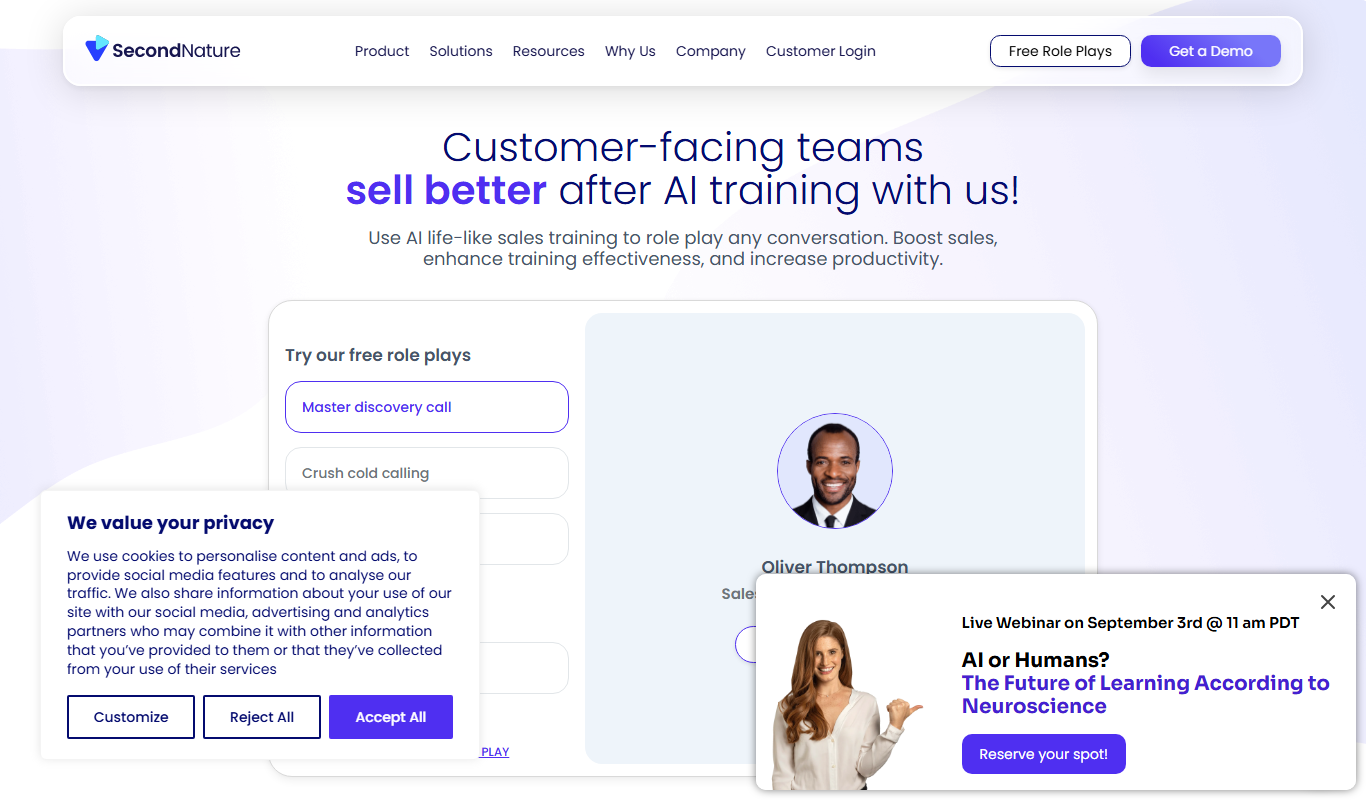
Second Nature AI is an AI-powered sales coaching platform that provides realistic conversation simulations and real-time feedback to help sales professionals improve their skills and close more deals.

Custom Pricing
salesken.ai
Salesken.ai is an AI-powered sales coaching platform that provides real-time guidance during calls, conversation analytics, and performance tracking to help sales teams improve effectiveness and close deals faster.

Custom Pricing
koncert.com
Koncert is a sales engagement platform that helps B2B sales teams automate outbound prospecting and multi-channel outreach to increase efficiency and pipeline growth.

Freemium
Blogbutler Ai
Blogbutler AI is an AI-driven writing assistant designed to help bloggers and content creators generate SEO-optimized articles and social media content efficiently through a user-friendly web platform.

Free
BixGPT ReleaseNotes
BixGPT ReleaseNotes is an AI-driven tool that automatically generates software release notes by analyzing commit messages and pull requests, primarily integrating with GitHub to streamline release documentation.

Freemium
CelebrateAlly AI
CelebrateAlly AI is a web platform that provides organizations with an inclusive holiday calendar and AI-driven event planning tools to celebrate diverse cultural and identity-based observances.

Freemium
Inksprout Video
Inksprout Video is an AI-driven platform that automates video creation by converting text content into customizable marketing videos optimized for social media.