

ModelFusion free LLM toolkit for cost calculation and prompt optimization
ModelFusion is a free LLM toolkit with cost calculators, a prompt library, a tokenizer and model comparison tools for GPT-4, Claude, Gemini and more.
- Best for
- Budgeting LLM API costs
- Key capability
- LLM cost calculator
Save ModelFusion, follow its updates and vote on it — everything stays in your account.
Sign in or create a free account

What is ModelFusion?
ModelFusion is a free LLM toolkit for developers and researchers. It offers calculators, comparators and optimization tools for GPT-4, Claude, Gemini and other AI models, so users can calculate API costs, optimize prompts, compare benchmarks and learn to run models locally.
Key features of ModelFusion
ModelFusion offers an LLM cost calculator, a prompt tokenizer, a model selector, a prompt library, a benchmark comparator, an open source LLM directory and a local LLM runner guide, plus MultiChat for comparing responses from several models side by side.
LLM cost calculator
Estimate API costs for GPT-4, Claude-3, Gemini Pro and other models, and compare pricing across providers.
Prompt tokenizer and prompt library
Count tokens to optimize prompt length, and browse proven prompts for coding, writing, SEO and business tasks.
Model selector and benchmark comparator
Find an AI model for a specific use case and budget, and compare MMLU, HumanEval and other performance metrics.
MultiChat
Chat with multiple AI models simultaneously and compare their responses side by side.
Pros and cons of ModelFusion
Pros
- All tools are free with no registration required
- Cost estimates for OpenAI, Anthropic and Google APIs
- Prompt library, tokenizer and prompt engineering tips in one place
- Guides for running open source models locally
Cons
- Mostly calculators, comparisons and guides; local models are covered by setup guides rather than a hosted runner
- Limited information on tech stack and API availability
Key use cases for ModelFusion
Budgeting LLM API costs
Estimate expenses for OpenAI, Anthropic and Google APIs and find a cost-effective provider before you spend.
Prompt optimization
Count tokens and shorten prompts for better cost efficiency, using the prompt library and prompt engineering tips.
Choosing a model
Find a model for coding, writing, analysis or specialized tasks by comparing benchmarks, capabilities and pricing.
Running LLMs locally
Follow setup guides to run open-source LLMs locally on your own hardware.
How ModelFusion works
- 1
Pick a tool
Choose a calculator, comparator or prompt tool from the toolkit; no registration is required.
- 2
Estimate costs
Use the LLM cost calculator to estimate API costs for GPT-4, Claude-3, Gemini Pro and other models before you spend.
- 3
Optimize prompts
Count tokens with the prompt tokenizer and use the prompt library and prompt engineering tips to improve outputs.
- 4
Compare and choose a model
Compare benchmarks, capabilities and pricing, or follow the local LLM runner guide to run open source models on your own hardware.
Who is using ModelFusion
ModelFusion pricing
Free tools
Free
All tools are completely free, with no registration required.
Professional
Contact for pricing
Full access to all features with scalable usage and support.
Plans and prices are as published by the vendor and can change. Check the official site before you buy. Open the pricing page (opens in a new tab)
Frequently asked questions about ModelFusion
ModelFusion offers free calculators, comparators and optimization tools for GPT-4, Claude, Gemini and other AI models, including an LLM cost calculator, a prompt tokenizer, a model selector and a prompt library.
Yes. All tools are completely free, and no registration is required.
Yes. MultiChat lets you chat with multiple AI models simultaneously and compare responses side by side.
Yes. The local LLM runner guide explains how to run AI models on your own hardware with Ollama and LM Studio.
Yes. Document Projects lets you upload documents, such as PDF and Word files, and chat with AI models about their content.
Yes. The LLM glossary is a dictionary of AI and machine learning terms.
Yes. The benchmark comparator compares MMLU, HumanEval and other performance metrics.
Conclusion
Before spending on an API, the toolkit lets developers estimate expenses for OpenAI, Anthropic and Google APIs with a cost calculator that compares pricing across providers. Around that sit a prompt tokenizer for trimming prompt length, a prompt library and comparators for benchmarks and model capabilities. ModelFusion pitches itself to developers and researchers working with GPT-4, Claude, Gemini and open source models.
Beyond the calculators, MultiChat lets users chat with multiple AI models simultaneously and compare their responses side by side, and Document Projects lets users chat with uploaded files. Local inference is handled through setup guides for Ollama and LM Studio rather than a hosted runner. Every tool is free and needs no registration.
Sources
Sign in to review this tool.
Sign In to ReviewNo reviews yet
Be the first to share how this tool worked for you.
Ask about pricing, limits, or how it compares — or answer someone else.
Sign In to AskNo questions yet
Have a question about using or paying for this tool? Be the first to ask.
Featured on TiorAI



Alternative Tools
Explore similar AI tools that might fit your needs

MLflow
MLflow is an open source platform that manages the machine learning lifecycle by providing tools for experiment tracking, model packaging, registry, and deployment.
More AI Ai Tools tools
Other tools in the same category, for when this one is not quite the fit.

Contentdrips
Contentdrips is an AI-driven platform that simplifies social media content creation by providing customizable templates, AI-generated captions, and multi-channel publishing to help marketers and businesses streamline their social media marketing.

GenPPT – AI PowerPoint Generator
GenPPT is an AI presentation generator that turns notes, an outline or a PDF into presentation slides: approve the outline, edit in chat and export to PowerPoint or PDF.
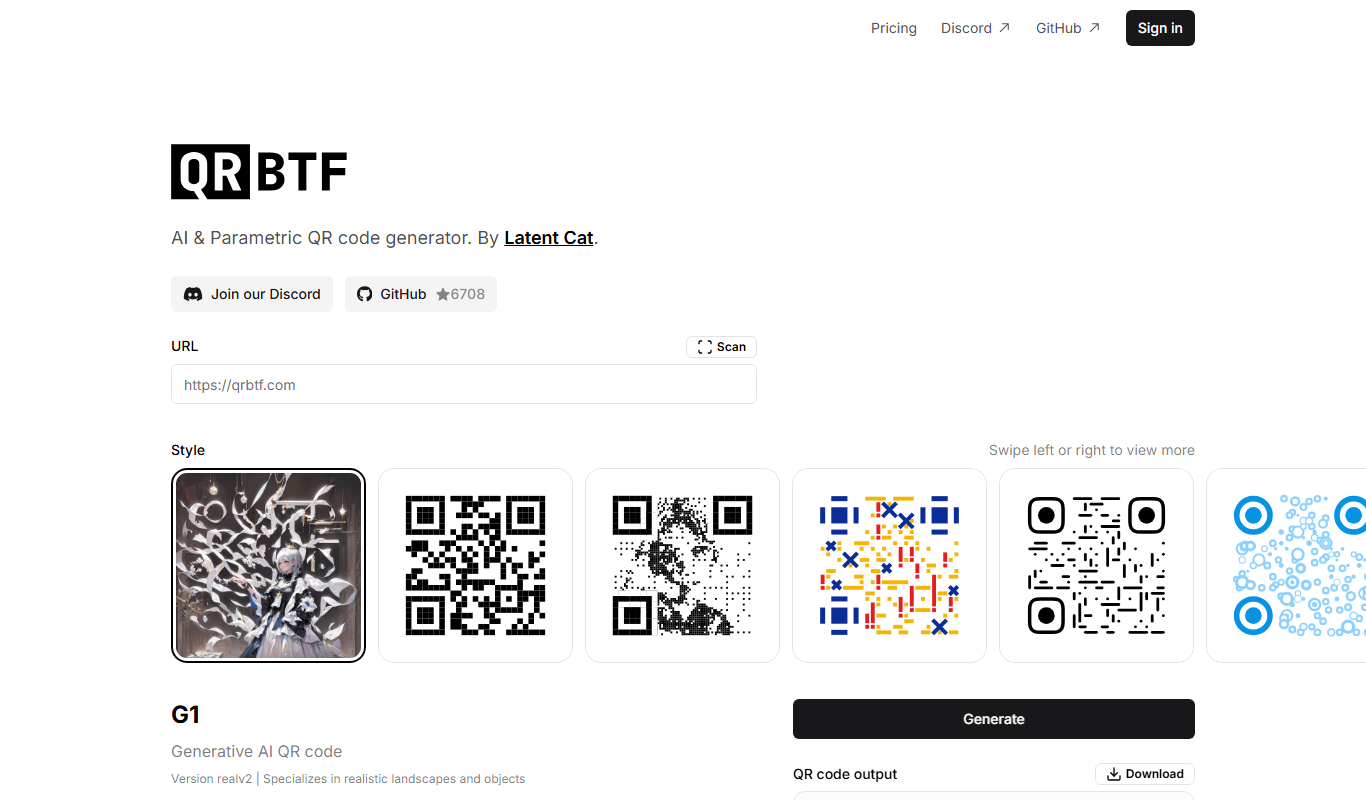
QRBTF – AI QR Code Generator
QRBTF is an AI and parametric QR code generator by Latent Cat that generates QR code images from keywords in any language.

Value Proposition Canvas AI
Value Proposition Canvas AI generates a Value Proposition Canvas for your company based on its description, with editable fields and download as an image.

DishGen
DishGen is an AI-driven platform that generates customized recipes and meal plans based on user-input ingredients and dietary preferences, helping home cooks create meals easily and reduce food waste.

Pitchgrade
Pitchgrade is an AI platform that scores pitch decks, matches founders with investors and provides real-time financial research on any company.
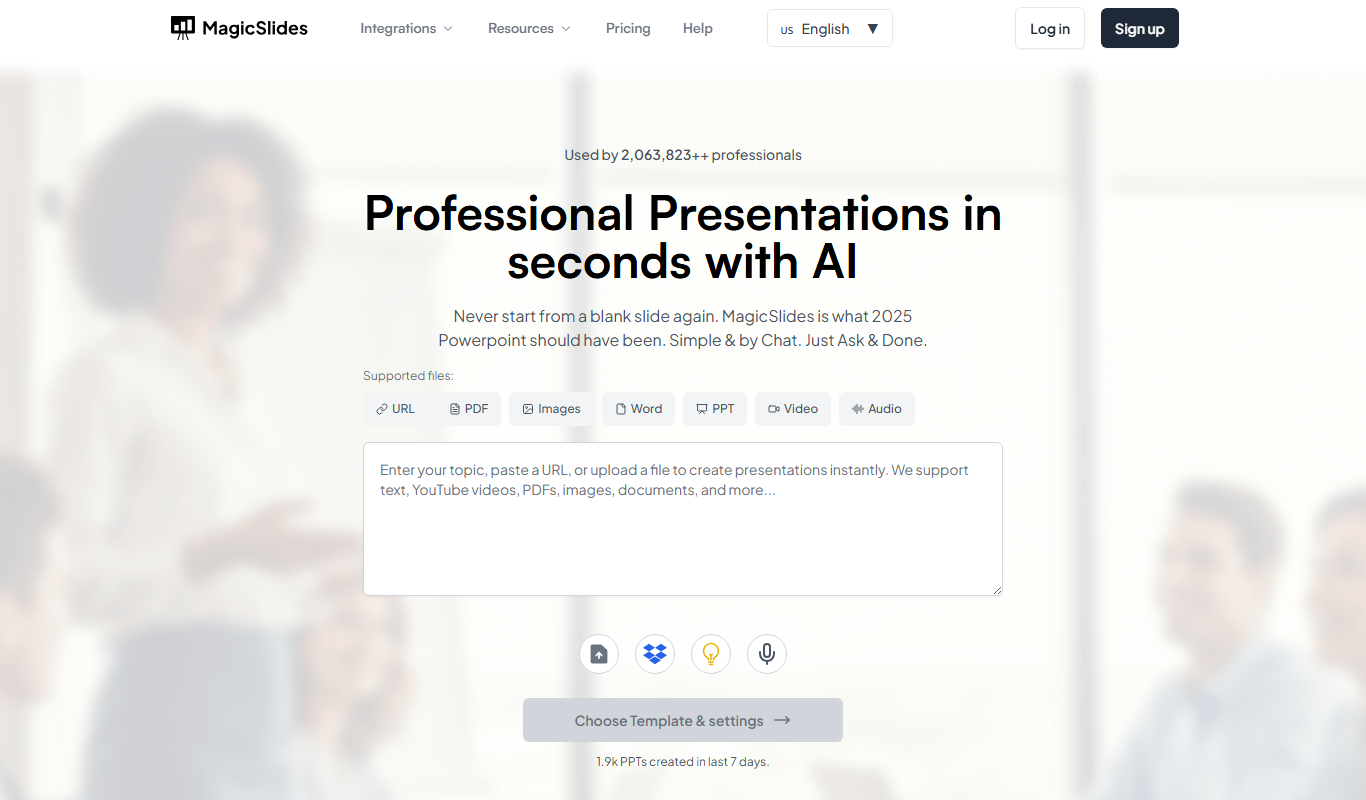
MagicSlides
MagicSlides is an AI-powered tool that generates complete presentation slide decks from text input, automating content creation and design to save time.

Decktopus AI
Decktopus AI is an end-to-end AI presentation platform that turns a topic or uploaded file into a complete, ready-to-present deck with structure, content and design included.