

Mixpanel Analytics Platform for User Behavior Tracking and Data Insights
Mixpanel is an advanced analytics platform that helps businesses track user behavior, analyze funnels, and gain insights to improve product engagement and marketing effectiveness.
- Best for
- User Behavior Analysis
- Key capability
- Event-Based Tracking
Save Mixpanel, follow its updates and vote on it — everything stays in your account.
Sign in or create a free accountWhat is Mixpanel?
Mixpanel is a powerful analytics platform designed to help businesses understand user behavior across their digital products. It collects event-based data from websites and mobile apps, enabling teams to analyze how users engage with features, track conversion funnels, and measure retention. Mixpanel’s insights empower product managers, marketers, and analysts to make data-driven decisions that improve user experience and drive growth.
Key features of Mixpanel
Mixpanel offers real-time event tracking, customizable dashboards, funnel analysis, cohort analysis, user segmentation, and A/B testing integrations. Its intuitive interface and robust API allow teams to tailor analytics to their specific needs and integrate with other tools in their tech stack.
Event-Based Tracking
Capture detailed user interactions with customizable events for granular analysis.
Funnel Analysis
Visualize user progression through defined funnels to identify drop-off points.
Cohort Analysis
Track groups of users over time to understand retention and engagement trends.
User Segmentation
Create dynamic segments based on user behavior and attributes for targeted outreach.
Real-Time Data
Access live data updates to monitor user activity and campaign performance instantly.
Integrations
Connect with popular tools like Salesforce, Slack, and A/B testing platforms for streamlined workflows.
Pros and cons of Mixpanel
Pros
- Highly customizable event tracking
- Powerful funnel and cohort analysis tools
- Real-time data updates
- Intuitive user interface
- Strong integration ecosystem
Cons
- Pricing can be expensive for large user bases
- Steeper learning curve for beginners
- Limited language support beyond English
Key use cases for Mixpanel
User Behavior Analysis
Track and analyze how users interact with web and mobile applications to improve engagement and retention.
Product Analytics
Measure product usage patterns and feature adoption to inform development priorities.
Marketing Campaign Optimization
Evaluate the effectiveness of marketing campaigns by tracking conversion funnels and user journeys.
Customer Segmentation
Create detailed user segments based on behavior and attributes for targeted messaging.
Funnel and Cohort Analysis
Analyze conversion rates across funnels and monitor user cohorts over time to identify trends.
How Mixpanel works
- 1
Integrate SDK
Add Mixpanel’s SDK to your website or mobile app to start collecting event data.
- 2
Define Events
Set up the key user actions and events you want to track within your product.
- 3
Analyze Data
Use Mixpanel’s dashboards and reports to explore user behavior, funnels, and cohorts.
- 4
Create Segments
Segment users based on behavior or properties to target specific groups.
- 5
Optimize and Iterate
Leverage insights to improve product features, marketing campaigns, and user retention.
Who is using Mixpanel
Mixpanel pricing
Free
Free forever
Unlimited seats, up to 1M events / month, 10K session replays / month, up to 10 active feature flags, and funnels and retention analysis; no credit card required.
Growth
Starts at $0
Advanced intelligence with higher limits: up to 20M events / month; volume discounts available.
Enterprise
Custom pricing
Full product intelligence platform with dedicated account support, up to 1T events / month and custom session replay volumes.
Plans and prices are as published by the vendor and can change. Check the official site before you buy. Open the pricing page (opens in a new tab)
Frequently asked questions about Mixpanel
Mixpanel supports web and mobile platforms through SDKs for JavaScript, iOS, Android, and more.
Yes, Mixpanel provides real-time analytics to monitor user interactions as they happen.
Yes, Mixpanel offers a free plan with limited features suitable for startups and small projects.
Mixpanel focuses on event-based tracking and user behavior analytics, while Google Analytics is more pageview-centric.
This tool is designed to help users accomplish its core tasks more efficiently. It is typically used by individuals or teams looking to improve productivity and workflow.
It depends on your specific needs and how you plan to use the tool. The official website and documentation are the best sources for the latest details.
It depends on your specific needs and how you plan to use the tool. The official website and documentation are the best sources for the latest details.
Some tools offer a free plan or trial with limited features. Availability can vary, so confirm on the official website.
Conclusion
Everything is modeled as events, users and properties: an event is an interaction between a user and the product, and properties let teams filter events and group users into cohorts. Tracking begins by adding the SDK to a website or mobile app and defining the key actions to capture, after which funnels, retention and flows reports show where users drop off. Around that core, the platform now also covers session replay, experiments, feature flags and AI agents that monitor the product and surface insights. Data can also be queried by tagging the Mixpanel Agent in Slack or through any MCP client.
Typical work ranges from product managers measuring feature adoption to marketing teams evaluating campaign funnels and data analysts following cohorts over time. Pricing follows event volume: the free plan includes a monthly event allowance with unlimited seats, the Growth plan starts free and scales with events, and Enterprise is quoted by sales. Early-stage companies founded less than five years ago can also qualify for a free first year on the Startup Plan.
Sources
Sign in to review this tool.
Sign In to ReviewNo reviews yet
Be the first to share how this tool worked for you.
Ask about pricing, limits, or how it compares — or answer someone else.
Sign In to AskNo questions yet
Have a question about using or paying for this tool? Be the first to ask.
Featured on TiorAI



Alternative Tools
Explore similar AI tools that might fit your needs

Amplitude
Amplitude is a product analytics platform that helps businesses track and analyze user behavior to improve product engagement and growth.

Heap Analytics
Heap Analytics is a platform that automatically captures and analyzes user interactions on websites and apps, enabling businesses to understand user behavior and optimize product and marketing strategies without manual event tagging.
More AI Analytics Assistant tools
Other tools in the same category, for when this one is not quite the fit.
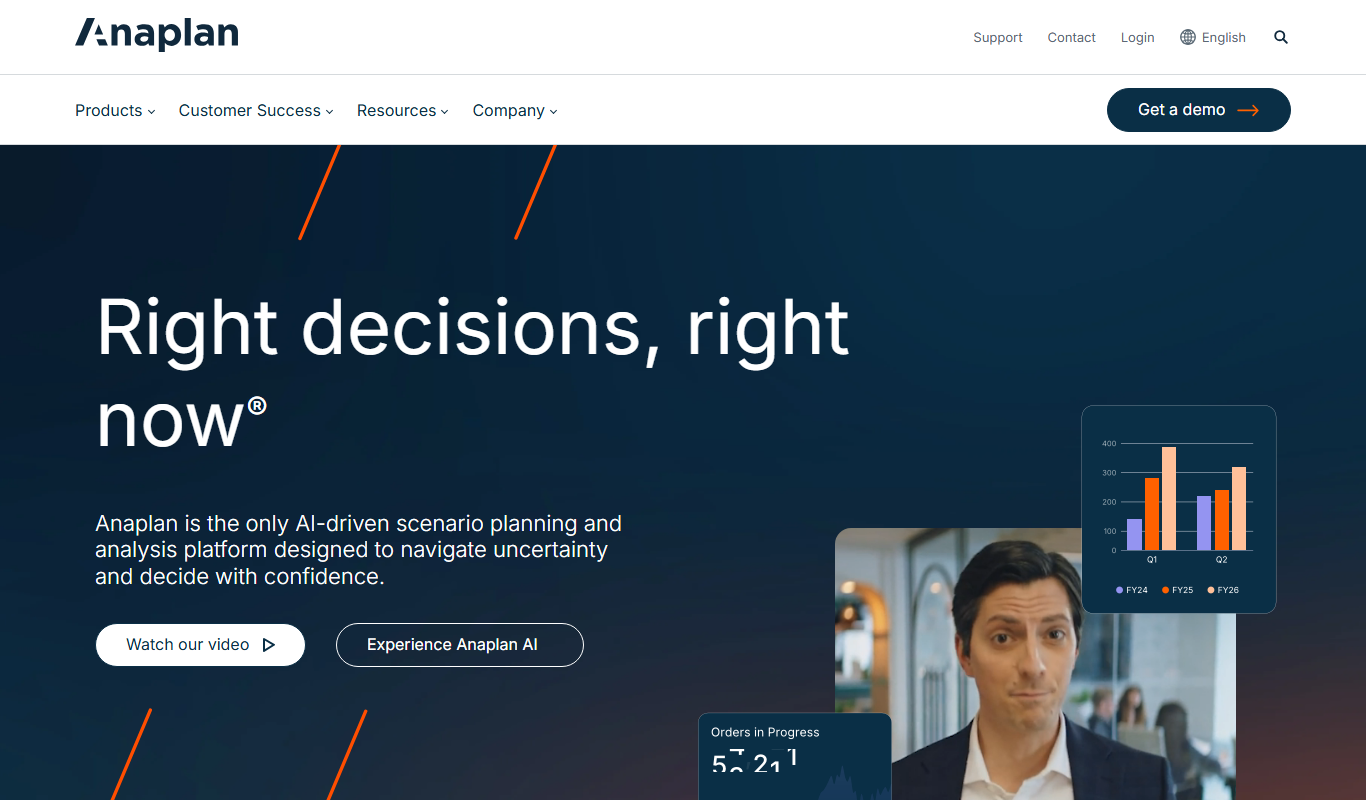
Anaplan
Anaplan is a cloud-based enterprise planning platform that enables connected planning across finance, sales, operations, and HR to improve decision-making and agility.

Rapid7 InsightVM
Rapid7 InsightVM is a vulnerability management tool that provides continuous visibility, risk prioritization, and remediation tracking to help organizations secure their IT environments.

Nexar AI Dashcam
Nexar AI Dashcam is a smart dashcam system that uses AI to detect accidents, provide real-time road hazard alerts, and securely store driving footage via a mobile app and cloud services.

Blueshift
Blueshift is an AI-driven customer data platform that helps marketers unify customer data, segment audiences with predictive analytics, and automate personalized campaigns across multiple channels.

Tubular Labs
Tubular Labs is a video intelligence platform that analyzes video content performance across major social media platforms like YouTube, Facebook, and TikTok, providing brands with audience insights, competitive benchmarking, and influencer discovery.

Lucidworks
Lucidworks is an AI-driven enterprise search platform that helps organizations build intelligent search applications to discover insights from complex data using machine learning and natural language processing.

Kompyte
Kompyte is a competitive intelligence software that automates tracking of competitors’ digital activities and market trends to provide actionable insights for businesses.

Crayon
Crayon is a competitive intelligence platform that helps businesses track competitors’ digital activities, analyze market trends, and deliver actionable insights to sales, marketing, and product teams.