

From my experience with Mindgrasp, I found it excels at transforming large volumes of complex documents into clear, actionable insights through AI-powered summarization and semantic search. The knowledge graph visualization is particularly helpful for understanding relationships between concepts, which is invaluable for researchers and knowledge workers. While the platform currently supports only English and lacks a mobile app, its intuitive web interface and collaborative features make it a strong choice for academic, business, and content creation users. If you need to streamline research or manage organizational knowledge efficiently, Mindgrasp delivers practical and robust tools.
Mindgrasp AI: Advanced Knowledge Management and Research Assistant Tool
Mindgrasp is an AI-driven knowledge management tool that helps users upload, analyze, and semantically search documents, providing summaries and visual knowledge graphs to enhance research and collaboration.
- Best for
- Academic Research
- Key capability
- Semantic Search

Do you recommend this tool?
What is Mindgrasp?
Mindgrasp is an AI-powered knowledge management and research assistant platform designed to help users efficiently organize, search, and understand large collections of documents and data. It leverages advanced natural language processing to extract key insights, summarize content, and facilitate knowledge discovery across various fields.
Key features of Mindgrasp
Key features include AI-driven document ingestion, semantic search, automatic summarization, knowledge graph visualization, and collaborative workspaces to streamline research and knowledge sharing.
Semantic Search
Enables natural language queries to find relevant information beyond keyword matching.
Automatic Summarization
Generates concise summaries of lengthy documents to save reading time.
Knowledge Graph Visualization
Visualizes relationships between concepts and documents for intuitive exploration.
Collaborative Workspaces
Supports team collaboration with shared notes, annotations, and discussions.
Multi-format Document Support
Accepts various document types including PDFs, Word files, and web articles.
Pros and cons of Mindgrasp
Pros
- Powerful AI summarization saves time reading long documents
- Semantic search improves information retrieval accuracy
- Visual knowledge graphs aid in understanding complex relationships
- Supports team collaboration with shared workspaces
- User-friendly web interface with easy document uploads
Cons
- Limited language support beyond English
- Advanced features require paid subscription
- No dedicated mobile app currently
Key use cases for Mindgrasp
Academic Research
Helps researchers organize, analyze, and extract insights from large volumes of academic papers and documents.
Business Knowledge Management
Enables teams to centralize company knowledge, making it easily searchable and accessible for decision-making.
Content Creation
Assists writers and content creators by summarizing and synthesizing information from multiple sources quickly.
Learning and Study Aid
Supports students and lifelong learners by breaking down complex topics into digestible summaries and explanations.
How Mindgrasp works
-
1
Upload Documents
Users upload PDFs, articles, or other text-based files into the Mindgrasp platform.
-
2
AI Processing
The AI analyzes the content, extracting key concepts, summaries, and relationships.
-
3
Search and Explore
Users perform semantic searches and explore knowledge graphs to find relevant information quickly.
-
4
Collaborate and Share
Teams can collaborate within shared workspaces, annotating and discussing insights.
Who is using Mindgrasp
Academic researchers
Business analysts
Content creators
Students and educators
Knowledge management professionals
Mindgrasp pricing
Free
$0/month
Basic access with limited document uploads and features.
Pro
$29/month
Expanded document limits, advanced AI features, and priority support.
Enterprise
Custom pricing
Tailored solutions with enhanced security, integrations, and dedicated support.
Plans and prices are as published by the vendor and can change. Check the official site before you buy. Open the pricing page (opens in a new tab)
Frequently asked questions about Mindgrasp
Mindgrasp supports PDFs, Word documents, and web articles for analysis and summarization.
The Free plan has upload limits, while Pro and Enterprise plans offer higher or custom limits.
Yes, Mindgrasp provides collaborative workspaces for teams to share insights and annotations.
Currently, Mindgrasp primarily supports English language documents.
It depends on your specific needs and how you plan to use the tool. The official website and documentation are the best sources for the latest details.
Yes, it can help with that use case depending on how you configure it and what features are available. You’ll get the best results with clear inputs and a defined goal.
Yes, it can help with that use case depending on how you configure it and what features are available. You’ll get the best results with clear inputs and a defined goal.
Some tools offer a free plan or trial with limited features. Availability can vary, so confirm on the official website.
Sign in to review this tool.
Sign In to ReviewNo reviews yet
Be the first to share how this tool worked for you.
Ask about pricing, limits, or how it compares — or answer someone else.
Sign In to AskNo questions yet
Have a question about using or paying for this tool? Be the first to ask.
Featured on TiorAI



Alternative Tools
Explore similar AI tools that might fit your needs
Free Trial
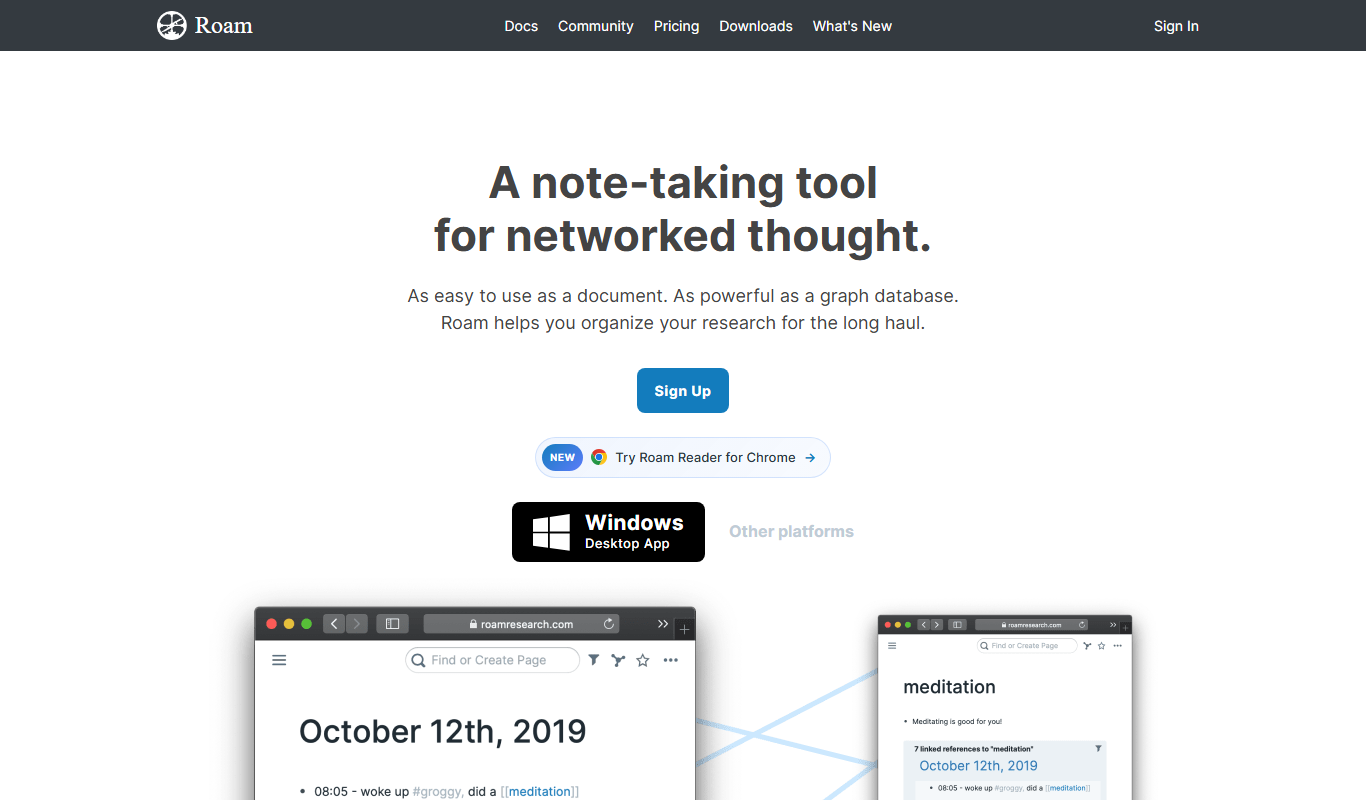
Roam Research
Roam Research is a note-taking and knowledge management tool that uses bidirectional linking and graph visualization to help users organize and connect ideas effectively.
Free
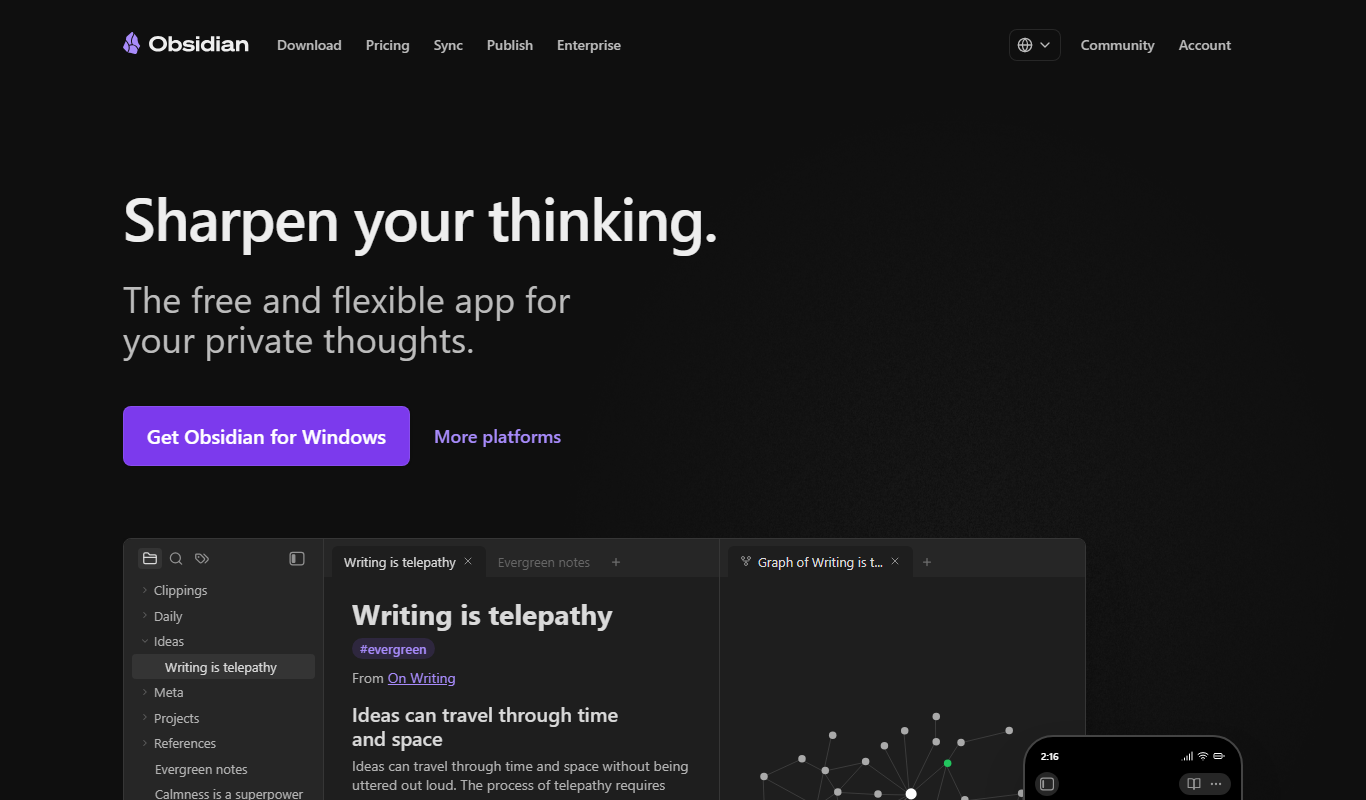
Obsidian
Obsidian is a markdown note-taking app that helps users build a personal knowledge base with linked notes, graph visualization, and extensive customization options.
More AI Flashcard Maker tools
Other tools in the same category, for when this one is not quite the fit.

Free
Prompty
Prompty is an AI-driven tool that generates creative prompts for writing, marketing, and social media to help users overcome writer's block and boost productivity.

Contact Sales
Fiddler AI
Fiddler AI is an enterprise platform that provides explainability, bias detection, and monitoring for machine learning models to improve transparency and compliance.

Free
Homework AI
Homework AI by Examup is an AI-driven tool that provides students with detailed homework solutions, study support, and writing assistance across various subjects through an easy-to-use web platform.

Freemium
Cardamon
Cardamon is an AI-driven privacy management tool that automates personal data access and deletion requests, helping users control their data and comply with privacy laws like GDPR and CCPA.

Free
anki-decks.com
anki-decks.com is a free web platform offering thousands of user-shared Anki flashcard decks for download and study, supporting efficient spaced repetition learning.

Pay Per Product
Christmas Card Factory
Christmas Card Factory is an online service for designing and ordering personalized Christmas cards with customizable templates, photo uploads, and professional printing.

Free
RateMyJD by Dover
RateMyJD by Dover is a free platform offering anonymous reviews and ratings of law firms and legal employers, helping legal professionals and students research workplace culture, compensation, and career opportunities.

Free Trial
LaunchPadQuick
LaunchPadQuick is a web platform designed to help startups plan, manage, and validate their launch process with task management and collaboration tools.