

Download and Share Free Anki Decks for Efficient Flashcard Learning
AnkiDecks is an AI flashcard generator that turns PDFs, slides, video and notes into Anki decks to study online with spaced repetition or export as .apkg files.
- Best for
- Download Pre-made Anki Decks
- Key capability
- Extensive Deck Library
Save anki-decks.com, follow its updates and vote on it — everything stays in your account.
Sign in or create a free account
What is anki-decks.com?
AnkiDecks (anki-decks.com) is an AI flashcard generator for PDFs, slides, video and notes. It creates decks in minutes, lets users study online with spaced repetition, and exports Anki .apkg files, with a focus on med students, languages and exams.
Key features of anki-decks.com
AnkiDecks turns PDF, PowerPoint, Word, Excel and EPUB files, images and handwritten notes into flashcards.
Extensive Deck Library
Access thousands of free Anki decks covering diverse topics and languages.
User Ratings and Reviews
Evaluate decks based on community feedback to find high-quality study materials.
Easy Deck Upload
Share your custom decks with others through a simple upload process.
Search and Filter
Quickly find decks by keyword, category, or popularity.
Pros and cons of anki-decks.com
Pros
- Large variety of free decks across many subjects
- User ratings help identify quality decks
- Simple interface for downloading and uploading decks
- No cost or subscription required
Cons
- No official verification of deck accuracy
- Limited to Anki-compatible flashcards only
- Website design is basic and minimalistic
Key use cases for anki-decks.com
Download Pre-made Anki Decks
Users can browse and download thousands of free Anki flashcard decks across various subjects to enhance their study sessions.
Share Custom Decks
Users can upload and share their own Anki decks with the community, facilitating collaborative learning.
Efficient Study Preparation
Students and professionals can use the platform to find decks tailored to exams, certifications, or language learning.
Explore Deck Ratings and Reviews
Users can evaluate decks based on community ratings and reviews to select high-quality study materials.
How anki-decks.com works
- 1
Upload or type
Upload a PDF, Word doc, notes or a YouTube URL, or just type a topic name.
- 2
AI generates cards
The AI extracts the key concepts and turns them into question-answer, cloze or multiple choice cards.
- 3
Study or export
Study on the site with spaced repetition, or export to Anki desktop with one click.
- 4
Share decks
Share any deck with a link so classmates can clone it, study it or export it to their own Anki.
Who is using anki-decks.com
anki-decks.com pricing
Free
$0, no card required
4 deck generations a month, 10-page documents and 5-minute videos, 5 AI image occlusions and 20 AI review feedbacks a month.
Pro
$5 per month billed annually ($60.00), or $7.99 per month billed monthly
50 deck generations a month, 100-page documents and 20-minute videos, 100 AI image occlusions and 500 AI review feedbacks a month.
Ultimate
$12 per month billed annually ($144.00), or $20.00 per month billed monthly
200 deck generations a month, 200-page documents and 60-minute videos, 1,000 AI image occlusions and 2,000 AI review feedbacks a month.
Plans and prices are as published by the vendor and can change. Check the official site before you buy. Open the pricing page (opens in a new tab)
Frequently asked questions about anki-decks.com
There is a Free plan with no card required. The paid Pro and Ultimate plans have the same features and differ only in how much can be run through them.
No account is needed to download decks, but creating one allows you to upload and manage your decks.
Decks are user-generated and rated by the community, so quality varies. Check ratings and reviews before downloading.
Yes, decks downloaded from the site are compatible with Anki apps on desktop and mobile platforms.
It depends on your specific needs and how you plan to use the tool. The official website and documentation are the best sources for the latest details.
Yes, it can help with that use case depending on how you configure it and what features are available. You’ll get the best results with clear inputs and a defined goal.
Some tools offer a free plan or trial with limited features. Availability can vary, so confirm on the official website.
It depends on your specific needs and how you plan to use the tool. The official website and documentation are the best sources for the latest details.
Conclusion
An AI flashcard generator for PDFs, slides, video and notes is now the main product, next to a section of Anki decks shared by other users. A user uploads a PDF, a Word document or a YouTube link, or simply types a topic, and the AI turns the key concepts into question-answer, cloze or multiple choice cards. Image occlusion cards can be built from anatomy diagrams, maps or handwritten notes, with labels detected and hidden automatically. Cards can be generated in more than 50 languages.
Decks are studied in the browser with the FSRS spaced repetition algorithm, or exported as .apkg files that open in Anki on desktop and mobile. In the Shared Decks section, decks made by other users can be saved to an account and edited. The service is independent of Anki Software LLC.
A free plan with no card required allows 4 deck generations a month, and the paid Pro and Ultimate plans keep the same features while raising the monthly limits.
Sources
Sign in to review this tool.
Sign In to ReviewNo reviews yet
Be the first to share how this tool worked for you.
Ask about pricing, limits, or how it compares — or answer someone else.
Sign In to AskNo questions yet
Have a question about using or paying for this tool? Be the first to ask.
Featured on TiorAI



Alternative Tools
Explore similar AI tools that might fit your needs
AnkiWeb
AnkiWeb is a free web-based platform that enables users to create, study, and sync flashcards using spaced repetition to improve memory retention.

Brainscape
Brainscape is a flashcard-based study app that uses spaced repetition to help users learn and retain information efficiently across various subjects.
More AI Education & Learning Tools tools
Other tools in the same category, for when this one is not quite the fit.
plat.ai
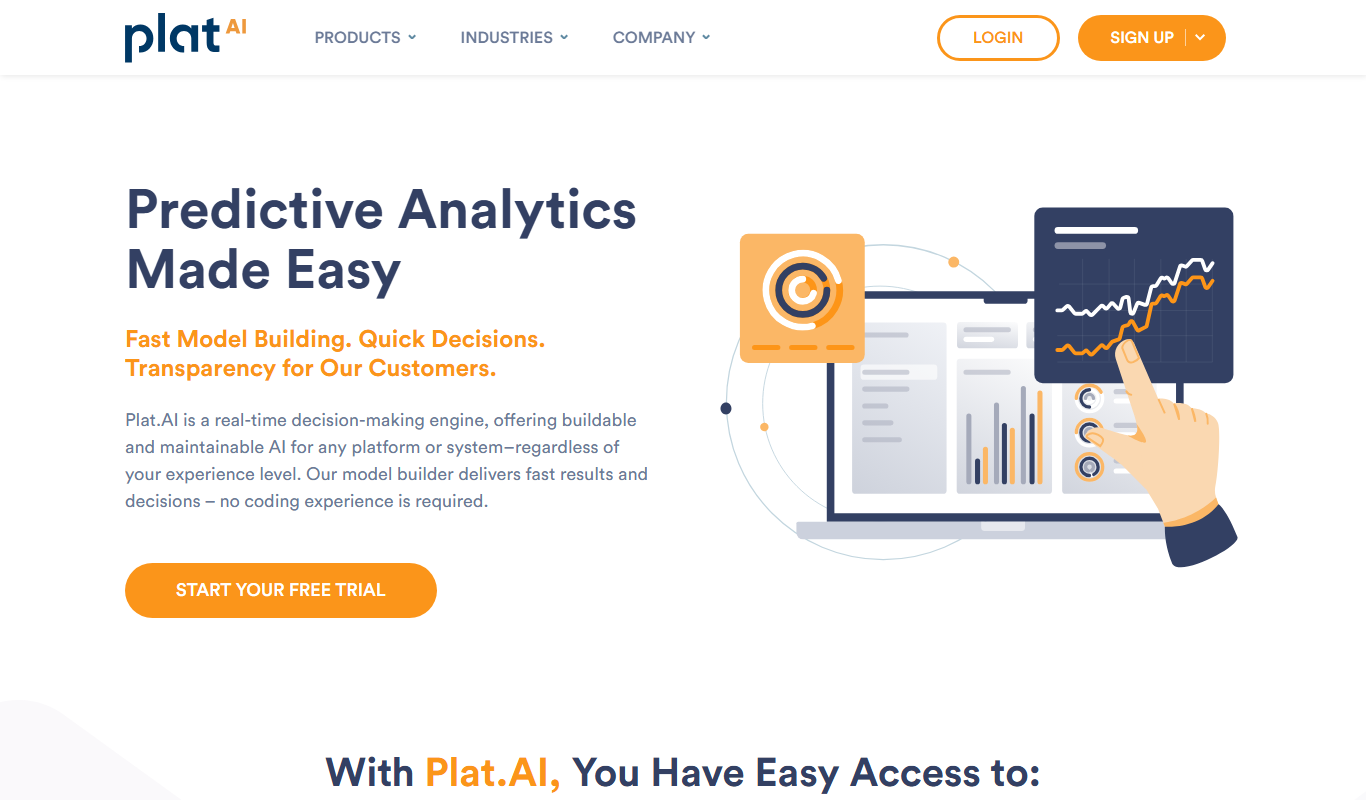
plat.ai is a comprehensive AI development platform that enables users to build, train, deploy, and manage custom machine learning models with scalable infrastructure and API integration.

Quino
Quino is the LMS that marks every exam: courses, lessons, online exams and diplomas, with AI that marks handwritten answers in seconds and writes tests from your notes.

MockTok
MockTok is an AI mock interview app with 50+ interactive questions, follow-up questions, job post analysis, multi-stage interviews, feedback and AI extracted cases.

ModelBench AI
ModelBench compares 180+ models side by side in an interactive playground and turns experiments into testable prompts that run as benchmarks at scale.
Mapify
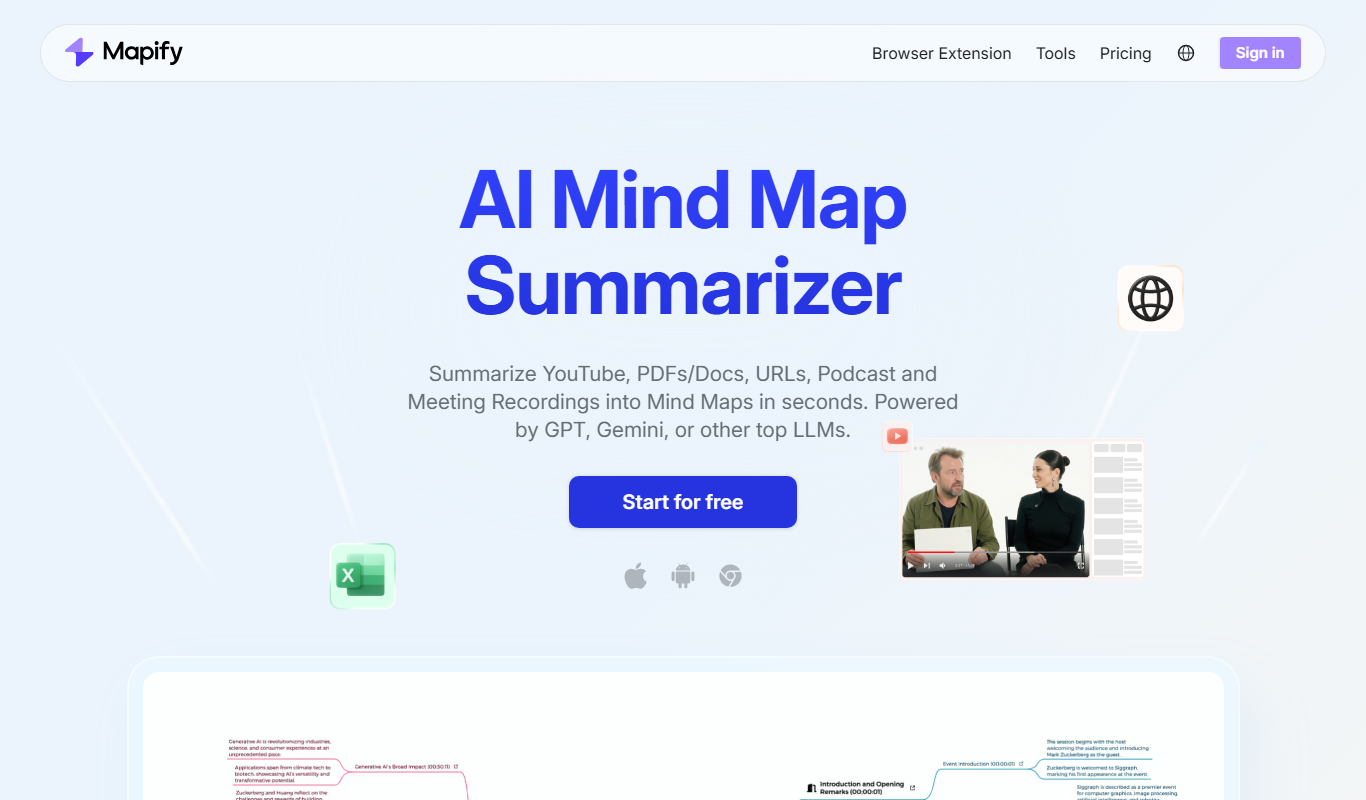
Mapify is an AI mind map summarizer that turns PDFs, YouTube videos, webpages and recordings into structured mind maps.

Heuristica
Heuristica is an AI learning platform that creates concept maps, flashcards, quizzes, summaries and study notes from PDFs, YouTube videos and websites.

Textomap 2.0
Textomap turns text, images, AI prompts, CSV files and URLs into interactive maps of the locations they mention, ready to share or embed.
LexiGym
LexiGym is a personal vocabulary trainer app for exploring multiple languages offline, with free access to all trainings.