

From my experience with Mind, I found it excels at blending AI-powered writing assistance with a collaborative environment that supports both individual creativity and team workflows. The visual organization tools help clarify complex ideas, making it easier to structure content effectively. After spending time with the platform, I can say it’s particularly well-suited for content creators and marketing teams who need to generate and refine content quickly. However, there’s a trade-off: Mind currently supports only English and lacks a dedicated mobile app, which might limit accessibility for some users. Overall, if you need a collaborative AI writing assistant that enhances productivity and creativity, Mind delivers solid results.
Mind AI Writing Assistant for Creative and Collaborative Content Generation
Mind is an AI writing assistant that helps users generate, organize, and collaborate on written content with AI-powered suggestions and real-time editing.
- Best for
- Creative Writing
- Key capability
- AI-Powered Writing Assistance

Do you recommend this tool?
What is Mind?
Mind is an AI-powered writing assistant designed to help users create, organize, and collaborate on written content more effectively. It combines AI-driven suggestions with a visual workspace to enhance creativity and productivity for writers, teams, and content creators.
Key features of Mind
Mind offers real-time AI writing suggestions, collaborative editing, idea organization tools, and a clean interface that supports various writing styles and formats. It aims to streamline the writing process from brainstorming to final draft.
AI-Powered Writing Assistance
Provides contextual suggestions to improve grammar, style, and creativity.
Real-Time Collaboration
Multiple users can edit and comment simultaneously within the platform.
Visual Idea Mapping
Organize thoughts and content visually to enhance clarity and structure.
Multi-Format Export
Export your work in formats suitable for publishing or sharing.
User-Friendly Interface
Clean and intuitive design that supports focused writing sessions.
Pros and cons of Mind
Pros
- Intuitive and clean user interface
- Effective AI suggestions for creative and professional writing
- Supports real-time collaboration
- Visual organization tools enhance idea clarity
Cons
- Limited language support (English only)
- No dedicated mobile app currently available
- Pricing may be restrictive for small teams on free plan
Key use cases for Mind
Creative Writing
Generate ideas, outlines, and drafts for stories, poems, and other creative content.
Collaborative Content Creation
Work together with teams in real-time to brainstorm, edit, and refine written content.
Productivity Enhancement
Use AI-powered suggestions to speed up writing tasks and overcome writer's block.
Content Generation for Marketing
Create engaging marketing copy, blog posts, and social media content efficiently.
Note Taking and Idea Organization
Organize thoughts and notes visually to improve clarity and planning.
How Mind works
- 1
Sign Up
Create a free account on Mind’s website to access the writing platform.
- 2
Start a Project
Begin a new writing project or import existing content to work on.
- 3
Use AI Suggestions
Leverage AI-generated ideas, sentence completions, and edits to enhance your writing.
- 4
Collaborate
Invite team members to edit and contribute in real-time.
- 5
Organize and Export
Arrange your content visually and export the final work in preferred formats.
Who is using Mind
Content creators
Marketing teams
Professional writers
Creative writers
Small to medium-sized teams
Mind pricing
Free
$0/month
Access to basic AI writing features and limited collaboration.
Pro
$15/month
Advanced AI capabilities, unlimited collaboration, and priority support.
Plans and prices are as published by the vendor and can change. Check the official site before you buy. Open the pricing page (opens in a new tab)
Frequently asked questions about Mind
Yes, Mind offers advanced AI tools and collaboration features that support professional writing workflows.
Yes, Mind supports real-time collaboration allowing multiple users to work on the same document.
Currently, Mind primarily supports English.
Mind is currently available as a web platform; no dedicated mobile app is offered yet.
This tool is designed to help users accomplish its core tasks more efficiently. It is typically used by individuals or teams looking to improve productivity and workflow.
Yes, it can help with that use case depending on how you configure it and what features are available. You’ll get the best results with clear inputs and a defined goal.
Pricing depends on the plan and included features. For the most accurate and up-to-date details, check the official pricing page.
Sign in to review this tool.
Sign In to ReviewNo reviews yet
Be the first to share how this tool worked for you.
Ask about pricing, limits, or how it compares — or answer someone else.
Sign In to AskNo questions yet
Have a question about using or paying for this tool? Be the first to ask.
Featured on TiorAI



More AI Content Generator tools
Other tools in the same category, for when this one is not quite the fit.
Custom Pricing
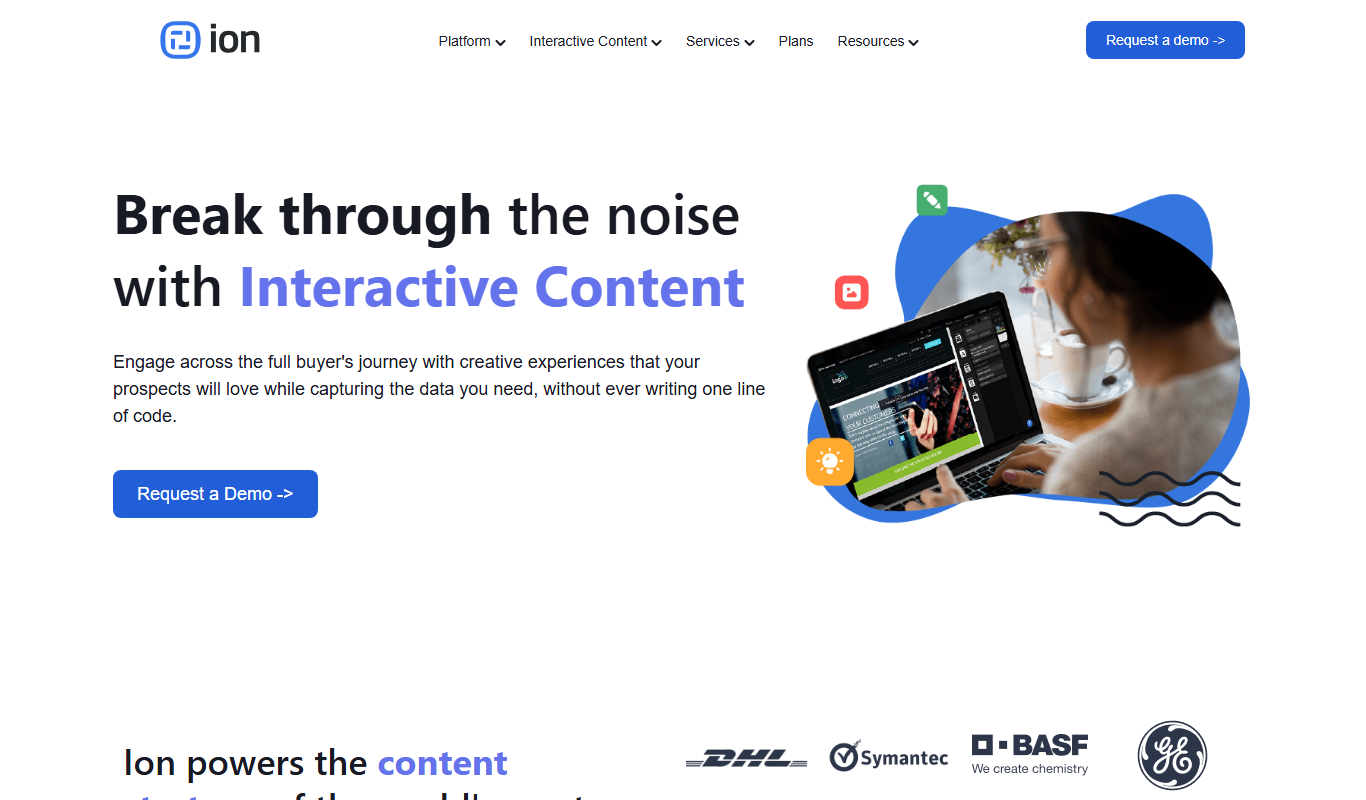
Ion Interactive
Ion Interactive is a web-based platform that enables marketers to create interactive content like quizzes and assessments to engage audiences and generate leads without coding.
Freemium
简道云内容助手
Jiandaoyun Content Assistant is an AI writing tool embedded in a no-code platform that helps users generate and automate content creation, primarily for Chinese language users.

Free
写作猫AI
写作猫AI is a Chinese-language AI writing assistant that supports content generation, creative writing, and text refinement through a web platform.

Free
Internet Archive
Internet Archive is a free nonprofit digital library offering millions of books, audio, video, and archived websites accessible online through its web platform and the Wayback Machine.

Freemium
Simpleclub
Simpleclub is an educational platform providing interactive video lessons and personalized learning tools primarily for secondary school students, helping them understand school subjects and prepare for exams.

Free
Calmly Writer
Calmly Writer is a minimalist writing app designed to help users focus by providing a distraction-free interface, Markdown support, autosave, and export options. It is available as a free web app and a paid desktop app for offline use.

Free
Fighting Fantasy
Fighting Fantasy is a web-based interactive story platform that lets users play and create branching narrative gamebooks inspired by the classic Fighting Fantasy series, incorporating RPG elements like dice rolls and character stats.

Free
Spreadsheeto
Spreadsheeto is an online platform offering detailed Microsoft Excel tutorials and courses to help users from beginners to advanced professionals improve their spreadsheet skills.