

From my experience with Midjourney API by APIFRAME, I found it excels at simplifying the integration of advanced AI image generation into various applications. The platform’s straightforward API and scalable plans make it accessible for developers and businesses looking to automate creative workflows without managing Midjourney accounts directly. However, the limited public details on the underlying technology and enterprise pricing require direct communication, which may slow onboarding for some users. Overall, if you need to embed AI-generated visuals programmatically, this API provides a reliable and efficient solution.
Midjourney API Integration for AI Image Generation and Automation
Midjourney API by APIFRAME enables developers to programmatically generate AI images using Midjourney's technology through a secure and scalable API service.
- Best for
- AI Image Generation
- Key capability
- Automated AI Image Generation
Your actions
Save Midjourney API by APIFRAME, follow its updates and vote on it — everything stays in your account.
Sign in or create a free account
What is Midjourney API by APIFRAME?
Midjourney API by APIFRAME is a developer-focused service that provides access to the powerful AI image generation capabilities of Midjourney through a simple and scalable API. It enables businesses and developers to integrate AI-driven art creation into their applications, websites, or workflows without manual intervention.
Key features of Midjourney API by APIFRAME
The API offers automated image generation, easy integration with various platforms, scalable usage plans, and support for customizing prompts to generate diverse AI artwork. It streamlines the process of leveraging Midjourney’s AI technology programmatically.
Automated AI Image Generation
Generate unique AI artwork on demand through API calls without manual input.
Easy API Integration
Simple RESTful API design with clear documentation for quick setup.
Scalable Usage Plans
Flexible subscription options to accommodate different usage volumes.
Customizable Prompts
Control the style and content of generated images by specifying detailed prompts.
Secure Authentication
API key based authentication ensures secure access to the service.
Pros and cons of Midjourney API by APIFRAME
Pros
- Simplifies integration of AI image generation into apps
- Offers scalable plans suitable for different user needs
- No need for direct Midjourney account management
- Clear and developer-friendly API documentation
Cons
- Limited information on underlying tech stack
- Pricing details beyond Pro plan require direct contact
Key use cases for Midjourney API by APIFRAME
AI Image Generation
Generate high-quality AI images programmatically using Midjourney's capabilities integrated via API.
Automation for Creative Workflows
Automate the process of creating and managing AI-generated images within applications or websites.
Integration with Web and Mobile Apps
Embed AI image generation features seamlessly into existing digital products through API calls.
Content Creation for Marketing
Produce unique visuals for marketing campaigns, social media, and advertising using automated AI tools.
How Midjourney API by APIFRAME works
- 1
Sign Up and Get API Key
Register on the APIFRAME platform and obtain your unique API key for authentication.
- 2
Integrate API into Your Application
Use the provided API endpoints and documentation to connect your app or website with Midjourney’s AI image generation.
- 3
Send Image Generation Requests
Submit prompts and parameters via API calls to generate AI images automatically.
- 4
Receive and Use Generated Images
Retrieve the AI-generated images from the API response and incorporate them into your projects or workflows.
Who is using Midjourney API by APIFRAME
Developers and software engineers
Marketing agencies
Content creators and designers
Startups and tech companies
Digital product managers
Midjourney API by APIFRAME pricing
Free Tier
$0/month
Limited number of image generations per month to test the API.
Pro Plan
$29/month
Increased monthly quota and priority support for professional use.
Enterprise Plan
Custom pricing
Tailored solutions with higher limits and dedicated support for large-scale needs.
Plans and prices are as published by the vendor and can change. Check the official site before you buy. Open the pricing page (opens in a new tab)
Frequently asked questions about Midjourney API by APIFRAME
It is an API service that allows developers to integrate Midjourney’s AI image generation capabilities into their applications.
No, APIFRAME provides access to Midjourney’s technology through their API without requiring a separate Midjourney account.
The API is RESTful and can be used with any programming language that supports HTTP requests.
Yes, the Free Tier allows limited usage to test the API before subscribing.
Integration support depends on the tool and its available connectors or API. Check the official documentation or integrations page to confirm what is supported.
Integration support depends on the tool and its available connectors or API. Check the official documentation or integrations page to confirm what is supported.
Pricing depends on the plan and included features. For the most accurate and up-to-date details, check the official pricing page.
Sign in to review this tool.
Sign In to ReviewNo reviews yet
Be the first to share how this tool worked for you.
Ask about pricing, limits, or how it compares — or answer someone else.
Sign In to AskNo questions yet
Have a question about using or paying for this tool? Be the first to ask.
Featured on TiorAI



More AI Automation & Workflow Tools tools
Other tools in the same category, for when this one is not quite the fit.

Custom Pricing
Quartile
Quartile is an AI retail media optimization platform covering Amazon, Walmart, Instacart, Criteo, Google and Meta.

Free Trial
Low-Code Development and AI
Amoga's Low-Code Development and AI platform enables rapid application building with drag-and-drop tools and AI automation, suitable for users with minimal coding skills.

Freemium
Legal Assist AI 2.5
Legal Assist AI 2.5 is an AI legal tool that helps legal professionals draft documents and review contracts.

Freemium
Hookle
Hookle is a social media management platform designed for small businesses to schedule, publish, and analyze posts across multiple social networks from one place.
Custom Pricing
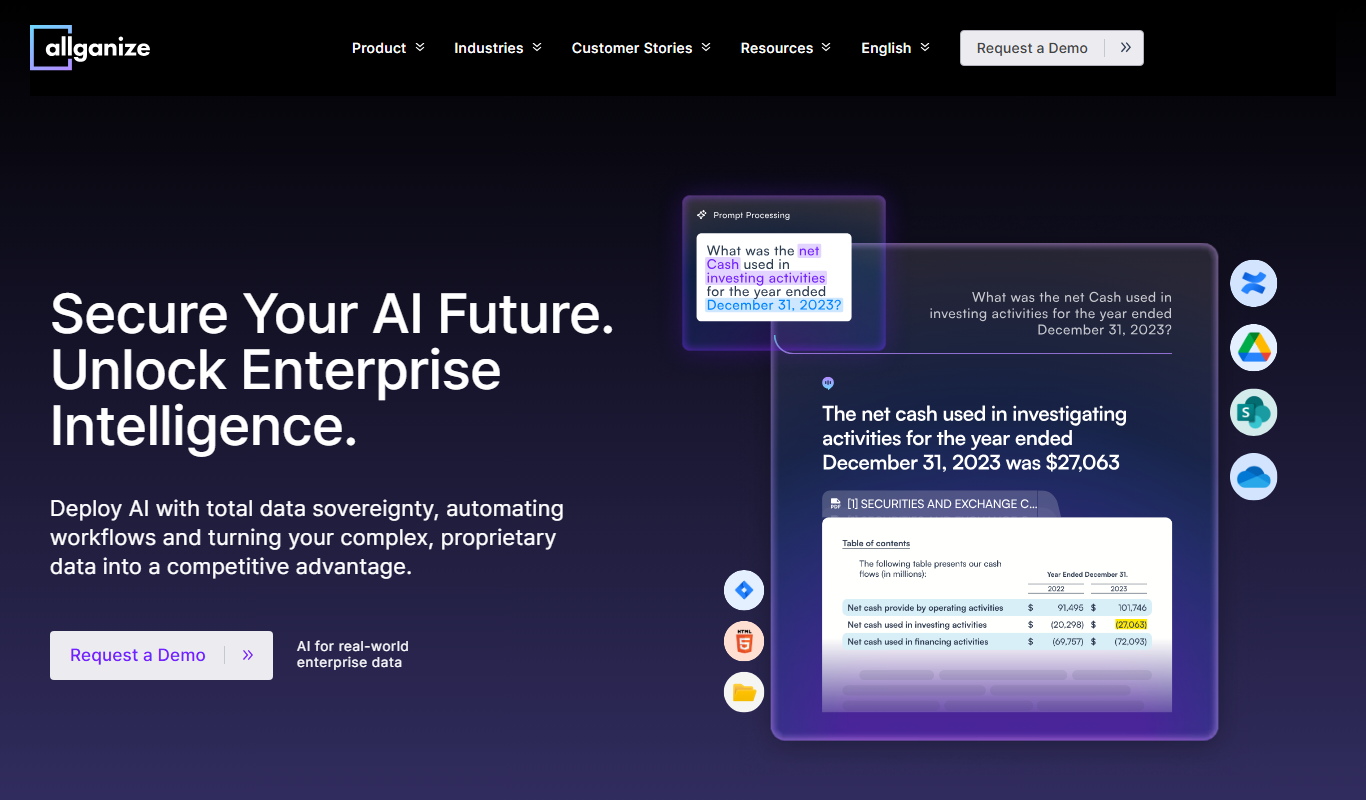
allganize.ai
Allganize.ai is an enterprise AI platform specializing in natural language processing to automate document understanding, semantic search, and customer support through AI chatbots.

Free
Alian hub – Project Management System
AlianHub is an open-source, self-hosted project management platform with boards, sprints, time tracking, chat and AI, free with unlimited users or hosted in the Cloud.
Free Trial
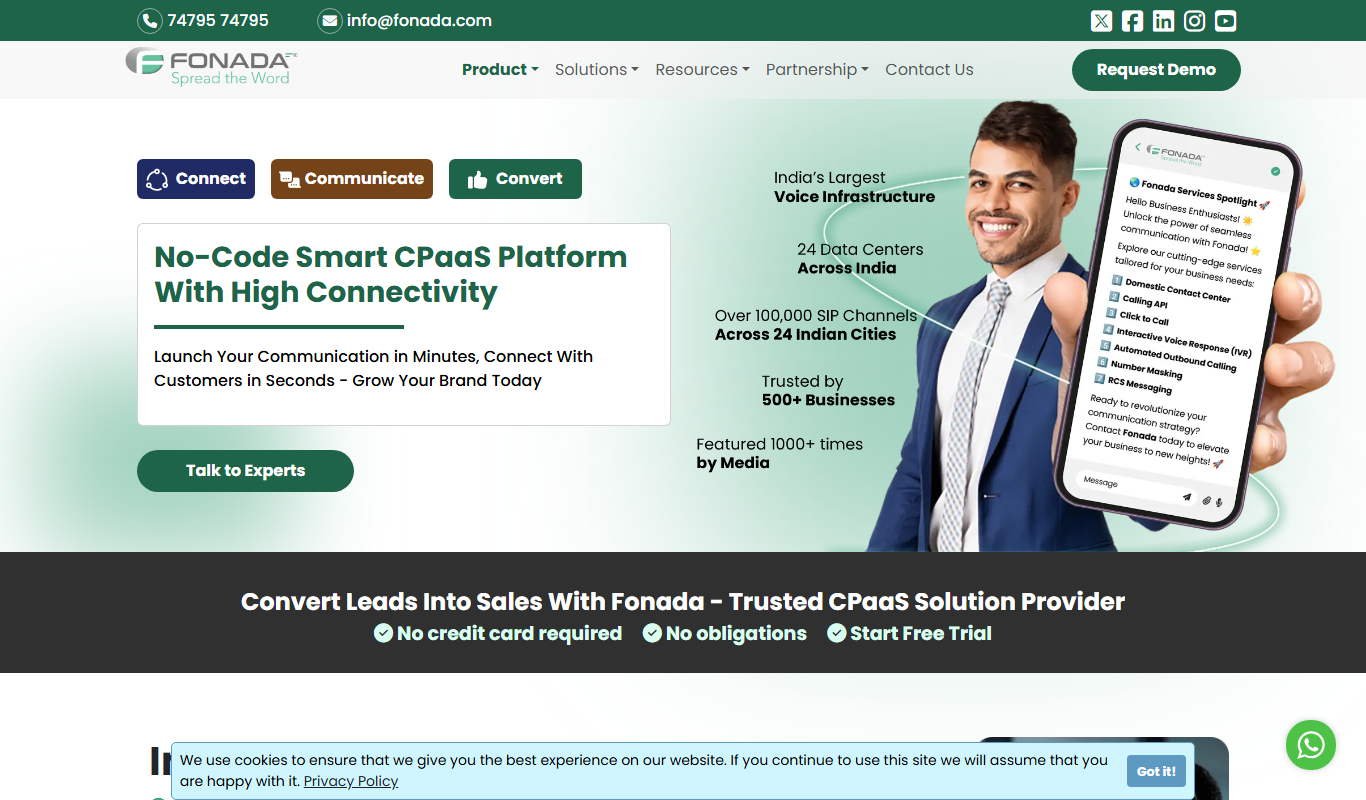
Fonada
Fonada is a CPaaS platform with a VoiceBot, ChatBot and IVR, and its voice bot page announces multilingual support.

Free Trial
SWMS AI
SWMS AI is an AI-driven platform that automates the creation of Safe Work Method Statements, helping construction and high-risk industries quickly produce compliant safety documentation.