

From my experience with Microsoft Cortana, I found it excels at integrating voice commands seamlessly into the Microsoft ecosystem, especially for users heavily invested in Windows and Microsoft 365. The assistant effectively manages calendars, emails, and smart home devices, making daily workflows smoother. However, compared to other voice assistants, Cortana’s third-party integrations are more limited, and some advanced features require a Microsoft 365 subscription. Overall, if you rely on Microsoft products and want a free, built-in voice assistant to boost productivity, Cortana is a practical choice.
Microsoft Cortana AI Voice Assistant for Productivity and Smart Tasks
Microsoft Cortana is a free AI voice assistant integrated with Windows and Microsoft 365 that helps users manage tasks, control smart home devices, and access information via natural language commands.
- Best for
- Personal Productivity
- Key capability
- Task and Calendar Management
Do you recommend this tool?
What is Cortana?
Microsoft Cortana is an AI-powered voice assistant designed to help users increase productivity and manage daily tasks through natural language voice commands. Integrated deeply into Windows and Microsoft 365 ecosystems, Cortana assists with scheduling, reminders, information queries, and smart device control, aiming to streamline workflows and simplify digital interactions.
Key features of Cortana
Cortana offers voice-activated task management, calendar integration, email assistance, smart home device control, and contextual information retrieval, all accessible across multiple platforms including Windows, mobile devices, and Xbox.
Task and Calendar Management
Create, modify, and get reminders for appointments and to-do lists using voice commands.
Email Assistance
Helps draft, read, and manage emails within Microsoft Outlook.
Smart Home Integration
Control compatible smart home devices such as lights and thermostats.
Contextual Information
Provides personalized news, weather updates, and traffic reports based on user preferences.
Cross-Platform Availability
Accessible on Windows PCs, mobile devices, Xbox consoles, and integrated within Microsoft 365.
Pros and cons of Cortana
Pros
- Deep integration with Microsoft ecosystem
- Supports natural language voice commands
- Free to use with Windows and Microsoft 365
- Cross-platform availability
- Useful for both personal and business productivity
Cons
- Limited third-party app integrations compared to competitors
- Some features require Microsoft 365 subscription
- Voice recognition accuracy can vary by accent and environment
Key use cases for Cortana
Personal Productivity
Helps users manage calendars, set reminders, and organize tasks through voice commands.
Smart Home Control
Integrates with smart home devices to control lighting, temperature, and other connected appliances.
Information Retrieval
Provides quick answers to questions, weather updates, news, and traffic information.
Business Assistance
Supports Microsoft 365 users by managing emails, scheduling meetings, and providing insights.
Hands-Free Device Interaction
Enables users to interact with their devices without manual input, improving accessibility.
How Cortana works
- 1
Activate Cortana
Invoke Cortana via voice command or by clicking the assistant icon on supported devices.
- 2
Issue Voice Commands
Speak natural language commands or questions to perform tasks like setting reminders or checking the weather.
- 3
Receive Responses
Cortana processes the request and provides spoken or visual feedback, completing the task or delivering information.
- 4
Integrate with Apps
Connect Cortana with Microsoft 365 apps and compatible smart devices for enhanced functionality.
Who is using Cortana
Windows PC users
Microsoft 365 subscribers
Business professionals
Smart home enthusiasts
Accessibility users
Cortana pricing
Free
$0
Full access to Cortana’s features included with Windows and Microsoft 365 subscriptions.
Plans and prices are as published by the vendor and can change. Check the official site before you buy. Open the pricing page (opens in a new tab)
Frequently asked questions about Cortana
Yes, Cortana is included free with Windows 10/11 and Microsoft 365 subscriptions.
Cortana is available on Windows PCs, Xbox consoles, iOS and Android devices, and some smart home devices.
Yes, Cortana integrates with compatible smart home devices for voice control.
Cortana supports several languages including English, Spanish, French, German, Italian, and Chinese.
This tool is designed to help users accomplish its core tasks more efficiently. It is typically used by individuals or teams looking to improve productivity and workflow.
It depends on your specific needs and how you plan to use the tool. The official website and documentation are the best sources for the latest details.
The best alternative depends on your workflow, features you need, and budget. Compare plans, integrations, and output quality to choose the closest fit.
Sign in to review this tool.
Sign In to ReviewNo reviews yet
Be the first to share how this tool worked for you.
Ask about pricing, limits, or how it compares — or answer someone else.
Sign In to AskNo questions yet
Have a question about using or paying for this tool? Be the first to ask.
Featured on TiorAI



Alternative Tools
Explore similar AI tools that might fit your needs

Free
Apple Siri
Apple Siri is a voice-activated virtual assistant integrated into Apple devices that enables hands-free control, information retrieval, and smart home management using natural language commands.
More AI Voice Assistants tools
Other tools in the same category, for when this one is not quite the fit.

Freemium
Komoot
Komoot is an outdoor navigation app that helps users plan and follow hiking, cycling, and other adventure routes with detailed maps, offline access, and voice guidance.

Pay Per Session
GoStudent
GoStudent is an online tutoring platform providing personalized, live one-on-one lessons to help students improve academically across various subjects and languages.
Freemium
AskCleo
AskCleo is an AI chat generator that provides natural, multi-turn conversations for personal assistance and customer service automation.

Free
Viveport
Viveport is HTC's virtual reality content platform providing access to VR games and experiences, including a subscription service called Viveport Infinity for unlimited VR content.

Free
Modulate AI
Modulate AI is a real-time voice modulation tool that uses AI to transform and disguise voices for gaming, streaming, and privacy purposes.
Freemium
Tactus Therapy
Tactus Therapy is a mobile app designed to help children with speech delays improve their articulation through interactive exercises and progress tracking.
Free
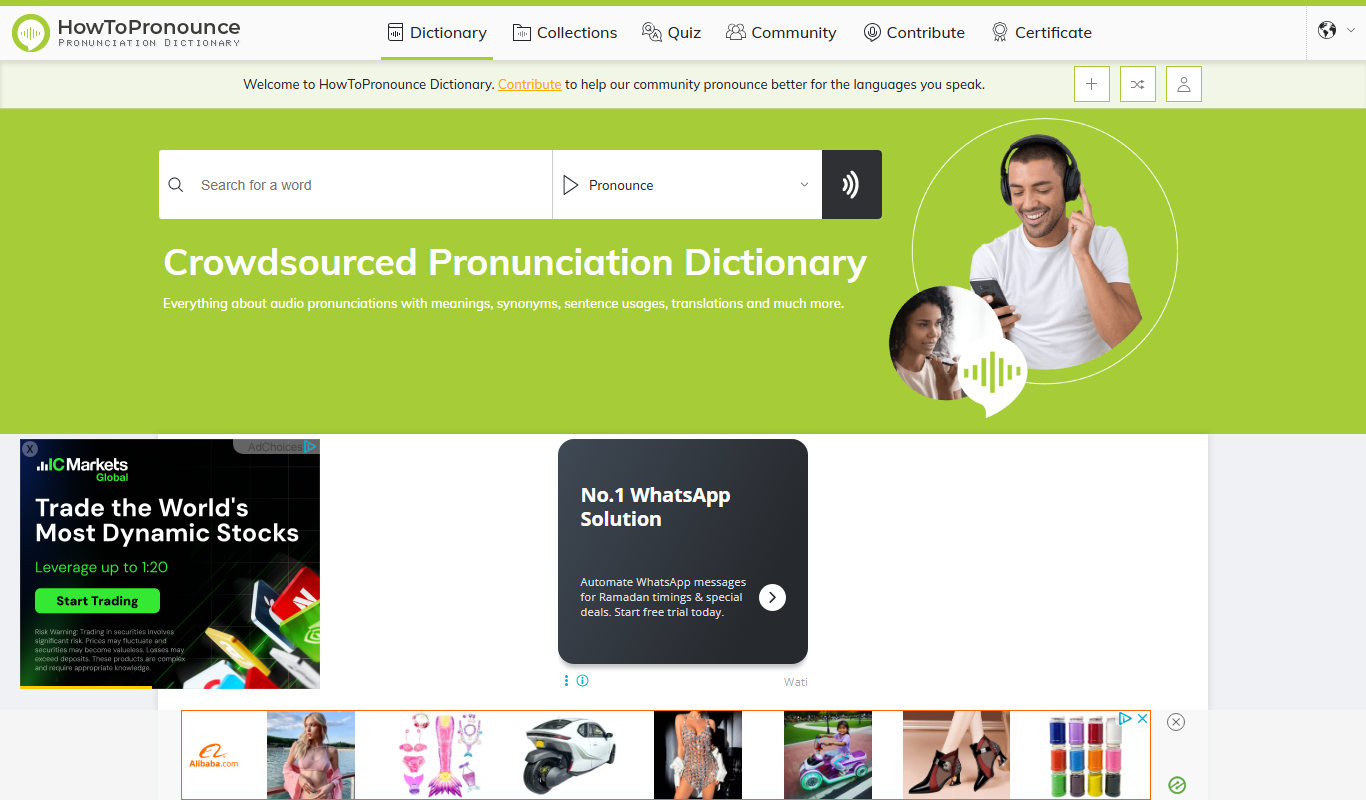
HowToPronounce
HowToPronounce is a free online tool that provides audio pronunciations and phonetic spellings for words in multiple languages, helping users learn correct pronunciation through native and expert recordings.

Free
EnglishCentral
EnglishCentral is an online English learning platform that uses video lessons and AI-powered speech recognition to help users improve their English speaking and listening skills through interactive practice and instant feedback.