

From my experience with MetaModels, I found it excels at simplifying the complex process of machine learning model development through automation. The platform’s intuitive interface and automated workflows make it accessible for users without coding expertise, which is a significant advantage for small businesses and analysts. However, it currently focuses on structured data and lacks support for unstructured data types like images or text, which may limit some use cases. Overall, if you need a straightforward AutoML solution to quickly build and deploy predictive models, MetaModels delivers solid results with minimal technical overhead.
MetaModels AI Platform for Automated Machine Learning Model Development
MetaModels is an automated machine learning platform that simplifies building and deploying AI models by automating data preprocessing, feature engineering, and model training.
- Best for
- Automated Machine Learning Model Creation
- Key capability
- AutoML Pipeline Automation
Your actions
Save MetaModels, follow its updates and vote on it — everything stays in your account.
Sign in or create a free account
What is MetaModels?
MetaModels is an AI-powered automated machine learning (AutoML) platform designed to simplify and accelerate the process of building, training, and deploying machine learning models. It enables users, including those without deep data science expertise, to create predictive models by automating complex tasks such as data preprocessing, feature engineering, and model selection.
Key features of MetaModels
The platform offers automated workflows for model creation, supports various data types, provides performance evaluation metrics, and facilitates easy deployment of models. Its intuitive web interface allows users to manage projects, monitor model training, and export models for integration.
AutoML Pipeline Automation
Automates data cleaning, feature engineering, model training, and tuning.
Model Performance Visualization
Provides clear metrics and visualizations to compare model accuracy and other KPIs.
User-Friendly Web Interface
Simplifies interaction with complex machine learning workflows for users of all skill levels.
Multi-Model Training
Trains multiple algorithms in parallel to identify the best performing model.
Model Export and Integration
Allows exporting models in standard formats for integration into business applications.
Pros and cons of MetaModels
Pros
- Automates end-to-end machine learning workflows
- User-friendly interface suitable for beginners
- Supports multiple model training and comparison
- Flexible deployment and export options
- Offers free trial to evaluate features
Cons
- Limited support for unstructured data like images or text
- Pricing details beyond trial require contacting sales
- No mobile app available
Key use cases for MetaModels
Automated Machine Learning Model Creation
Build and deploy machine learning models automatically without extensive coding knowledge.
Data Science Workflow Simplification
Streamline data preprocessing, feature engineering, and model selection through automation.
Rapid Prototyping for AI Solutions
Quickly generate and test multiple machine learning models to identify the best performing one.
Business Intelligence Enhancement
Leverage AI models to gain insights and predictions that support data-driven decision making.
How MetaModels works
- 1
Upload Data
Users upload their datasets through the web interface to begin the modeling process.
- 2
Configure Settings
Set target variables and customize parameters or use default automated settings.
- 3
Automated Model Training
The platform automatically preprocesses data, engineers features, and trains multiple models.
- 4
Evaluate Models
Review performance metrics and select the best model based on accuracy and other criteria.
- 5
Deploy or Export
Deploy the chosen model within the platform or export it for use in external applications.
Who is using MetaModels
Data analysts without coding skills
Small to medium businesses seeking AI solutions
Marketing teams needing predictive analytics
Product managers prototyping AI features
Educational institutions teaching AutoML concepts
MetaModels pricing
Free Trial
$0 for 14 days
Access to core features with limited usage to evaluate the platform.
Professional
$49/month
Full feature access with higher usage limits and priority support.
Enterprise
Custom pricing
Tailored solutions with dedicated support and advanced integrations.
Plans and prices are as published by the vendor and can change. Check the official site before you buy. Open the pricing page (opens in a new tab)
Frequently asked questions about MetaModels
No, MetaModels is designed for users without coding skills by automating complex machine learning tasks.
The platform supports structured data such as CSV files with numerical and categorical features.
Yes, models can be exported in standard formats compatible with other applications.
Yes, MetaModels offers a 14-day free trial to test the platform.
This tool is designed to help users accomplish its core tasks more efficiently. It is typically used by individuals or teams looking to improve productivity and workflow.
It depends on your specific needs and how you plan to use the tool. The official website and documentation are the best sources for the latest details.
Yes, it can help with that use case depending on how you configure it and what features are available. You’ll get the best results with clear inputs and a defined goal.
Pricing depends on the plan and included features. For the most accurate and up-to-date details, check the official pricing page.
Sign in to review this tool.
Sign In to ReviewNo reviews yet
Be the first to share how this tool worked for you.
Ask about pricing, limits, or how it compares — or answer someone else.
Sign In to AskNo questions yet
Have a question about using or paying for this tool? Be the first to ask.
Featured on TiorAI



More AI Data & Analytics Tools tools
Other tools in the same category, for when this one is not quite the fit.

Free
TimeTK
TimeTK is an open-source R package designed to simplify time series analysis by providing tools for visualization, feature engineering, and data preprocessing, ideal for forecasting and modeling tasks.

Freemium
Graphy for Data Storytelling
Graphy is a web-based platform designed for creating interactive data stories by combining data visualization with narrative elements, enabling users to communicate insights effectively.
One-time purchase
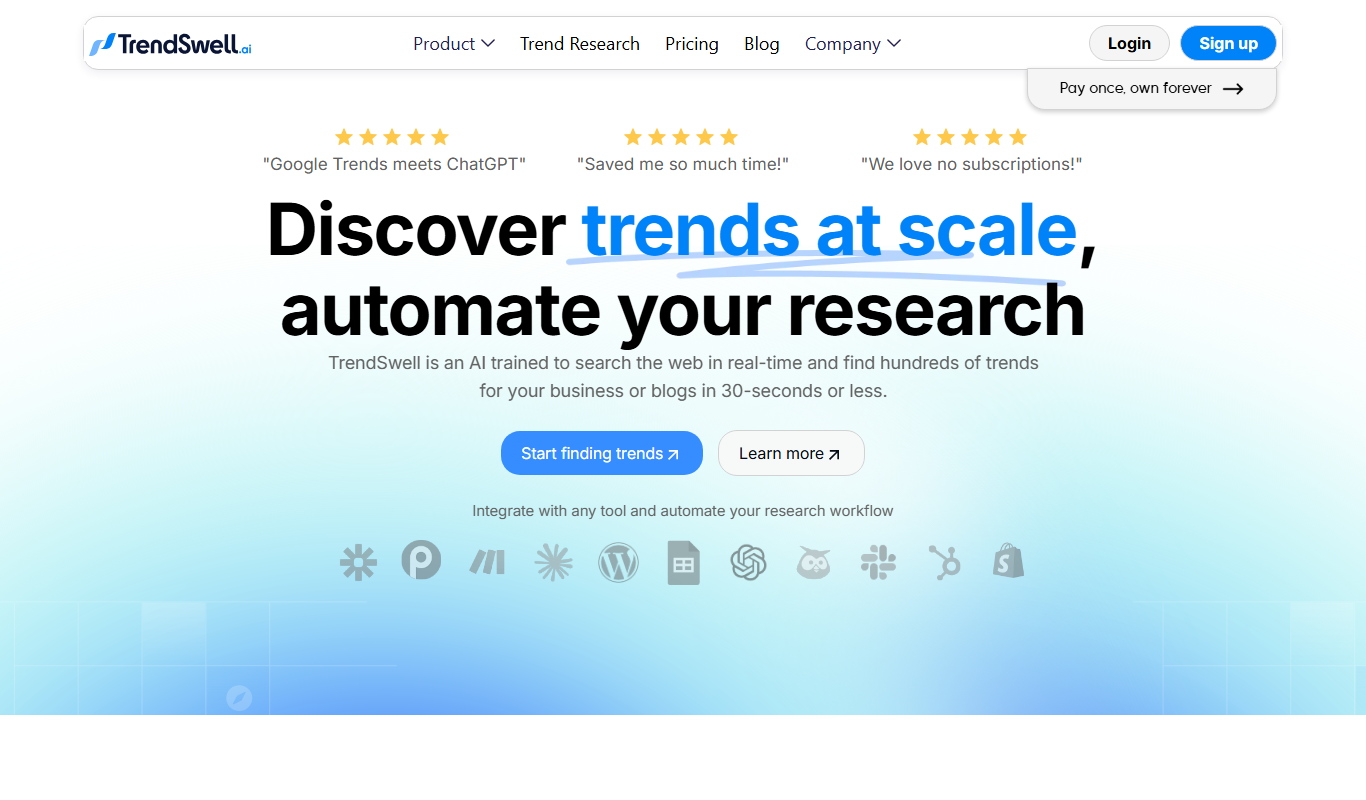
TrendSwell
TrendSwell.ai uses AI to automate the trend discovery process: search any topic and it finds trends directly related to that search.

Free
Vizzy
Vizzy is a free web-based AI tool that transforms CSV data into interactive charts and graphs, enabling easy data exploration without coding.

Free Trial
Reviewly AI
Reviewly is an AI-powered platform that collects Google reviews through SMS requests and drafts responses to them with AI.

Custom Pricing
unitQ agentQ
unitQ GPT is an AI-powered customer feedback analytics tool that uses GPT-4 to aggregate, analyze, and provide real-time insights from multiple feedback channels, helping product teams improve quality and user experience.

Contact for pricing
Enterpret
Enterpret is an AI-driven platform that analyzes customer feedback from multiple sources to provide actionable insights through sentiment analysis, topic clustering, and trend detection.

Free Trial
Reporfy
Reporfy is an AI-powered platform that automates business report generation by analyzing data and creating insightful, customizable reports to support decision-making.